Welcome! This is a simple and customizable template for building your own academic website using Quarto. You can easily fork, edit, and publish your site with just a few steps.
- Star this repository to bookmark it for future reference.
- Fork this repository and rename it to
YourGitHubUserName.github.io. - Test to publish your site using GitHub Pages (make sure configuring your GitHub repository to publish from the
docsdirectory, not therootfolder). - Check if your website works or not. If successful, you should see exactly the same website as this one using your own Github Pages url:
https://YourGitHubUserName.github.ioif your repository name isYourGitHubUserName.github.iohttps://YourGitHubUserName.github.io/RepositoryNamefor otherRepositoryName- Errors:
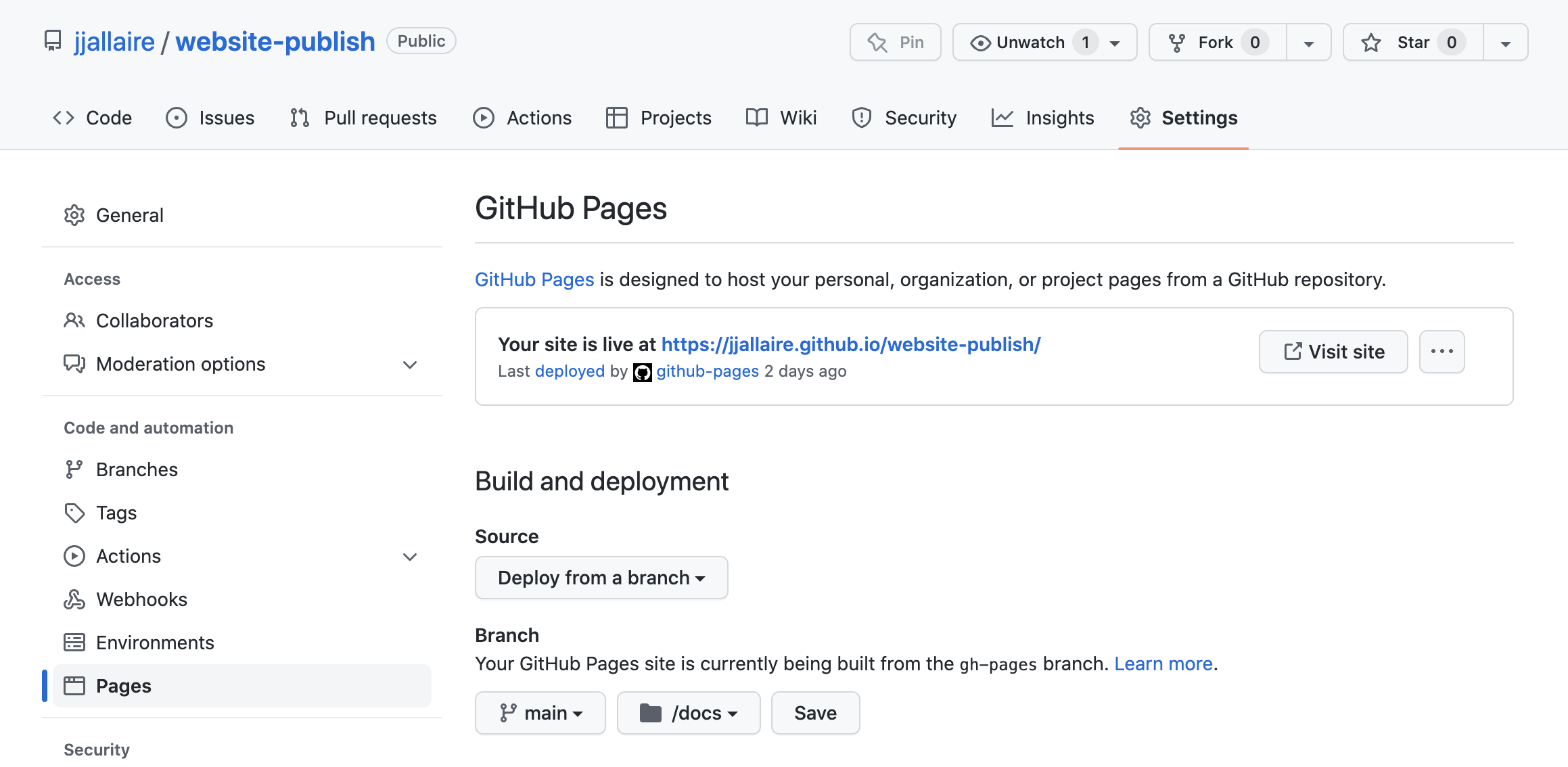


If you achieve this milestone, congratulations! You are now ready to start updating your website:
- Update the
_quarto.ymlfile to configure your site’s basic settings. - Add or edit content in the following files and folders:
/posts/– posts about publications, news, eventsteaching.qmd– teaching informationprojects.yml– research or other projectspeople.qmdand/people/– team or collaborators/files/- profiles, images, pdfs, and includes
- Render and preview your site locally.
Committo publish your updates.- Refine and polish your content and design as needed.
- ✅ Enjoy your new website!
- Link your website on your official pages to let Google and AI bots include in their search results.
- Install Quarto
- Learn the basics from the official Quarto documentation