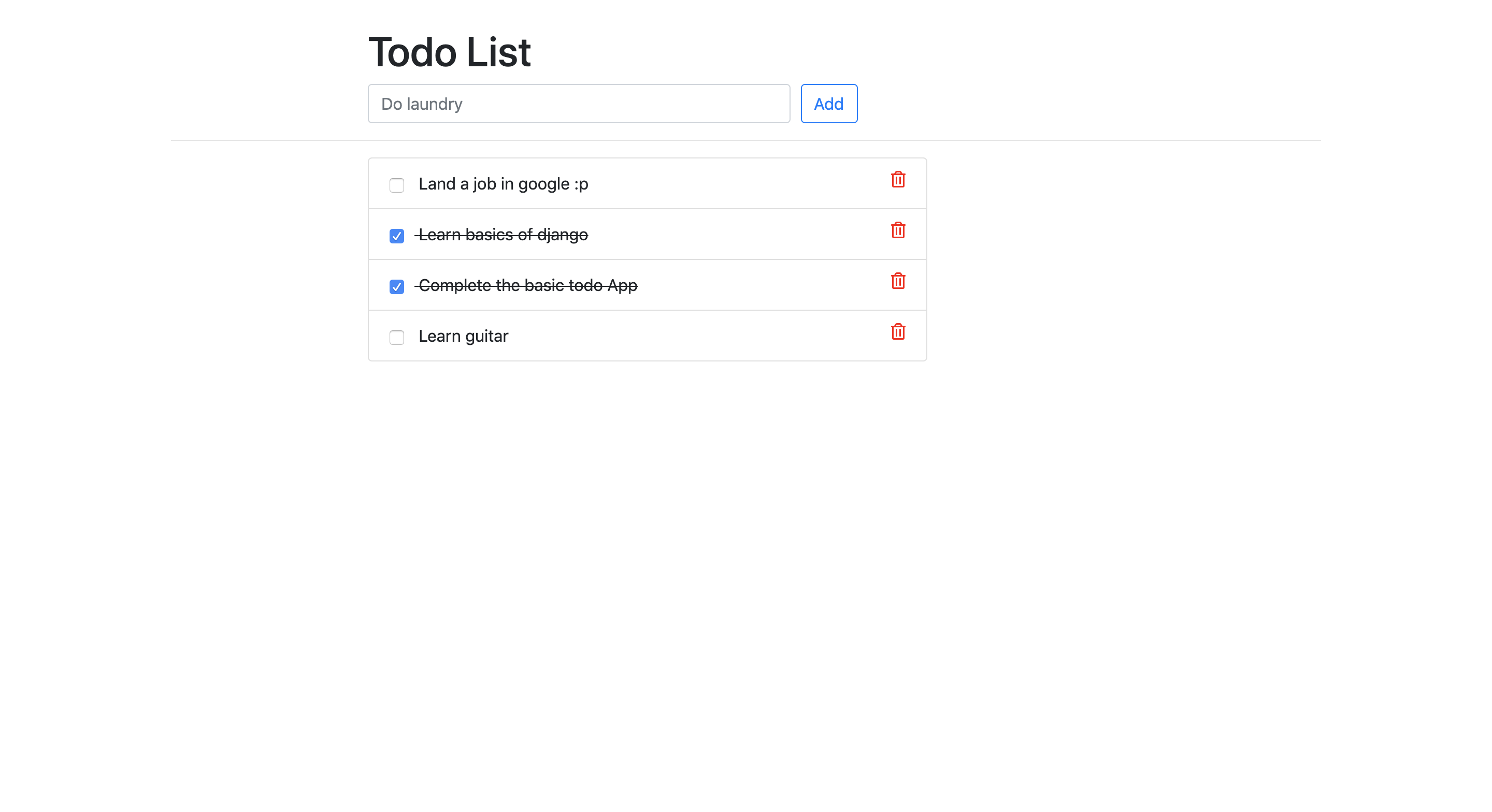
A simple todo app built with django
Update the System
sudo apt-get updateTo get this repository, run the following command inside your git enabled terminal
git clone https://github.com/yeshwanthlm/django-on-ec2.gitYou will need django to be installed in you computer to run this app. Head over to https://www.djangoproject.com/download/ for the download guide
Download django usig pip
sudo apt install python3-pip -ypip install djangoOnce you have downloaded django, go to the cloned repo directory and run the following command
python3 manage.py makemigrationsThis will create all the migrations file (database migrations) required to run this App.
Now, to apply this migrations run the following command
python3 manage.py migrateOne last step and then our todo App will be live. We need to create an admin user to run this App. On the terminal, type the following command and provide username, password and email for the admin user
python3 manage.py createsuperuserThat was pretty simple, right? Now let's make the App live. We just need to start the server now and then we can start using our simple todo App. Start the server by following command
python3 manage.py runserverOnce the server is hosted, head over to http://127.0.0.1:8000/todos for the App.
Cheers and Happy Coding :)