


You can find here some of my work that I created during ricing of my favourite Linux Arch based distribution RebornOS. I'm not very talented and did it mainly for my own but decided to share it with others :)
Repository includes:
Most of the work is created on the basis of other project (i.e. Vimix Grub theme).
| Theme 1 (1920x1080) | Theme 2 (1920x1080) | Theme 3 (any resolution) |
|---|---|---|
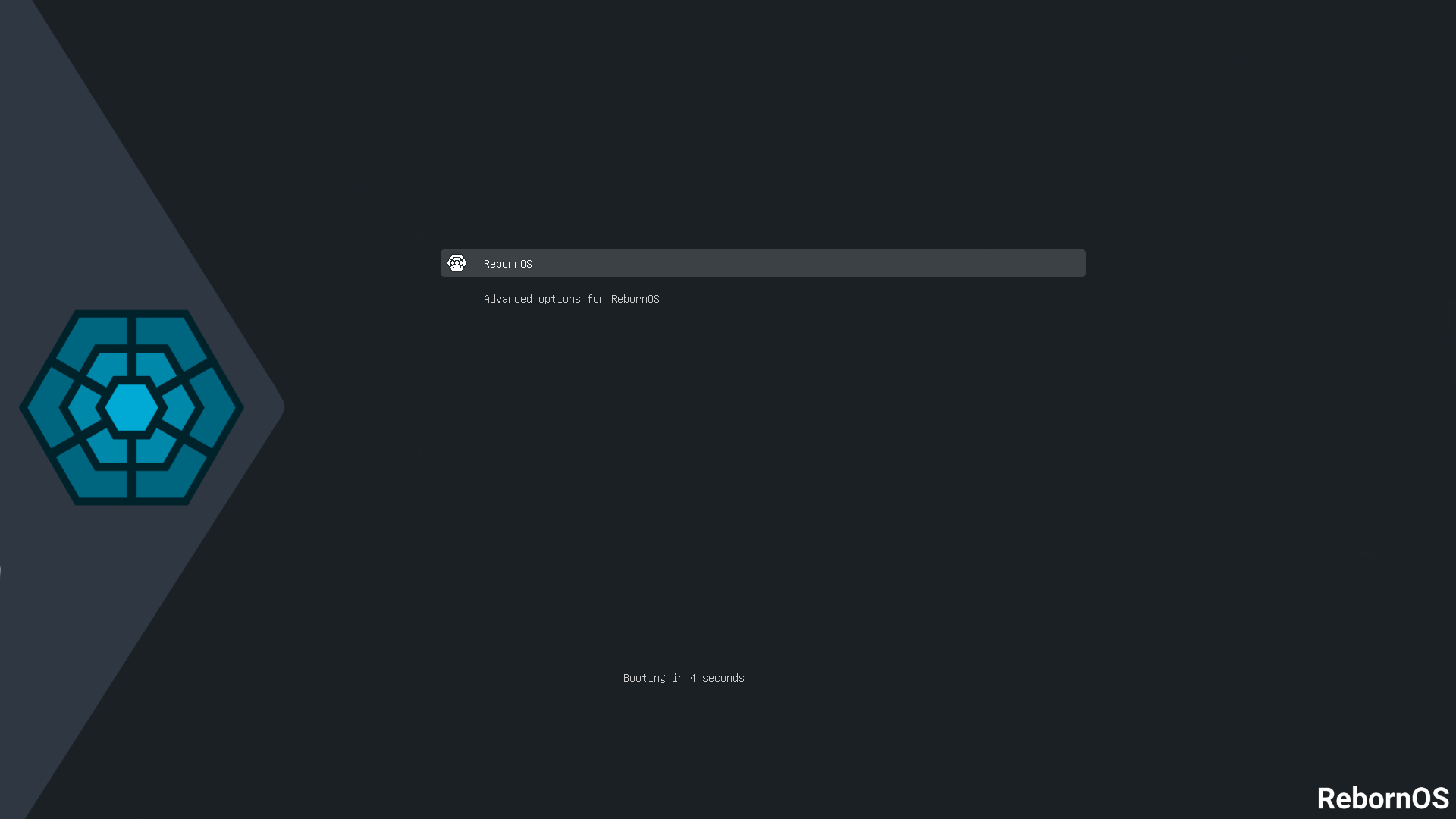 |
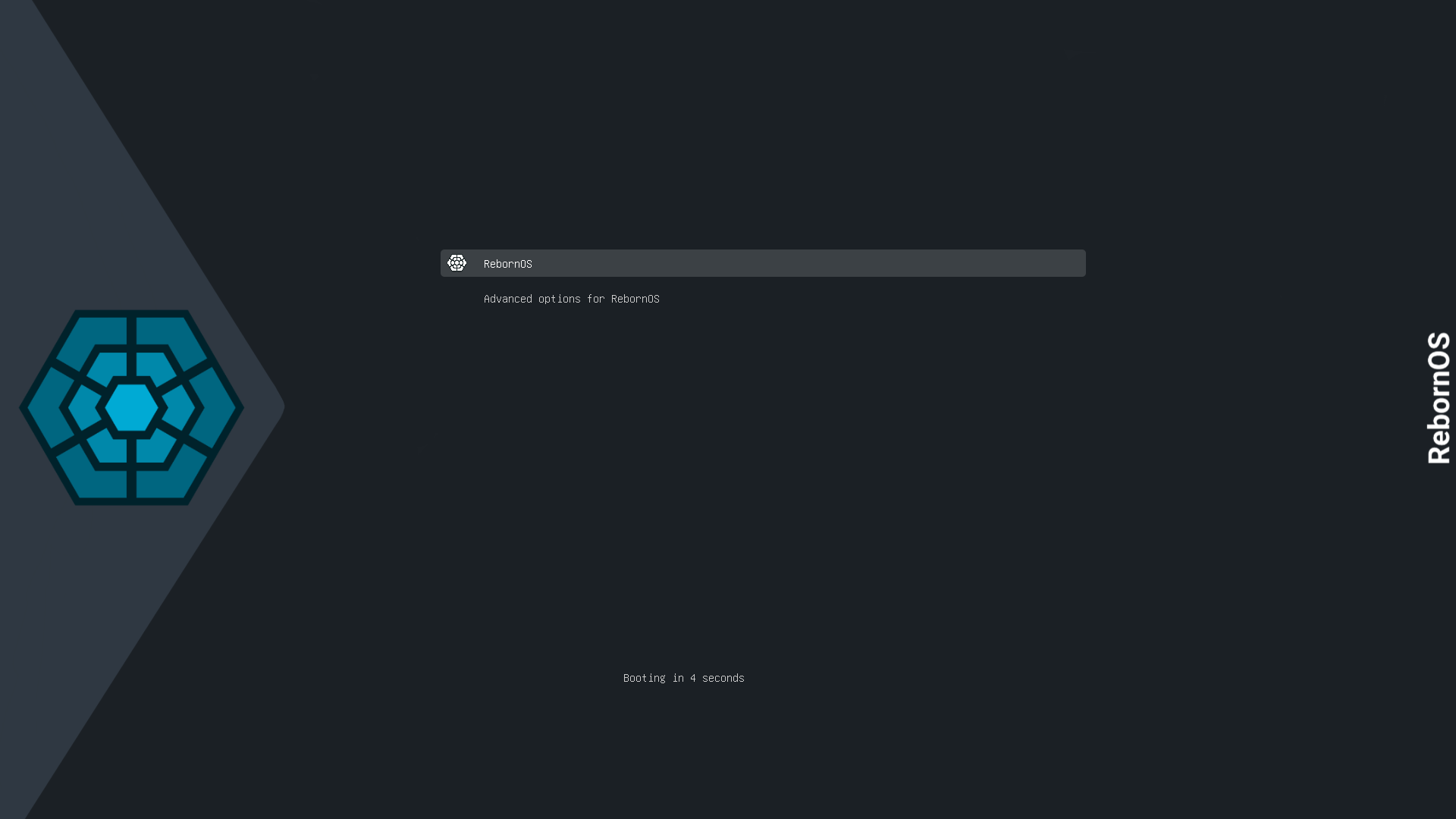 |
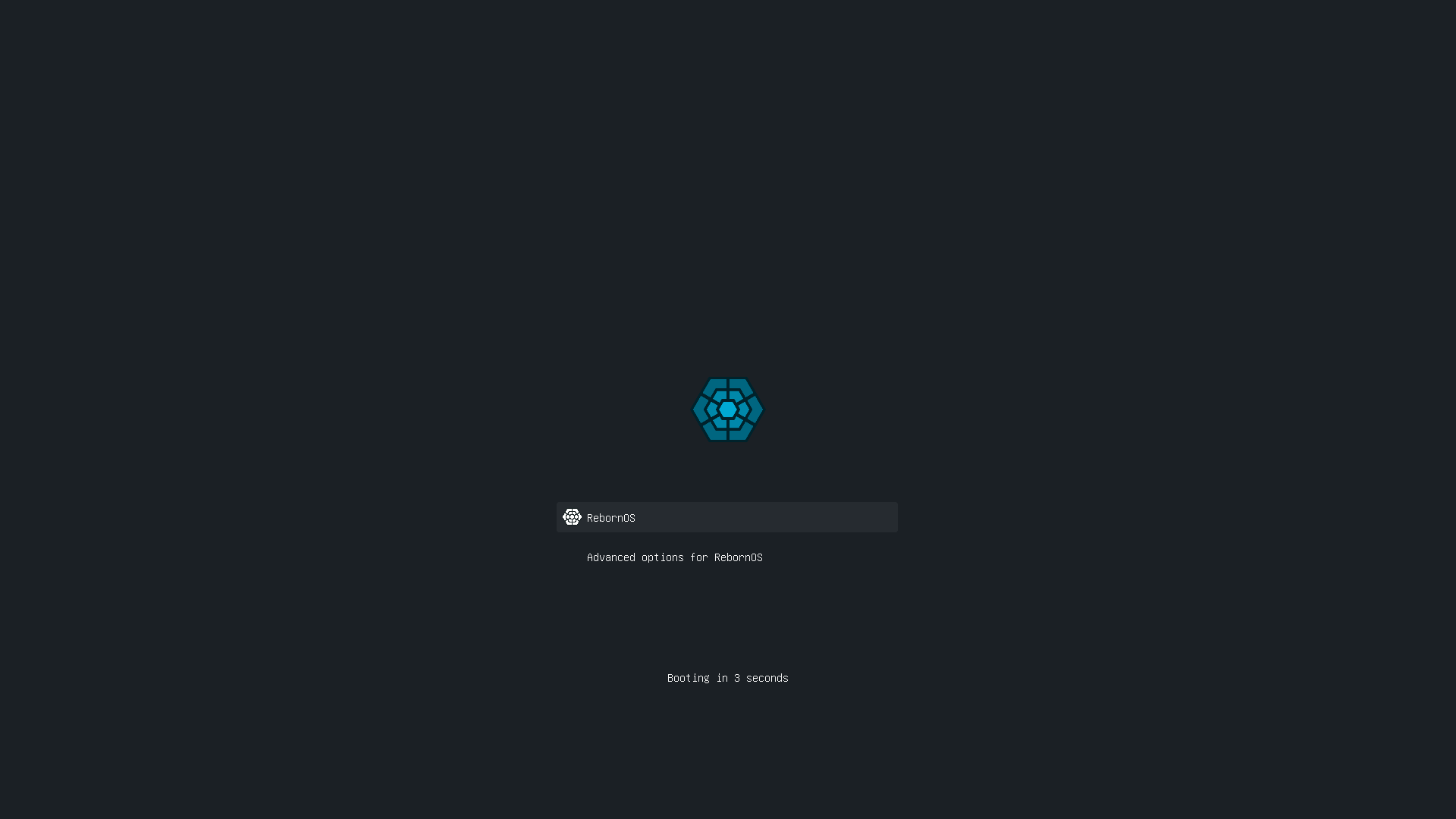 |
-
Download or clone this repository :
git clone https://github.com/elkrien/RebornOS-rice.git cd RebornOS-rice -
Copy selected theme folder to
/usr/share/grub/themes/, e.g. :sudo cp -r Grub-theme-1 /usr/share/grub/themes/
-
Uncomment and edit following line in
/etc/default/grubto :For theme 1 :
GRUB_THEME="/usr/share/grub/themes/Grub-theme-1/theme.txt"For theme 2 :
GRUB_THEME="/usr/share/grub/themes/Grub-theme-2/theme.txt"For theme 3 :
GRUB_THEME="/usr/share/grub/themes/Grub-theme-3/theme.txt" -
Optional - if You have problems with automatic resolution of grub uncomment and change following line (modify
1920x1080to your's screen resolution) :GRUB_GFXMODE=1920x1080
-
Update grub :
$ sudo grub-mkconfig -o /boot/grub/grub.cfg
Color depends on Your terminal colors:

-
Download or clone this repository :
git clone https://github.com/elkrien/RebornOS-rice.git cd RebornOS-rice -
Copy logo file
rebornos.txtto~/.config/neofetch:cp ./Neofetch-logo/rebornos.txt ~/.config/neofetch/ -
Edit line in
~/.config/neofetch/config.confto :image_source="$HOME/.config/neofetch/rebornos.txt"
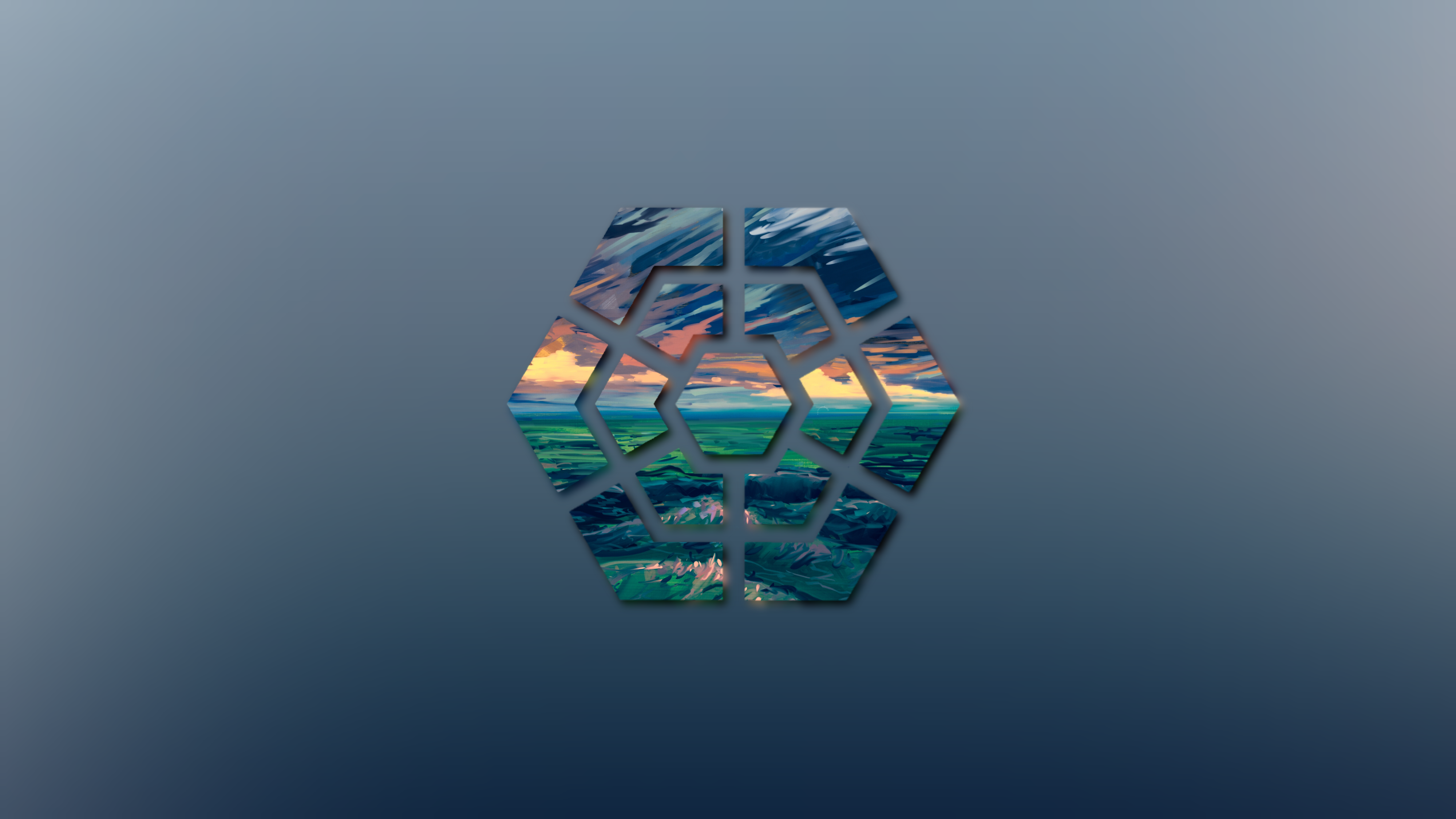
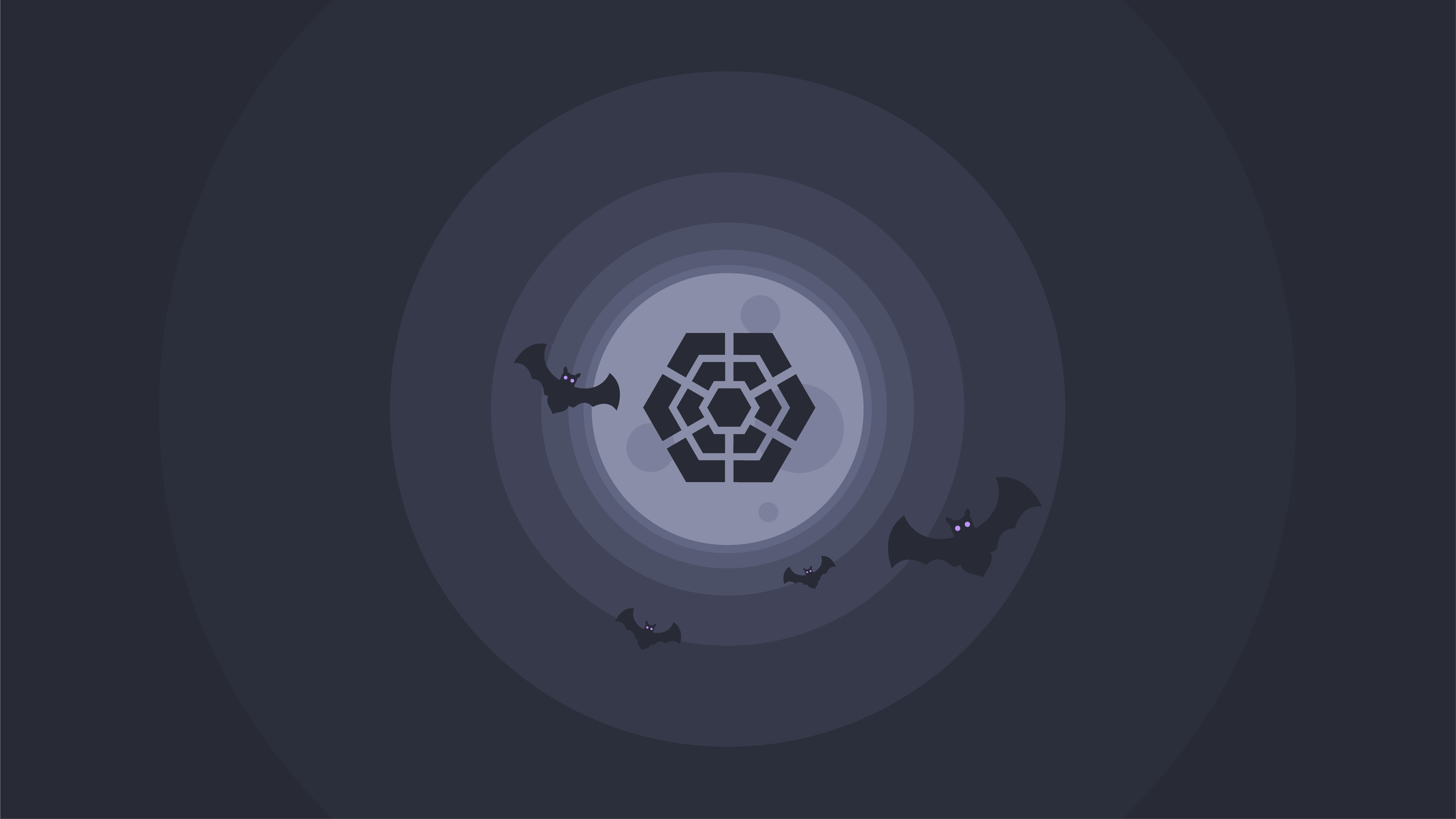
| RebornOS Dark (1920x1080) | RebornOS Light (1920x1080) | RebornOS Dracula (8k) |
|---|---|---|
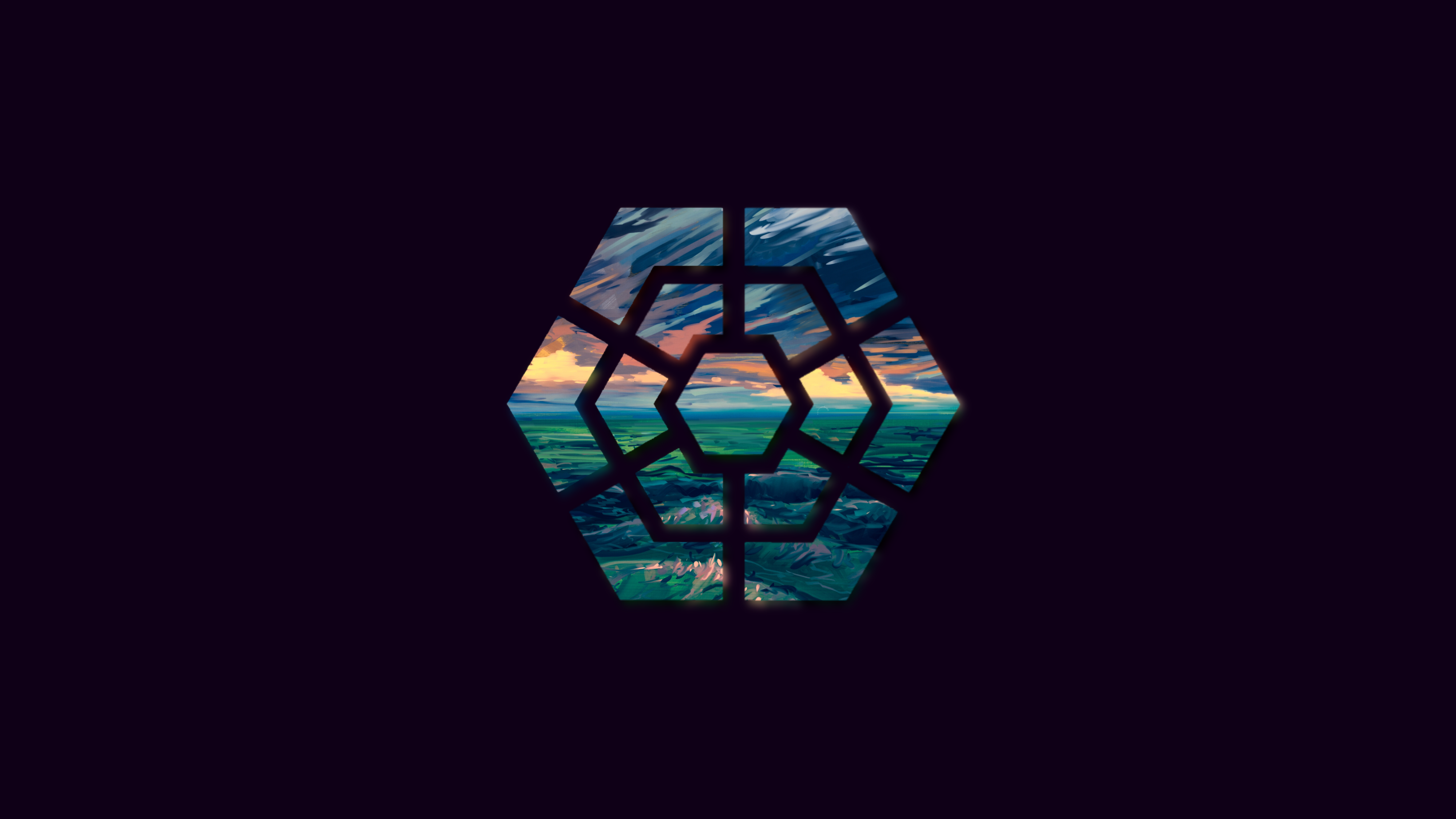 |
 |
 |
-
Download or clone this repository :
git clone https://github.com/elkrien/RebornOS-rice.git cd RebornOS-rice -
Set selected wallpaper in Your system's settings.

Just a small white icon that You can use anywhere You want (i.e. Whisker Menu icon in XFCE)