

Esquite is a framework intended for people who have parallel corpus (bilingual texts) and wish to get a web system that allows them to upload documents, manage them and perform queries based on words and phrases in both languages.
- Perform advanced queries in your parallel corpus thanks to the search engine Elasticsearch
- Manage your documents through the corpus administrator
- Customization of the Web Client
- Colors
- Keyboard with special characters (useful for non-english languages)
- Add custom
htmlinformation to the views: help, about corpus, links, etc.
- New features in development

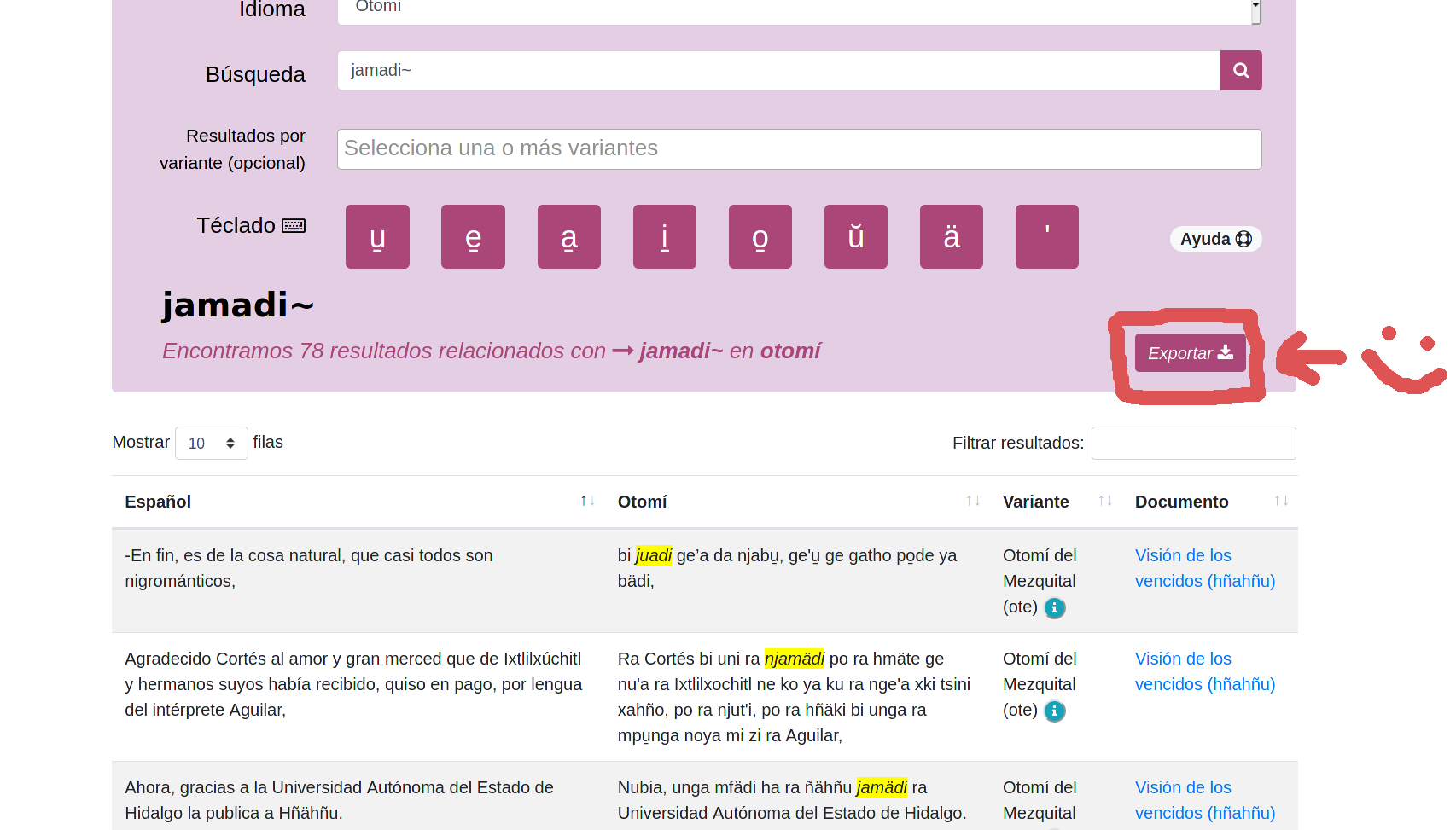
Are you a speaker/researcher of a minority language and would like to upload your parallel corpus? Contact us: contacto at elotl.mx
- Collaborator: Xim (@XimGutierrez) - xim at unam.mx
- Mantainer: Diego B. (@umoqnier) - diegobarriga at protonmail.com
- DevOps: Javier (@jusafing) - jusafing at jusanet.org
- Twitter: @elotlmx
- Site: https://elotl.mx/
- Email: contacto at elotl.mx
For a full installation guide, tutorials and project structure you can check our documentation.
git- Elasticsearch 7.6 or higher
python3.6or higherpip- Optional:
virtualenv: virtualenv instalation guide
-
Install and run
elasticsearchNote: You can check the official page of Elasticsearch to complete this step depending on your Operating System
-
Clone this repo
$ git clone https://github.com/ElotlMX/Esquite
-
Environment settings
Change to the directory's project, make a virtual environment of
pythonwithvirtualenvand activate$ cd Esquite $ virtualenv env -p /usr/bin/python3 $ source env/bin/activate
-
Install dependencies
(env)$ pip install -r requirements.txt
-
Launch the installation wizard and enter the data requested
(env)$ python wizard.py
Note: The wizard displays that we need an
elasticsearchindex previously created. To create this index you can run thecurlcommand below$ curl -X PUT -H "Content-Type: application/json" -d @elastic-config.json localhost:9200/<nombre-de-tu-indice>
Replace
<your-index-name>with the index name that will be used by installation wizard. -
Apply
djangomigrations(env)$ python manage.py migrate
-
Run
djangoin background(env)$ python manage.py runserver 0.0.0.0:8000 &
Alternatively, it is possible to use Esquite and deploy it in an easier way by using our official Docker image.
Detailed documentation is available on:
- Esquite-Docker Github : https://github.com/ElotlMX/Esquite-docker
- Esquite-Docker Dockerhub : https://hub.docker.com/r/elotlmx/esquite