


| Type | Name |
|---|---|
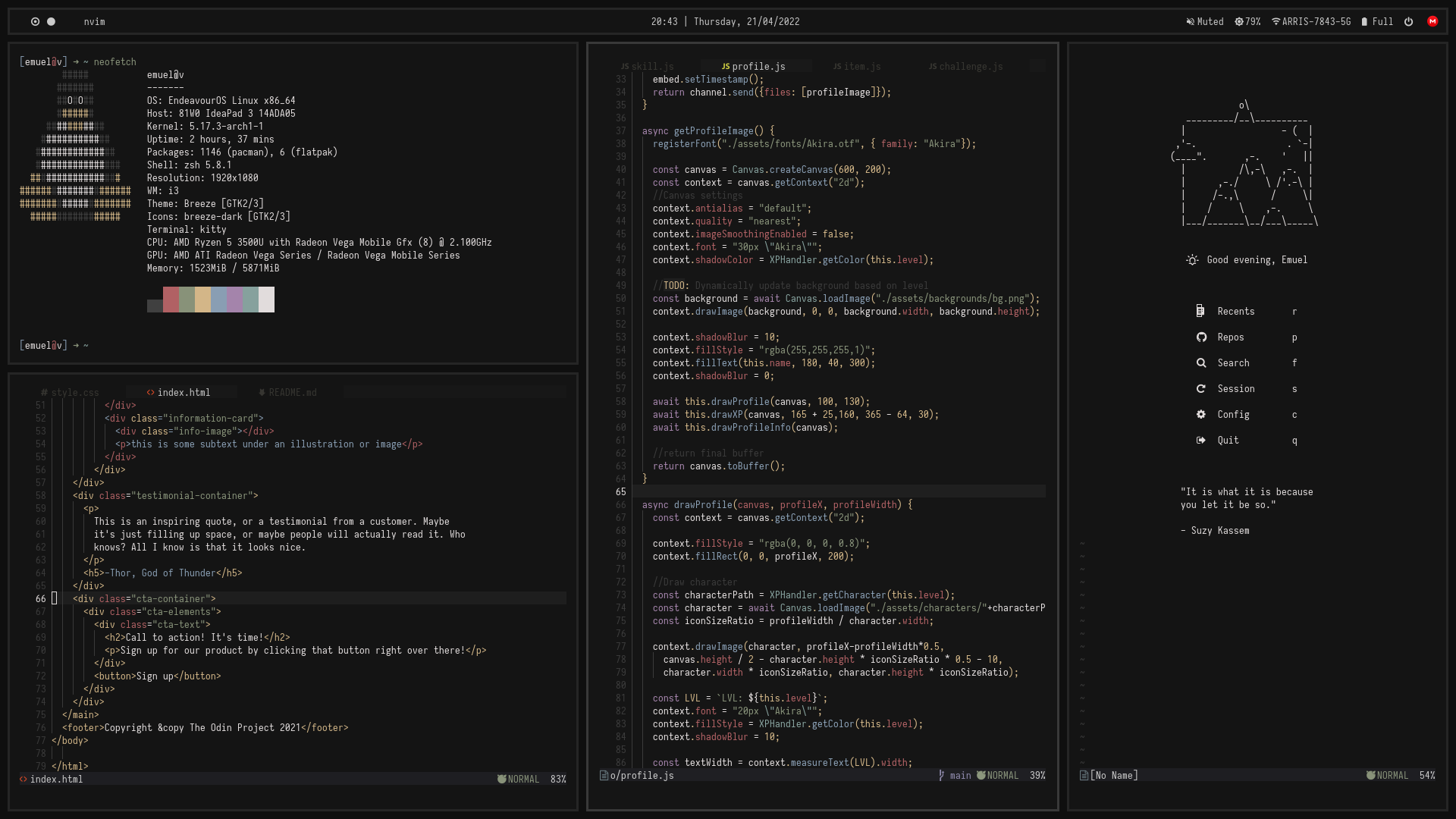
| Operating System | EndeavourOS |
| Window Manager | BSPWM |
| Terminal Emulator | Kitty |
| Shell | Zsh |
| Colorscheme | Paradise |
| Compositor | Picom |
| Web Browser | Firefox |
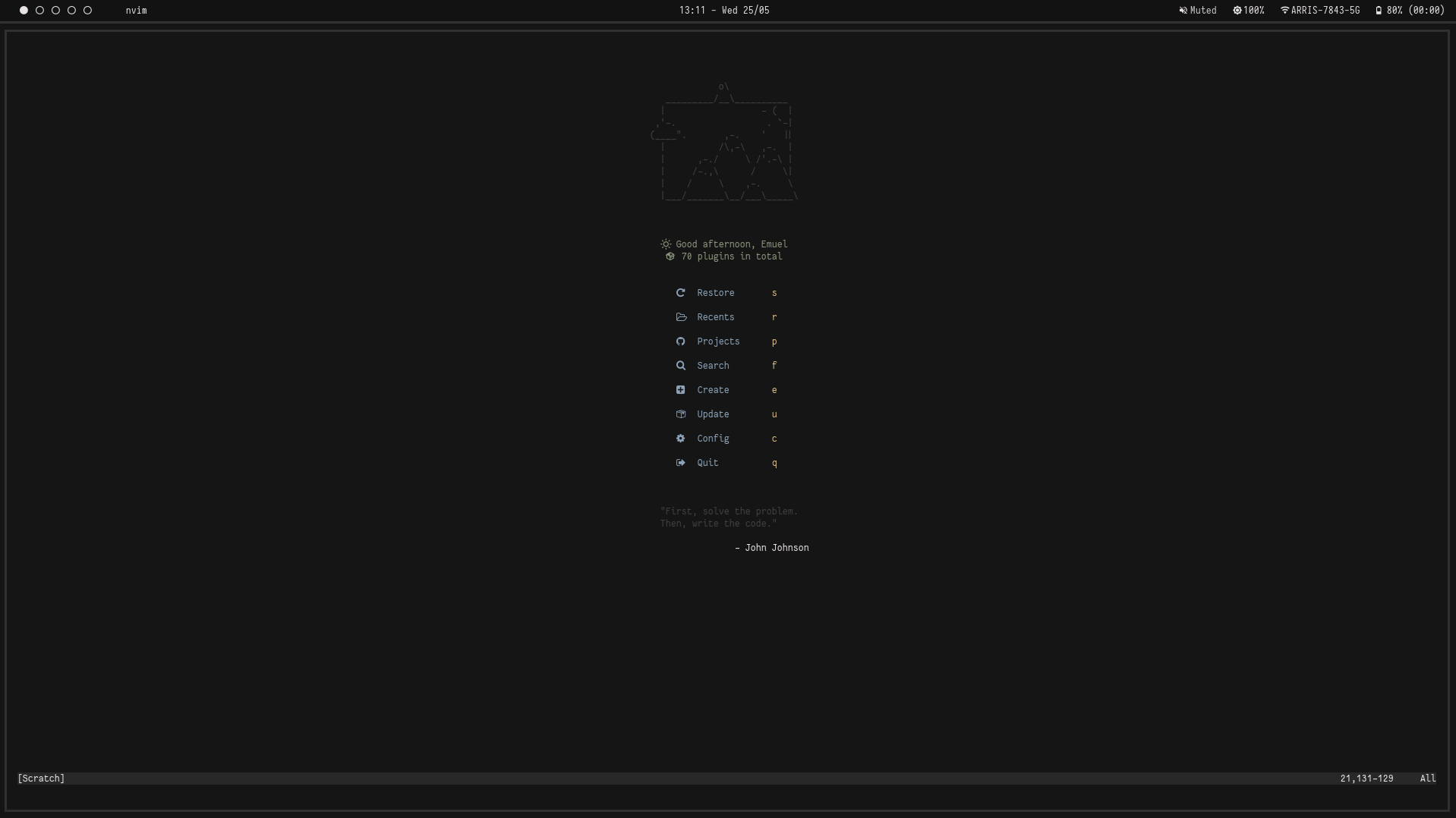
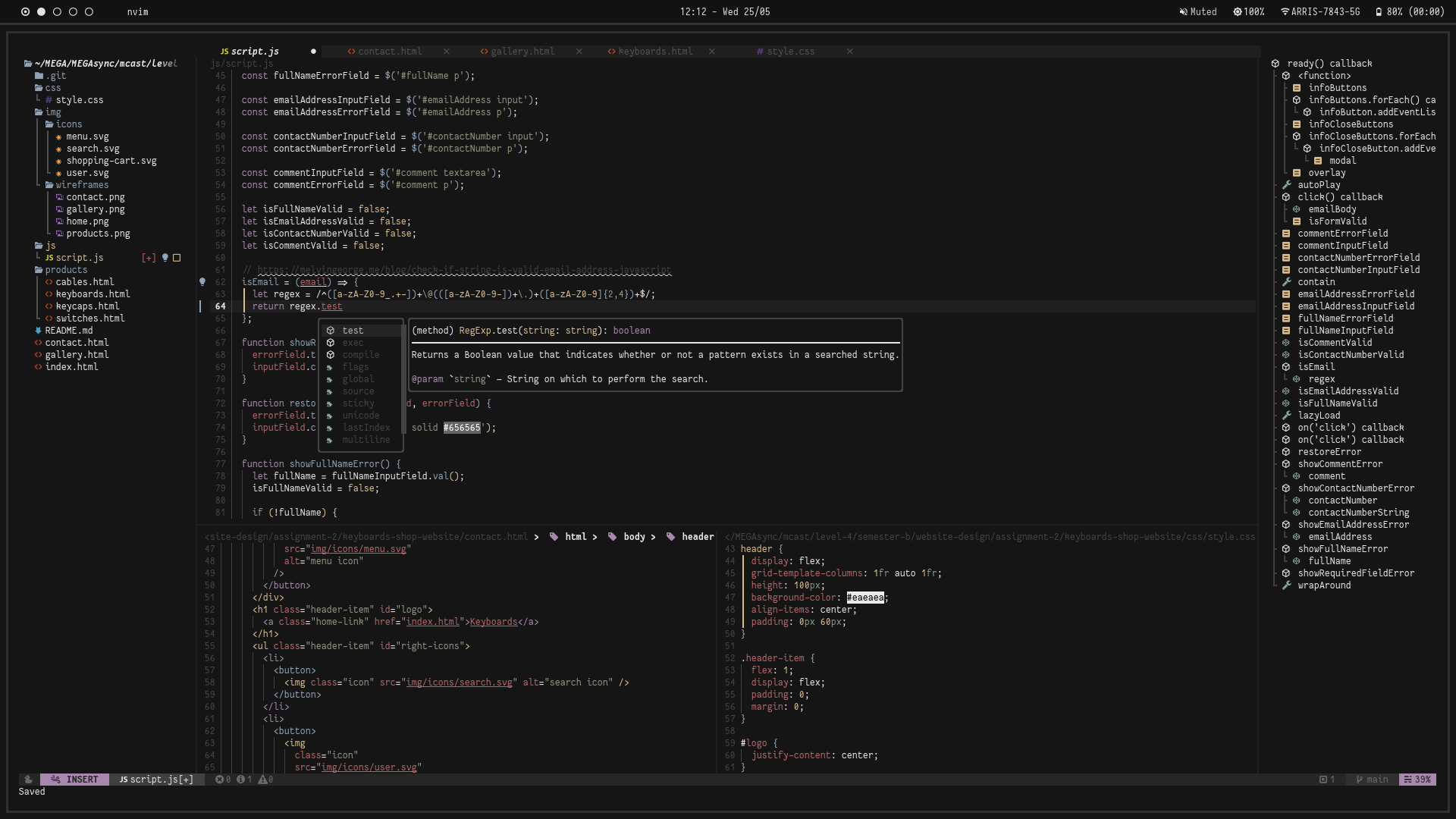
| Text Editor | Neovim |
| File Manager | Ranger, Thunar |
| Application Launcher | Rofi |
| Panel | Polybar |
| Firefox Custom CSS | Cascade |
- Programs: kitty rofi ranger polybar gotop sh picom neovim peek lxappearance chromium flameshot libreoffice flatpak tlp redshift feh zsh fd brightnessctl
- Flatpak Applications: spotify ms-teams obs-studio
- Emoji Fonts: noto-fonts noto-fonts-emoji noto-fonts-extra noto-fonts-cjk
- Neovim Font: Fantasque Sans Mono Nerd Font
- Polybar Font: Iosevka Nerd Font
Firefox Custom CSS
Reference: Cascade's README
- Type
about:configinto your URL bar. Click on the I accept the risk button if you're shown a warning. - Seach for
toolkit.legacyUserProfileCustomizations.stylesheets,layers.acceleration.force-enabled,gfx.webrender.allandsvg.context-properties.content.enabledand set them totrue. - Go to your profile folder:
- Linux:
$HOME/.mozilla/firefox/######.default-release/ - MacOS:
Users/[USERNAME]/Library/Application Support/Firefox/Profiles/######.default-release - Windows:
C:\Users\[USERNAME]\AppData\Roaming\Mozilla\Firefox\Profiles\######.default-release
- Linux:
- If it doesn't exist already create a folder called
chrome. - Copy your desired
userChrome.cssinto that folder. - optional Customise everything to your liking.