
Everforest brings the popular warm, forest-inspired color scheme to Nova. Originally created for Vim, this theme provides a comfortable coding experience with carefully crafted colors that reduce eye strain during long coding sessions.
Everforest for Nova includes six complete variants following the official Everforest specification, providing three contrast levels for both dark and light themes:
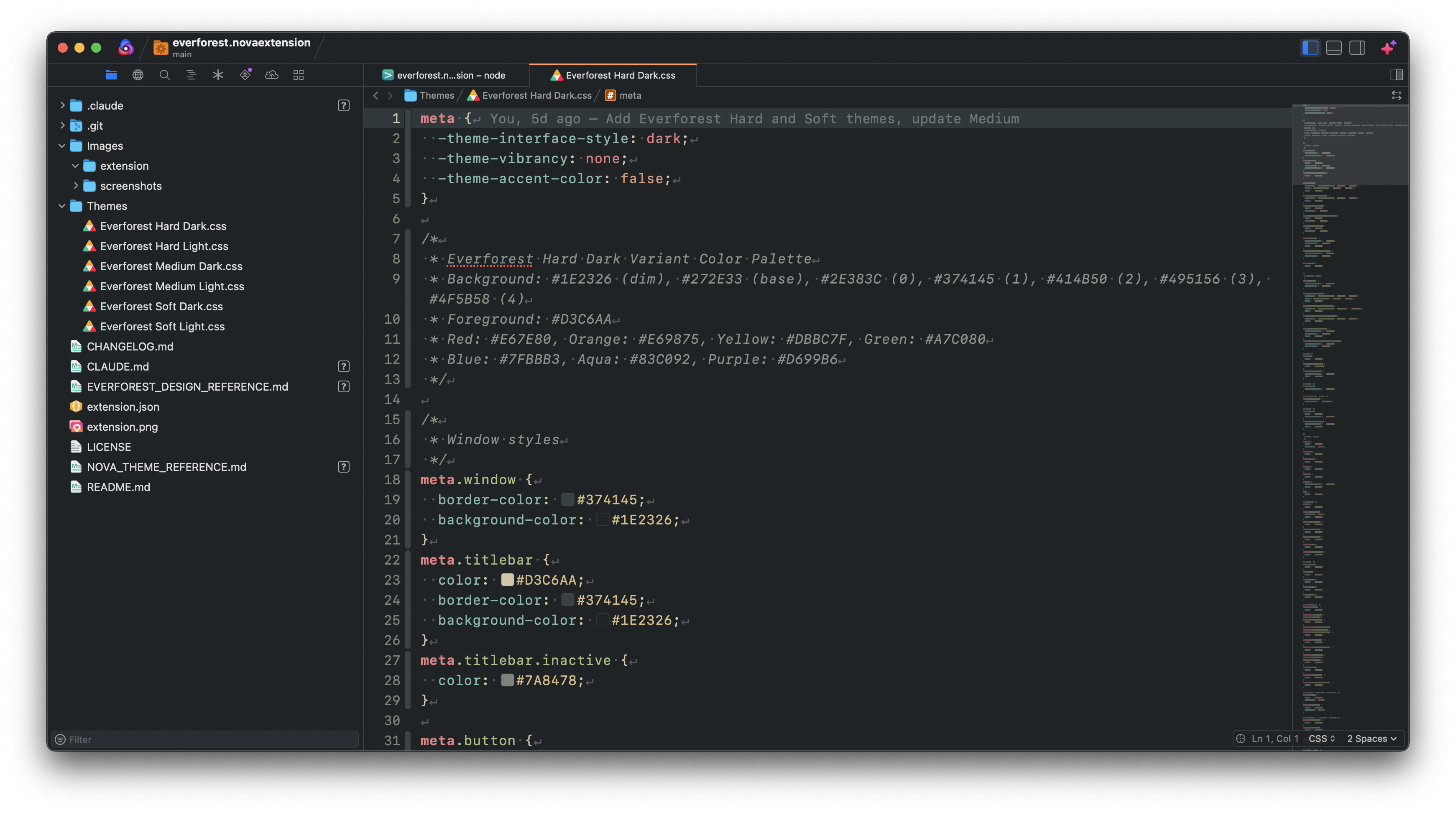
- Highest contrast dark variant with the deepest backgrounds
- Background: Deep forest tones (
#1E2326to#4F5B58) - Best for: Users who prefer maximum contrast and definition
- Balanced contrast dark variant with moderate backgrounds
- Background: Medium forest tones (
#232A2Eto#56635F) - Best for: Most users seeking comfortable, everyday coding

- Lower contrast dark variant for maximum eye comfort
- Background: Softer forest tones (
#293136to#5D6B66) - Best for: Extended coding sessions and low-light environments
- High contrast light theme with crisp backgrounds
- Background: Bright, warm tones (
#F2EFDFto#BEC5B2) - Best for: Bright environments and users who prefer strong contrast

- Balanced contrast light theme with moderate warmth
- Background: Medium warm tones (
#EFEBD4to#BDC3AF) - Best for: All-day coding with comfortable light contrast

- Lower contrast light theme for gentle eye comfort
- Background: Soft, muted tones (
#E5DFC5to#B9C0AB) - Best for: Sensitive eyes and extended light-theme usage

- Comprehensive Syntax Highlighting - Full support for all major programming languages
- Integrated Terminal Colors - 16 ANSI colors that complement the editor theme
- Modern Language Support - Enhanced highlighting for TypeScript, JavaScript, Swift, Python, and more
- Eye Comfort - Warm color palette designed to reduce eye strain
- Authentic Colors - Uses official Everforest color specification
-
From Nova Extension Library (Recommended):
- Open Nova
- Go to Extensions → Extension Library
- Search for "Everforest"
- Click Install
-
Manual Installation:
- Download the
.novaextensionfile - Double-click to install in Nova
- Download the
After installation:
- Open Nova Preferences (
⌘,) - Go to Theme tab
- Select your preferred Everforest variant:
- Everforest Hard Dark (highest contrast dark)
- Everforest Medium Dark (balanced dark - recommended)
- Everforest Soft Dark (low contrast dark)
- Everforest Hard Light (high contrast light)
- Everforest Medium Light (balanced light)
- Everforest Soft Light (low contrast light)
Everforest provides excellent syntax highlighting for:
- Web Development: HTML, CSS, SCSS, JavaScript, TypeScript, JSX, TSX
- Systems: Swift, Objective-C, C, C++, Rust, Go
- Scripting: Python, Ruby, PHP, Shell
- Data: JSON, YAML, XML, Markdown
- And many more...
Found an issue or want to suggest an improvement? Please open an issue or submit a pull request on the project repository.
Everforest is based on the original Everforest color scheme created by Sainnhe Park. This Nova extension faithfully implements the official Everforest design specification.