Designed to be a low-cost, open-source alternative to commercial DCC decoders, it utilizes the Raspberry Pi RP2040 dual-core microcontroller. The decoder features DCC protocol decoding and command interpretation alongside motor control in a compact 25x20 mm form factor.
- DCC Signal Decoding: Interrupt-based edge detection with full packet/protocol decoding.
- Motor Control: 128 speed steps with configurable acceleration/deceleration ramping and v_min/v_mid/v_max; closed-loop control for consistent motor speed under varying load conditions.
- Flexible I/O: 4x transistor-switched outputs and 6x additional GPIOs; all of them PWM capable.
- CV Configuration: Function mapping and programming track support.
- Standards Compliance: Implements the most important NMRA (S-9.1, S-9.2.x) and RCN (210, 212, 216) DCC standards.
- Compact Form Factor: 25x20 mm board size.
- Integrated Documentation: Comprehensive GitHub Pages documentation covering hardware theory and software implementation.
The system uses each of the two ARM Cortex-M0+ cores for separate tasks:
-
Core 0: Signal Processing & Management
- DCC edge detection and packet decoding.
- Configuration Variable (CV) management using persistent flash storage.
- Service Mode (Programming Track) logic and acknowledgment pulse generation.
-
Core 1: Motion Control
- PID Controller: A discrete-time PID motor controller implementation utilizing based on a bilinear transform formula.
- Back-EMF Feedback: ADC sampling during PWM-off cycles.
-
Adaptive Control: Gain scheduling for
$K_P$ and a startup controller (feed-forward) to overcome static friction.
Optimized for ease of use; supports UF2 drag-and-drop flashing and serial logging.
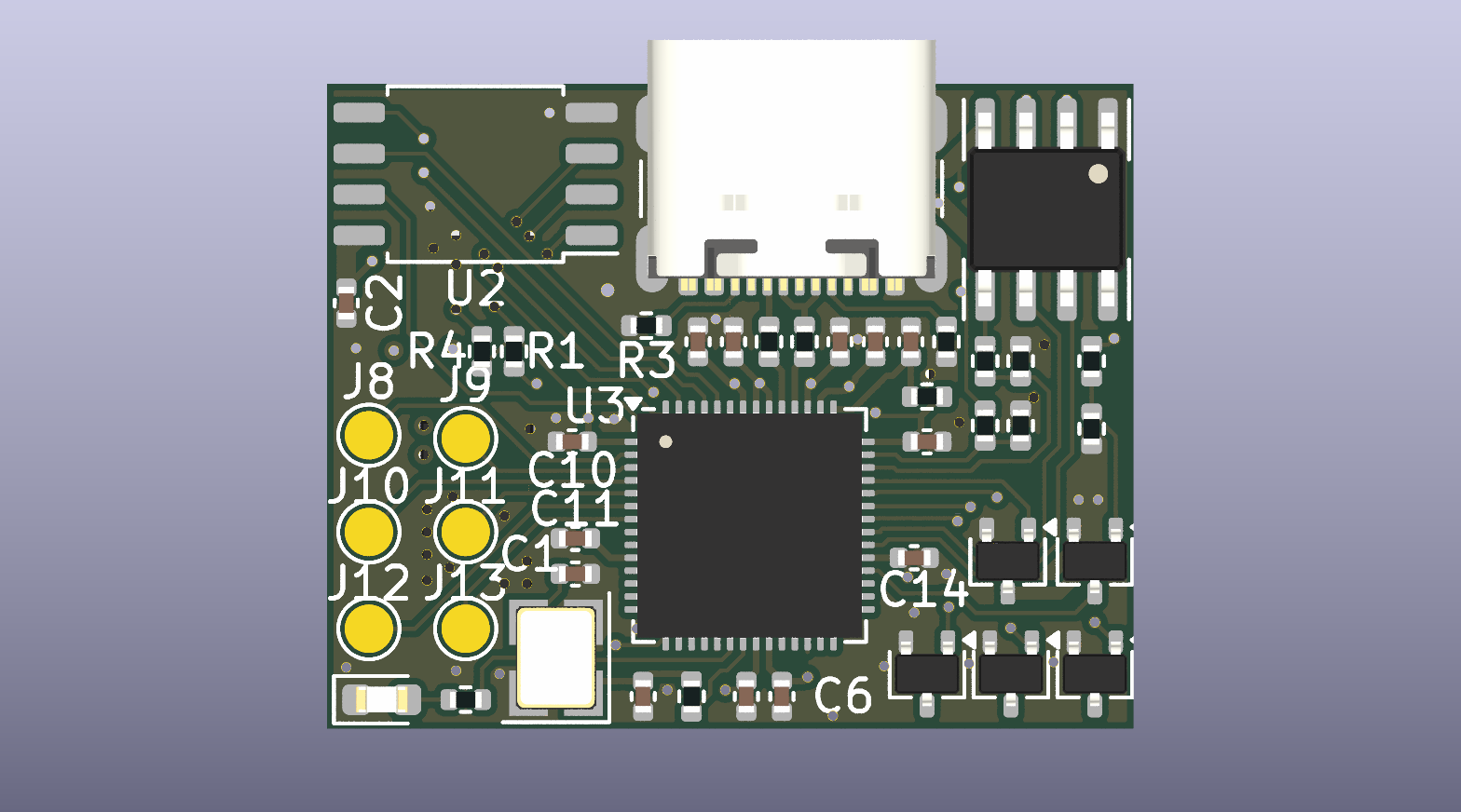
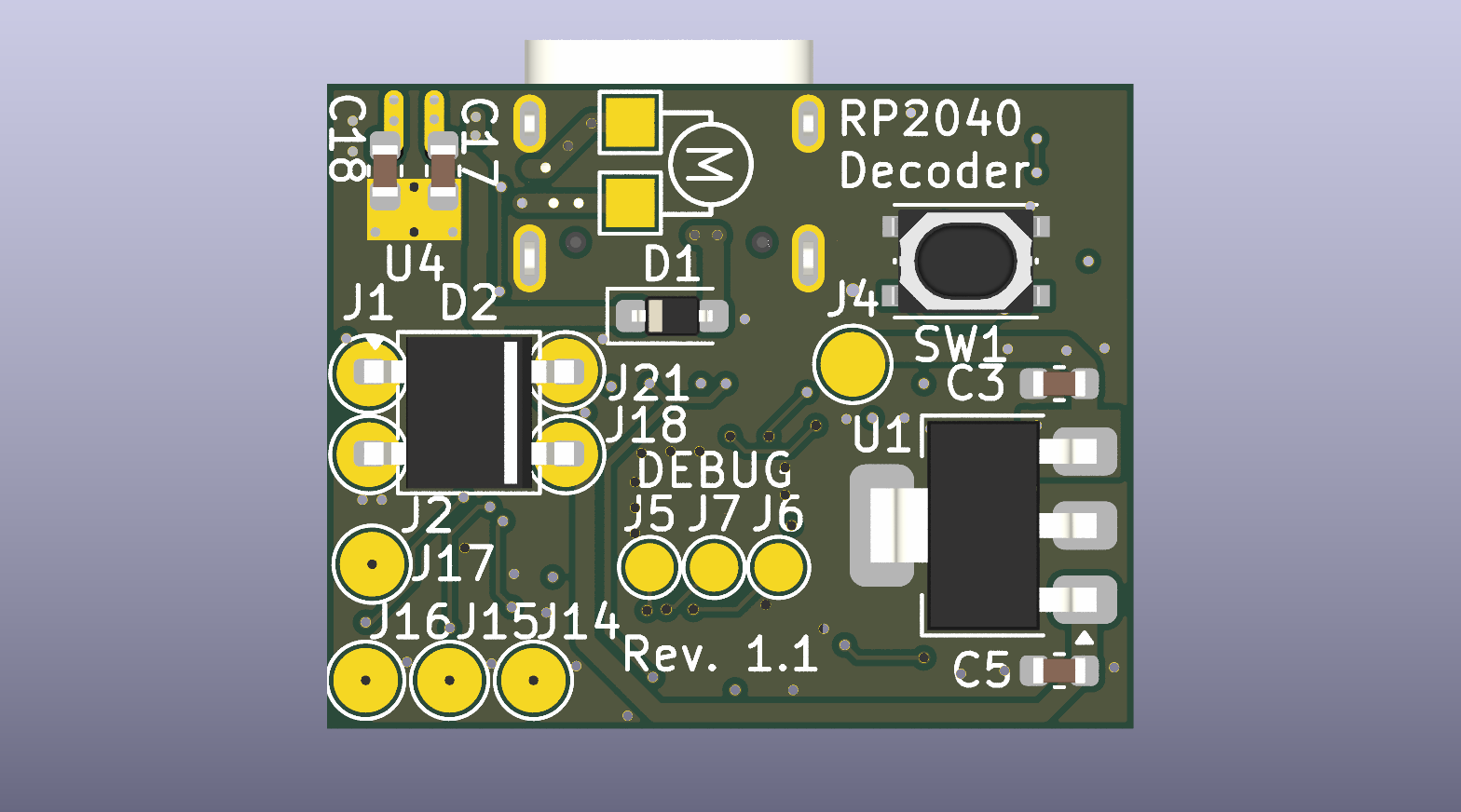
Revision without USB, one sided assembly, flashed via SWD.
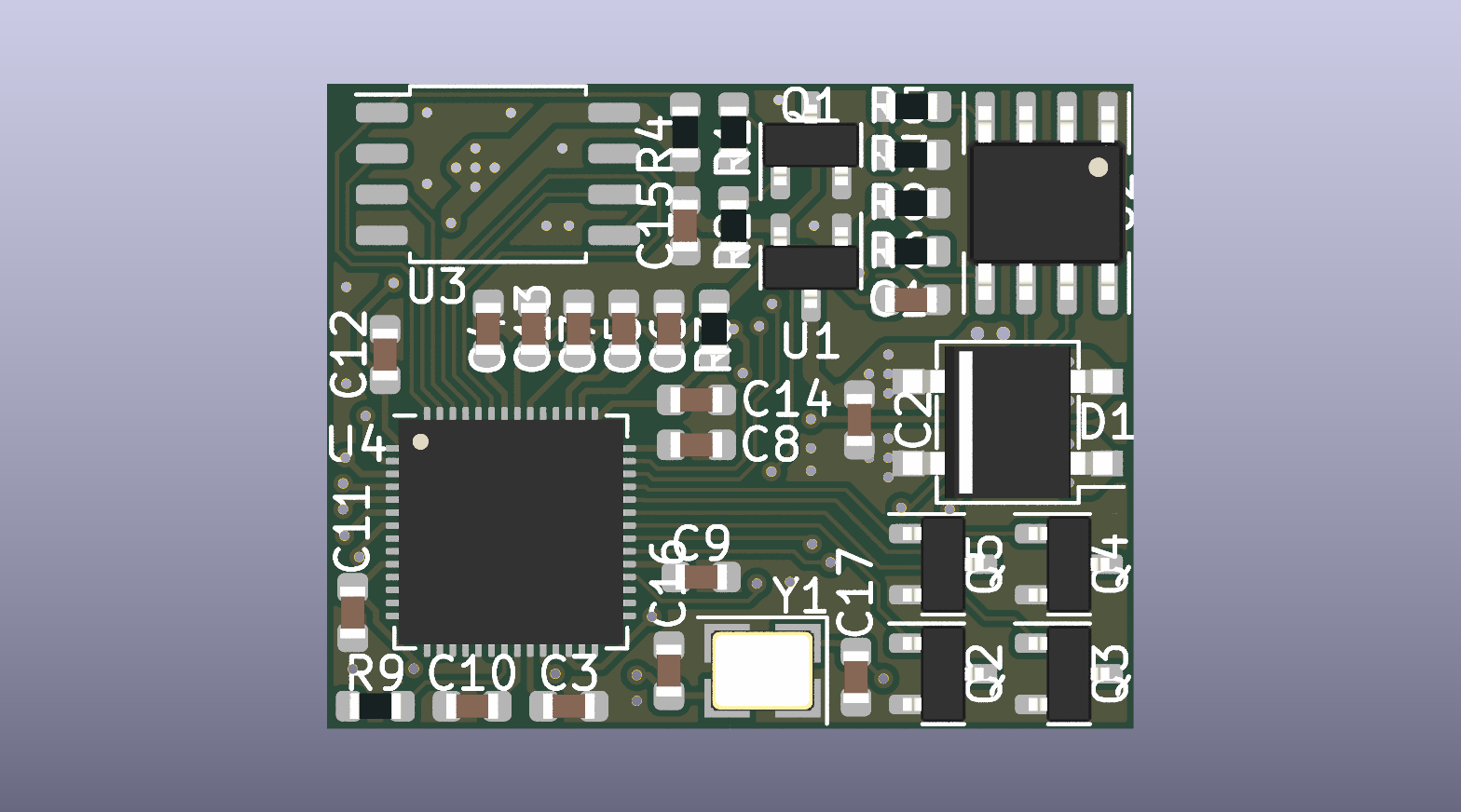
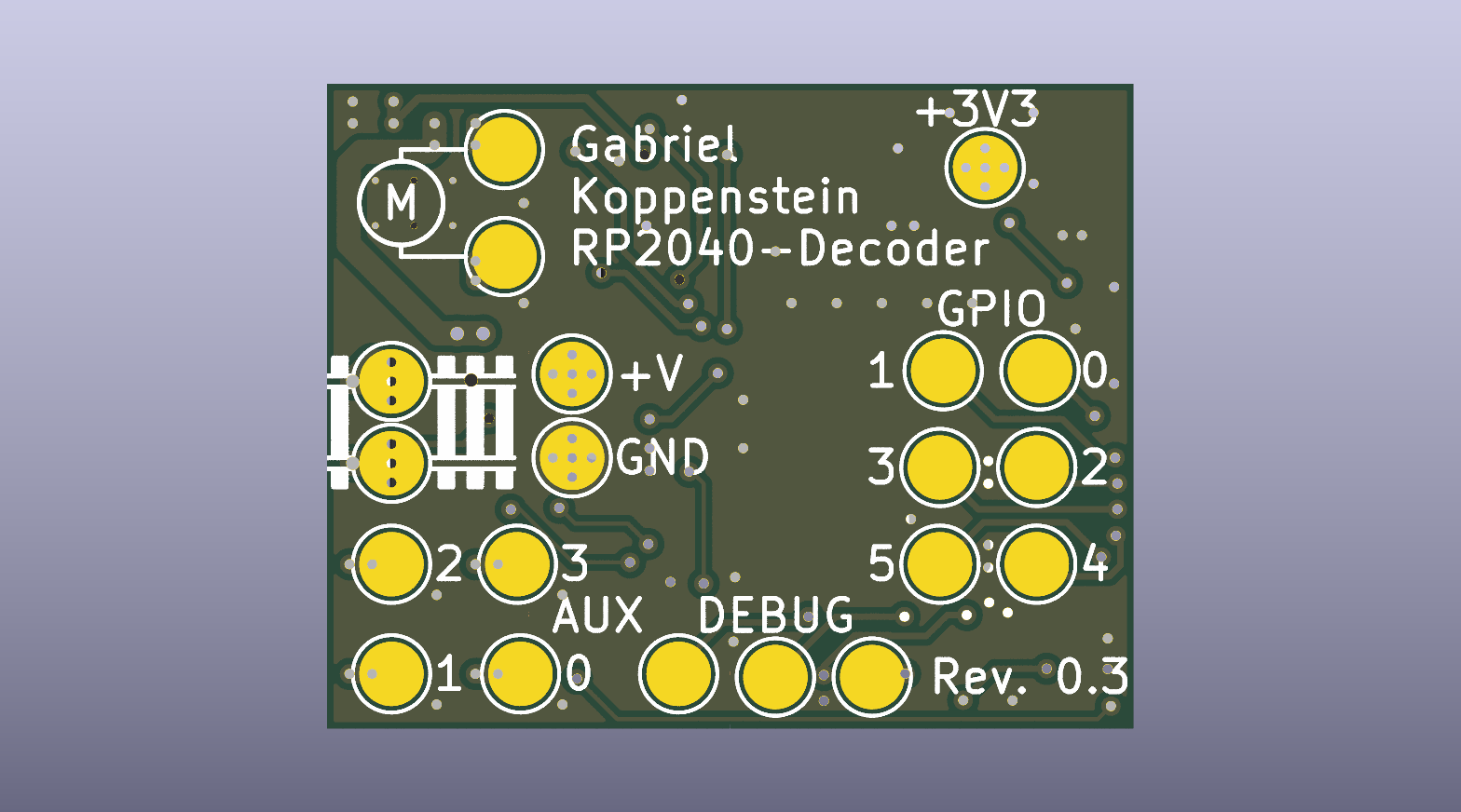
To get started, you will first need the hardware. The different options for acquiring a board are outlined here.
For the software, you have a few options: you can either build it from source or use the ready-to-flash binaries built by the CI pipeline on each release. Flashing the firmware can be done via SWD or, if you are using the USB hardware version, simply by dragging and dropping the file using your regular file explorer.
- Software: MIT License
- Hardware: CERN Open Hardware Licence Version 2 - Permissive