Fitness Application Test
- Architecture used: MVVM (Model-View-ViewModel), Clean code architecture (adhering to uncle bob and Solid Principle), Clean code using feature package separation, Repository rule implementation
- Technologies used: Kotlin, Kotlin Coroutines, Jetpack Compose, Retrofit, Hilt, Room Datebase for offline caching/favoriting
- Unit test: JUnit, MockK
How to use
- Re-sync gradle and Install, launch the app in emulator that has SDK 33
- Search for the muscle
- See a list of results returned from the API
- Expand/Collapse each box to see images of the muscle and the description of the exercise
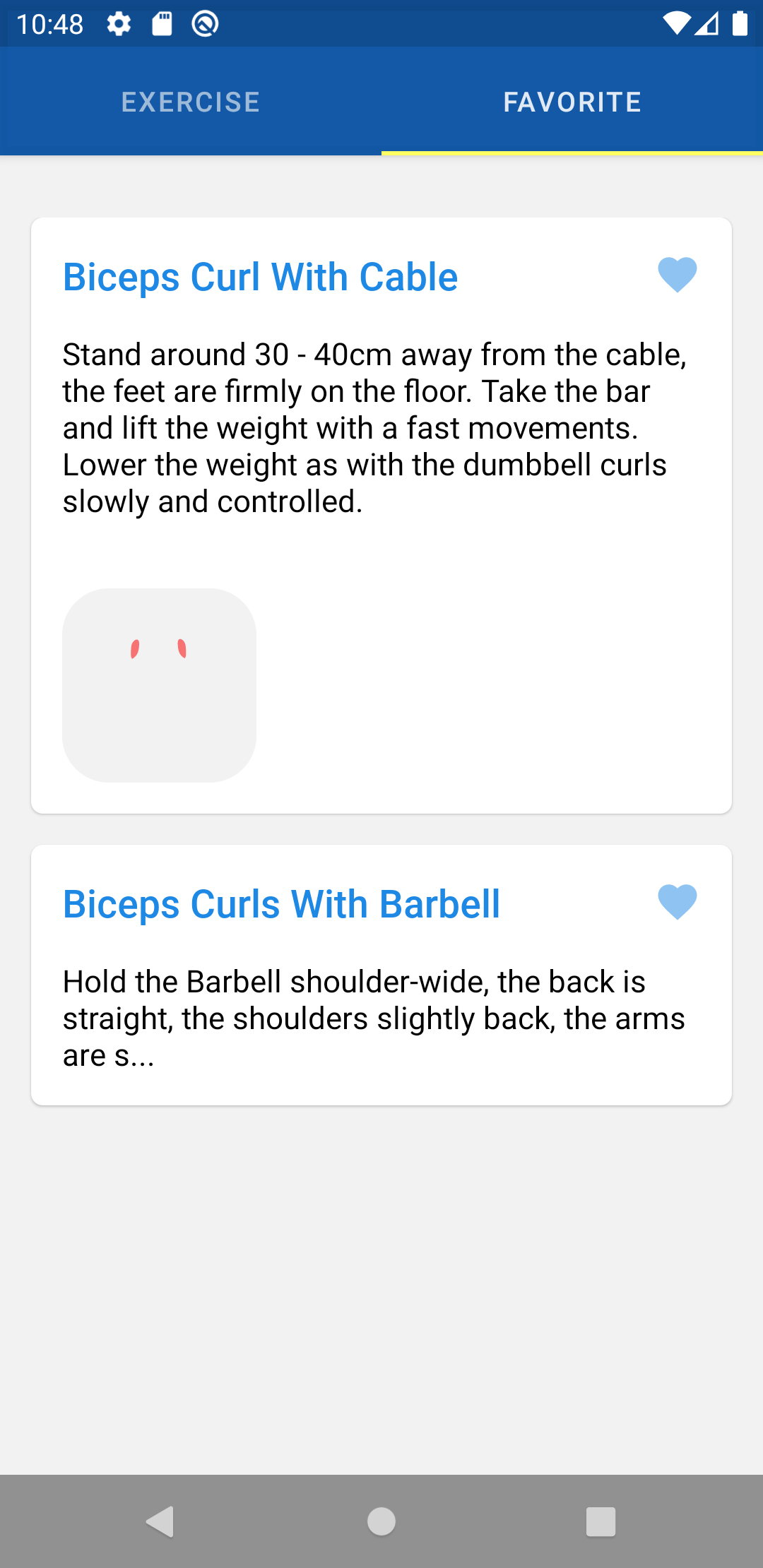
- Hit the heart button to favourite the exercise so this can be viewed later
- View saved exercises with no internet connection (app persistence / offline caching using Room DB)
Unit tests
- Unit tests for ViewModels
- Unit tests for Repositories
Screenshots
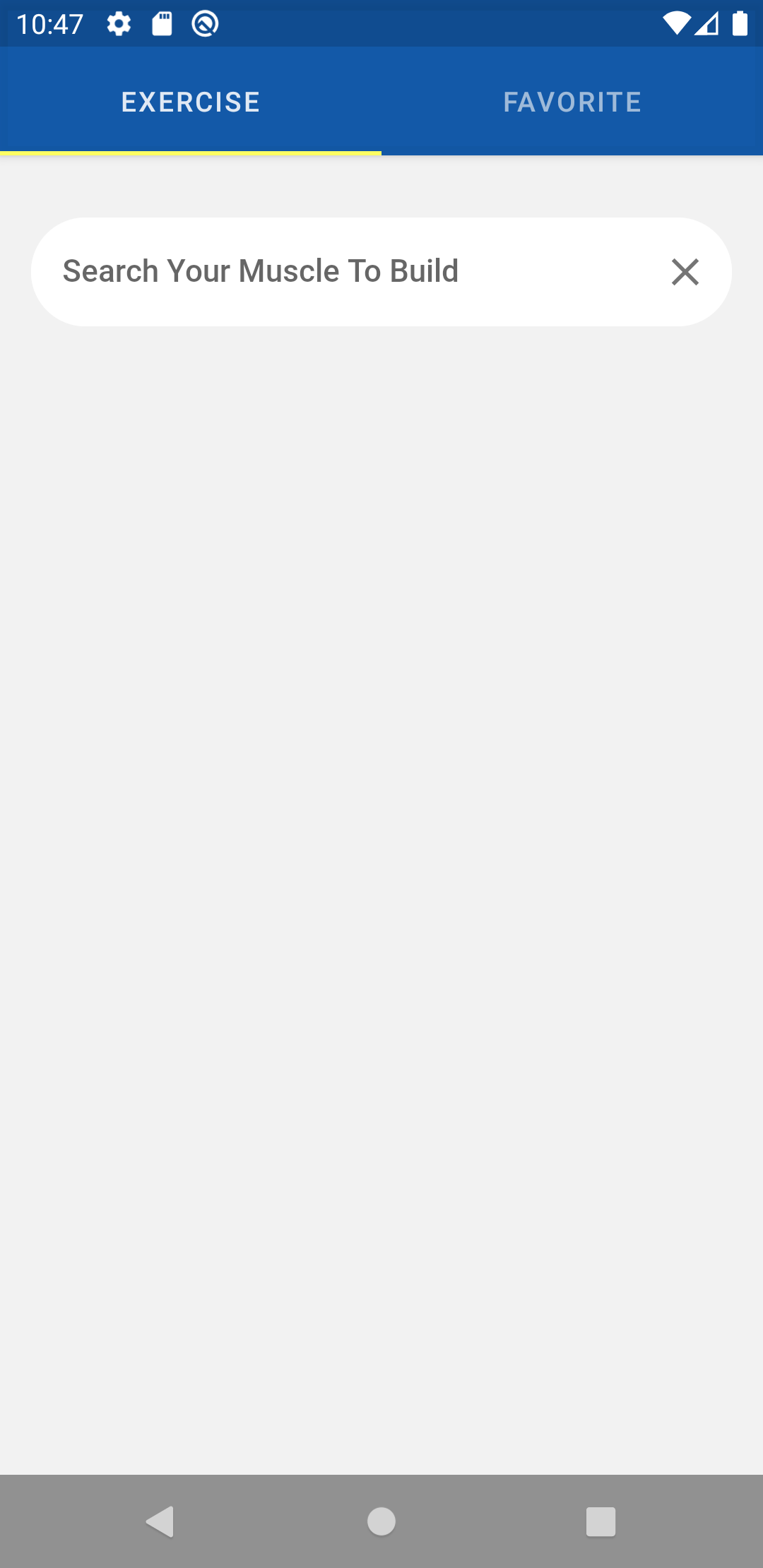
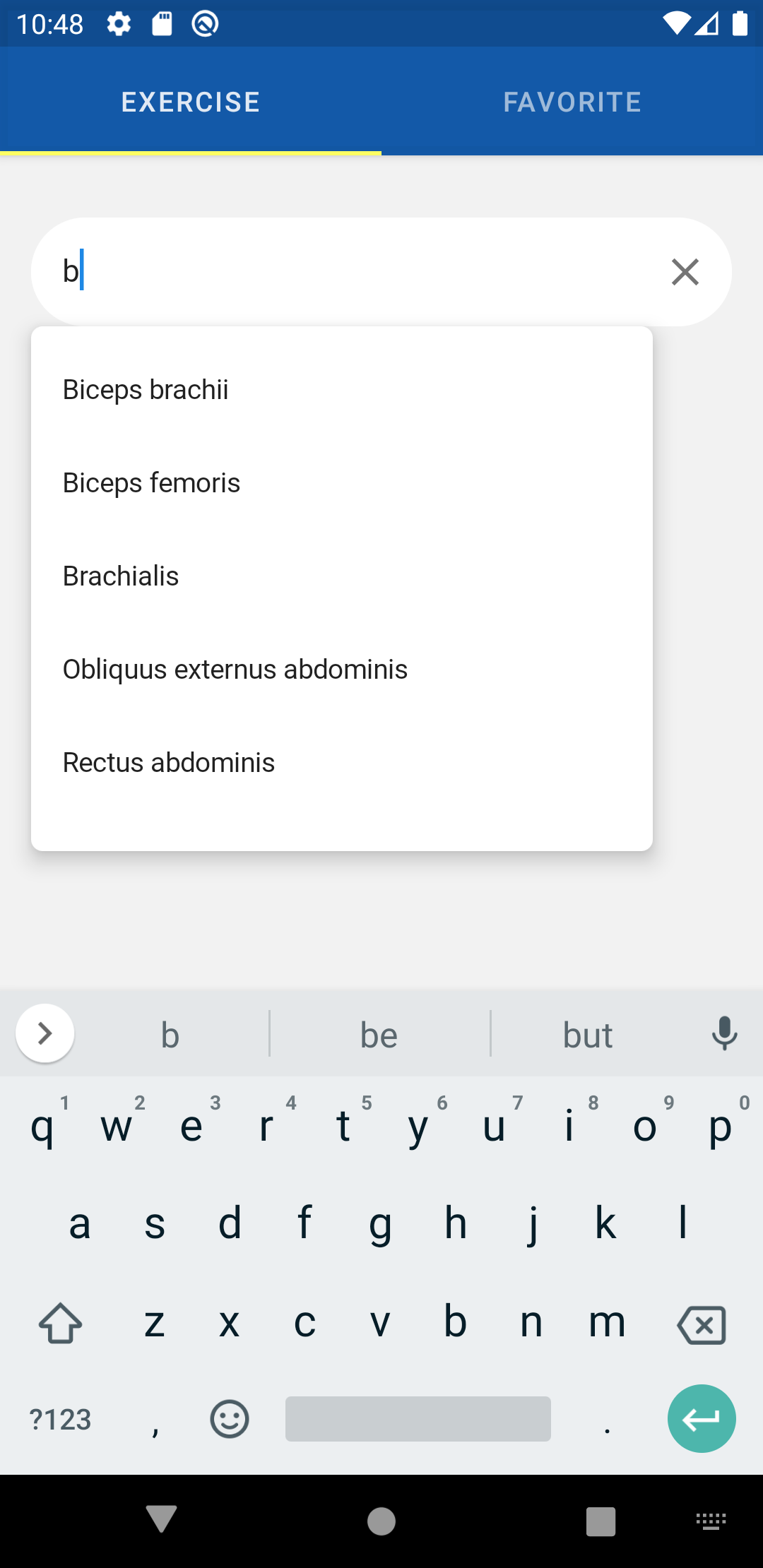
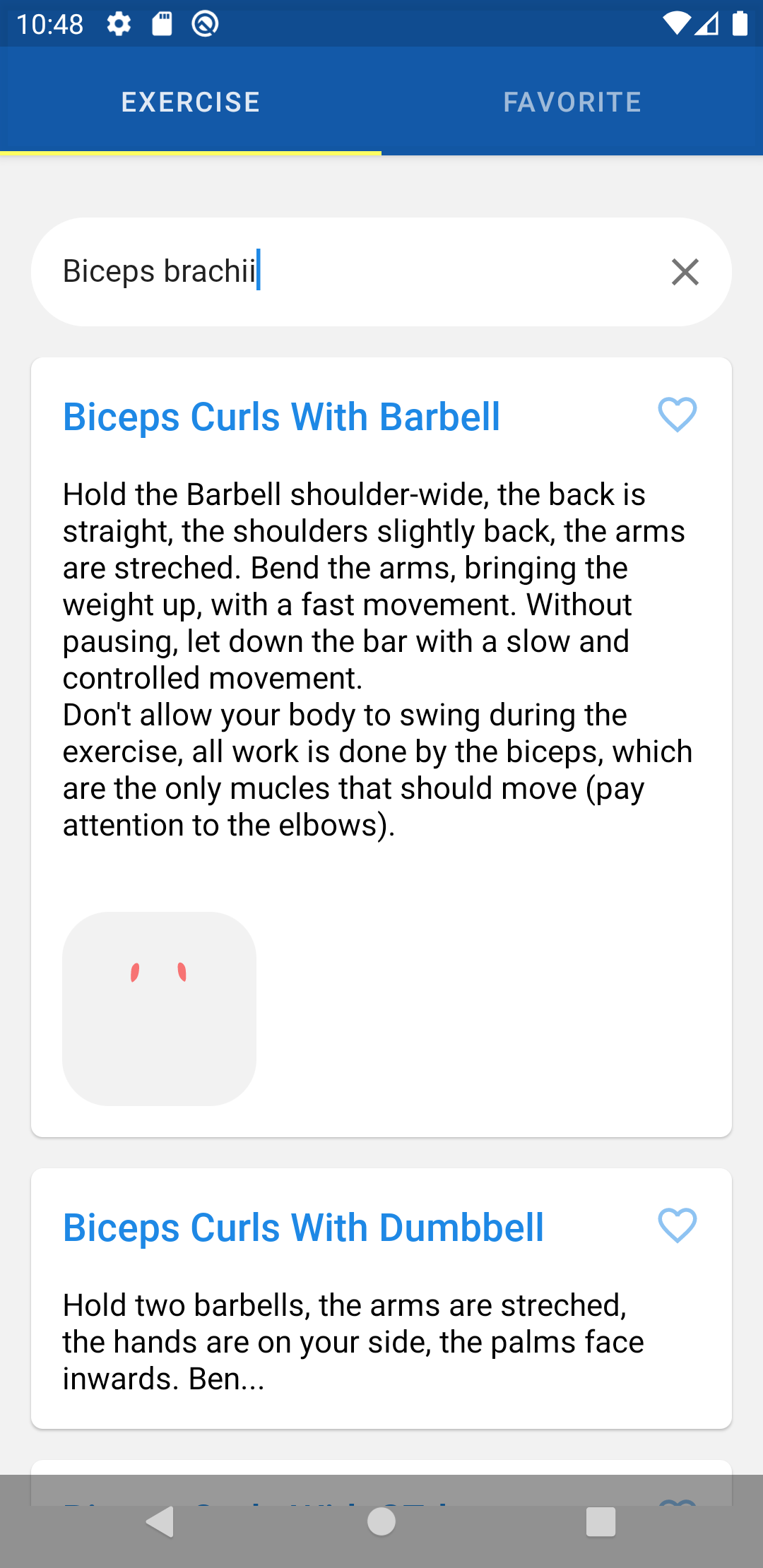
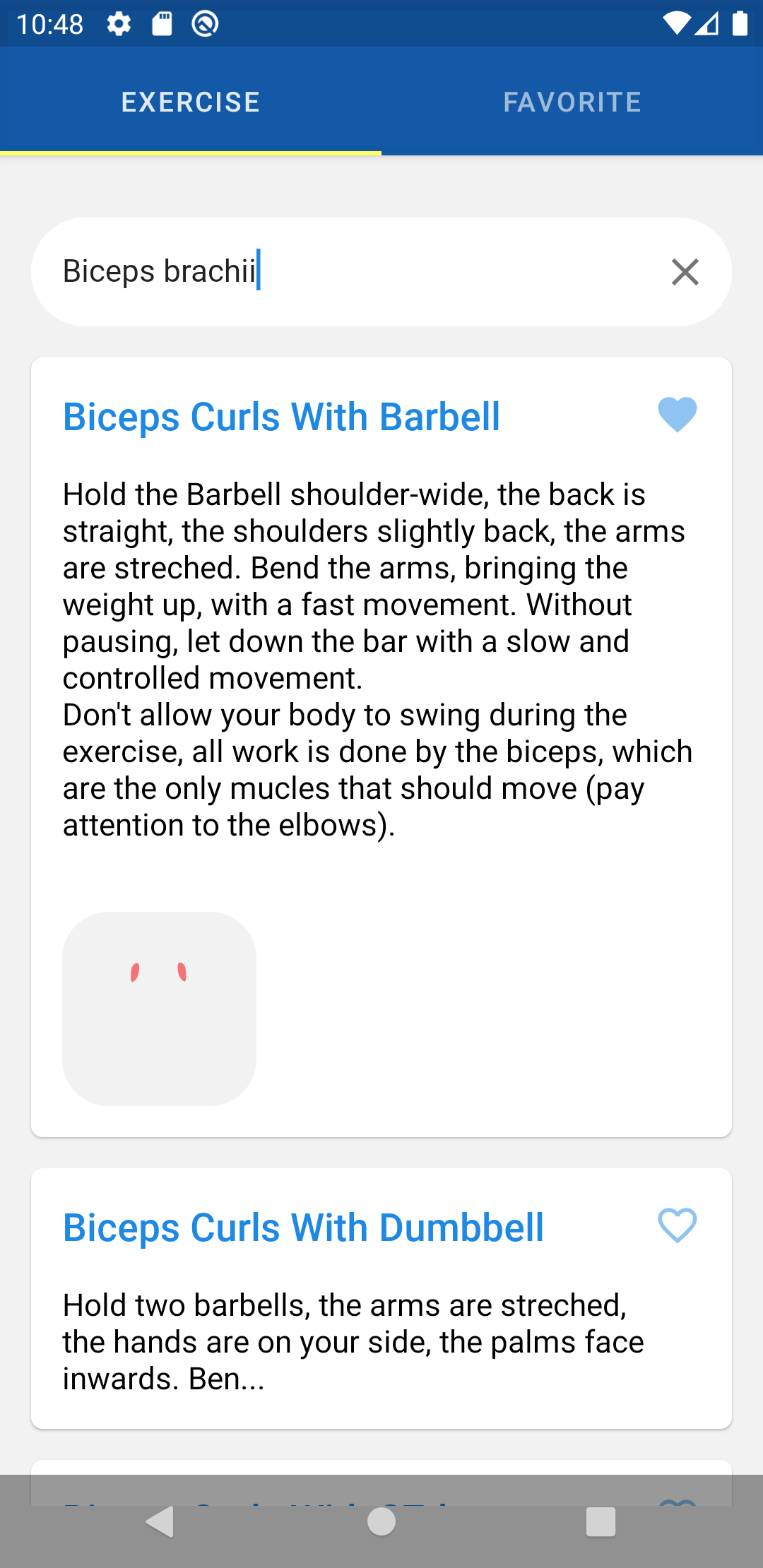
Justification on tech used
Why Promoting MVVM VS MVP:
- in MVVM the ViewModel has Built in life cycle awareness, on the other hand the Presenter in MVP doesn't,
- so you have to take this responsibility yourself.
- ViewModel doesn't have a reference for View, on the other hand Presenter still holds a reference for the view, even if you made it as weak reference.
- the ViewModel survives configuration changes, while it is your own responsibility to survive the configuration changes in case of the Presenter. (Saving and restoring the UI state)
MVVM Best practices:
- Avoid references to Views in ViewModels.
- Instead of pushing data to the UI, let the UI observe changes to it.
- Distribute responsibilities, add a domain layer if needed.
- Add a data repository as the single-point entry to your data.
- Expose information about the state of your data using a wrapper or another LiveData.
- Consider edge cases, leaks and how long-running operations can affect the instances in your architecture.
- Don’t put logic in the ViewModel that is critical to saving clean state or related to data. Any call you make from a ViewModel can be the last one.
Coroutines : Is light wight threads for asynchronous programming, Coroutines not only open the doors to asynchronous programming, but also provide a wealth of other possibilities such as concurrency, actors, etc.
They're different tools with different strengths. Like a tank and a cannon, they have a lot of overlap but are more or less desirable under different circumstances.
- Coroutines Is light wight threads for asynchronous programming.
- RX-Kotlin/RX-Java is functional reactive programming, its core pattern relay on observer design pattern, so you can use it to handle user interaction with UI while you still using coroutines as main core for background work.
- Kotlin coroutine is a way of doing things asynchronously in a sequential manner. Creating a coroutine is a lot cheaper vs creating a thread.
- Coroutines : When we have concurrent tasks , like you would fetch data from Remote connections , database , any background processes , sure you can use RX in such cases too, but it looks like you use a tank to kill ant.
- RX-Kotlin : When you would to handle stream of UI actions like : user scrolling , clicks , update UI upon some events .....ect .
- Writing an asynchronous code in a sequential manner.
- Cost of creating coroutines are much cheaper than to create threads.
- Don't need to over engineer to use observable pattern, when no need to use it.
- parent coroutine can automatically manage the life cycle of its child coroutines for you.
- Add Coroutines to your gradle file
// Add Coroutines
implementation 'org.jetbrains.kotlinx:kotlinx-coroutines-android:1.3.2'
implementation 'org.jetbrains.kotlinx:kotlinx-coroutines-core:1.3.2'
implementation 'org.jetbrains.kotlinx:kotlinx-coroutines-core-common:1.3.2'
// Add Retrofit2
implementation 'com.squareup.retrofit2:retrofit:2.6.2'
implementation 'com.squareup.retrofit2:converter-gson:2.6.2'
implementation 'com.squareup.okhttp3:okhttp:4.2.2'
- Make Retrofit Calls.
    @GET("/api/v2/muscle")
suspend fun fetchMuscle(): Response<MuscleResponseDTO>- With
asyncwe create a new coroutine and return its future result as an implementation of [Deferred]. - The coroutine builder called
launchallow us to start a coroutine in background and keep working in the meantime. - so async will run in the background then return its promised result to parent coroutine which was created by the launch builder.
- when we get a result, it is up to us to do handle the result.
- liveData is easy , powerful , but you should know how to use.
- For live date which will emit the data stream, it has to be in your data layer, and it doesnt need to inform those observables anything else like in which thread those will be consumed from
- For livedata which will emit UI binding events, it has to be in your ViewModel Layer.
- Observers in UI Consume and react to live data values and bind it.
this adheres to the single responsibility,
Single responsibility principleinSOLID (object-oriented design), so we don't break this concept by mixing the responsibilities.