Android View Animations in Kotlin
Add this to build.gradle of project gradle dependency
allprojects {
repositories {
.. .
maven { url ' https://jitpack.io'
Add this to build.gradle of app gradle dependency
dependencies {
implementation ' com.github.gayanvoice:android-animations-kotlin:1.0.1'
Add this to build.gradle of project gradle dependency
<repositories >
<repository >
<id >jitpack.io</id >
<url >https://jitpack.io</url >
</repository >
</repositories >
Add this to build.gradle of module gradle dependency
<dependency >
<groupId >com.github.gayanvoice</groupId >
<artifactId >android-animations-kotlin</artifactId >
<version >1.0.1</version >
</dependency > import render .animations .*;// Declare TextView
TextView AppleText = findViewById (R .id .TextView );
// Create Render Class
Render render = new Render (MainActivity .this );
// Set Animation
render .setAnimation (Attention .Wobble (AppleText ));
render .start ();import render .animations .*// Declare TextView
val textView : TextView = findViewById (R .id .TextView )
// Create Render Class
val render = Render (this )
// Set Animation
render .setAnimation (Bounce ().InDown (textView ))
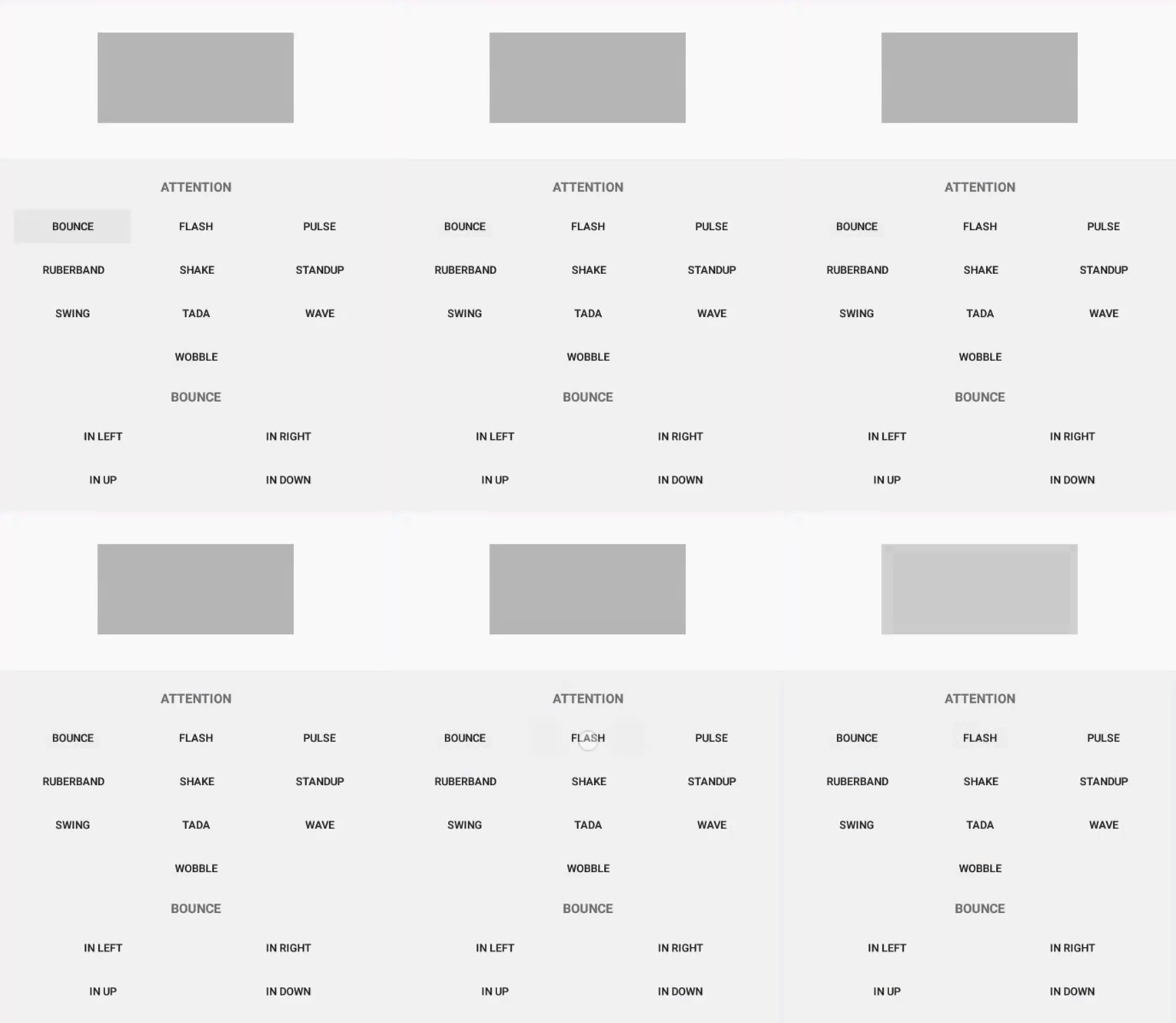
render .start ()To animate the view, add the class name and specific animation method namesetAnimation to an view. You can include the method setDuration to specify duration of animation. Default value for duration is 1000 Milliseconds. Finally you need to add one of the following classes to the view:
Class Name
AttentionBounceFadeFlip RotateSlideZoom
Attention
BounceFlash
PulseRuberband
ShakeStandup
SwingTada
WaveWobble
Bounce
InDownInUp
InLeftInRight
In
Fade
InDownInUp
InLeftInRight
OutDownOutUp
OutLeftOutRight
InOut
Rotate
InDownLeftInDownRight
InUpLeftInUpRight
OutDownLeftOutDownRight
OutUpLeftOutUpRight
InOut
Slide
InDownInUp
InLeftInRight
OutDownOutUp
OutLeftOutRight
Zoom
InDownInUp
InLeftInRight
OutDownOutUp
OutLeftOutRight
InOut
This android view animations library supports number of animations. Go to the java version of this library to see the gallery of animations. Click here https://github.com/gayanvoice/android-view-animations-java#animations
Select Git from Check out project from Version Control in your Android Studio
Paste the repository url and click Clone button
Click Yes to open the repository
Build using the latest Gradle version
Go to https://github.com/gayanvoice/android-vpn-client-ics-openvpn#develop see the steps
This library is based on https://github.com/daimajia/AndroidViewAnimations and the Java version of this library is available in https://github.com/gayanvoice/android-view-animations-java