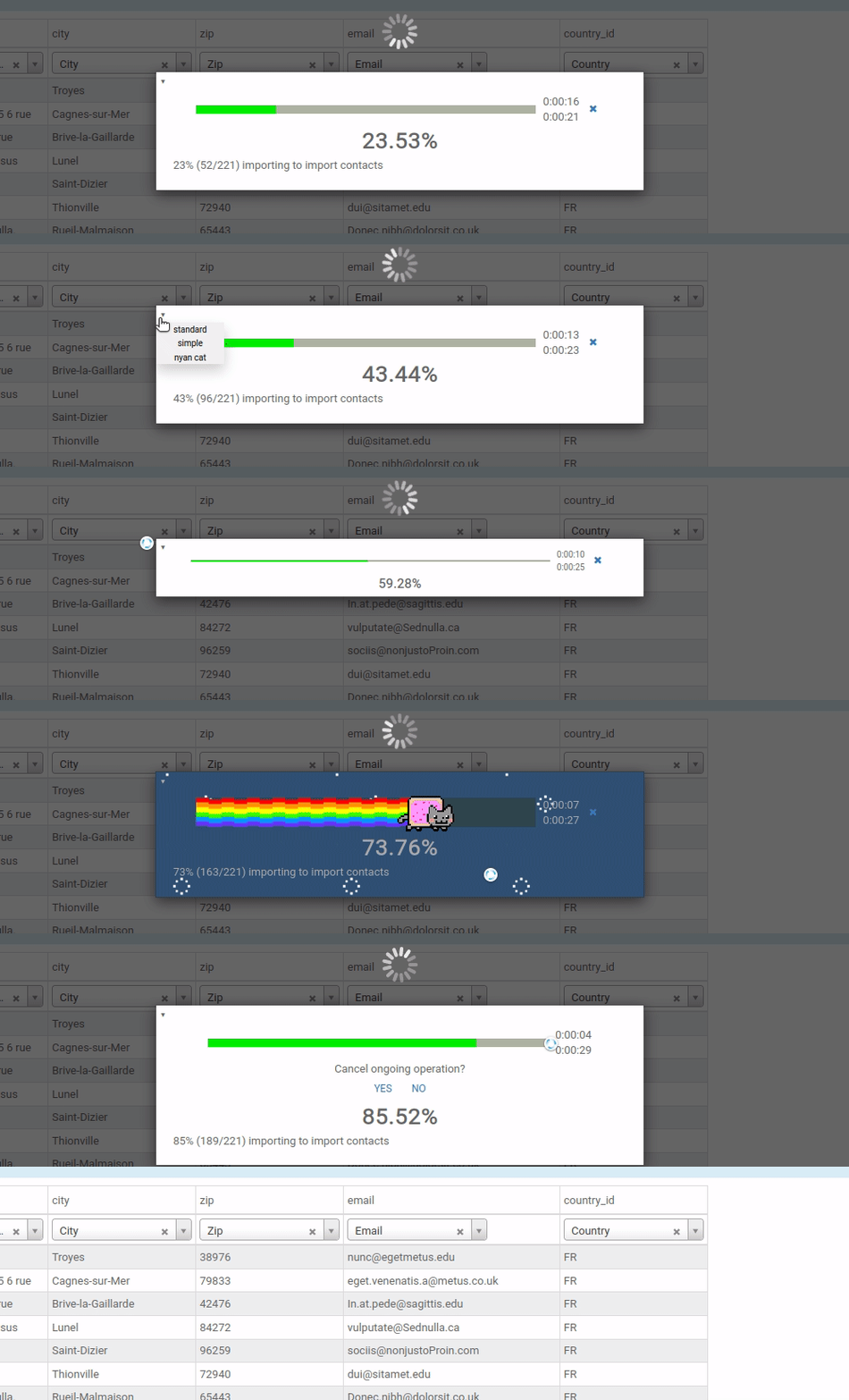
Progress bar for Odoo waiting screen, possibility to cancel an ongoing operation and a sys tray menu for all operations in progress.
web_progress is compatible with Odoo 11.0, 12.0, 13.0, 14.0, 15.0, 16.0, 17.0 , 18.0 (CE and EE).
Author: Grzegorz Marczyński
License: LGPL-3.
- Progress reporting for all standard Odoo import and export operations
- System tray menu that lists ongoing operations initiated by the logged user (all operations visible to Administrator)
- Support for all operations initiated through UI and executed by planned activities (cron)
- Generator-like method to simply add progress reporting to any iteration (support for sub-iterations)
- UI blocking feature (inactive by default in Odoo 17) with "Put to background" option
- Real-time progress updates via longpolling with fallback to periodic polling
- Operation cancellation with proper exception handling
- Multiple progress bar styles (standard, simple, nyan cat)
- Background operation management through system tray
- Completely rewritten using OWL components for Odoo 17 compatibility and modern architecture
Typically when your code executes any long-running operation there is a loop over a collection in your code.
In order to report progress of the operation, wrap the collection with self.web_progress_iter(collection, msg="Message")
Say, your action method looks as follows:
def action_operation(self):
    for rec in self:
        rec.do_something()
Then a progress-reporting-ready version would be:
def action_operation(self):
    for rec in self.web_progress_iter(self, msg="Message"):
        rec.do_something()
Or a simpler version for recordsets:
def action_operation(self):
    for rec in self.with_progress(msg="Message"):
        rec.do_something()
Advanced usage:
# For generators or when len() cannot be called
for item in self.web_progress_iter(data_generator, total=10000, msg="Processing"):
    process_item(item)

# With cancellation handling
try:
    for rec in self.with_progress(msg="Critical operation"):
        rec.perform_task()
except UserError as e:
    if "cancelled" in str(e):
        self.cleanup_after_cancel()
Both methods accept parameters: msg, total, cancellable, and log_level.
See the module's documentation for more information.