A mockup slider particle for Gantry5 framework. Best fits for multi-platform applications to show their mockups and their descriptions and also providing download links for each platform.

In order to use this particle add .yaml and .html.twig files to your theme folder, particles folder and add .scss file to scss/your-thme-name/particles. Done ;)
The particle will be added to your particles menu in layout manu of your theme.
Add particle to your menu like other particles. by clicking on the setting icon you'll see a menu like below
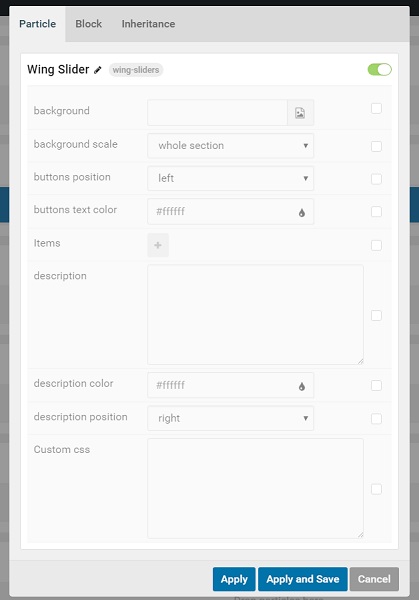
Mark each option you want to change then edit that item.
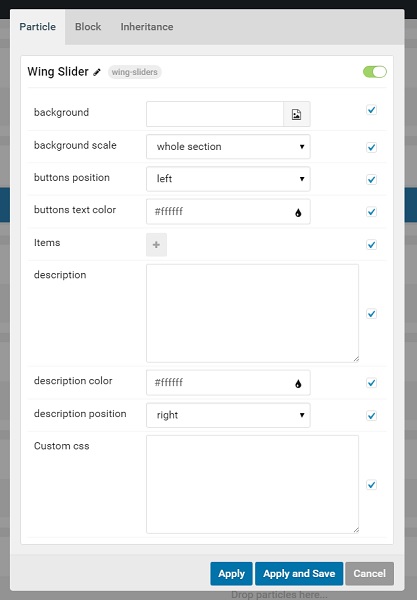
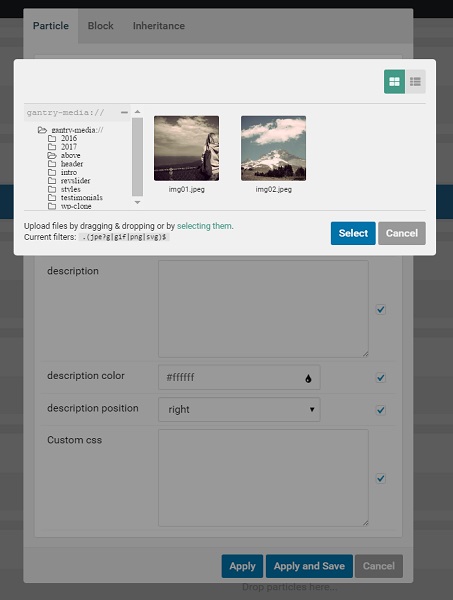
backgroundis your whole slider background. You may choose an image by the picture selector of gantry like below
-
background scalelets you select whethere full scale or just on scale of slider you want the background be shown. -
buttons positionis an option to choose were on your slider you want to place download buttons. -
buttons text coloras it is saying, it lets you choose color of download buttons. -
itemsare your mockup images with their options like downlod buttons.click on
+to add new item and give the item a name like below: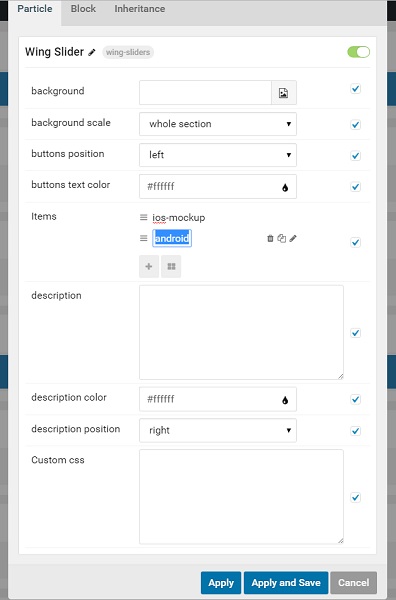
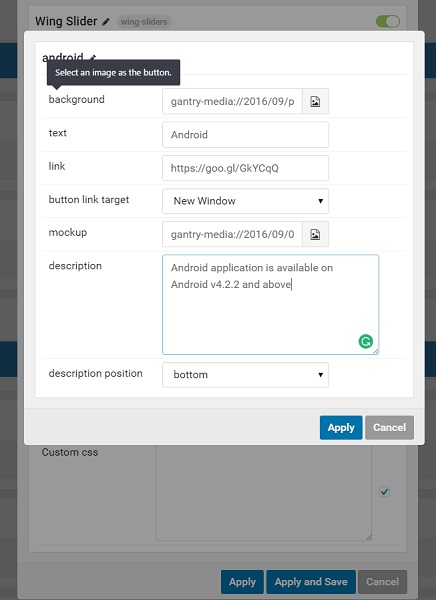
each item has its own options.
-
backgroundit lets you select an image as your button background. -
textthe buttons title. -
linkit's your download button's download link. choose it's target on the next option. -
mockupit's image of your mockup. mockup will change by mouseover on your download button of each platform. -
descriptionyou also can add a description to each item and choose the description position using next option. you can place it above the mockup image or below that. pressapplyto save your changes.
-
-
descriptionis a general description for your whole slider for example you might add a little description about your product and show it on the slider. you might choose it's text color and position in next options. -
Finally,
custom css, you don't even need to change any css file, just add your custom css to the custom css field and it will be applied to the slider
wish you enjoy this particle :)