



Fuzzy search npm modules with
fzf

npm-fzf, short-named npf, provides fuzzy search for some most commonly used npm commands with fzf, i.e. npm ls, npm search, npm run, creating a more fulfilling develop experience with npm.
Must: npf requires Node 8 for runtime or above.
Highly Recommended: fzf is used heavily by npf. If fzf is not installed, npf will default to a much less capable sibling, node-fzf - fzf's implementation in Node.
$ npm install -g npm-fzfUsage: npf [options] [command]
Fuzzy search npm modules with fzf
Options:
-v, --version output the version number
-d, --details include details to each dependency, but disable the fuzzy mode
-P, --no-preview disable the default fzf preview mode
-F, --no-fuzzy disable the default fuzzy mode and resort to stdout
-h, --help output usage information
Commands:
list|ls [options] npm list with fzf
info [module] npm info with fzf
run npm run with fzf
search <module...> npm search with fzf
Usage: search [options] <module...>

npm search with fzf

Options:
  -h, --help  output usage information

  Examples:
    npf search <module...>, fuzzy search for npm modules with preview
    npf search <module...> --no-preview, fuzzy search for npm modules without preview
    npf search <module...> --no-fuzzy, plain search for npm modules
$ npf search express
$ npf search express react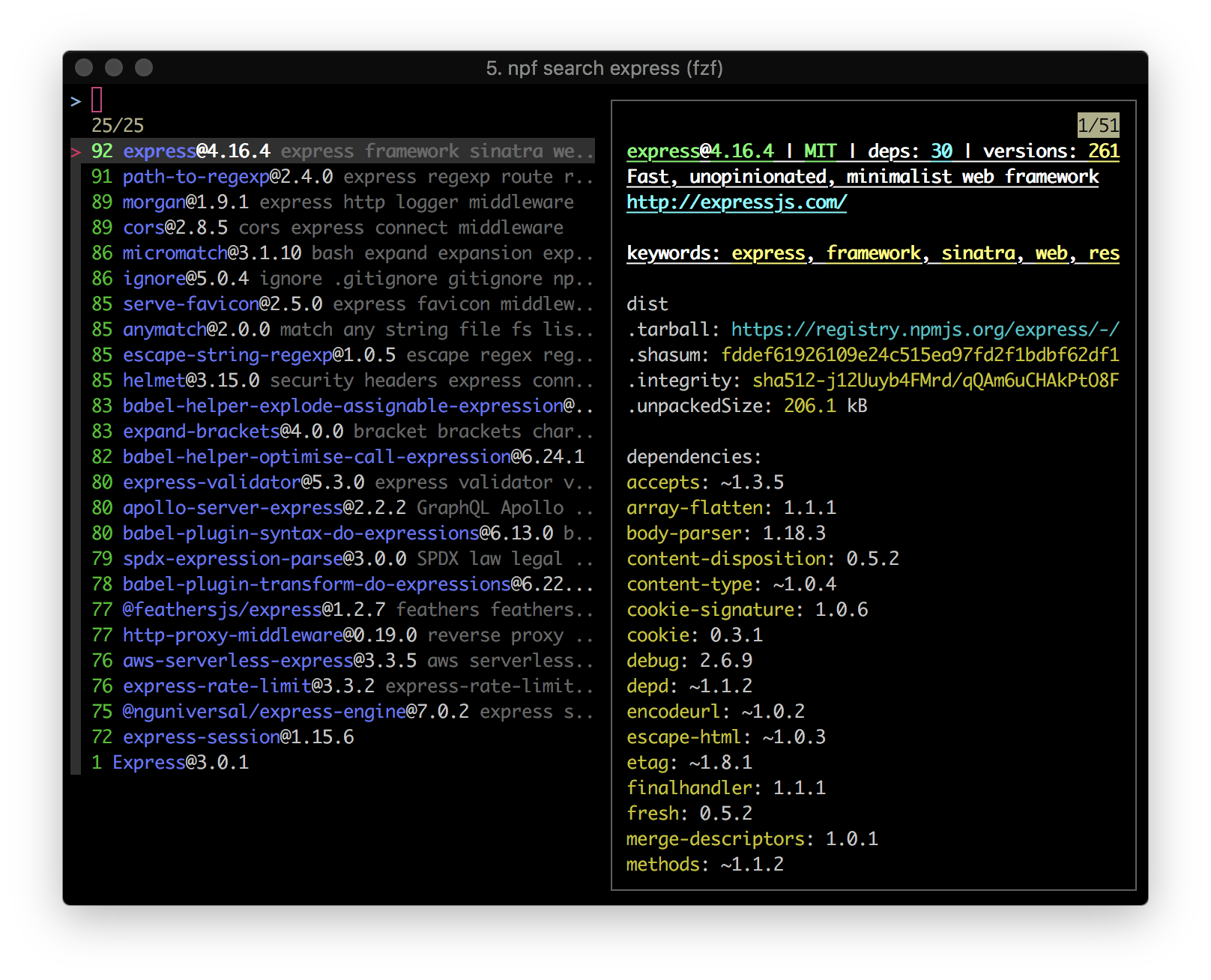
Usage: list|ls [options]

npm list with fzf

Options:
  -l, --local   list local dependencies, which is also the default feature
  -g, --global  list global modules
  -t, --time    show the latest global installs
  -h, --help    output usage information

  Examples:
    npf ls, a fzf list with preview of local dependencies
    npf ls -t, a fzf list of latest global installs
    npf ls -t --no-fuzzy, a normal list of latest global installs
    npf ls -g --no-preview, a fuzzy list with no preview of global installs
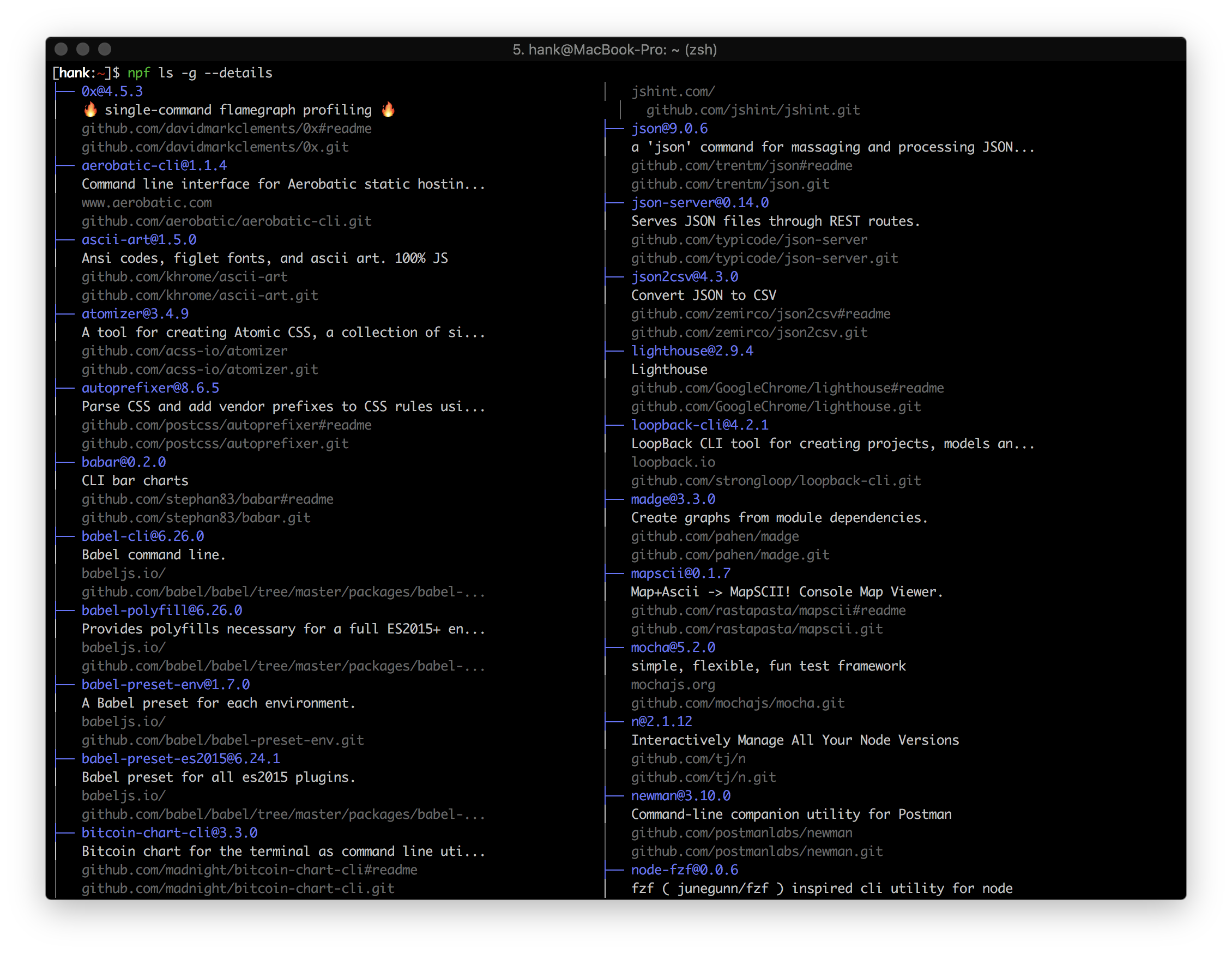
    npf ls -g --details, a normal, detailed list of global installs
$ npf ls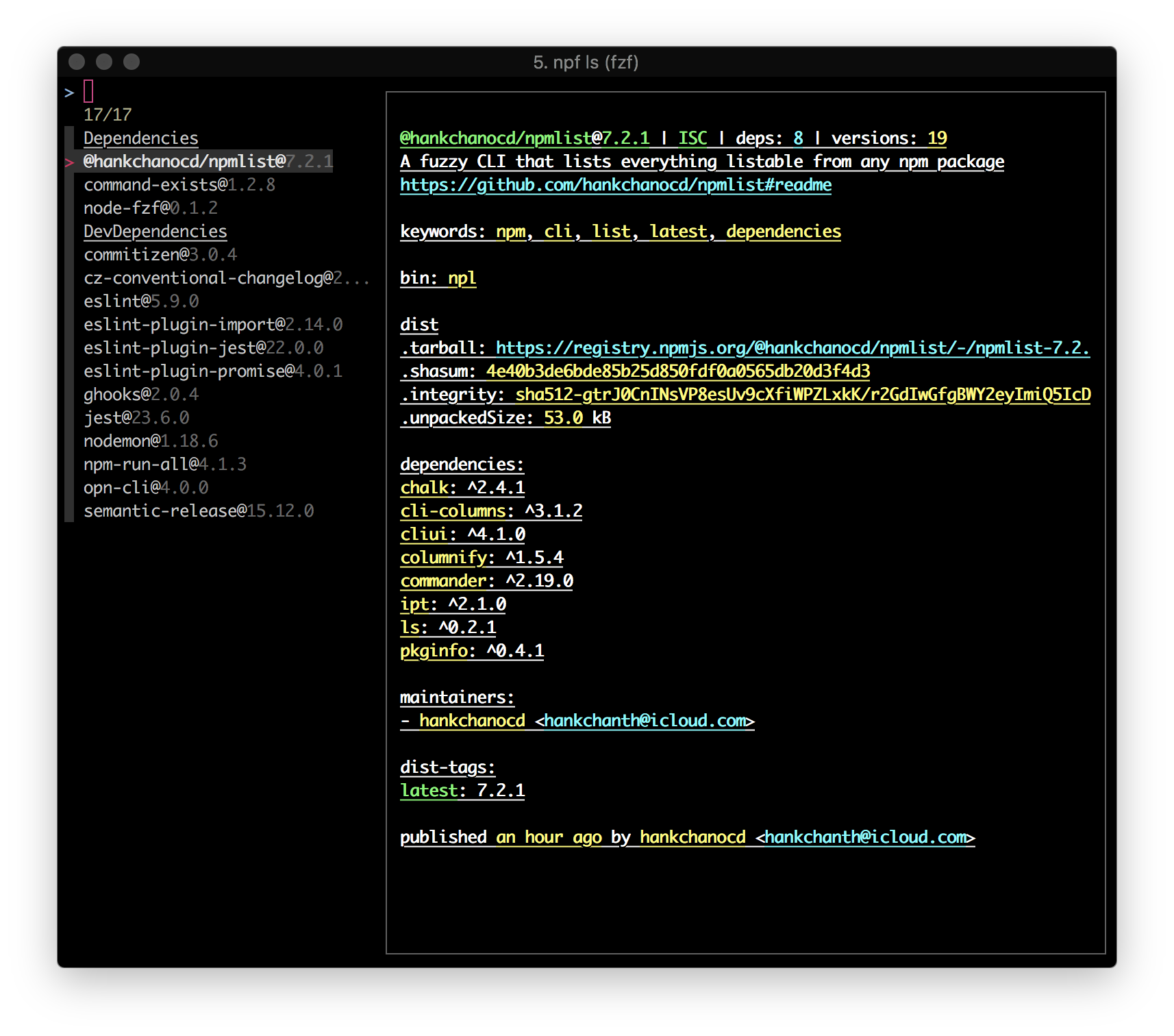
$ npf ls -g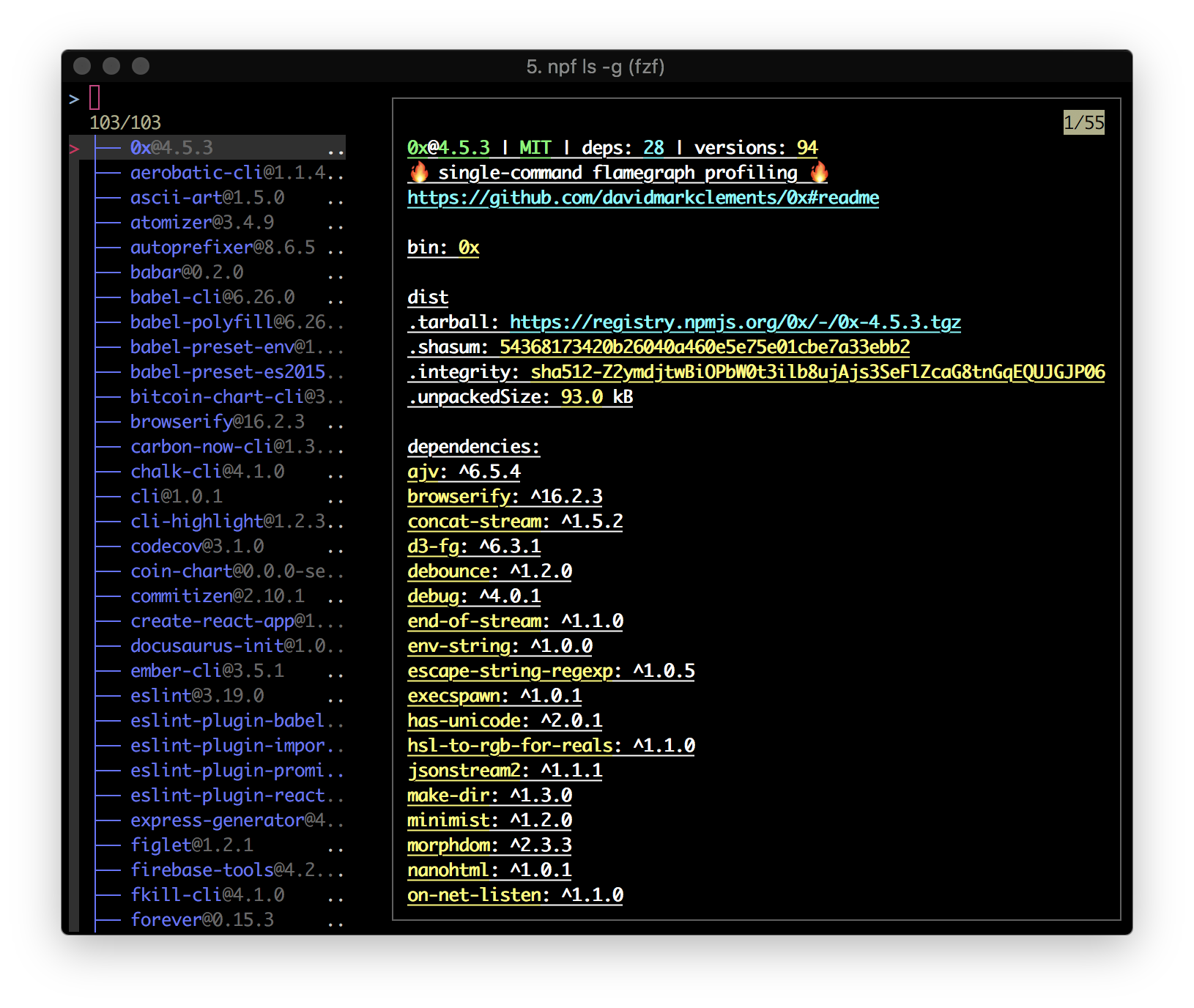
A quick refresher on what the heck it's installed/upgraded globally in the recent past
$ npf ls -t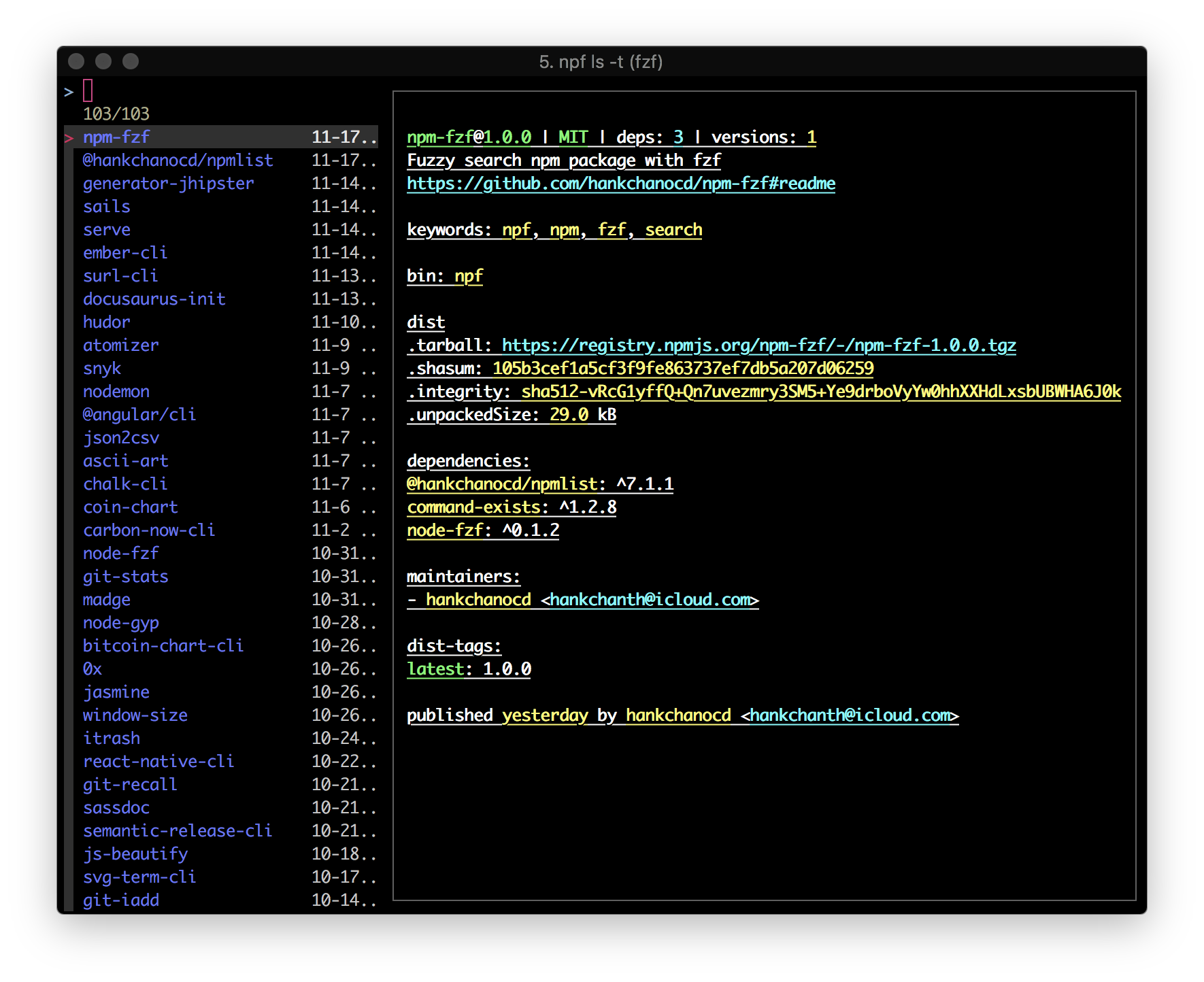
Preview mode uses fzf --preview underneath and is turned on in most cases by default. You can also opt for --no-preview to turn off the default preview mode.
$ npf ls -t --no-preview
$ npf ls -g --no-preview
$ npf ls -l --no-preview
Fuzzy mode is by default on. You can also opt for --no-fuzzy to turn it off.
$ npf ls -t --no-fuzzy
$ npf ls -g --no-fuzzy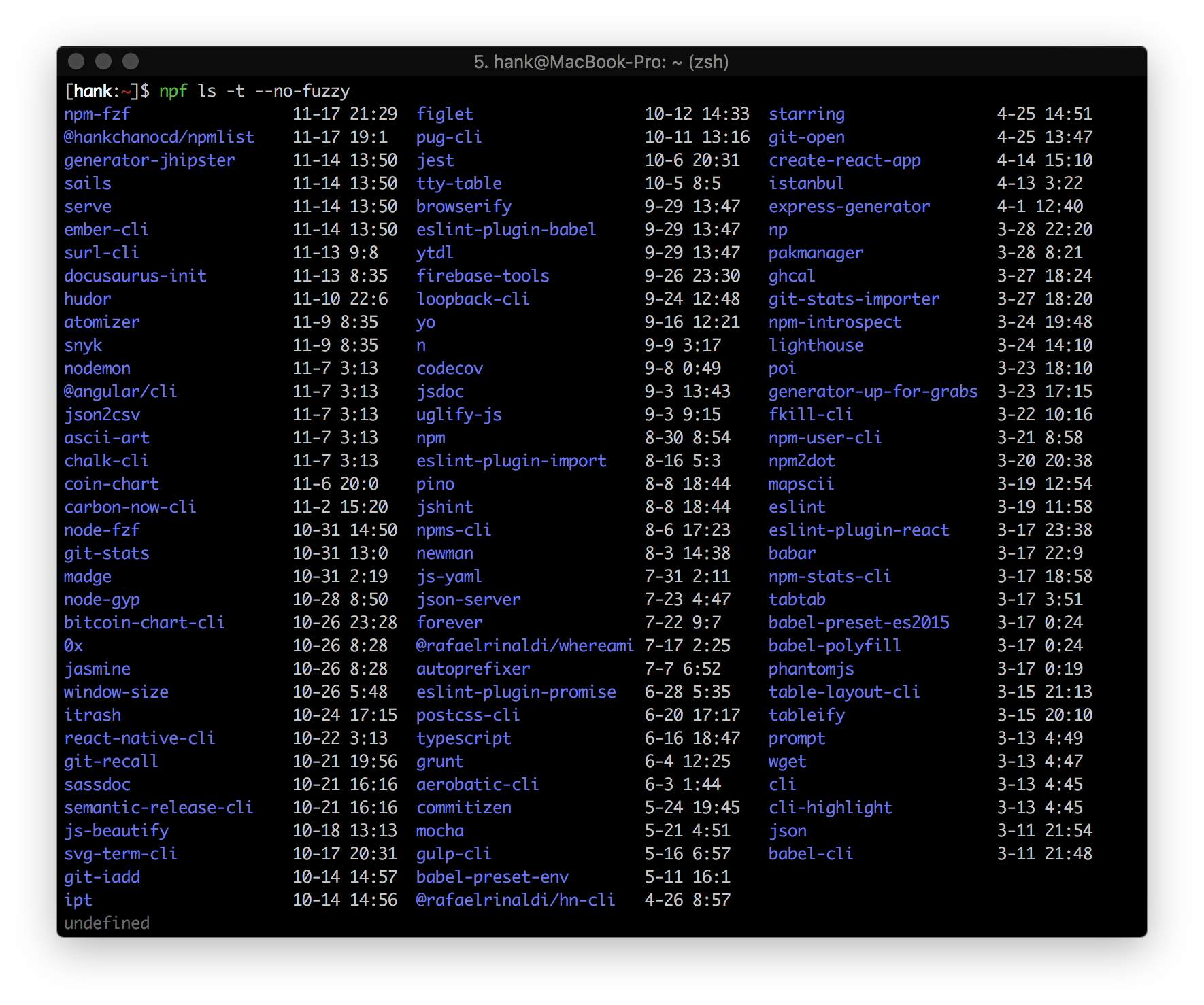
Applied to both local dependencies and global installs
$ npf ls --details
$ npf ls -g --details
Usage: run [options]

npm run with fzf

Options:
  -h, --help  output usage information

  Examples:
    npf run, execute npm scripts with fzf
    npf run --no-fuzzy, execute npm scripts without fzf
$ npf run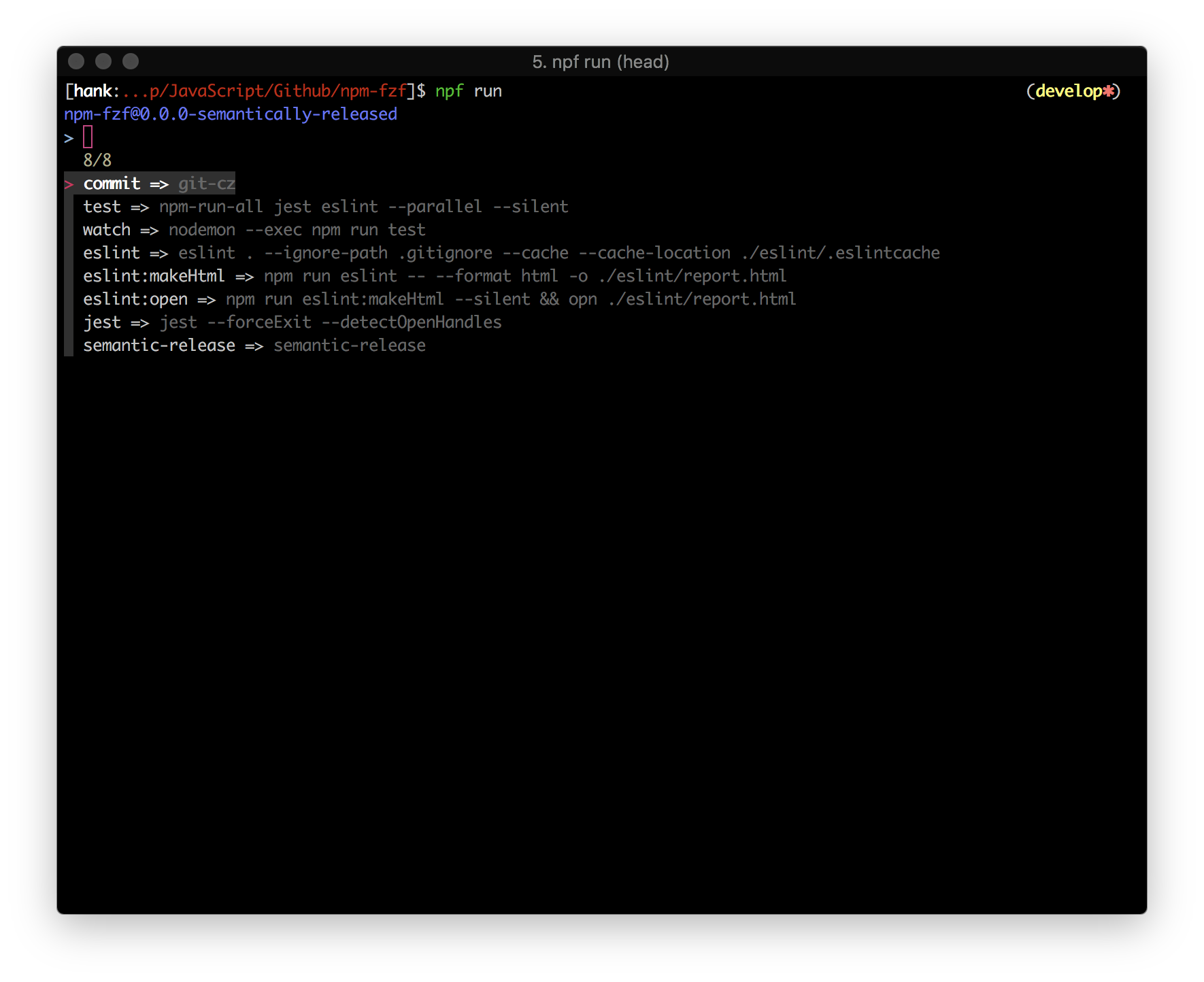
Usage: info [options] [module]

npm info with fzf

Options:
  -h, --help  output usage information

  Examples:
    npf info [module], a fuzzy list with preview of a module's dependencies fetched from NPM registry
    npf info [module] --no-preview, a fuzzy list of a module's dependencies fetched from NPM registry
    npf info [module] --no-fuzzy, a list of a module's dependencies fetched from NPM registry
npf info fetches the module's latest version by default, unless a version is specified.
It defaults to the current folder if no argument provided.
$ npf info npm-fzf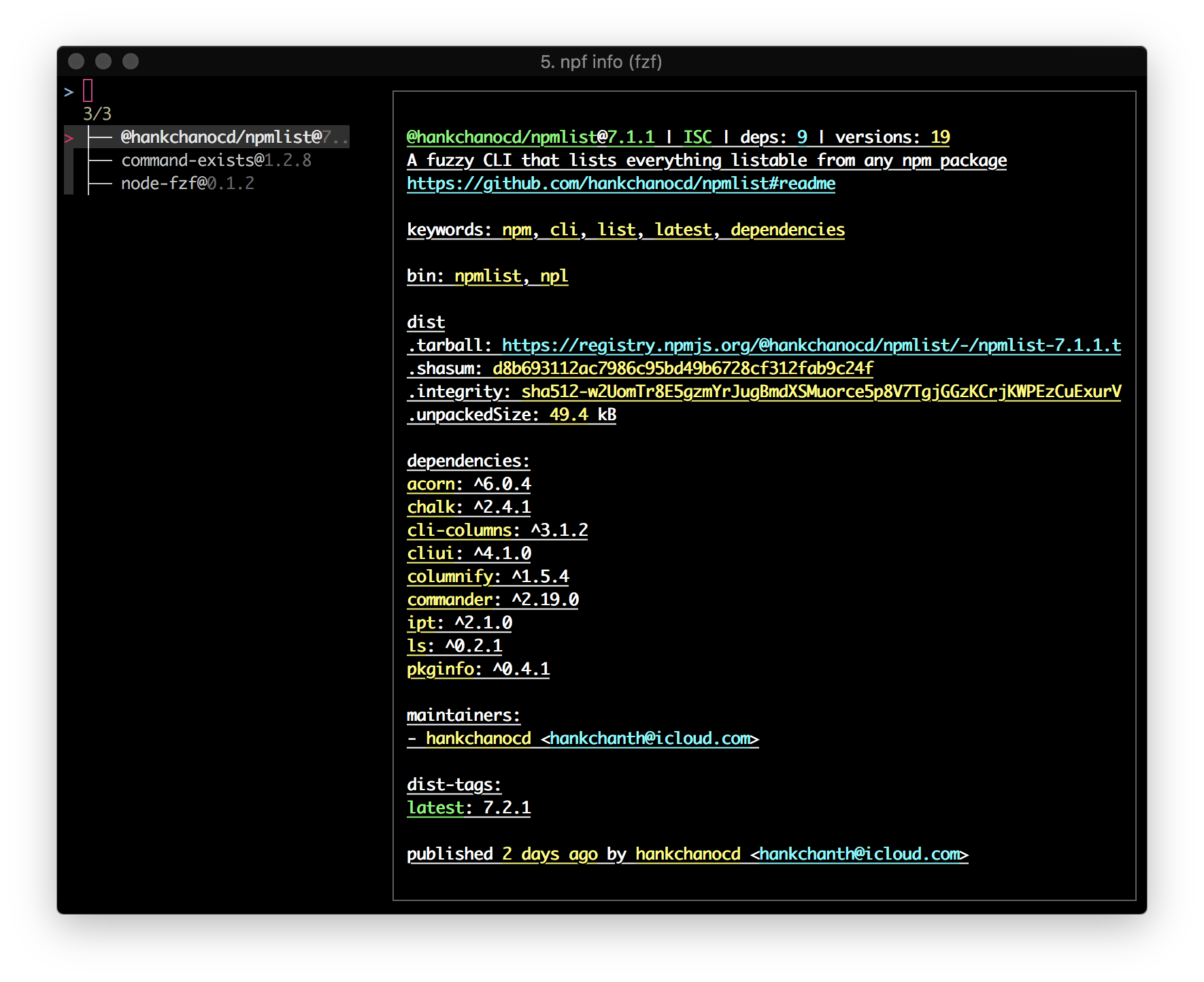
npf uses npmlist's API for getting modules' dependencies. npf itself does not expose any API.
$ npm install @hankchanocd/npmlistTo perform unit tests and integration tests, simply run npm test. (Need Help)
If you have any suggestion, leave it on Issues for discussion first. See here on how to contribute.
fzf empowers many features that would otherwise be hard to imagine. If you haven't heard of fzf, check out junegunn's fzf. Check out my Dotfiles to see more use cases of fzf.