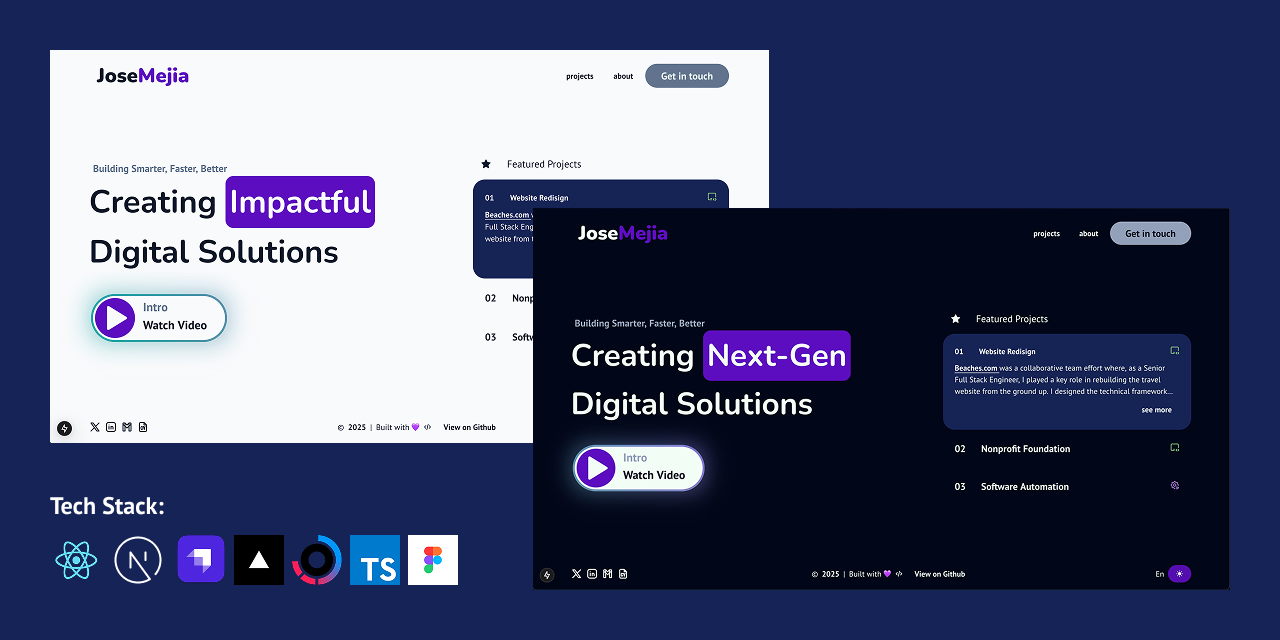
This is the monorepo for my personal portfolio, built using Next.js and managed with pnpm and Turbo for efficient development. It includes multiple applications and shared packages to streamline the development process.
portfolio/
│── apps/
│   ├── web/       # Next.js Portfolio Website
│   ├── cms/       # Strapi CMS
|   ├── proxy/     # Next.js API Service
│
│── packages/
│   ├── typescript-config/  # Shared TypeScript configurations
│   ├── types/              # Shared TypeScript types
│
│── package.json          # Root package configuration
│── turbo.json            # Turbo build configurations
│── pnpm-workspace.yaml   # pnpm workspace settings
Ensure you have Node.js >=18 and pnpm 9 installed.
pnpm installpnpm devThis runs the portfolio application in development mode using Turbo.
pnpm buildThis compiles all apps and packages using turbo build.
pnpm lintpnpm clean- Framework: Next.js (React 19)
- Commands:
pnpm --filter @portfolio/web dev   # Run Next.js in dev mode
pnpm --filter @portfolio/web build # Build Next.js project
- Framework: Strapi 5
- Commands:
pnpm --filter @portfolio/cms dev   # Run Strapi in dev mode
pnpm --filter @portfolio/cms build # Build Strapi project
- Stores TypeScript configurations for all projects.
- Syncs TypeScript types between projects.
- Command:
pnpm --filter @portfolio/types sync # Sync shared types
This monorepo uses Turbo for task caching and parallel execution.
- turbo.json defines how build, dev, lint, and other tasks run efficiently.
-
Install Vercel CLI:
pnpm add -g vercel
-
Authenticate with Vercel:
vercel login
-
Deploy:
vercel --prod
-
Fixing Corepack Issue: If you encounter a deployment issue related to Corepack(ERR_PNPM_META_FETCH_FAIL), enable it by adding the following environment variable in your Vercel project settings:
- Key:
ENABLE_EXPERIMENTAL_COREPACK - Value:
1
Also, ensure
packageManageris set inpackage.json:{ "packageManager": "pnpm@9" } - Key:
- Build the Strapi project:
pnpm --filter @portfolio/cms build
- Deploy to Render Cloud by creating a new Web Service and linking your repository.
- Set the required environment variables in Render for production.
- Start the service and verify deployment.
Each application and shared package contains its own README:
apps/web/README.md→ Details specific to the Next.js portfolio.apps/cms/README.md→ Documentation for the Strapi CMS setup and usage.packages/typescript-config/README.md→ Explanation of TypeScript configurations.packages/types/README.md→ Documentation on shared types and how to use them.
This project is based on my Monorepo Starter Template. You can check the latest changes and updates there.
This project is licensed under the MIT License.