v3‐2026
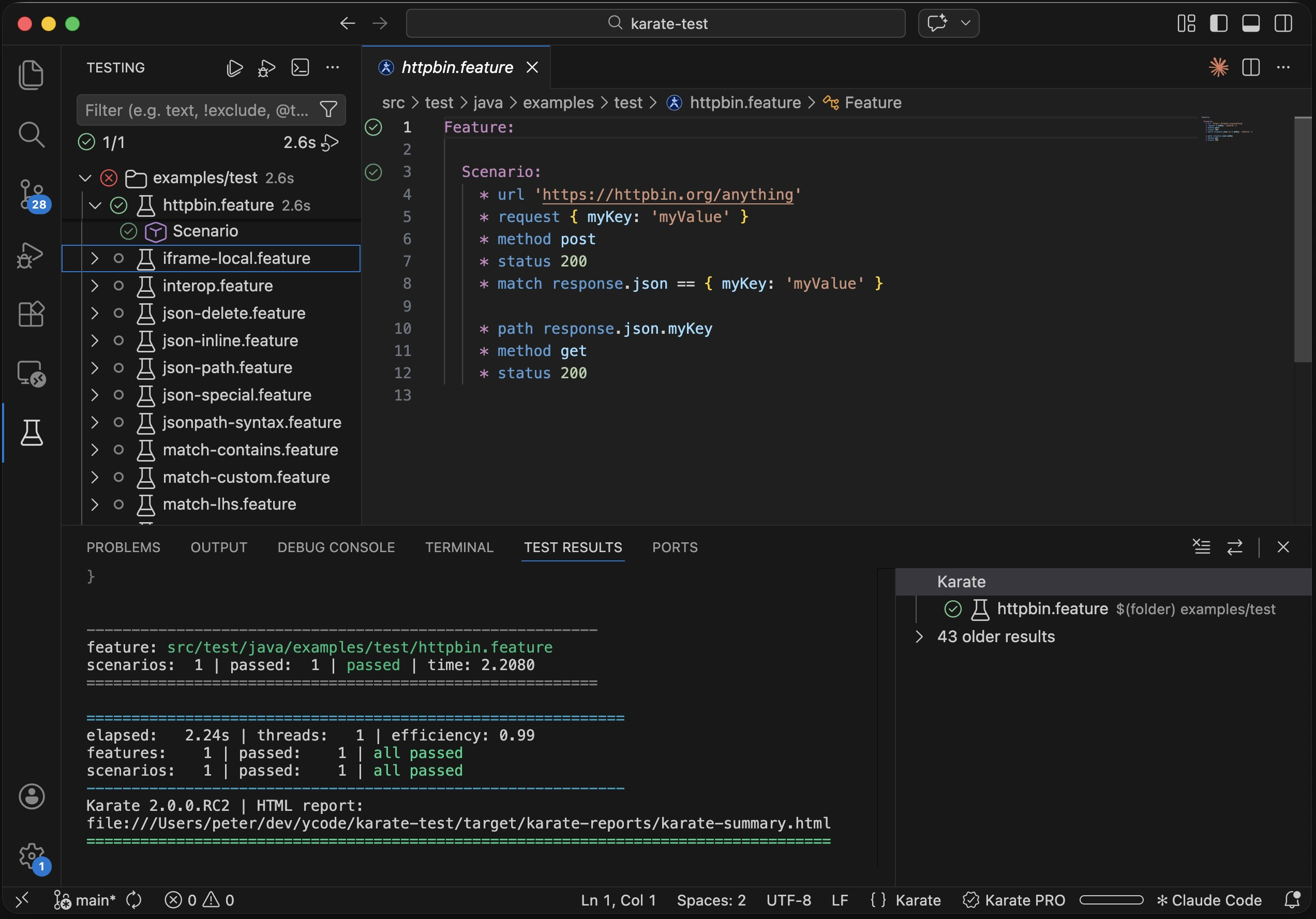
This extension supports Karate v2 — the next generation of the Karate test automation framework. Karate v2 brings major improvements that make getting started simpler and test execution more powerful:
- Simple installation — the Karate CLI is a single binary, no Maven or Gradle project needed. Install it from within VS Code with one click via the Setup Dashboard.
-
JavaScript debugging — set breakpoints and step through embedded JavaScript within
.featurefiles for the first time - ANSI colors in console — rich colored output in the terminal, works even outside the IDE
- HTML reports with tag filtering — interactive reports that let you filter results by tags
- Soft assertions — JSON validation works in soft assertion mode by default, so tests continue and report all failures instead of stopping at the first one
-
Large JSON support — operations such as
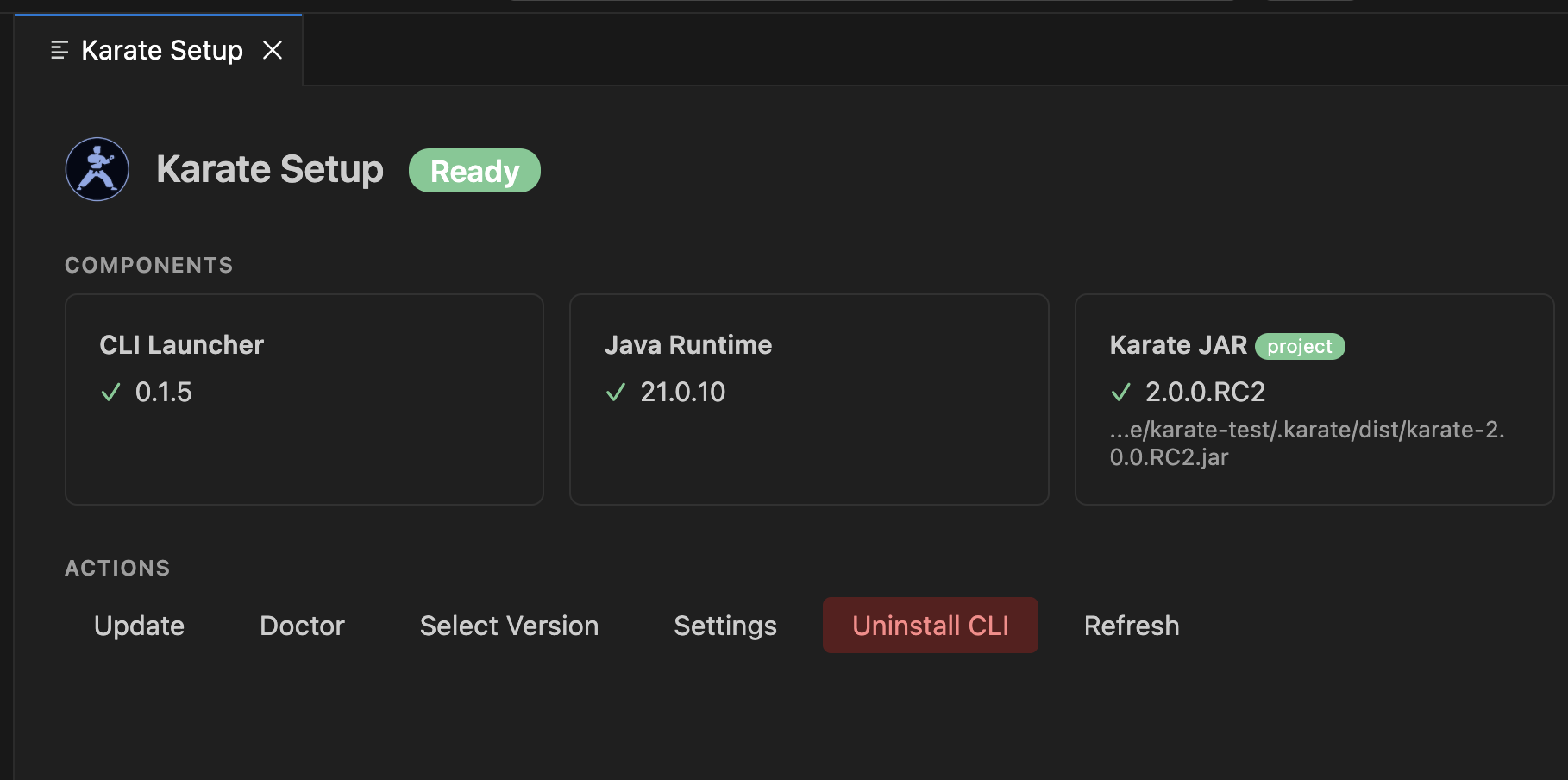
containsuse disk when needed to avoid out-of-memory issues on large payloads - Setup UI - see status of Karate / CLI installation or troubleshoot
- One-click license renew — refresh your session instantly without going through the full sign-in flow again
- VS Code native test runner - view tests in dedicated test tree view, smaller gutter icons, right-click to debug
- Better Formatter - Karate syntax coloring and inline JS and Examples tables parsing re-written from scratch
- Match Syntax Diagnostics - Syntax errors in Karate feature files highlighted and appears in "Problems" tab
- Install this extension - download the beta version here.
- Open Command Palette > Karate: Setup to install the CLI
- Open a
.featurefile — play buttons appear in the gutter - Press Cmd+F5 (macOS) or Ctrl+F5 (Windows/Linux) to run
- Install Language Support for Java
- Set run mode to
vscode-javain settings, or leave onauto(auto-detectspom.xml/build.gradle) - Open a
.featurefile and run from the gutter or Test Explorer
| Mode | For | How |
|---|---|---|
| auto (default) | Any project | Detects project type automatically |
| karate-cli | v2 + karate-pom.json
|
Spawns CLI directly |
| vscode-java | Maven / Gradle | Uses Red Hat Java extension |
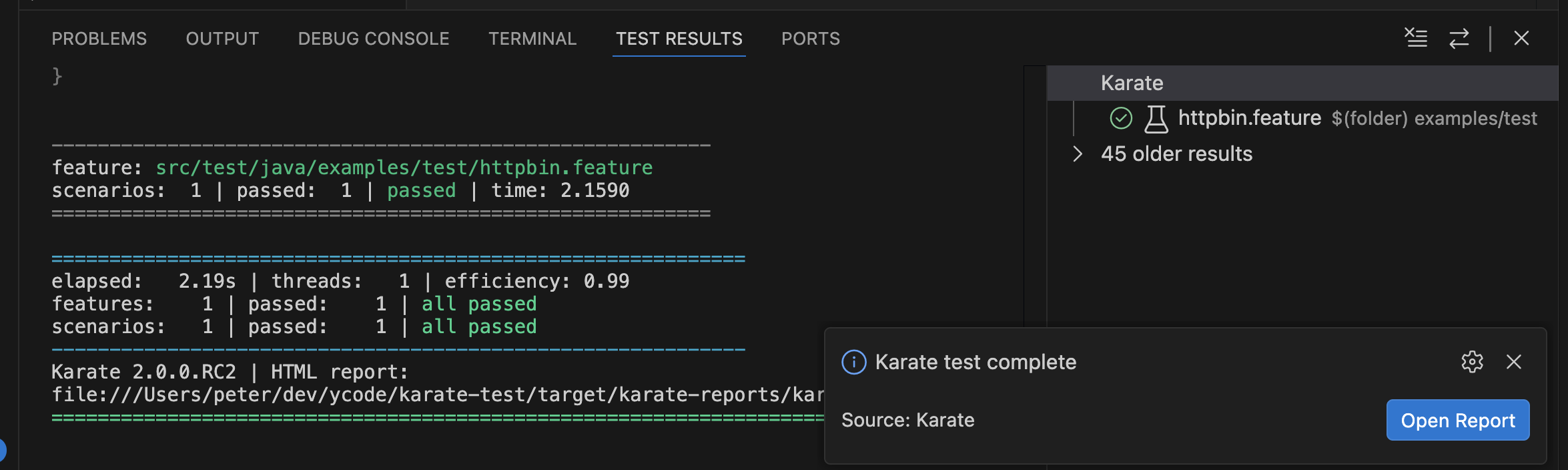
Run tests from:
- Gutter play buttons — click the green triangle next to any Scenario
- Keyboard shortcut — Cmd+F5 / Ctrl+F5 runs the test at cursor
- Test Explorer — tree view in the sidebar with run/debug buttons
-
Explorer context menu — right-click a
.featurefile to run -
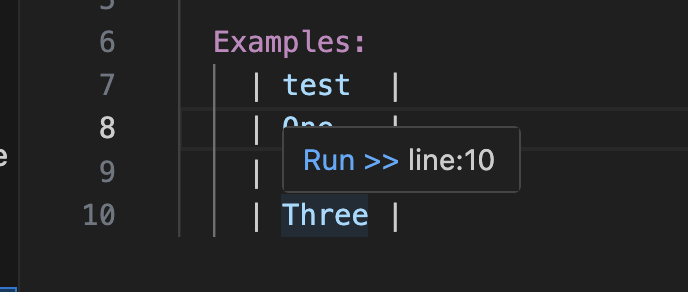
Example row hover — hover over an Examples data row to see
[Run >>]
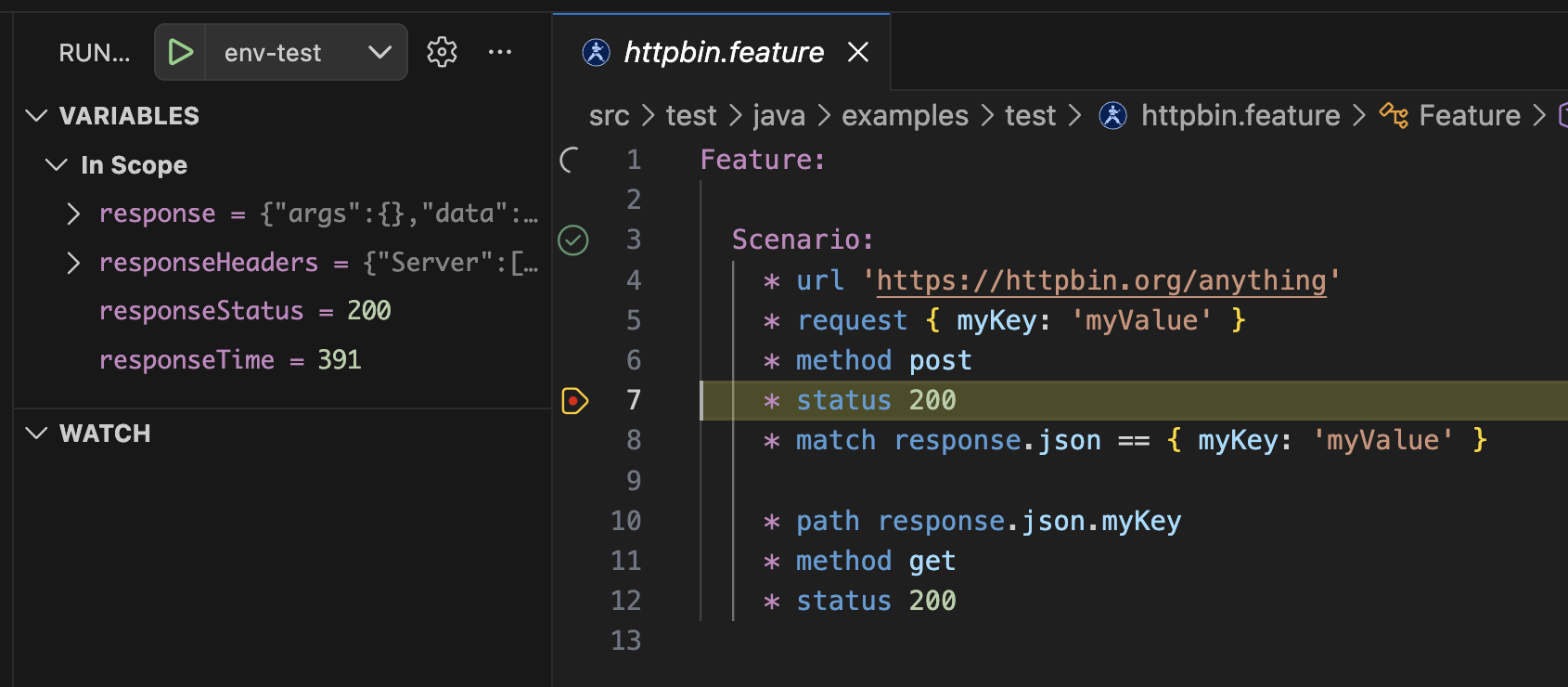
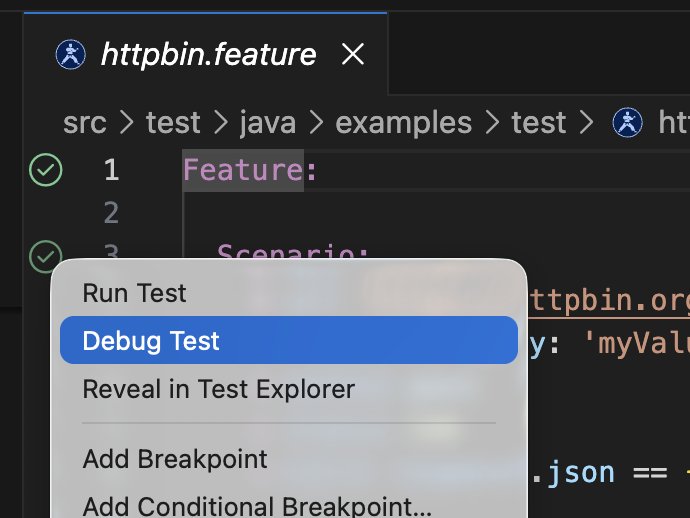
Set breakpoints in .feature files and debug with the Test Explorer debug profile. Works in both karate-cli and vscode-java modes. With Karate v2, you can also debug embedded JavaScript — step through JS expressions, inspect variables, and set breakpoints in inline scripts.
Example launch.json:
{
  "type": "karate",
  "name": "Karate: Debug",
  "request": "launch",
  "feature": "${file}"
}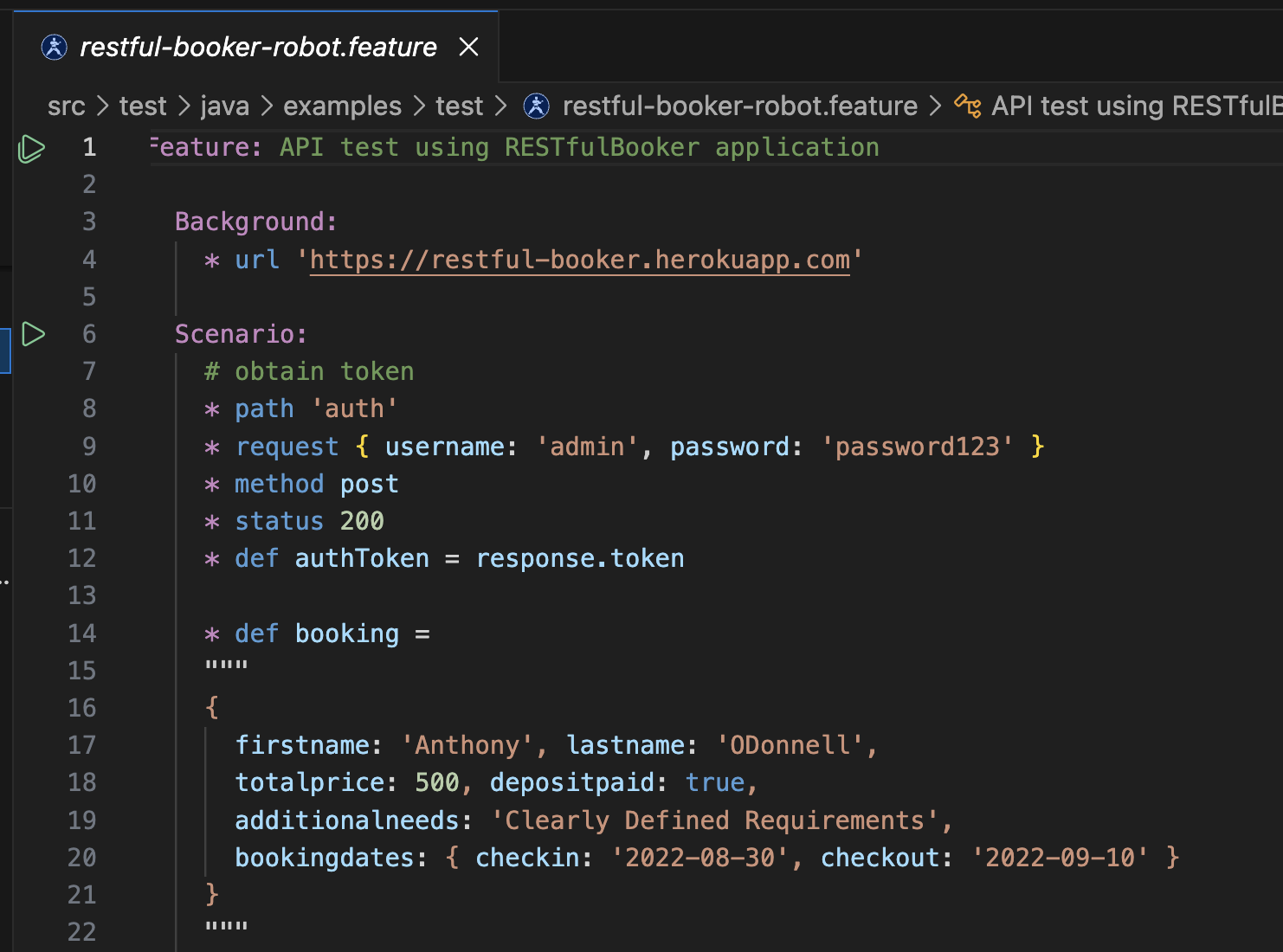
Rich syntax coloring for Karate/Gherkin with embedded JavaScript support.
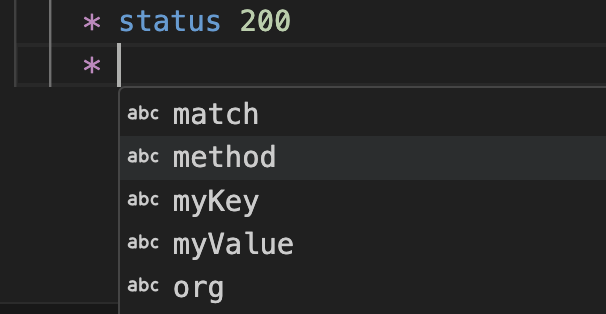
Auto-complete Karate keywords after step prefixes (Given, When, Then, And, *).
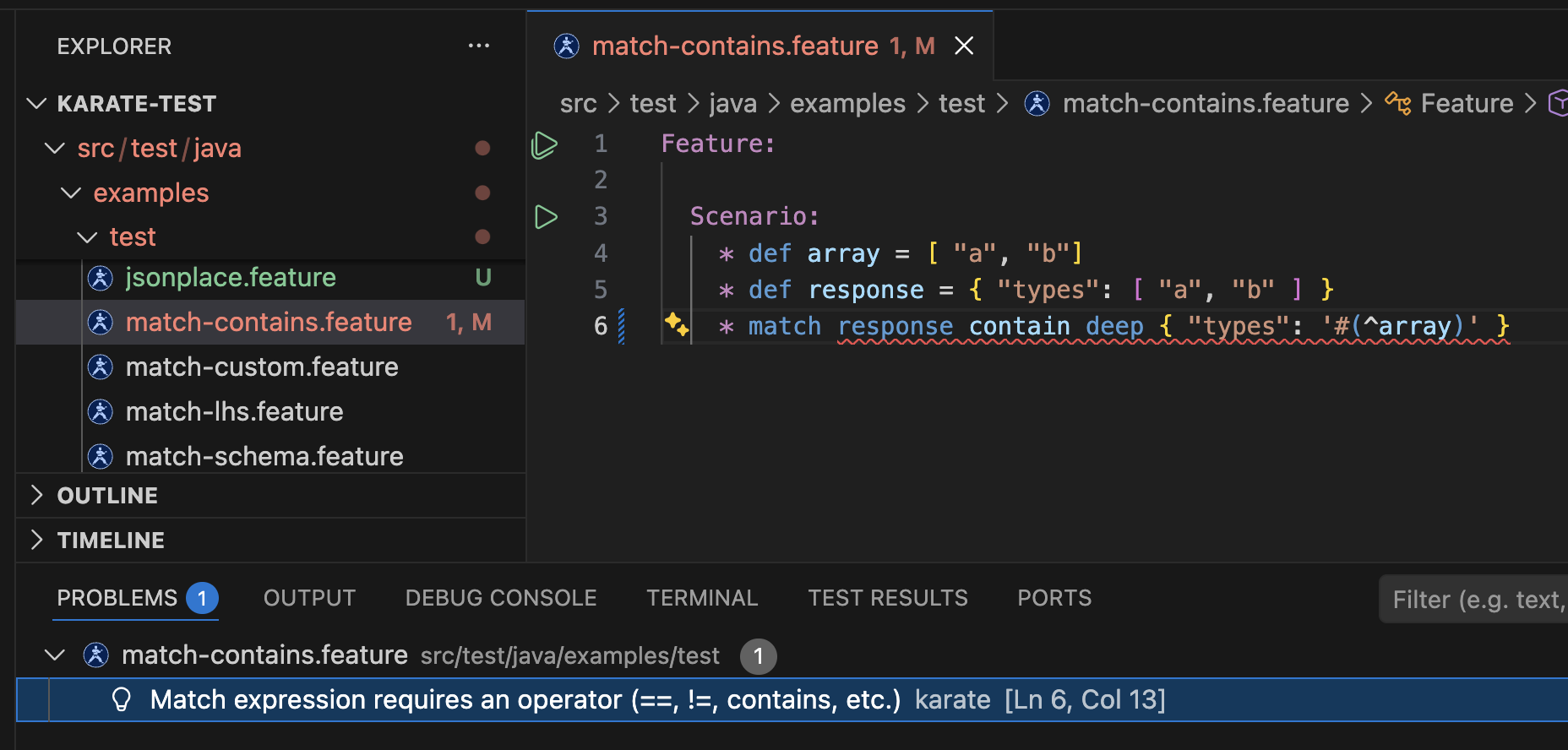
Real-time syntax error highlighting for Gherkin structure, match expressions, and embedded JavaScript.
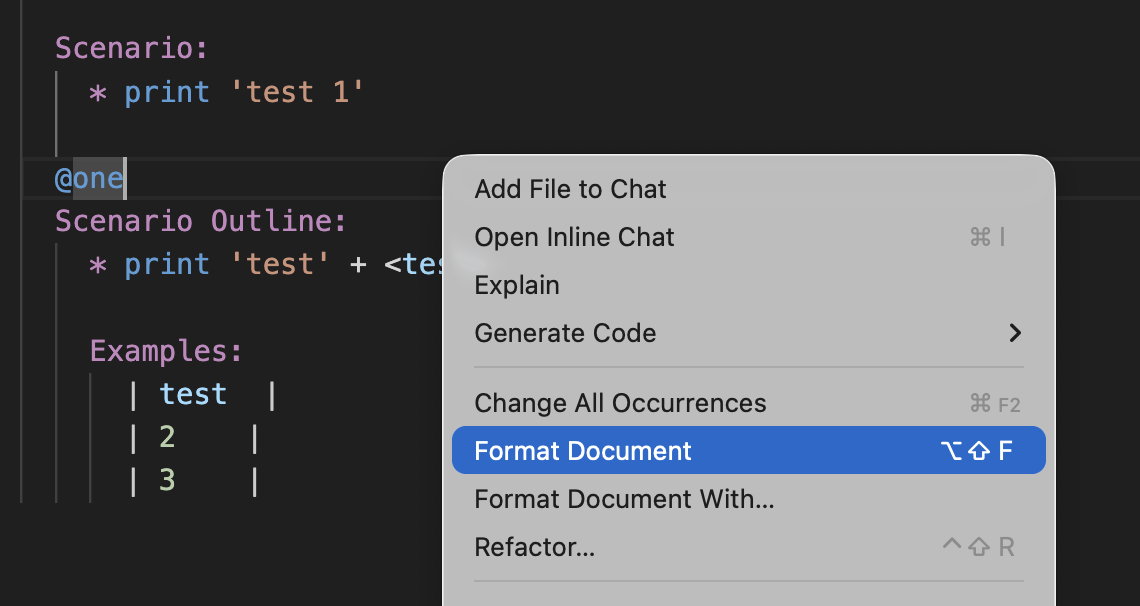
Format document aligns Examples table columns and normalizes indentation.
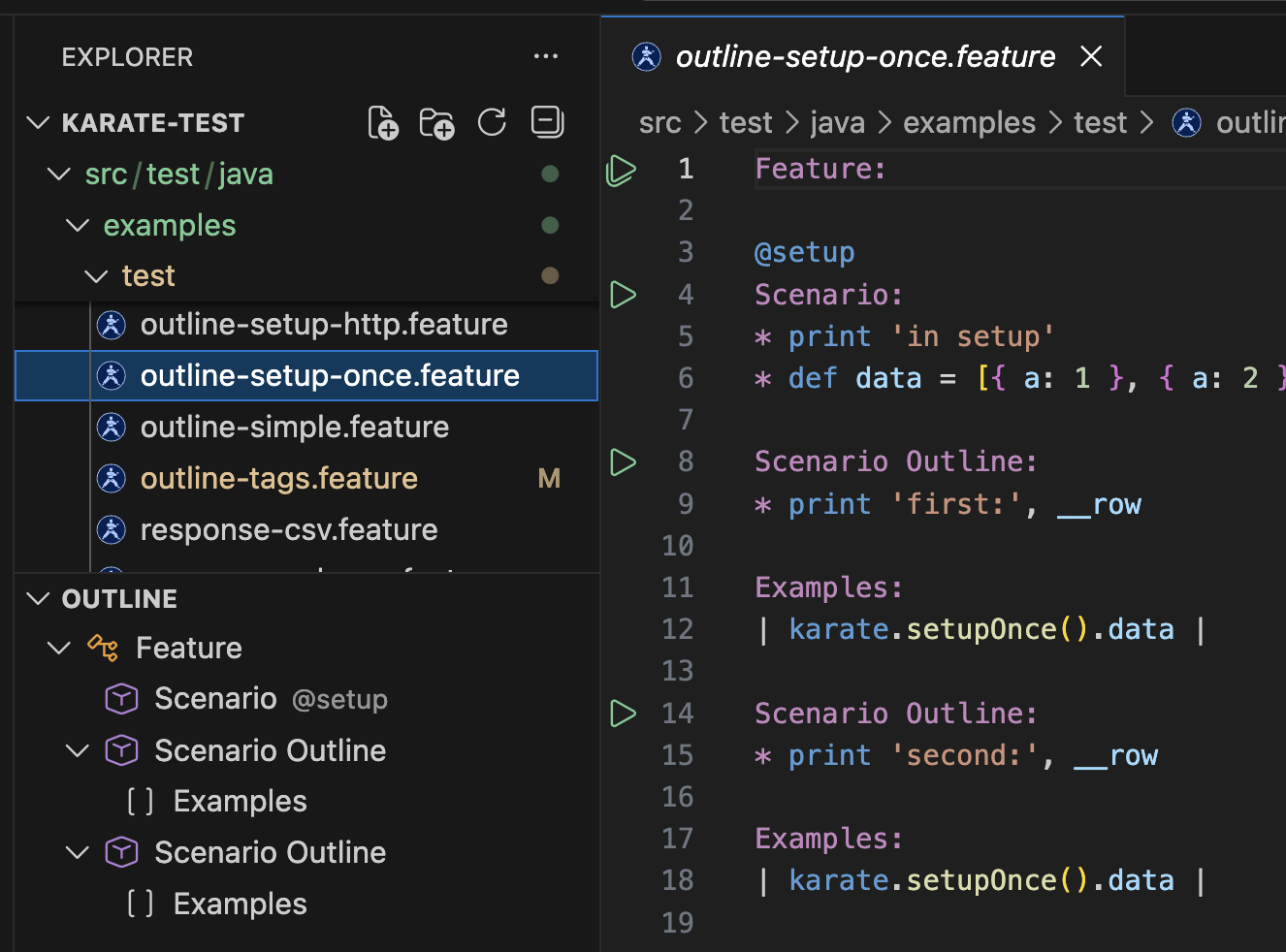
Feature / Scenario / Scenario Outline tree in the Outline sidebar.
Sign in via Command Palette > Karate: Sign In / Manage License
| Tier | Features |
|---|---|
| PLUS | Run tests |
| PRO | Debug, code completion, code folding, diagnostics |
One-click renew — if your subscription is still valid, click Renew from the license info dialog to refresh your session instantly. No need to go through the full sign-in flow again.
| Setting | Default | Description |
|---|---|---|
karatelabs.karate.run.mode |
auto |
How to run tests: auto, karate-cli, or vscode-java
|
karatelabs.karate.run.console |
integratedTerminal |
Where to show test output |
karatelabs.karate.karateCommand |
karate |
Path to the Karate CLI executable |
karatelabs.karate.cliOptions |
[] |
Additional CLI options |
| Command | Description |
|---|---|
| Karate: Setup | Open the Setup Dashboard |
| Karate: Sign In / Manage License | Sign in or manage your license |
| Karate: Kill All Running Tests | Stop all running Karate processes |
| Karate: Clean Reports | Clean karate report files |
| Karate: New Feature File | Create a new .feature file from a template |
| Shortcut | Action |
|---|---|
| Cmd+F5 / Ctrl+F5 | Run test at cursor |
-
CLI not found: Run Karate: Setup to install the CLI, or set
karatelabs.karate.karateCommandto the full path - vscode-java not working: Ensure the Language Support for Java extension is installed
- Debug not starting: Check the Karate Debug output channel for errors
- Check logs: Open the Output panel and select "Karate" for extension logs
See CHANGELOG.md for the full list of changes.