


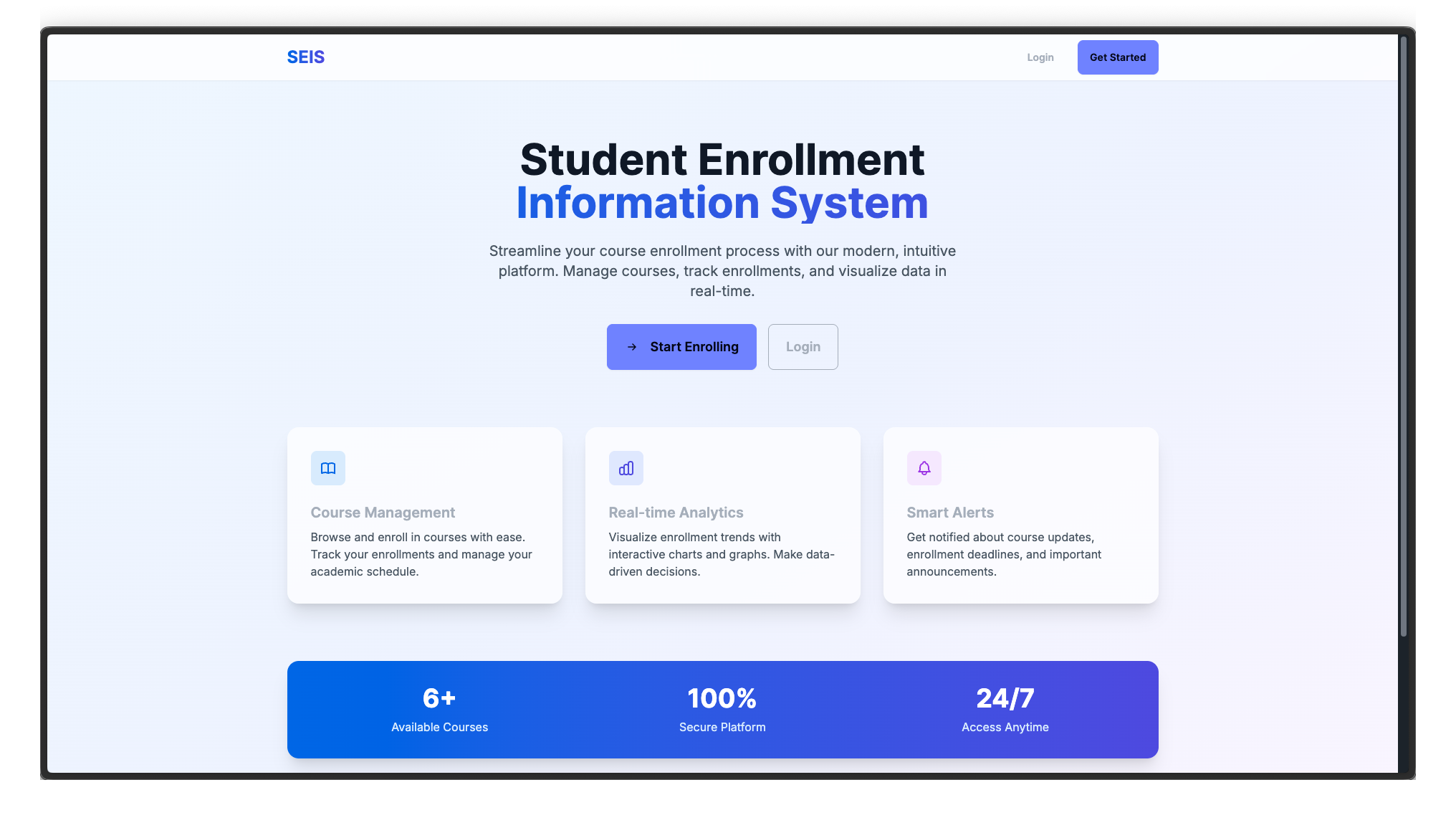
A comprehensive web-based platform for managing student course enrollments with real-time analytics and administrative oversight.
SEIS is a Next.js application that streamlines the course enrollment process for educational institutions. The platform features role-based access control with distinct interfaces for students and administrators, enabling efficient enrollment management and data-driven decision making through interactive analytics.
Student Interface
- Course enrollment management with semester-based enrollment caps (maximum 3 courses)
- Customizable course alert notifications
- Real-time enrollment status tracking
- Personal enrollment dashboard with course overview
Administrator Interface
- Comprehensive enrollment analytics across all courses
- Interactive data visualizations powered by D3.js
- Real-time enrollment monitoring and reporting
- Administrative dashboard with course management capabilities
-
Frontend: Next.js 16, React 19
-
Backend: Firebase (Authentication, Firestore Database)
-
Styling: Tailwind CSS, DaisyUI
-
Data Visualization: D3.js
-
Deployment: Vercel
- Node.js 18 or higher
- Firebase account with configured project
- npm or yarn package manager
- Clone the repository
git clone https://github.com/kishorep26/student-enrollment-information-system.git
cd student-enrollment-information-system- Install dependencies
npm install- Configure environment variables
Create a .env.local file in the root directory:
NEXT_PUBLIC_apiKey=your-firebase-api-key
NEXT_PUBLIC_authDomain=your-auth-domain
NEXT_PUBLIC_projectId=your-project-id
NEXT_PUBLIC_storageBucket=your-storage-bucket
NEXT_PUBLIC_messagingSenderId=your-messaging-sender-id
NEXT_PUBLIC_appId=your-app-id
NEXT_PUBLIC_collection=your-enrollment-collection
NEXT_PUBLIC_collection_alerts=your-alerts-collection
NEXT_PUBLIC_collection_summaire=your-summaries-collection- Run the development server
npm run devAccess the application at http://localhost:3000
- Authentication: Enable Email/Password authentication method
- Firestore Database: Create three collections with the following structure:
Collections Structure:
- Enrollment Collection: Stores student course enrollments (course IDs as document names)
- Alerts Collection: Manages course notification preferences
- Summaries Collection: Contains date-based enrollment counts for analytics visualization
Each collection should contain documents with course IDs as document names. The enrollment and alerts collections start empty, while the summaries collection requires date fields with enrollment counts for visualization purposes.
- Push your code to GitHub
- Import project in Vercel
- Configure environment variables in Vercel dashboard
- Deploy automatically on push to main branch
NEXT_PUBLIC_apiKey: Firebase API keyNEXT_PUBLIC_authDomain: Firebase auth domainNEXT_PUBLIC_projectId: Firebase project ID- Additional Firebase configuration variables
The application is optimized for deployment on Vercel. Ensure all environment variables are properly configured in your Vercel project settings before deployment.