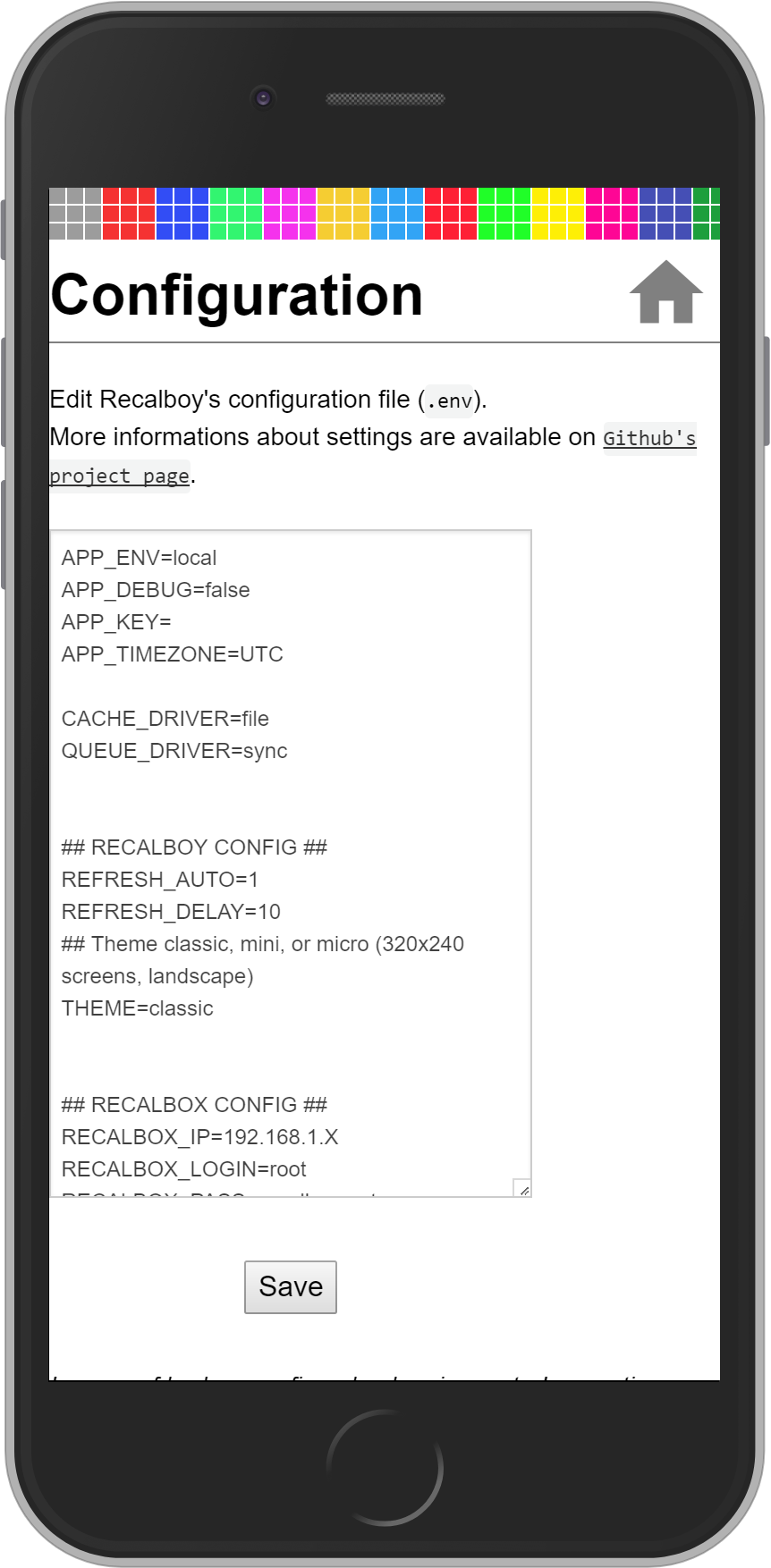
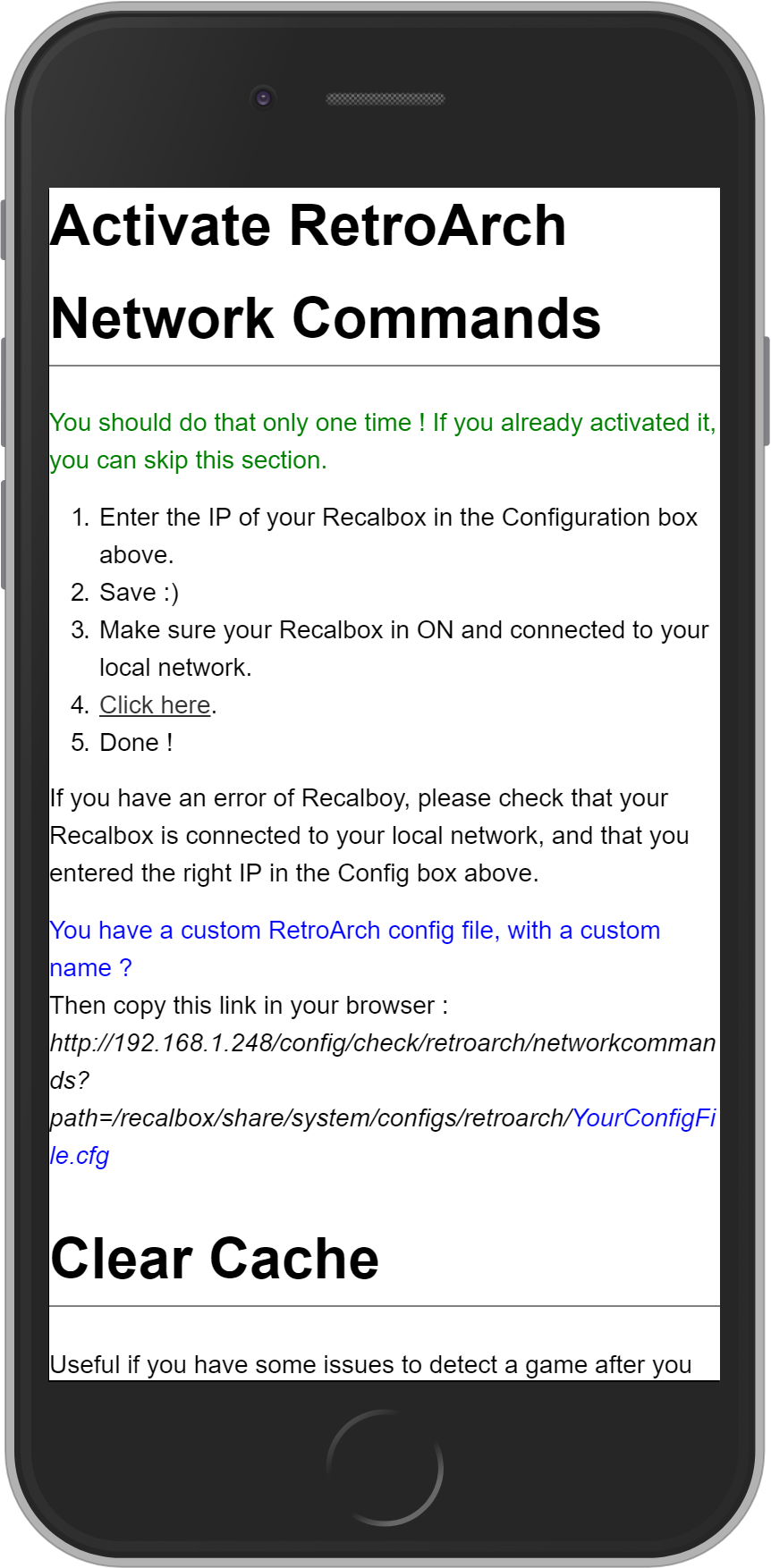
Very Easy Install
1. Download and install VirtualBox.
2. Download Recalboy Virtual Appliance.
3. Import the downloaded file into VirtualBox (how to).
4. Open configuration (Ctrl+S) and activate bridged network like the picture below (english and french)

5. Power on the newly created virtual machine, you'll get a welcome screen with the IP of your Recalboy.
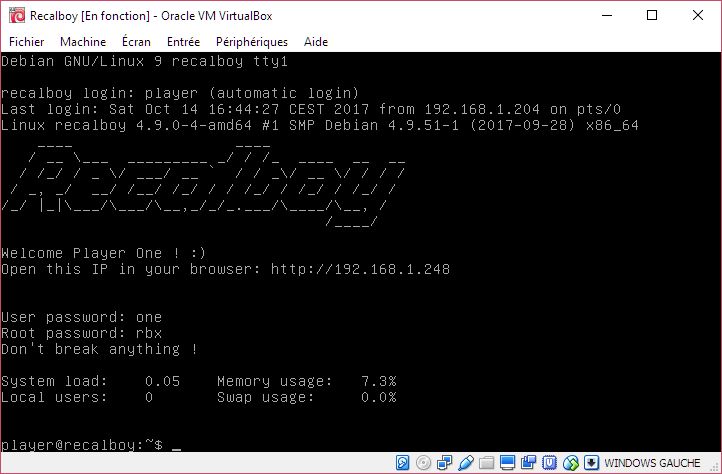
 to access Configuration Page.