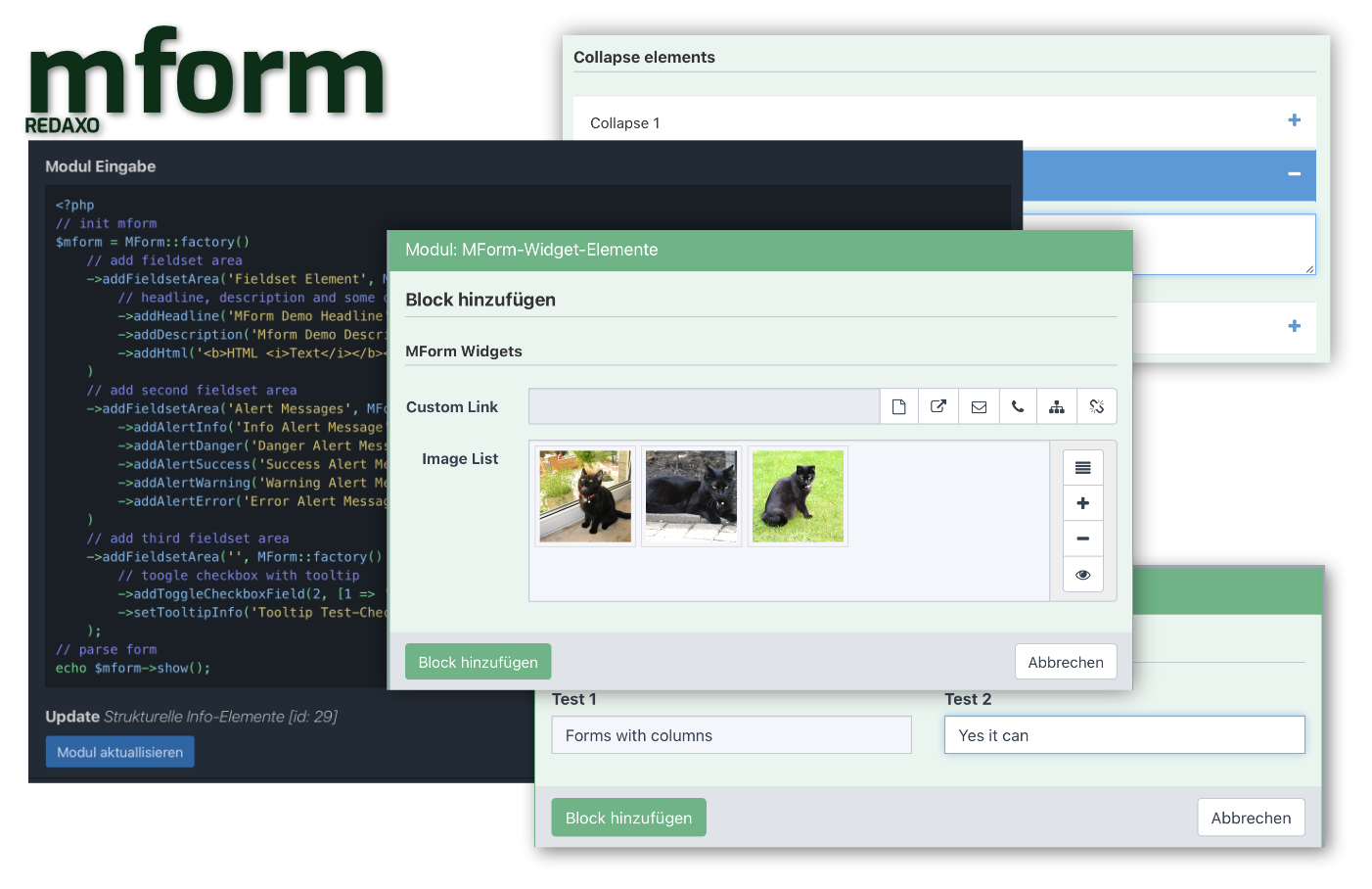
MForm is a REDAXO Addon, which makes the creation of module input forms much easier. MForm uses templates which enable the administrator to customize the module appearance. MForm provides all common module input form elements and additonal widgets which can be easily integrated. MForm also extends YForm and rex_form with additional widgets, e.g. a custom link field and image list for galleries.
The included Demo library allows you to try out module codes immediately. Modules can be installed and tested directly. The codes are all annotated.
- Creation of module inputs via PHP
- Output of forms customizable via fragments
- Custom widgets for linking (also YForm) and images
- Factory that allows form parts to be easily swapped out
- REDAXO JSON value handling
- Multi-column forms
- Inline form elements
- Module examples for direct installation
- HMTL5 form elements
- SQL fields
- Collapse, Tabs
- Accordions Wrapper elements Via Checkbox
- Radio or Select controllable collapse elements
- Full MBlock compatibility
- Datalists
Notes
- The MForm form builder is only designed to generate REDAXO module input forms!
- Currently the imagelist widget is not mblock compatible
MForm can be installed directly via the Redaxo installer. MForm Redaxo Addon Page
- log in to REDAXO
- in backend under "Installer > Download new" search "MForm" and under "Function" click "view"
- click on "download" in the list of the current version under "function
- install and activate MForm under "AddOns"
MForm must be notated as PHP code in the module input of a REDAXO module.
// instantiate
$MForm = MForm::factory();
Any number of MForm forms can be created, which can also be instantiated directly as element properties.
// instantiate
$MForm = MForm::factory() // init
    ->addFieldsetArea('My fieldset', MForm::factory() // use fieldset method and init new mform instance
            ->addTextField(1, ['label' => 'My input']) // add text field with rex_value_id 1 and label attribute
);The main form elements provided by MForm are added by methods.
$MForm = MForm::factory()
    ->addHeadline("Headline") // add headline
    ->addTextField(1, ['label' => 'Input', 'style' => 'width:200px']); // add text field with rex_value_id 1
All MForm methods expect optional attributes, parameters and options. These can also be subsequently assigned to the element by setters.
// add text field
$MForm = MForm::factory()
    ->addTextField(1) // add text field with rex_value_id 1
    ->setLabel('Text Field')
    ->setAttributes(['style' => 'width:200px', 'class' => 'test-field']);
The REX_VALUE-Key must be passed to each form input method as a mandatory field. Informational elements do not need an ID.
MForm supports REX_VALUE-ARRAYs so there is no longer any REX_VALUE limitation. Note that each x.0 key must be passed as a string.
// add text field
$MForm = MForm::factory()
    ->addTextField("1.0")
    ->addTextField(1.1)
->addTextField("1.2.Titel");To generate the composed form, the show method must be used.
 // create output
echo $MForm->show();

// without var
echo MForm::factory()
    ->addTextField(1, ['label' => 'Input', 'style' => 'width:200px']) // add text field with rex_value_id 1
->show();MForm provides the following element methods:
- Structural wrapper elements
addFieldsetAreaaddCollapseElementaddAccordionElementaddTabElementaddColumnElementaddInlineElement
- Text input and hidden elements
addTextFieldaddHiddenFieldaddTextAreaFieldaddTextReadOnlyFieldaddTextAreaReadOnlyField
- Select elements
addSelectFieldaddMultiSelectField
- Checkbox and radio elements
addCheckboxFieldaddRadioField
- Informal elements
addHtmladdHeadlineaddDescriptionaddAlertaddAlertDanger,addAlertErroraddAlertInfoaddAlertSuccessaddAlertWarning
- System button elements
addLinkFieldaddLinklistFieldaddMediaFieldaddMedialistField
- Custom elements
addCustomLinkFieldaddImagelistFieldaddInputField
- Special 'setter' methods
setAttributesetAttributessetCategorysetCollapseInfosetDefaultValuesetDisableOptionsetDisableOptionssetFormItemColClasssetFullsetLabelsetLabelColClasssetMultiplesetOptionsetOptionssetParametersetParameterssetPlaceholdersetSizesetSqlOptionssetTabIconsetToggleOptionssetTooltipInfo
MForm uses the REDAXO variables provided by REDAXO. Either as classic or as JSON values. See the REDAXO doc / german for information.
MForm is licensed under the MIT License.
see CHANGELOG.md
Friends Of REDAXO
Project lead