A powerful canvas-based library to generate stunning, highly customizable music cards with modern themes and rich features.


npm install musicardimport { initializeFonts, Bloom } from 'musicard';
import fs from 'node:fs';
(async () => {
initializeFonts();
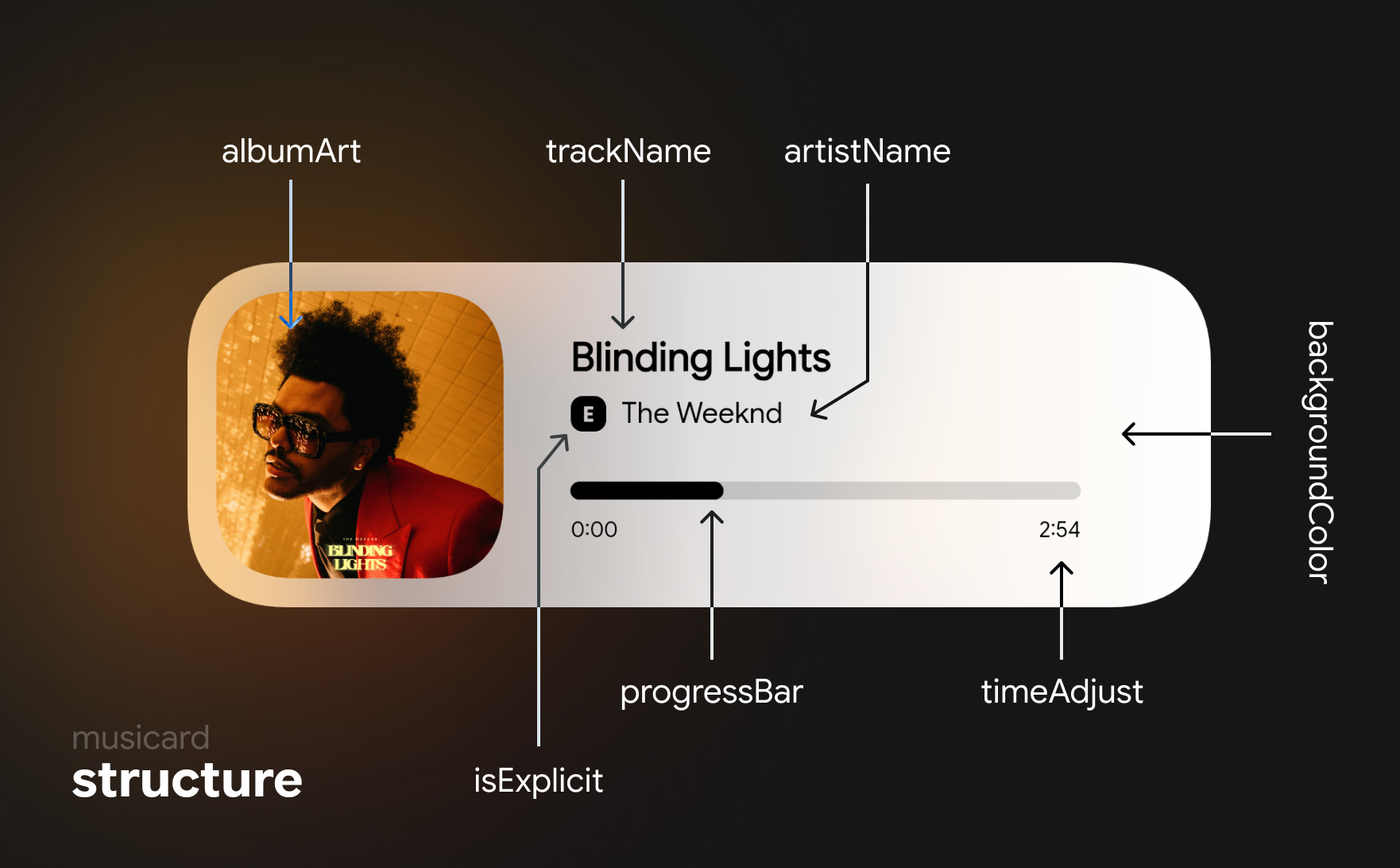
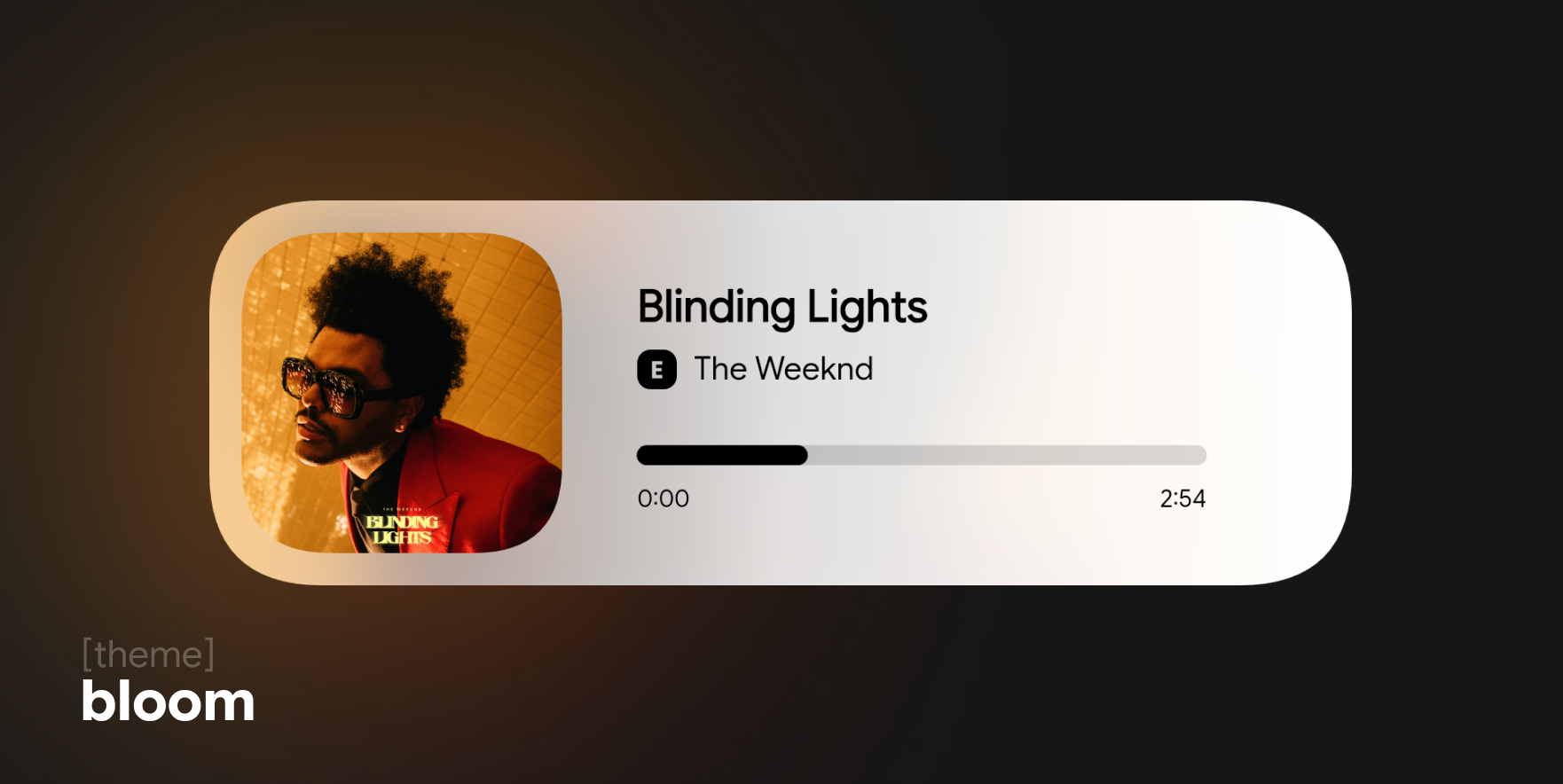
const musicard = await Bloom({
trackName: "Blinding Lights",
artistName: "The Weeknd",
albumArt: "", // Image Path/URL
isExplicit: true,
timeAdjust: {
timeStart: "0:00",
timeEnd: "2:54",
},
progressBar: 10,
volumeBar: 70,
});
fs.writeFileSync('example.png', musicard);
console.log('✅-> example.png');
})();Here's how you can use musicard in a Discord bot to generate and send a music card image:
const { initializeFonts, Bloom } = require("musicard");
const fs = require("fs")

await initializeFonts();
const musicard = await Bloom({...})

...

return message.channel.send({
    files: [{
        attachment: musicard
    }]
})
≪ ◦ ✦ ◦ ≫
≪ ◦ ✦ ◦ ≫
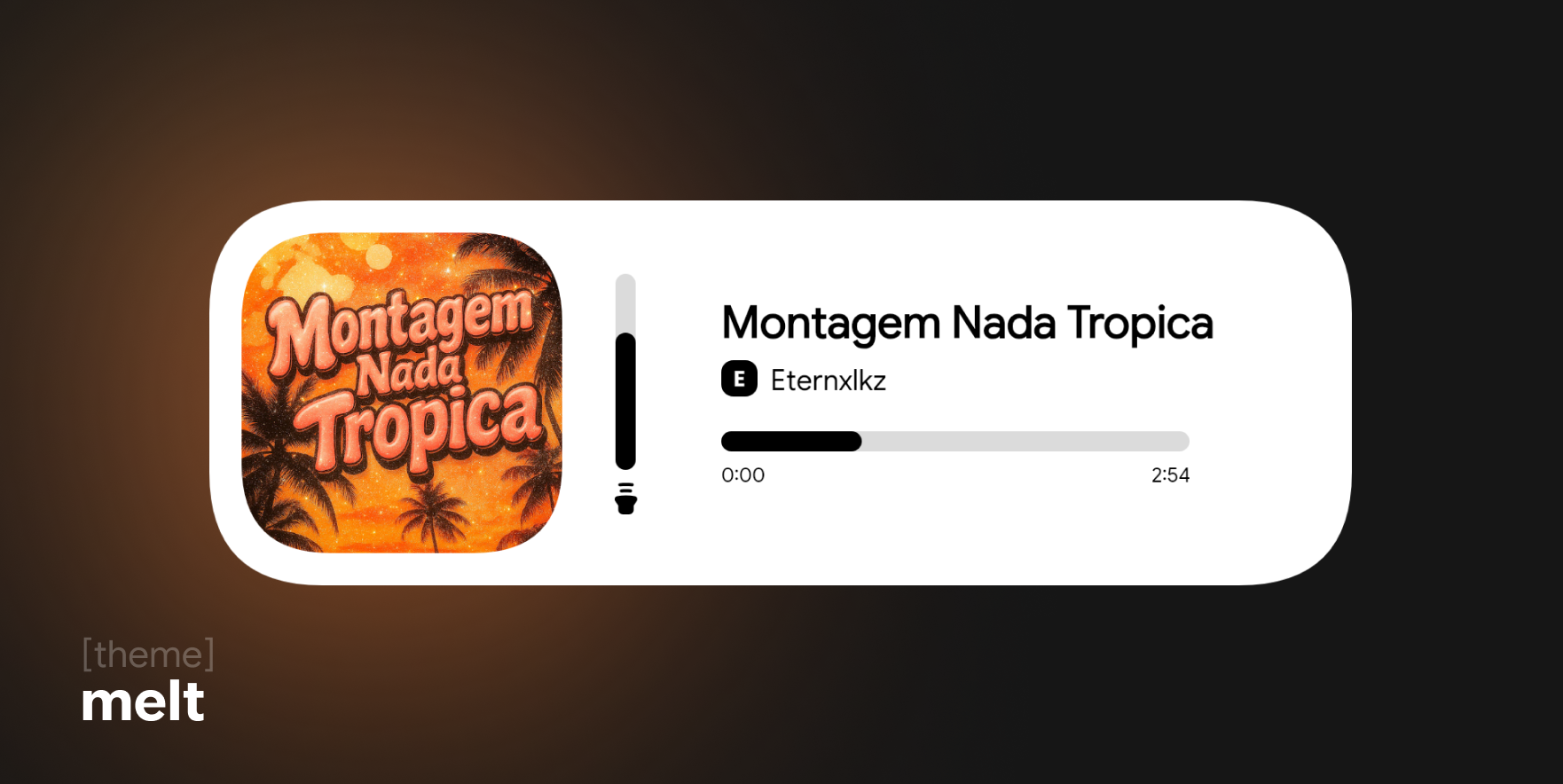
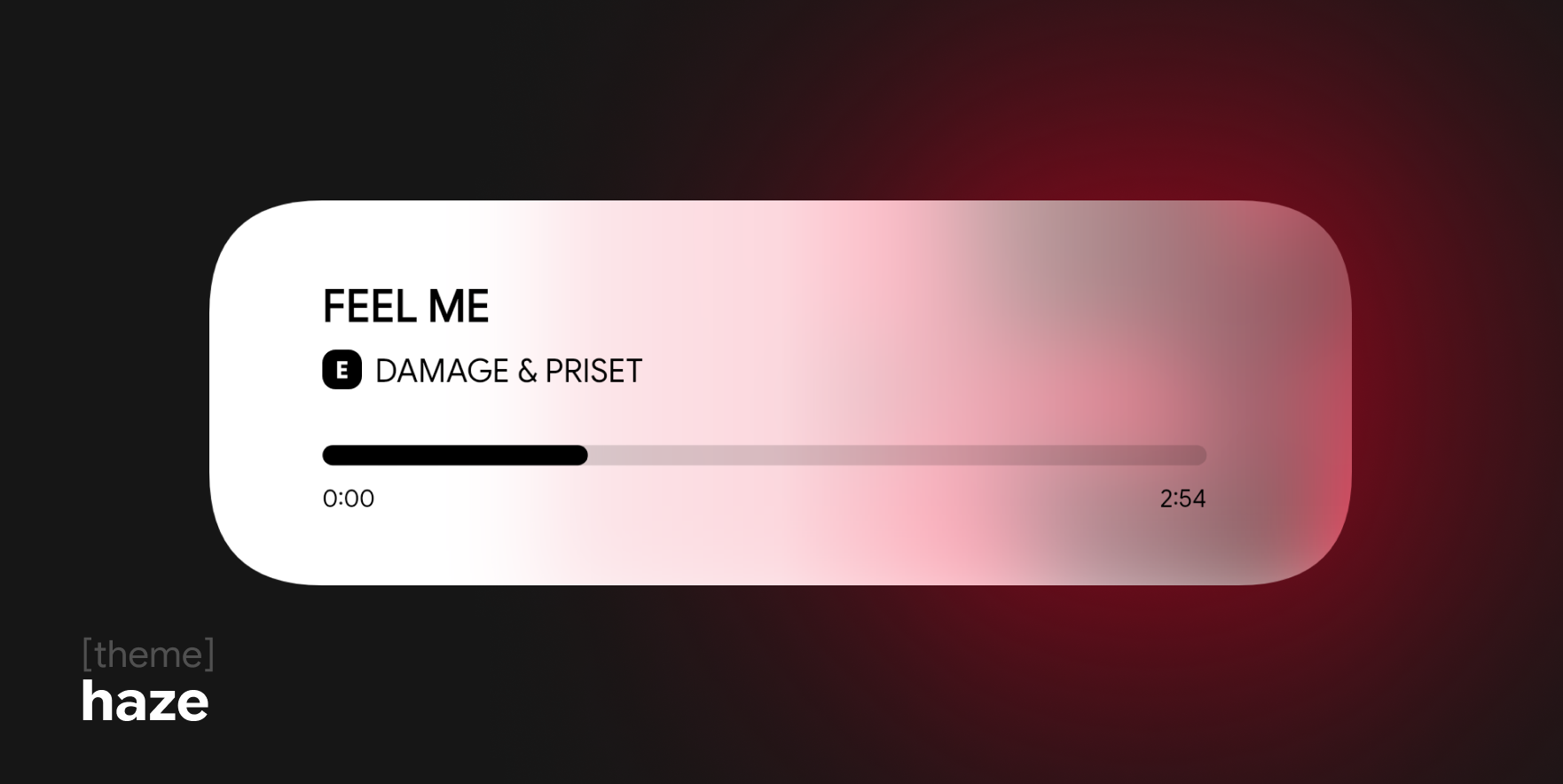
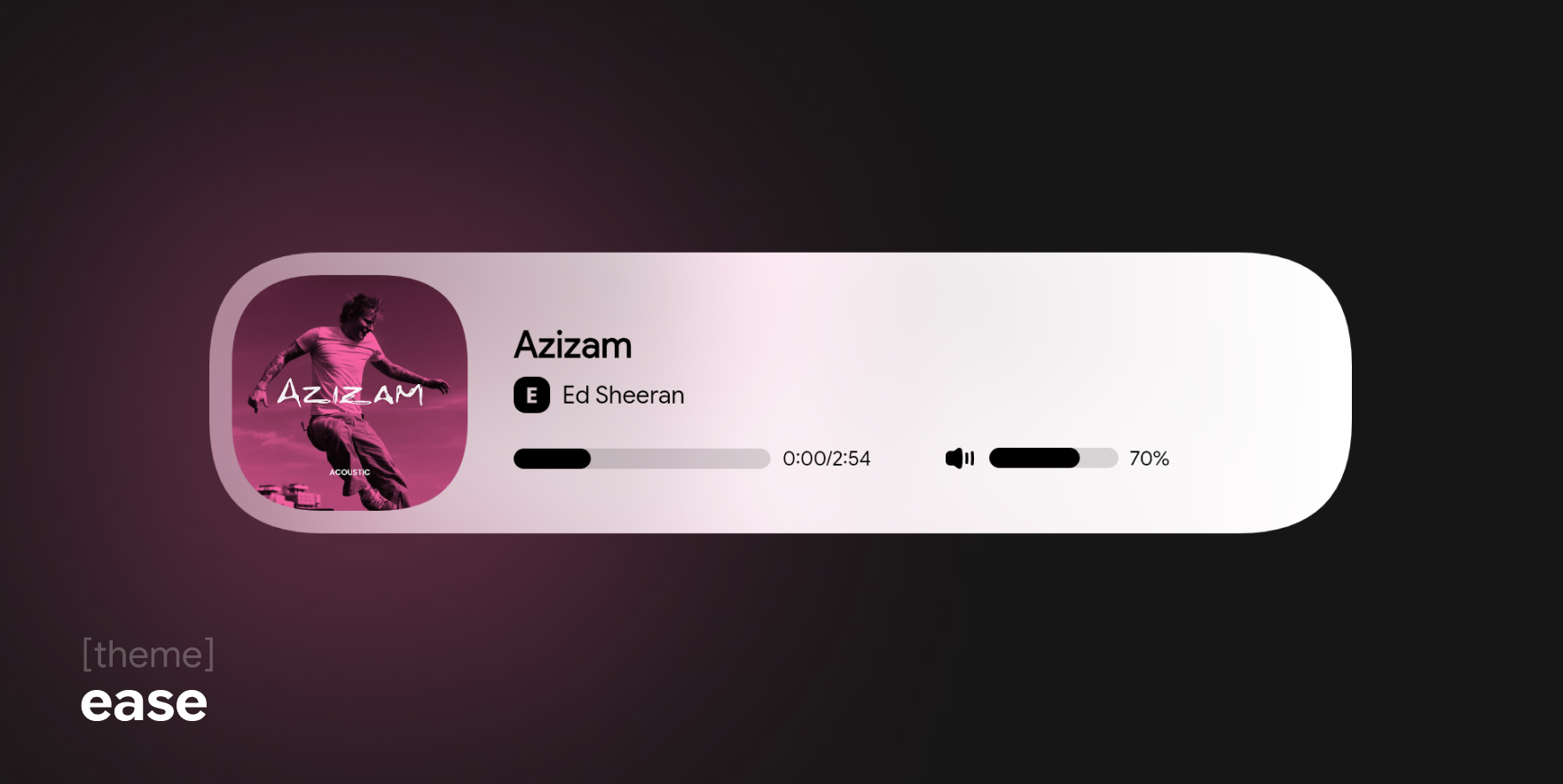
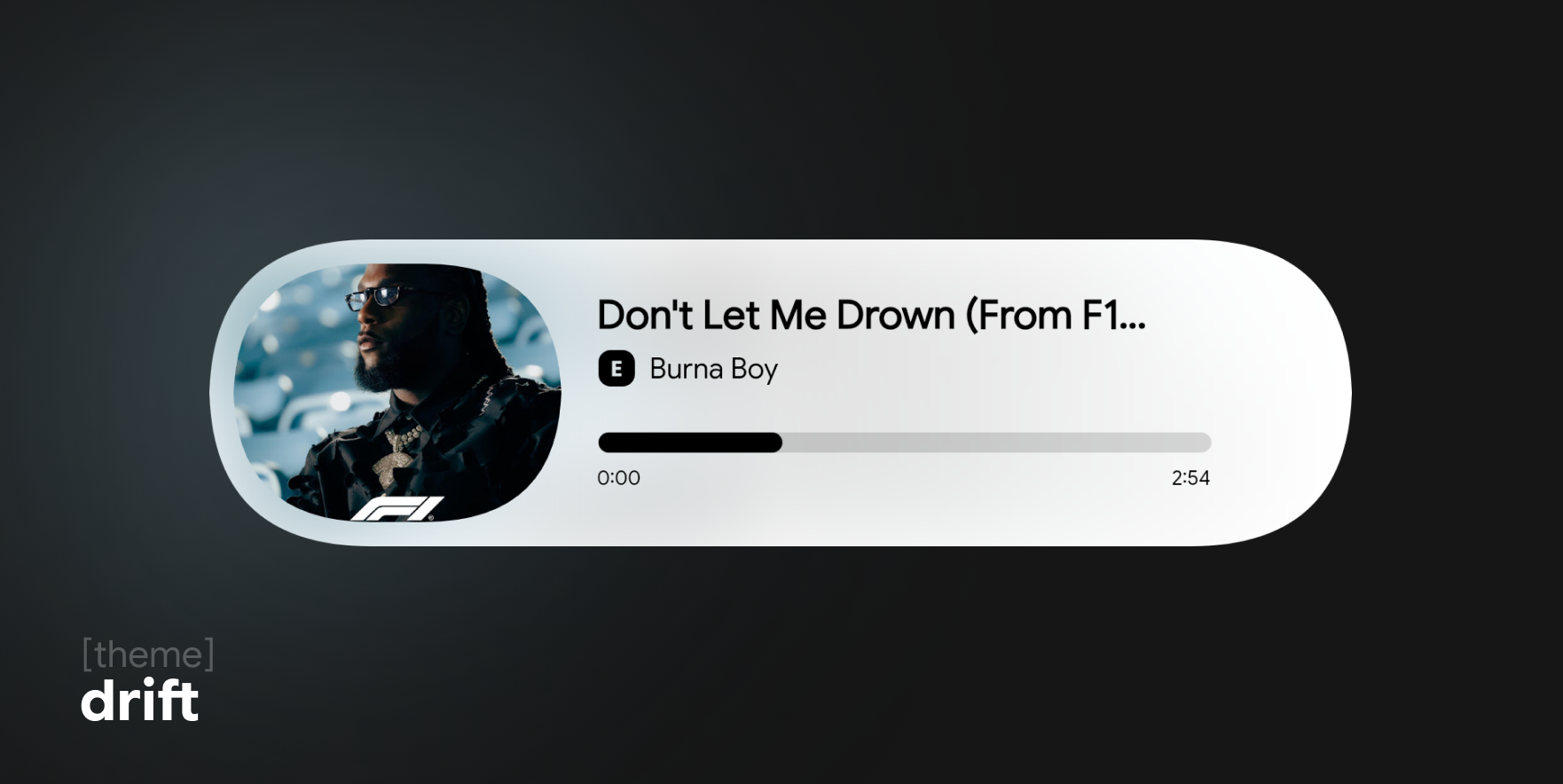
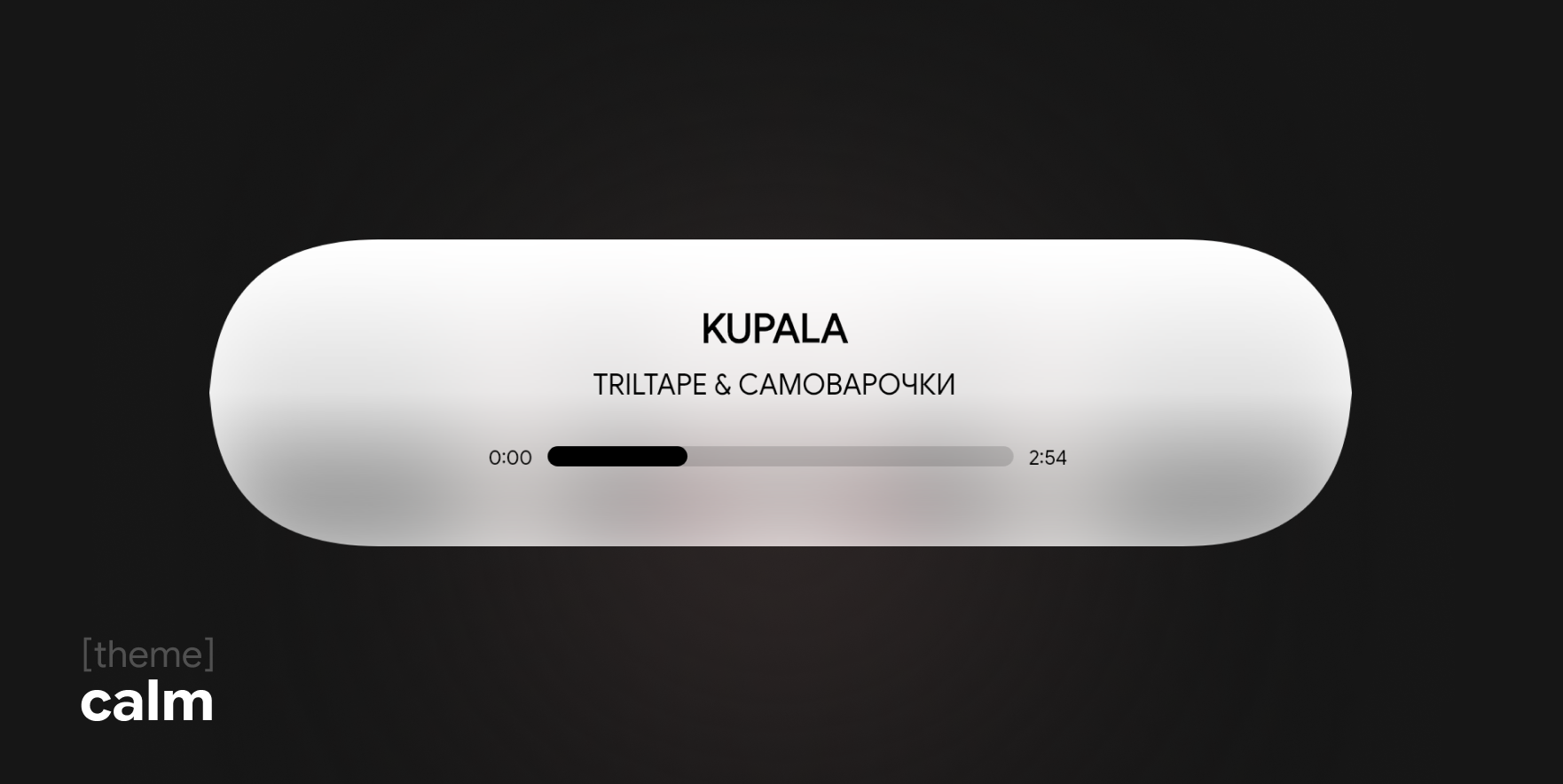
≪ ◦ ✦ ◦ ≫
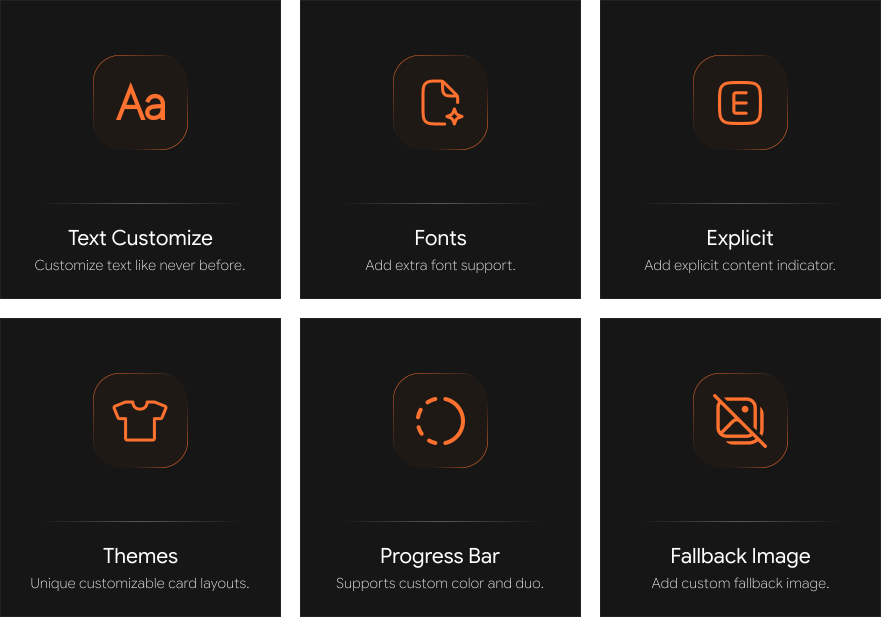
You now have the ability to completely personalize your music card, such as:
- Customize Background
backgroundColor: "white"- Customize Text
styleConfig: {
    trackStyle: {
        textColor: "black",
        textGlow: true,
        textItalic: true
    }
}- Customize Progress Bar
styleConfig: {
    progressBarStyle: {
        barColor: "#000000",
        barColorDuo: true
    }
}- Custom Font support
import { registerFont } from 'musicard';
registerFont('MyFont.ttf', 'MyFont');
⚠️ Note: To use custom fonts, create aFontsfolder in your project's root directory and place your font files (e.g., .ttf, .otf) inside it.
≪ ◦ ✦ ◦ ≫
- To see all font names currently registered and available for use:
import { GlobalFonts } from 'musicard';
console.log(GlobalFonts); // Prints all registered font names