A modern note-taking application that allows you to capture, organize, and manage your notes with ease. Built with React, TypeScript, and Vite for a fast and responsive experience.
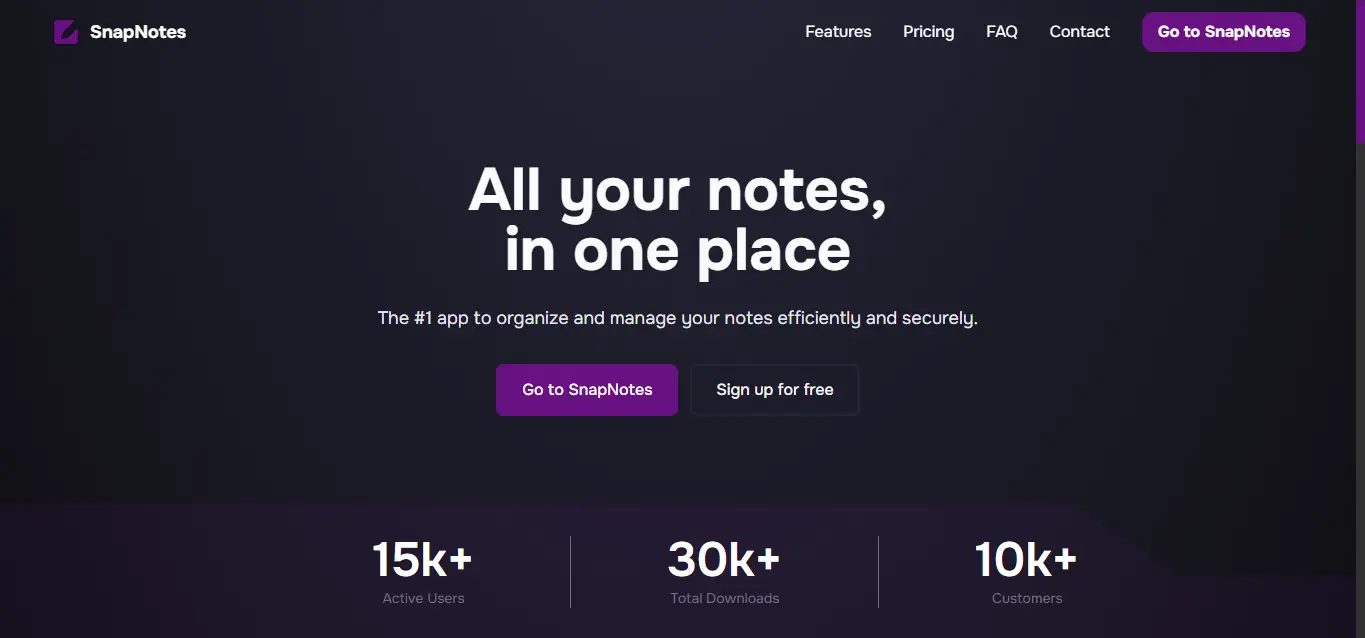
- 📝 Create, edit, and delete notes
- 🎨 Rich text editing capabilities
- 💾 Local storage persistence
- 🎯 Clean and intuitive user interface
- ⚡ Fast performance with Vite
- 📱 Responsive design
- 🔍 Search and filter notes
- 🏷️ Organize with tags/categories
Before you begin, ensure you have the following installed:
- Clone the repository:
git clone https://github.com/yourusername/snap-notes.git
cd snap-notes- Install dependencies:
pnpm install
# or
npm install- Set up environment variables:
Create a .env.local file in the root directory with the following Firebase configuration variables:
NEXT_PUBLIC_FIREBASE_API_KEY=your_api_key_here
NEXT_PUBLIC_FIREBASE_AUTH_DOMAIN=your_auth_domain_here
NEXT_PUBLIC_FIREBASE_PROJECT_ID=your_project_id_here
NEXT_PUBLIC_FIREBASE_STORAGE_BUCKET=your_storage_bucket_here
NEXT_PUBLIC_FIREBASE_MESSAGING_SENDER_ID=your_messaging_sender_id_here
NEXT_PUBLIC_FIREBASE_APP_ID=your_app_id_here
NEXT_PUBLIC_FIREBASE_MEASUREMENT_ID=your_measurement_id_here
Note: These variables are prefixed with
NEXT_PUBLIC_because they are exposed to the browser. To obtain these values, create a Firebase project at https://console.firebase.google.com and retrieve the configuration from your project settings.
- Start the development server:
pnpm dev
# or
npm run dev- Open your browser and navigate to
http://localhost:3000
- React - UI library
- TypeScript - Type safety
- Vite - Build tool and dev server
- Tailwind CSS - Utility-first CSS framework
pnpm dev- Start development serverpnpm build- Build for productionpnpm preview- Preview production build locallypnpm lint- Run ESLint for code quality
snap-notes/
├── public/             # Static assets
├── src/
│   ├── app/            # Application core and routing
│   ├── assets/         # Images, icons, and static resources
│   ├── components/     # Reusable React components
│   ├── config/         # Configuration files and constants
│   ├── context/        # React Context providers and state management
│   ├── data/           # Data models and mock data
│   ├── lib/            # Utility functions and helpers
│   ├── styles/         # Global styles
│   └── types/          # TypeScript type definitions and interfaces
├── package.json        # Project dependencies
├── tsconfig.json       # TypeScript configuration
├── README.md           # This file
└── Config files        # Generated automatically by Nextjs
Contributions are welcome! Here's how you can help:
- Fork the repository
- Create a new branch (
git checkout -b feature/amazing-feature) - Make your changes
- Commit your changes (
git commit -m 'Add some amazing feature') - Push to the branch (
git push origin feature/amazing-feature) - Open a Pull Request
- Follow the existing code style
- Use TypeScript for type safety
- Write meaningful commit messages
- Add comments for complex logic
- Ensure all lints pass before submitting PR
This project is licensed under the MIT License - see the LICENSE file for details.
Lucas del Villar
- GitHub: @ldelvillar
- Thanks to all contributors who help improve this project
- Inspired by modern note-taking applications
If you have any questions or suggestions, feel free to open an issue or reach out!
⭐ Star this repository if you find it helpful!