Kafhe is a game web app made to gamify the organization of the costs of breakfasts, meals, and events among friends.
Suppose that next weekend you are going to eat with your friends, and someone has to take care of booking a restaurant. You're tired of always being the one in charge of doing it. Kafhe is here to help you!
You and your friend will play to decide whose turn it is to organize the meal this time.
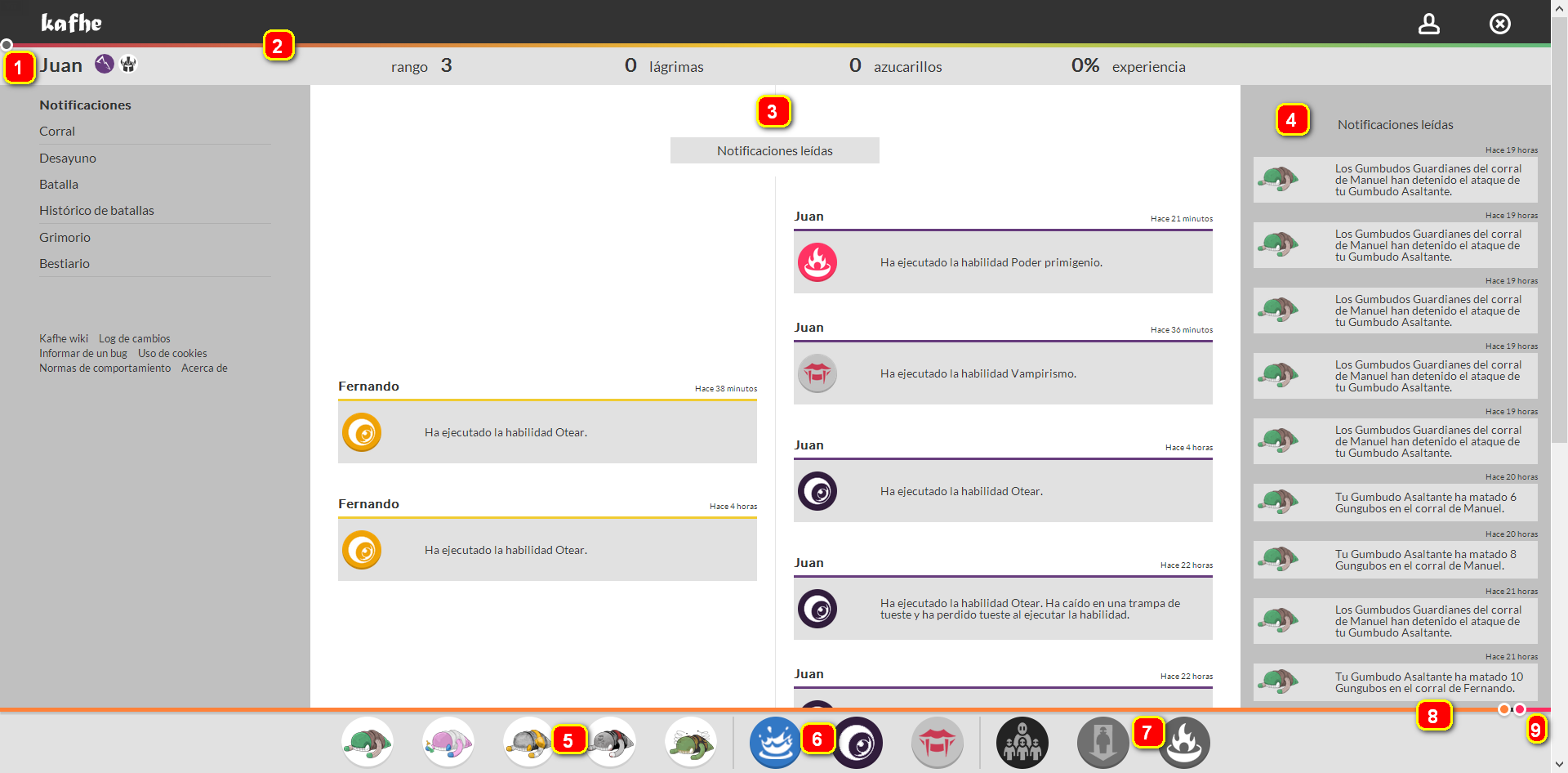
1- Register you and your friends.
2- Accumulate power to fill your bar.
3- Follow the event registry to stay up to date with the latest news in the battlefield.
4- Receive notifications and updates from your army.
5- Create gungubos.
6- Use skills.
7-9 Accumulate special energy to deliver strong attacks and effects.
Kafhe
 Kafhe followers are the ones that side with the breakfast force.
Achikhoria
 Achikhoria, the god of fasting, the force opposed to breakfast.
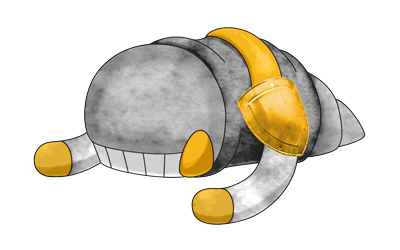
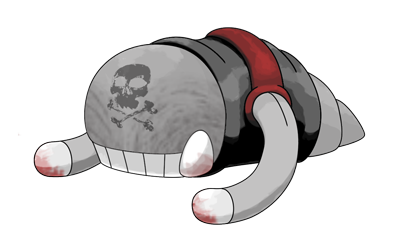
You can create Gungubos. They are strange creatures with different powers that helps you in your mission to avoid being the one chosen. Attack and defend yourself with the help of Gungubos. There a lot of different classes!
Artificer
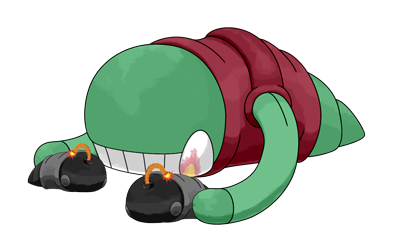
Warrior
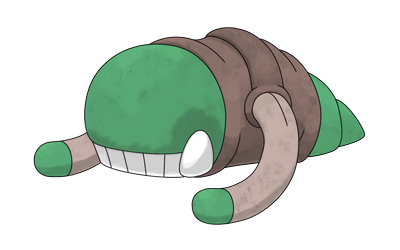
Siege

Bomb

Breeder
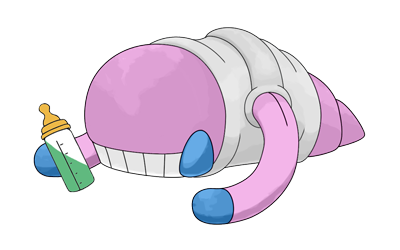
Guardian
Rocker

Necromancer
And many more!!!
 Dehydrate: empty your enemy power bar.
 Hunt: capture some gungubos to join your forces.
 Rescue: rescue and set free some gungubos from an enemy.
There are more than 20 different skills.
Kafhe is made with Yii Framework. You need two components to install it:
* Apache + PHP
* MySQL
You must enable the these modules:
- PHP
- MOD_REWRITE
Just unzip the zip with the source code (or Release) into the document root folder (eg. /var/www/html/).
Then you must configure the database. Edit /protected/config/main.php file and fill the values:
'db'=>array(
	'connectionString' => 'mysql:host=localhost;dbname=kafhe',
	'username' => 'kafhe', //#mysqlUsername
	'password' => '', //#mysqlPassword
	'charset' => 'utf8',
),
- Min version required: 5.7.X
- Create a database called kafhe
- Create a db user called kafhe and the password of your choice, with permissions to read and write in that database.
After creating the database and the user you must proceed to load the initial data of the project. To do this, load the initial migration. In a system console we go to the project's protect directory and write:
yiic migrate
It will ask us for confirmation of the initial migration. We give it yes and it should create the entire structure in the database.
Note: For this you must have the php in the system PATH environment variable. If it is not there, you must add it, adding the path of the php folder within xampp to the environment variable.