Skip to content

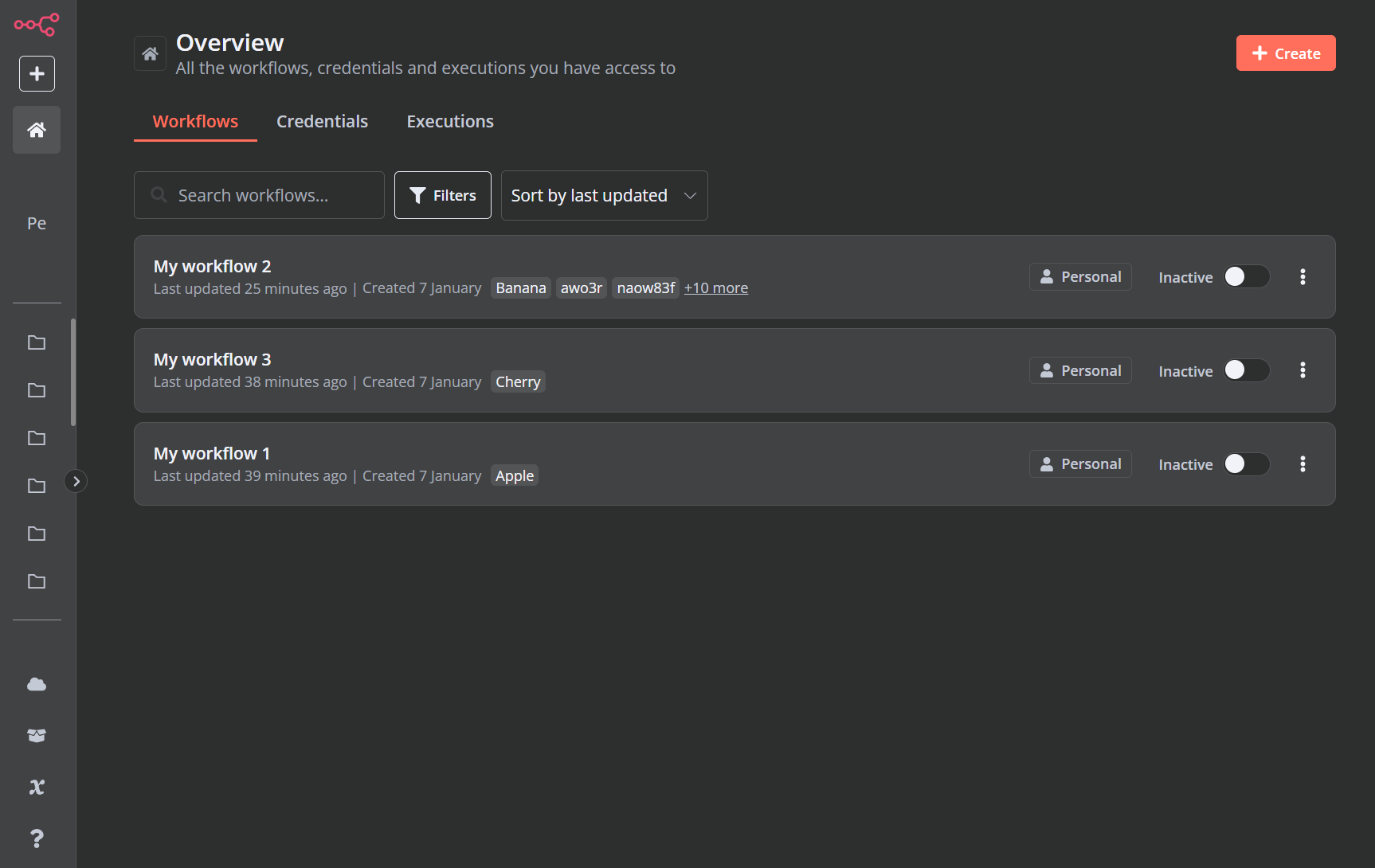
Adds a folder view to n8n sidebar based on tags.

License

Notifications You must be signed in to change notification settings

mafengkai/n8n-folder-view

Β 
Β 

Folders and files

NameName
Last commit message
Last commit date

Latest commit

Β 

History

21 Commits
Β 
Β 
Β 
Β 
Β 
Β 
Β 
Β 
Β 
Β 

Repository files navigation

n8n Folder View

Adds a folder view to n8n sidebar based on tags.

license

Buy Me A Coffee

πŸš€ Usage

1. Download the latest release of the extension

Go to the Releases page of this repository.
Download the zip file.

2. Extract the downloaded zip file

Unzip the downloaded file to a location of your choice.
This extracted folder will be your extension's directory.

3. Enable Developer mode in Chrome

Open Chrome and go to chrome://extensions/ by typing it into the address bar and pressing Enter.
In the top right corner of the page, toggle the "Developer mode" switch to the on position.

4. Load the unpacked extension

With "Developer mode" enabled, new buttons will appear. Click the "Load unpacked" button. In the file selection dialog, select the folder you extracted in step 2.
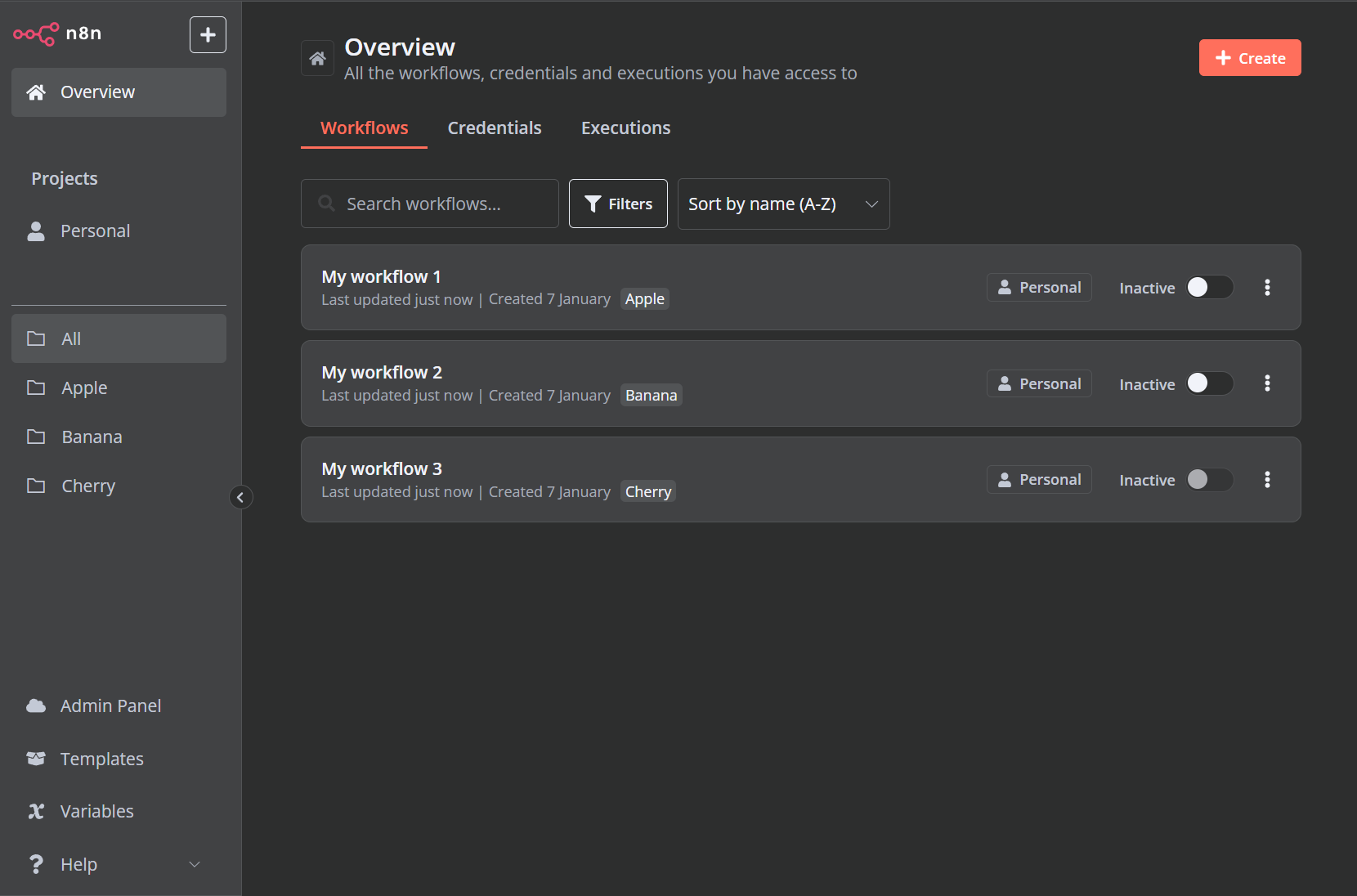
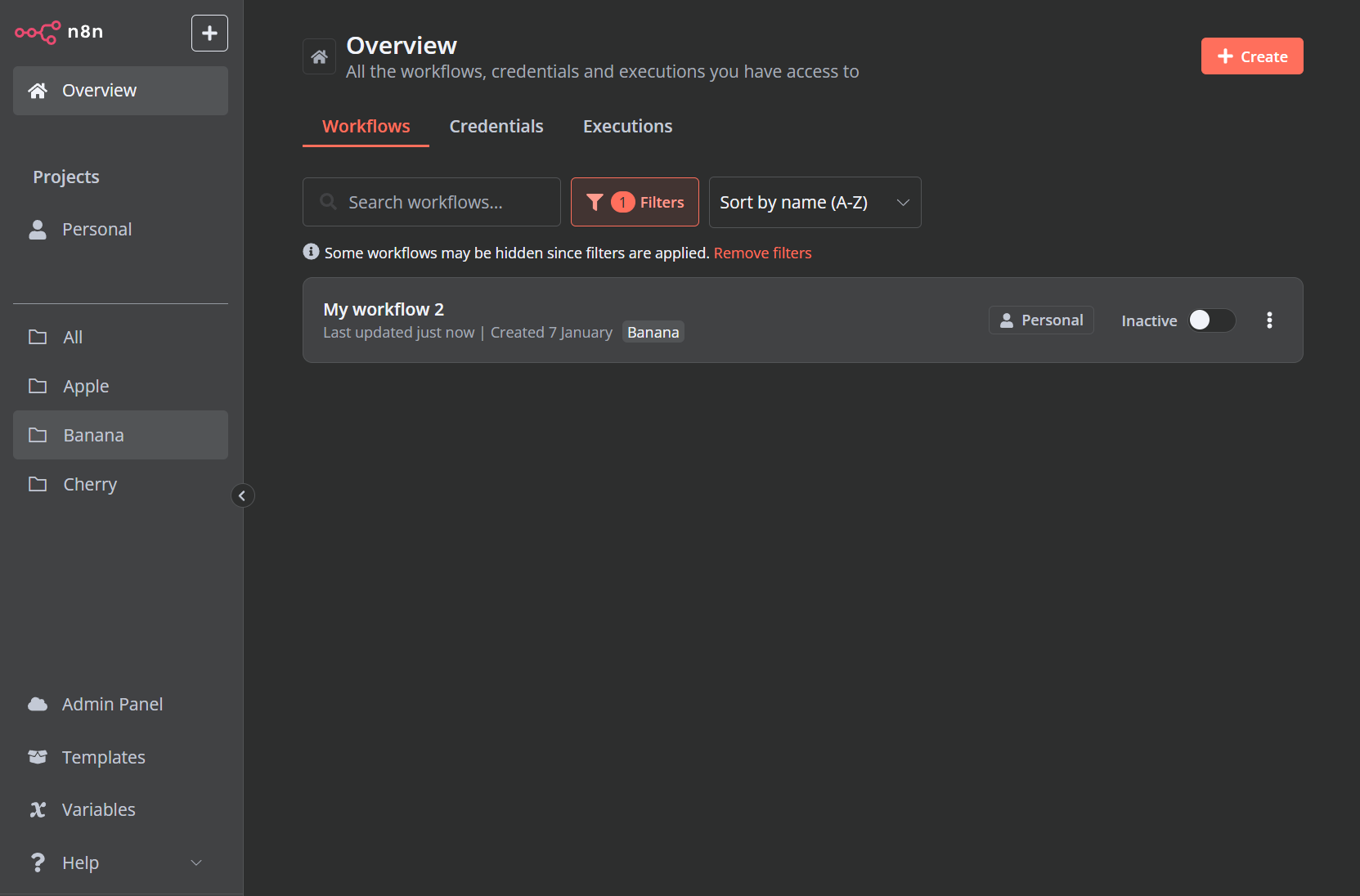
πŸ“· Screenshots

screenshot1 screenshot2 screenshot3

πŸŽ— License

This project is protected under the MIT License.

About

Adds a folder view to n8n sidebar based on tags.

Resources

License

Stars

Watchers

Forks

Packages

No packages published

Languages

  • JavaScript 69.9%
  • CSS 30.1%