popular application in Apple
基于webpack5、webpack-cli、webpack-dev-server,vue3、vue-router@4,从 0 到 1 搭建一个项目,不依赖vue-cli脚手架,支持ts、tsx,使用postcss对低版本浏览器样式兼容,babel-loader对ts编译,eslint规范项目代码,主要使用plugin:vue/vue3-strongly-recommended,airbnb-base,@typescript-eslint/parser,使用@babel/preset-env编译转换es6等
- js 编译:
babel-loader、@babel/core、@babel/plugin-transform-runtime、@vue/babel-plugin-jsx - css 编译:
css-loader、less、less-loader、style-loader、postcss-preset-env - 代码格式规范:
eslint、@typescript-eslint/parser、@typescript-eslint/eslint-plugin - ts 编译:
ts-loader、babel-loader、typescript - vue3:
vue-loader、vue3、vue-router
- 💪
webpack、typescript、babel、... - 🔥
vue3、vue-router@4、jsx、...
- 路由懒加载,按需引入,业务组件细粒化抽离,
hooks、jsx、异步动态组件构建页面模块 - 阿里矢量图标
svg,svg-icon等业务组件的通用封装 - 使用自定义指令
交叉观察器懒加载图片 webpack入口依赖文件分包处理以及支持tree shakingwebpack静态资源类型加载图片资源,对小图片进行base64处理,减少页面http的请求量- 使用
postcss根据.browserslistrc适配不同浏览器的兼容性 - api 代理层抽象,使用
fetch做数据请求 - 采用
rem方案支持适配不同分辨率移动设备
|---public  // html入口模版
|---src   // 主要源码入口
|---|---assets // 静态资源文件,字体图标,静态图片等
|---|---components // 公用业务组件
            |---card
            |---...
|---|---directives  // 自定义全局指令
|---|---pages // 页面目录
|---|---|---home // 主页面
|---|---router  // 路由入口
|---|---services // api代理层
|---|---types // ts全局类型xx.d.ts
|---|----utils // 工具函数
|---App.vue  // vue根组件
|---main.ts // webpack入口依赖文件
|---.babelrc // 编译ts预设插件
|---.browserslistrc // 浏览器兼容性配置
|---.gitignore // 指定忽略上传文件到github上
|---.eslintignore // eslint忽略检查的文件
|---.prettierrc.json // 格式化代码
|---post.config.js // 配置css前缀
|---tsconfig.json // ts规则相关配置
|---webpack.config.js // webpack相关打包配置依赖nodejs,先下载对应 node,我的 node 版本是v14.17.0,由于使用最新webpack5与vue3,建议安装比较新的node版本,不然可能会存在兼容性问题,下载node参考官方地址
1、 git clone https://github.com/maicFir/topfreeApplication.git
2、 cd topfreeapplication
3、 npm i
执行以下命令
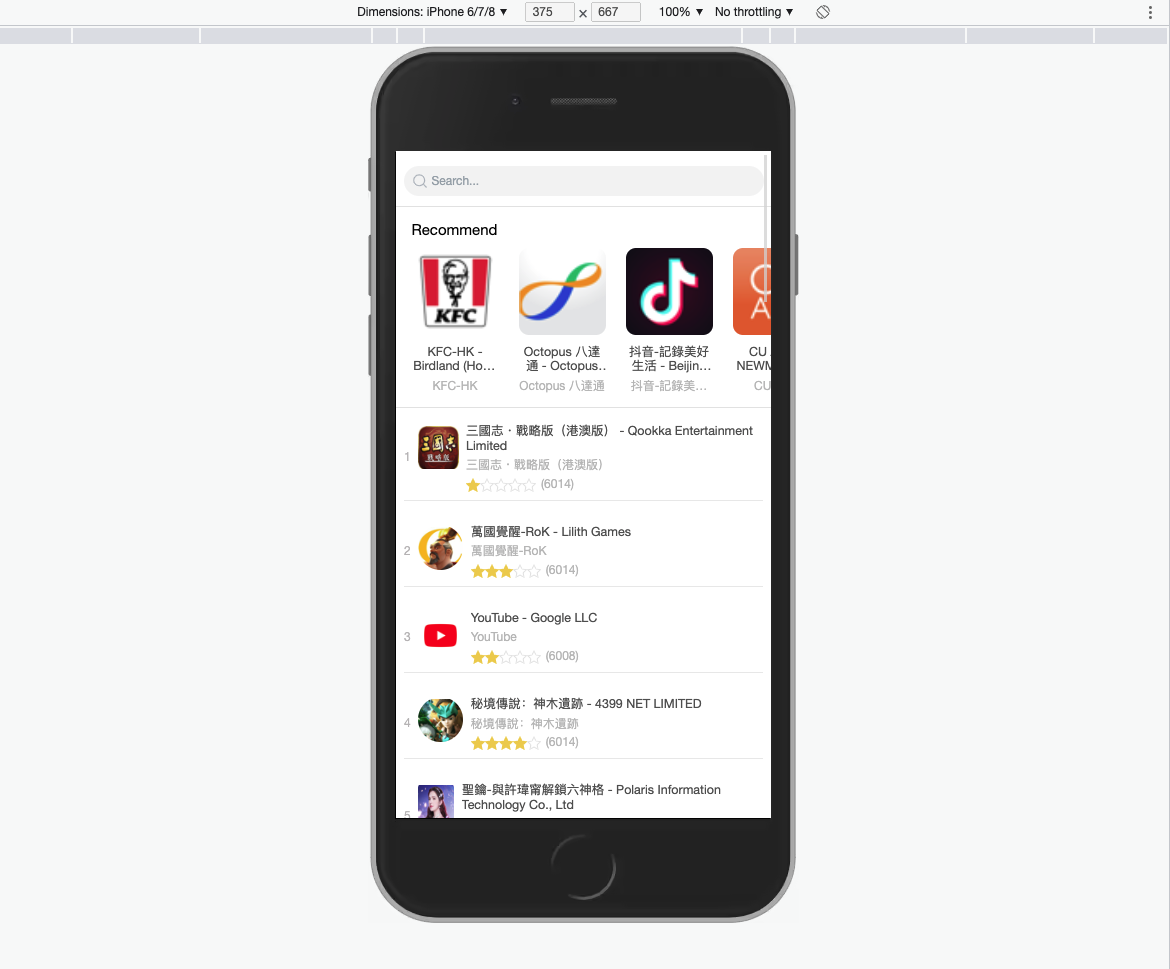
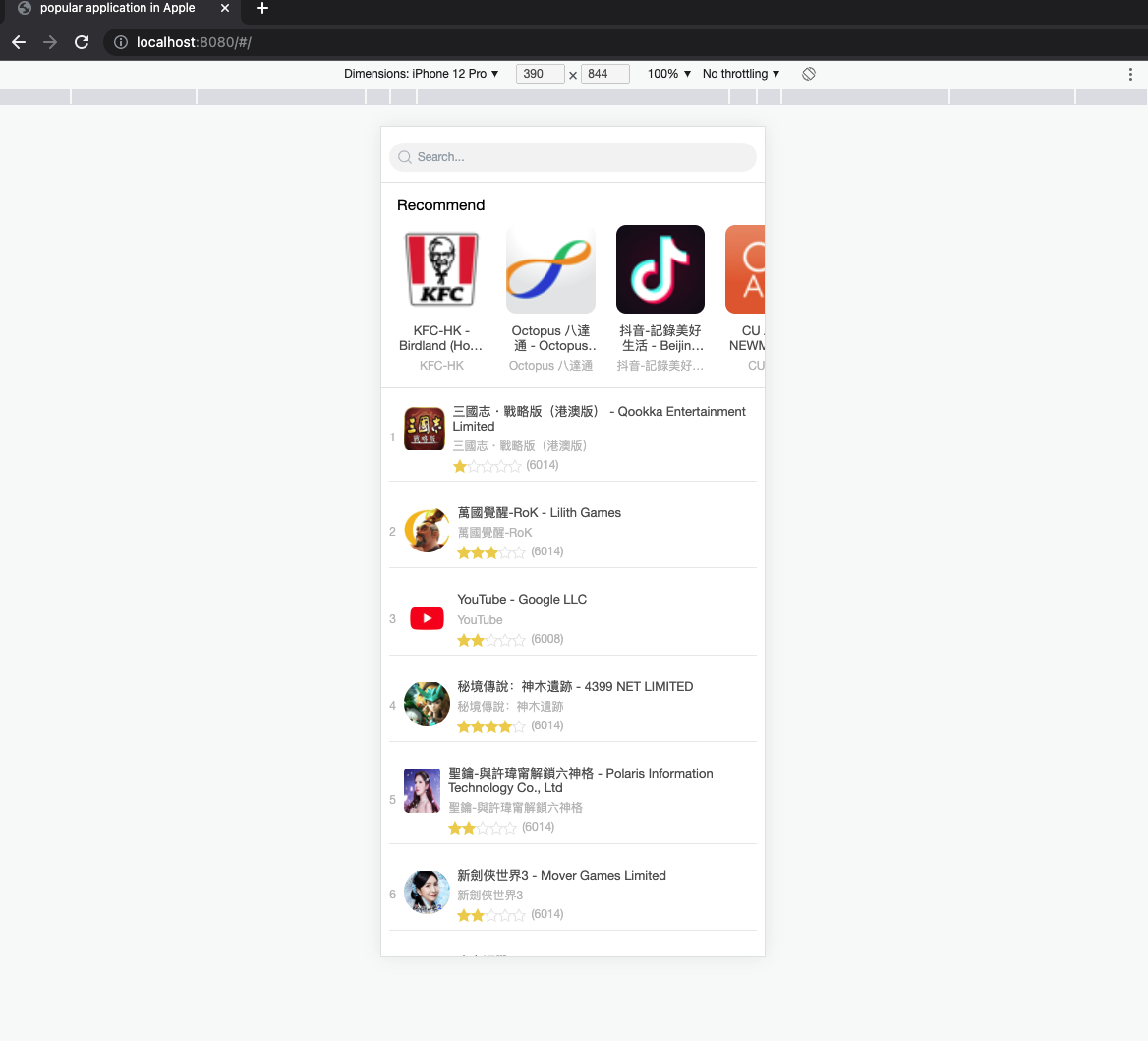
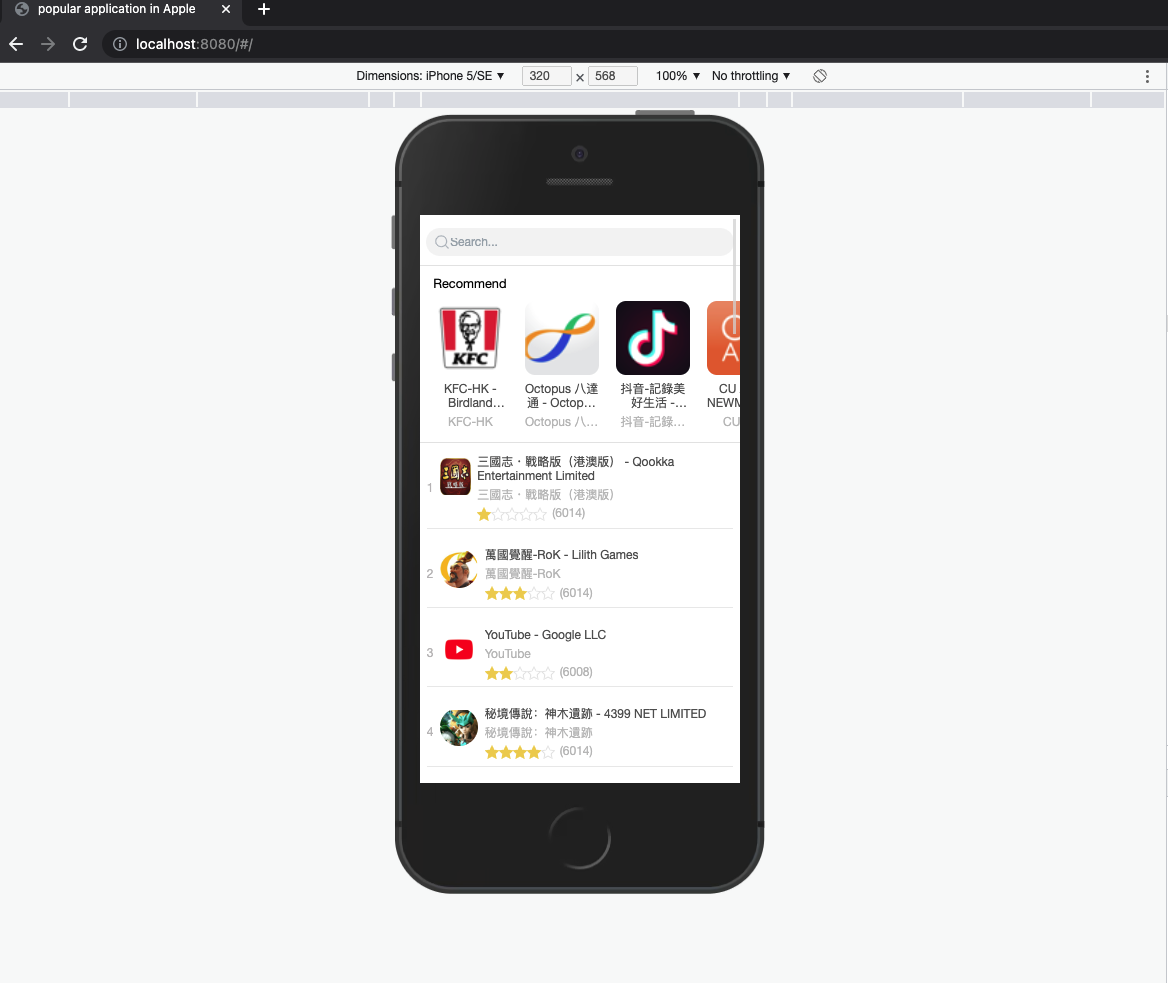
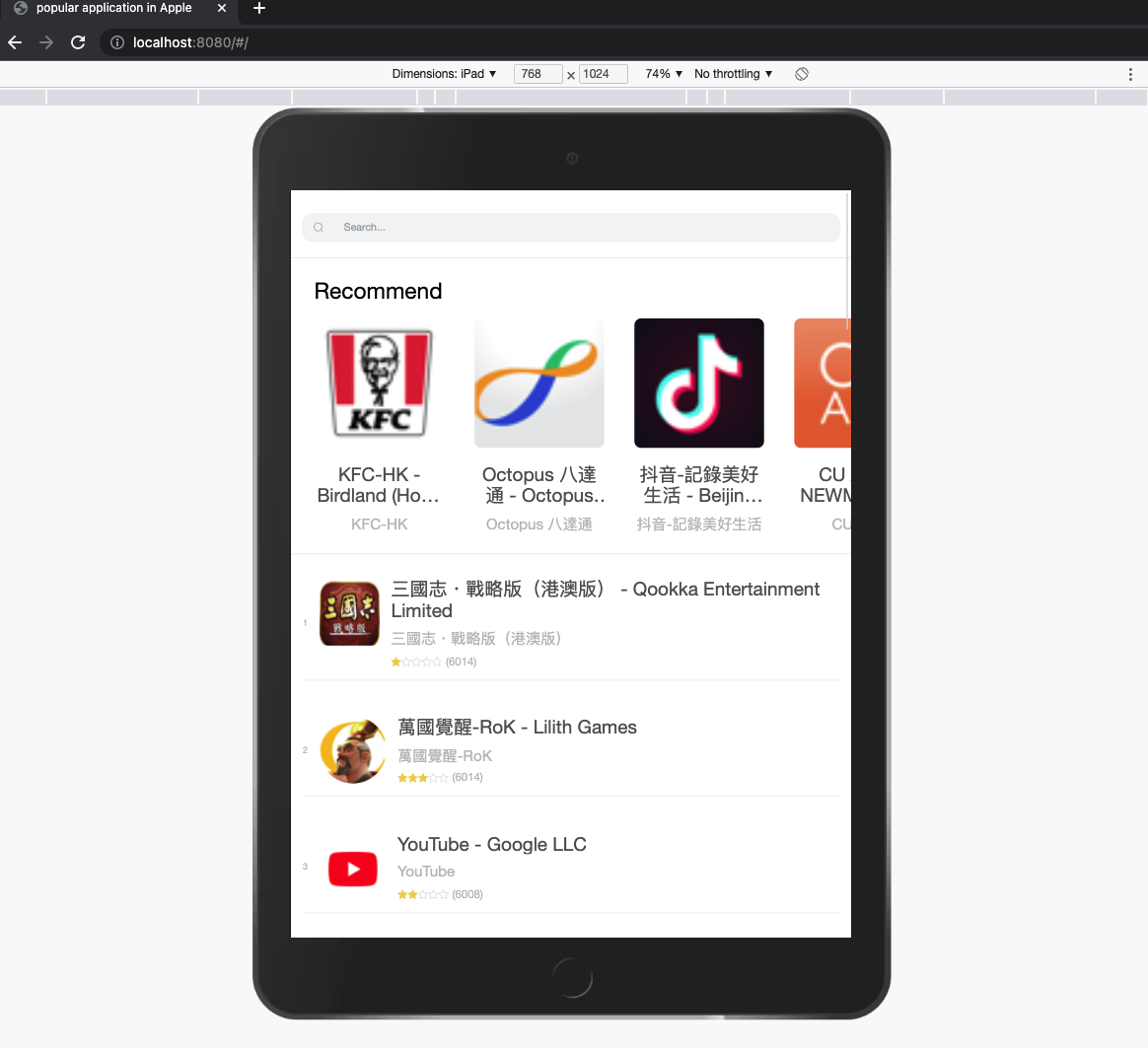
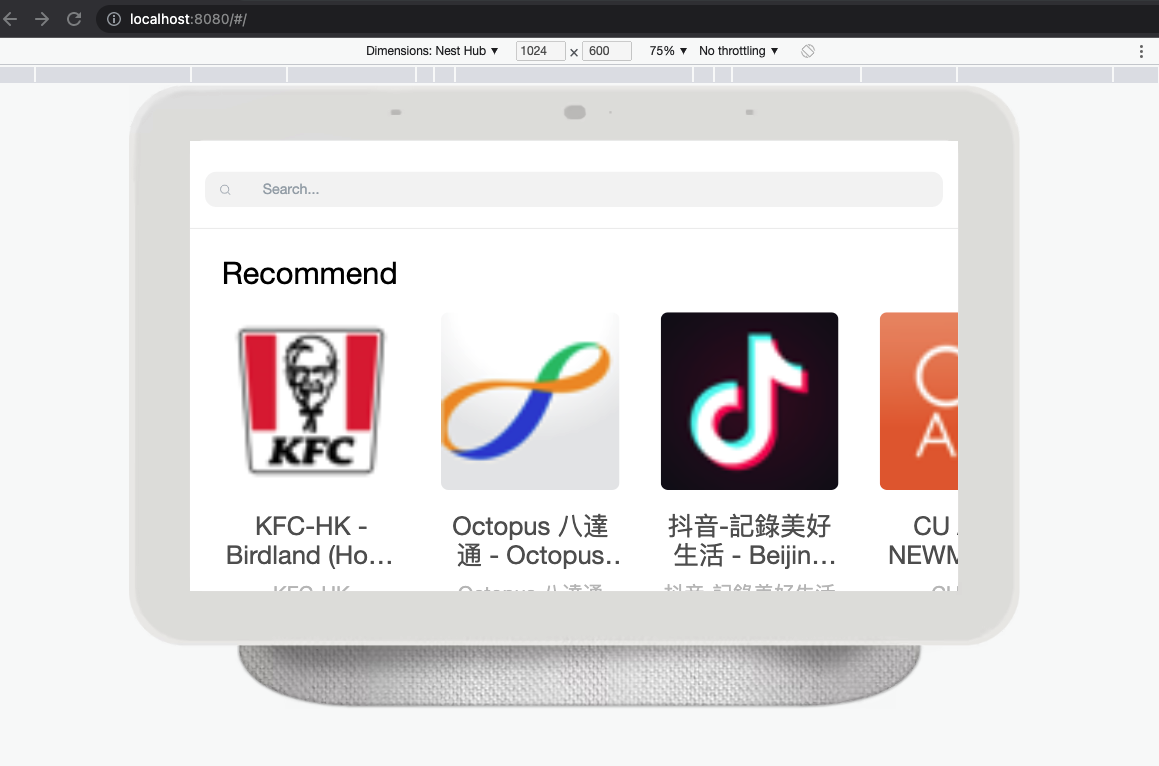
npm run start打开谷歌地址http://localhost:8080/#/,mac(option + command +i)打开开发者模拟器,选择不同设备进行查阅页面,window(右键审查/f12 选择模拟器)打开页面访问
npm run build-
iphone6/7/8
-
iphone12 pro
-
iphone5/se
-
ipad
-
Next Hub

-
看完项目如果觉得对你有帮助,就点个
star鼓励下作者吧 -
更多技术关注
公众号:Web技术学苑,好好学习、天天向上!