I'm a system architect and work as a programmer also. I'd like to publish my shell setting on github for effective coding.
Please subscribe RSS of my blog to keep track of open source development. https://blog.teraren.com/
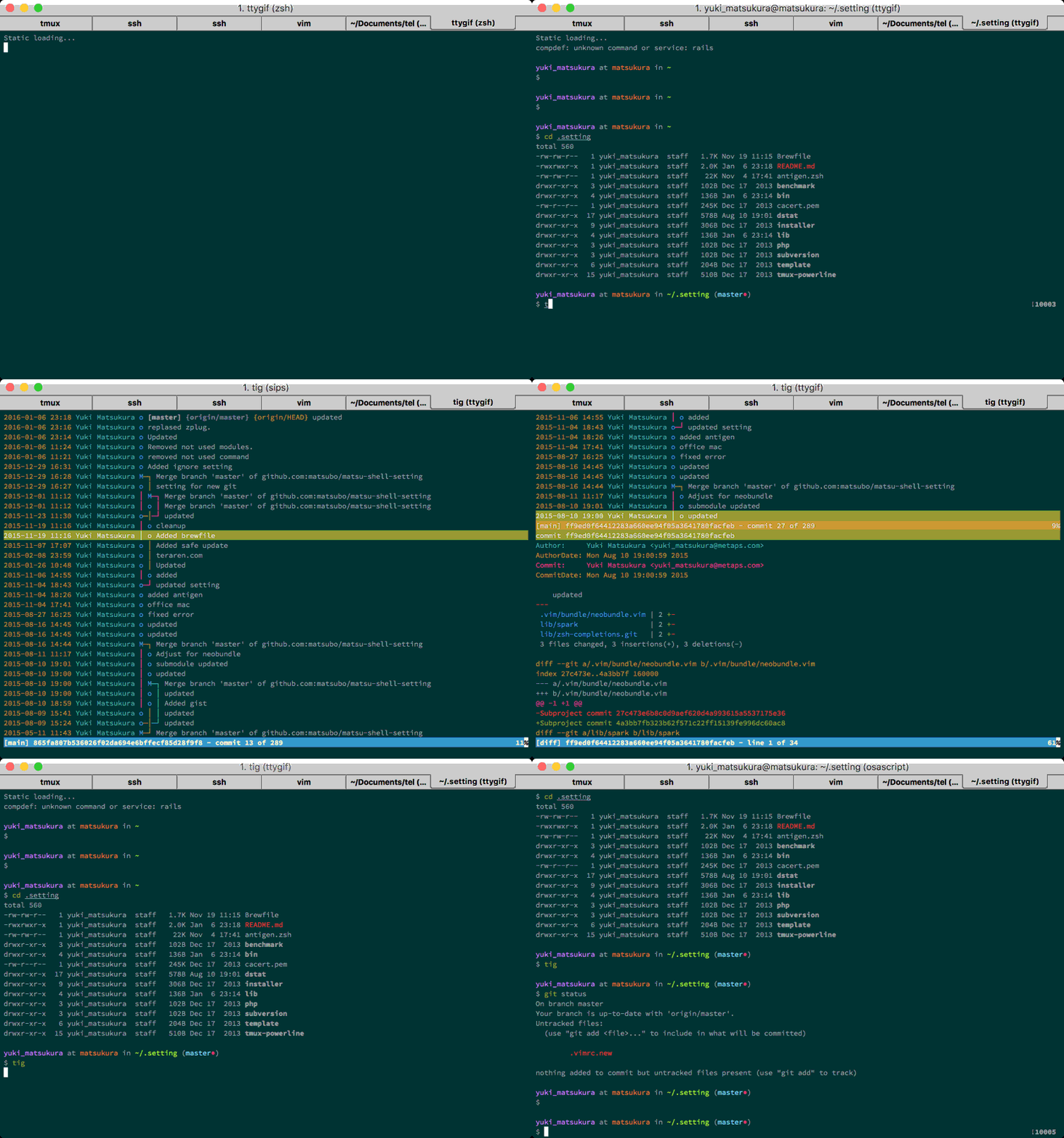
brew install git fzf fish keychain ghq eza fd ripgrep git-delta vhs starship delta
brew install --cask font-hackgen-nerd
sudo apt install -y git fzf keychain eza fd-find ripgrep

sudo apt-add-repository ppa:fish-shell/release-3
sudo apt-get update
sudo apt-get install fish -y

# Install starship
curl -sS https://starship.rs/install.sh | sh

sudo apt install golang -y
go install github.com/motemen/ghq
go install github.com/koki-develop/gat@latest
Get this repository and make symbolic links. This instruction is written for fish.
ghq get git@github.com:matsubo/matsu-shell-setting.git
cd
ln -s ghq/github.com/matsubo/matsu-shell-setting/.htoprc
ln -s ghq/github.com/matsubo/matsu-shell-setting/.vim
ln -s ghq/github.com/matsubo/matsu-shell-setting/.vimrc
ln -s ghq/github.com/matsubo/matsu-shell-setting/.gvimrc
ln -s ghq/github.com/matsubo/matsu-shell-setting/.my.cnf
ln -s ghq/github.com/matsubo/matsu-shell-setting/.lv
ln -s ghq/github.com/matsubo/matsu-shell-setting/.w3m
ln -s ghq/github.com/matsubo/matsu-shell-setting/.tmux.conf
ln -s ghq/github.com/matsubo/matsu-shell-setting/.gitignore
ln -s ghq/github.com/matsubo/matsu-shell-setting/.gitattributes_global
ln -s ghq/github.com/matsubo/matsu-shell-setting/.git_commit_template
ln -s ghq/github.com/matsubo/matsu-shell-setting/.gemrc
ln -s ghq/github.com/matsubo/matsu-shell-setting/.bundle
ln -s ghq/github.com/matsubo/matsu-shell-setting/.grcat
ln -s ghq/github.com/matsubo/matsu-shell-setting/.pryrc
ln -s ghq/github.com/matsubo/matsu-shell-setting/.tape
ln -s ghq/github.com/matsubo/matsu-shell-setting/Brewfile

mkdir -p .config/fish; cd .config/fish/; ln -s ~/ghq/github.com/matsubo/matsu-shell-setting/.config/fish/config.fish; cd
cd .config/fish/; ln -s ~/ghq/github.com/matsubo/matsu-shell-setting/.config/fish/fishfile; cd

# Link fish conf.d directory for starship and other configurations
ln -s ~/ghq/github.com/matsubo/matsu-shell-setting/.config/fish/conf.d ~/.config/fish/conf.d

# Link starship configuration
ln -s ~/ghq/github.com/matsubo/matsu-shell-setting/starship.toml ~/.config/starship.toml

git clone https://github.com/tmux-plugins/tpm ~/.tmux/plugins/tpm

cd .config
ln -s ghq/github.com/matsubo/matsu-shell-setting/.config/.nvim
ln -s ghq/github.com/matsubo/matsu-shell-setting/.config/.wezterm

cd
Add fish to the list of allowed shells and change the default shell:
# Check fish shell path
which fish

# Add fish to allowed shells (if not already added)
echo $(which fish) | sudo tee -a /etc/shells

# Set fish as default shell
chsh -s $(which fish)
Log out and log back in for the changes to take effect.
Fish (Friendly Interactive Shell) is a user-friendly command line shell with features like syntax highlighting, autosuggestions, and tab completions.
Fisher is a plugin manager for Fish. Install it and set up initial plugins:
mkdir -p .config/fish; cd .config/fish/; ln -s ~/ghq/github.com/matsubo/matsu-shell-setting/.config/fish/config.fish; cd
cd .config/fish/; ln -s ~/ghq/github.com/matsubo/matsu-shell-setting/.config/fish/fishfile; cd
curl -sL https://raw.githubusercontent.com/jorgebucaran/fisher/main/functions/fisher.fish | source && fisher install jorgebucaran/fisher
fisher install IlanCosman/tide@v6tide configure --auto --style=Rainbow --prompt_colors='True color' --show_time='24-hour format' --rainbow_prompt_separators=Round --powerline_prompt_heads=Slanted --powerline_prompt_tails=Slanted --powerline_prompt_style='Two lines, character' --prompt_connection=Solid --powerline_right_prompt_frame=No --prompt_connection_andor_frame_color=Darkest --prompt_spacing=Sparse --icons='Few icons' --transient=No
Copy template setting and edit for local setting.
cp -n ghq/github.com/matsubo/matsu-shell-setting/.tigrc ./
cp -n ghq/github.com/matsubo/matsu-shell-setting/.gitconfig ./
Install additional useful plugins:
fisher install jorgebucaran/fisher
fisher install oh-my-fish/theme-bobthefish
fisher install patrickf1/fzf.fish
fisher install jethrokuan/fzf
fisher install jethrokuan/z
fisher install franciscolourenco/done
Available plugins:
theme-bobthefish: A powerline-style theme for Fishfzf.fish: Fuzzy finder integration for Fish shellz: Jump to frequently used directoriesdone: Notify when long-running commands complete
Starship is a modern, fast prompt that works across shells. The configuration file starship.toml has been symlinked to ~/.config/starship.toml.
The prompt is automatically initialized through ~/.config/fish/conf.d/startship.fish.
To customize the prompt, edit the starship.toml file. The current configuration includes:
- Custom colors and icons
- Git branch and status indicators
- Language version indicators (Node.js, Rust, Go, PHP)
- Command execution time display
- Current time display
For more configuration options, visit: https://starship.rs/config/
git config --global user.name "Foo Bar"
git config --global user.email "foo@example.com"
Open tmux and press prefix + I to install tmux plugins by tpm.
prefix + U to update tmux plugins.
Creative Commons Attribution 3.0 Unported (CC BY 3.0)