A custom icon pack for Breezy Weather featuring weather icons inspired by Google's Weather Icons v4 with clean, transparent backgrounds.
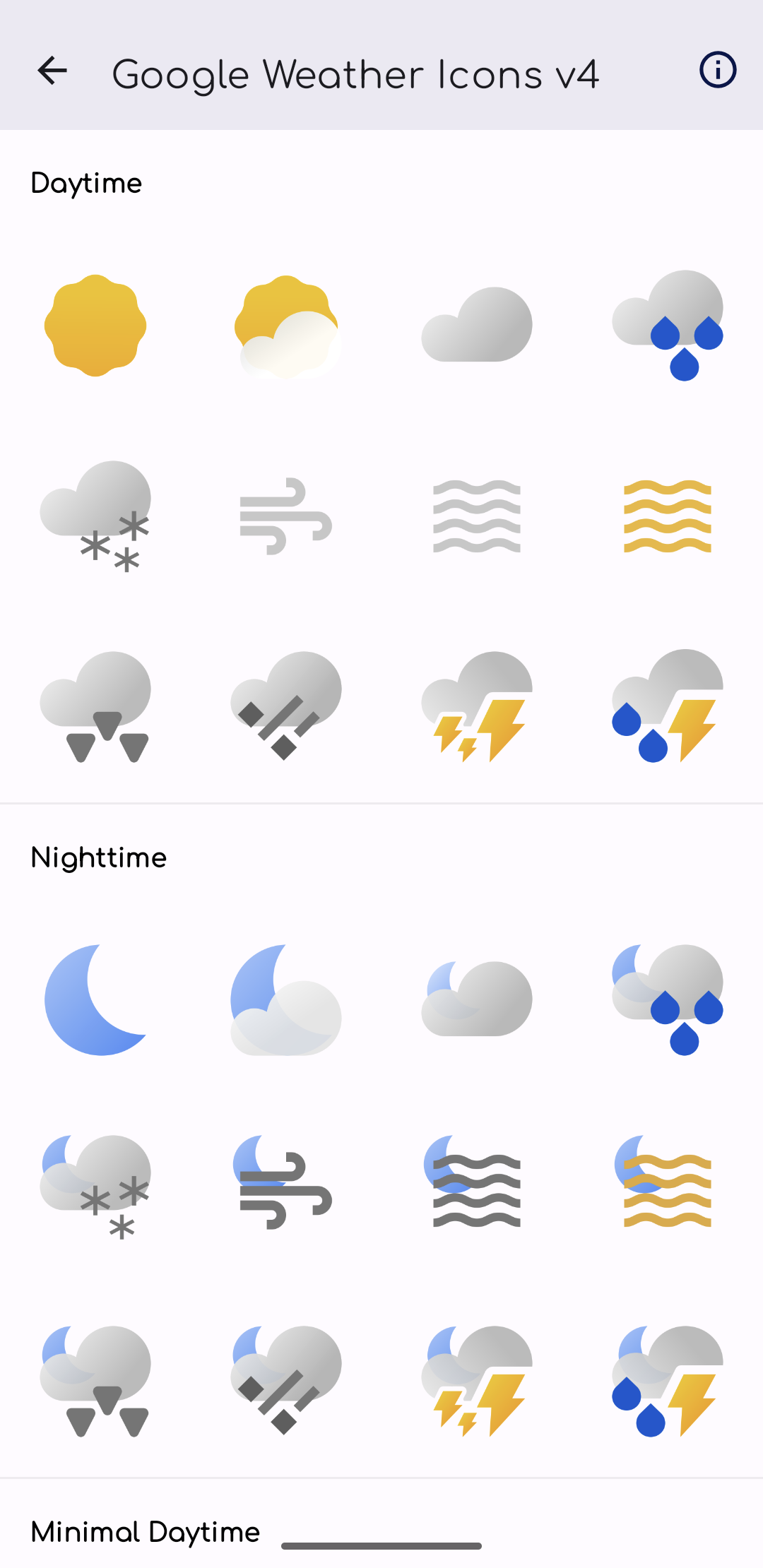
Click any icon to view the full-size PNG file.


- ✅ 24 essential weather icons inspired by Google Weather Icons v4
- ✅ Day and night variants for accurate weather representation
- ✅ Optimized file size - 256x256px PNG icons for fast downloads
- ✅ Full compatibility with Breezy Weather v5.4.8+
- ✅ Clean integration - appears seamlessly in Breezy Weather settings
- ✅ Lightweight APK - ~2.8MB download size (with animator support, v2.0.0+)
- ✅ Animator support for smoother, more dynamic icon rendering (added in v2.0.0)
- Go to Releases
- Download the latest GoogleWeatherIconsV4Pack.apk
- Install the APK on your Android device
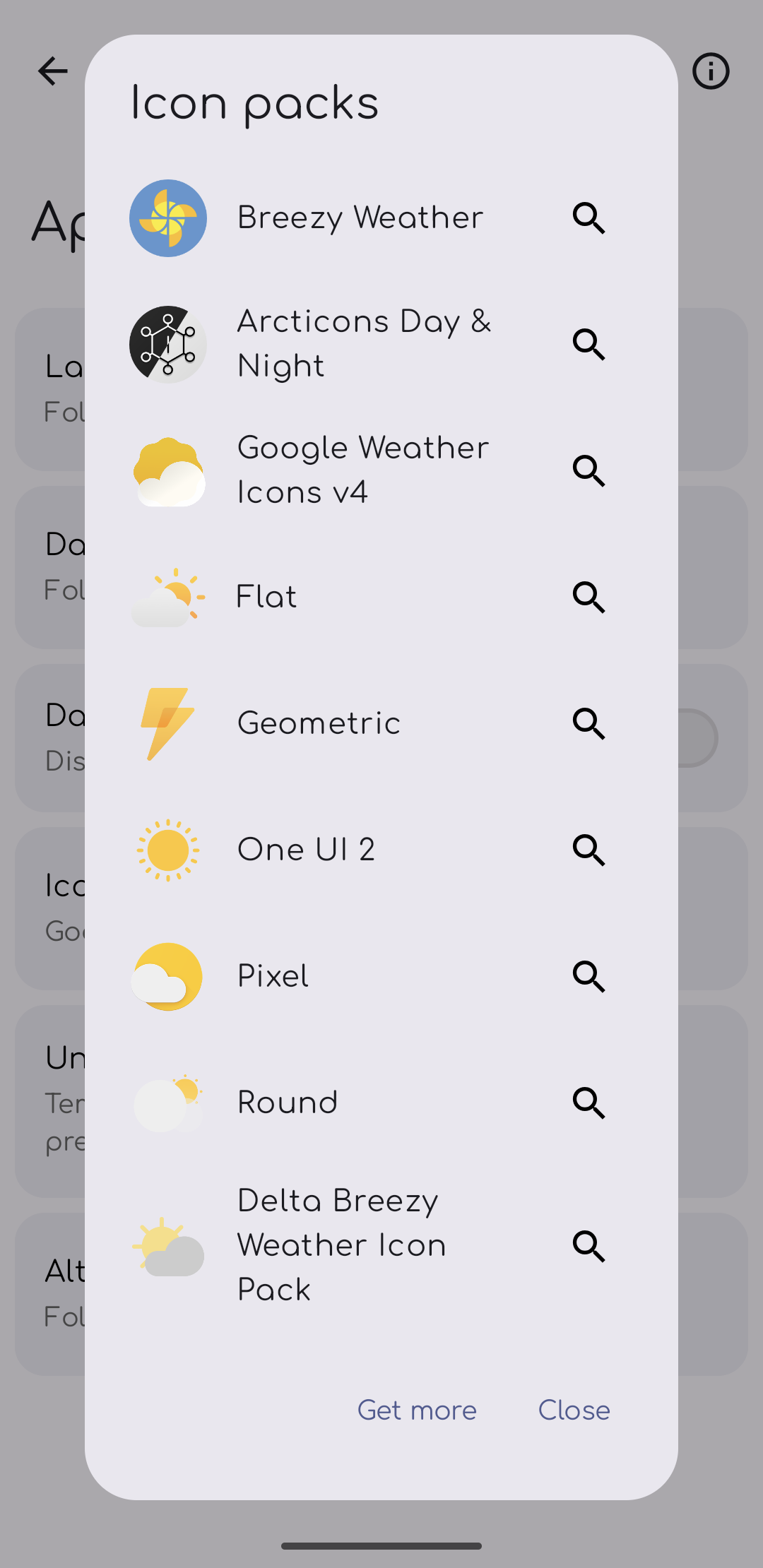
- Open Breezy Weather → Settings → Appearance → Icon Packs
- Select "Google Weather Icons v4"
- Clone this repository
- Open in Android Studio
- Build → Generate Signed Bundle / APK
- Install the generated APK
- Android 5.0+ (API level 21+)
- Breezy Weather app installed
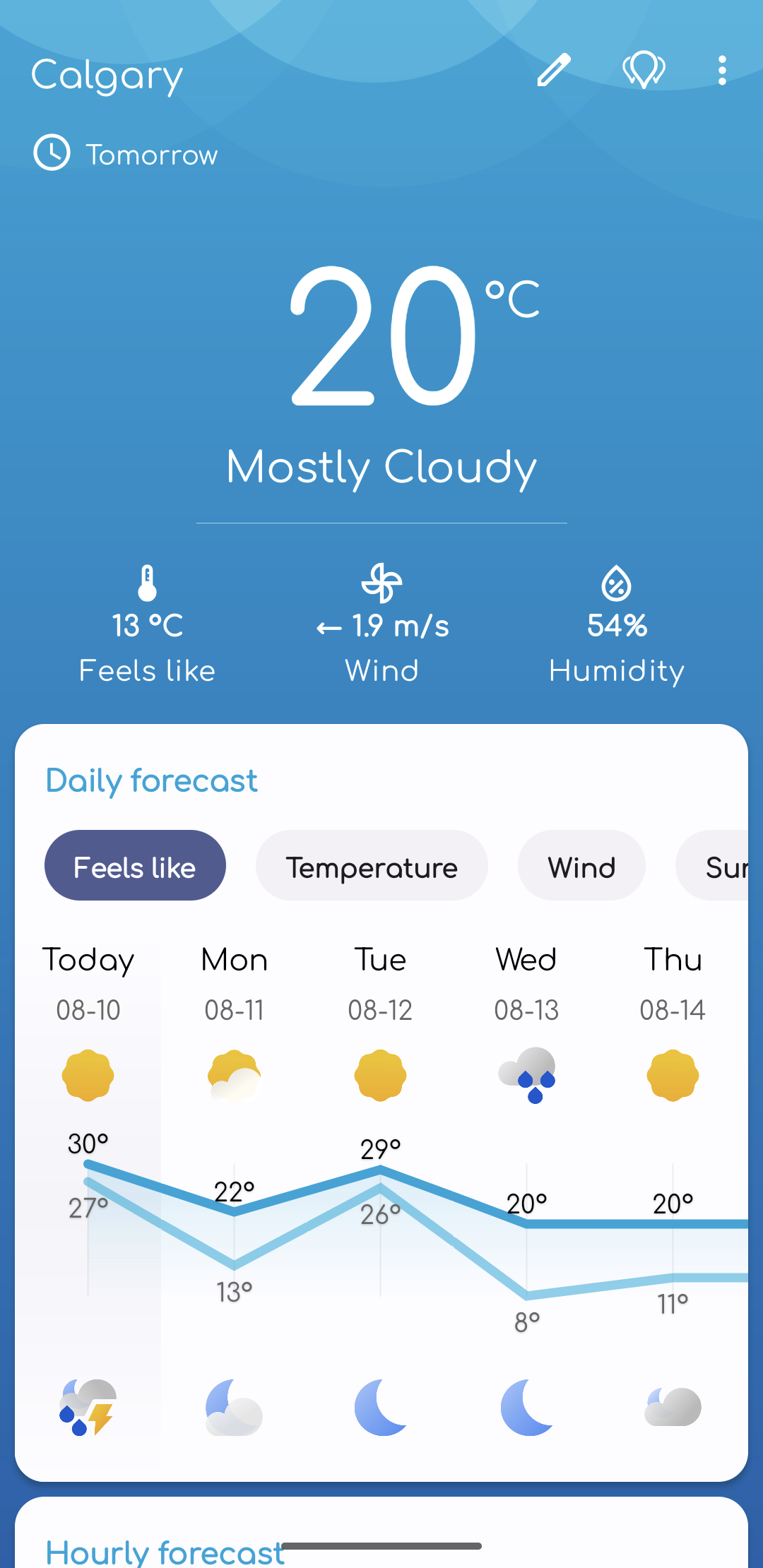
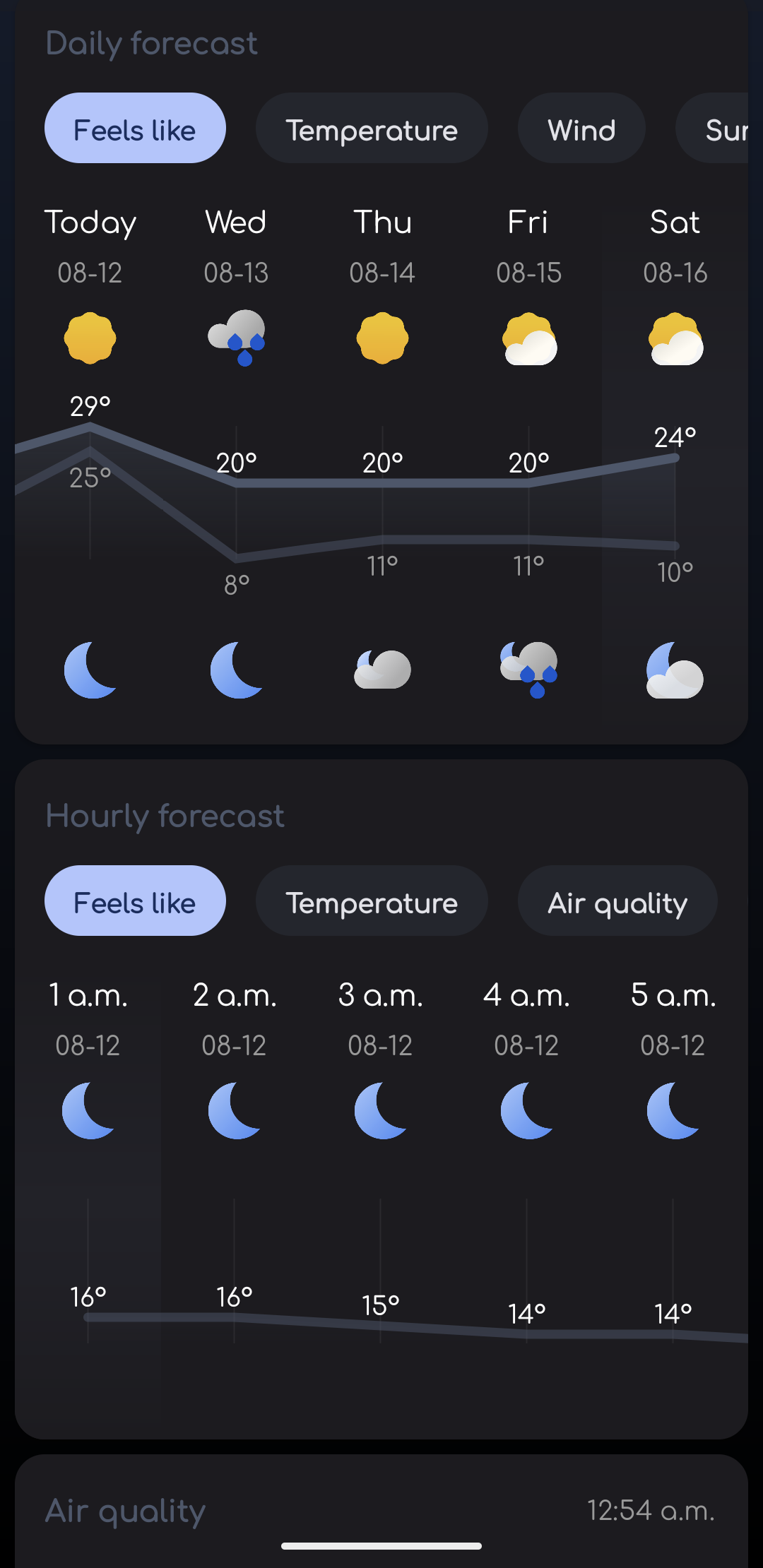
| Breezy Weather Settings | Icon Pack Preview | Day Weather | Night Weather | Dark Mode | More Examples |
|---|---|---|---|---|---|
 |
 |
 |
 |
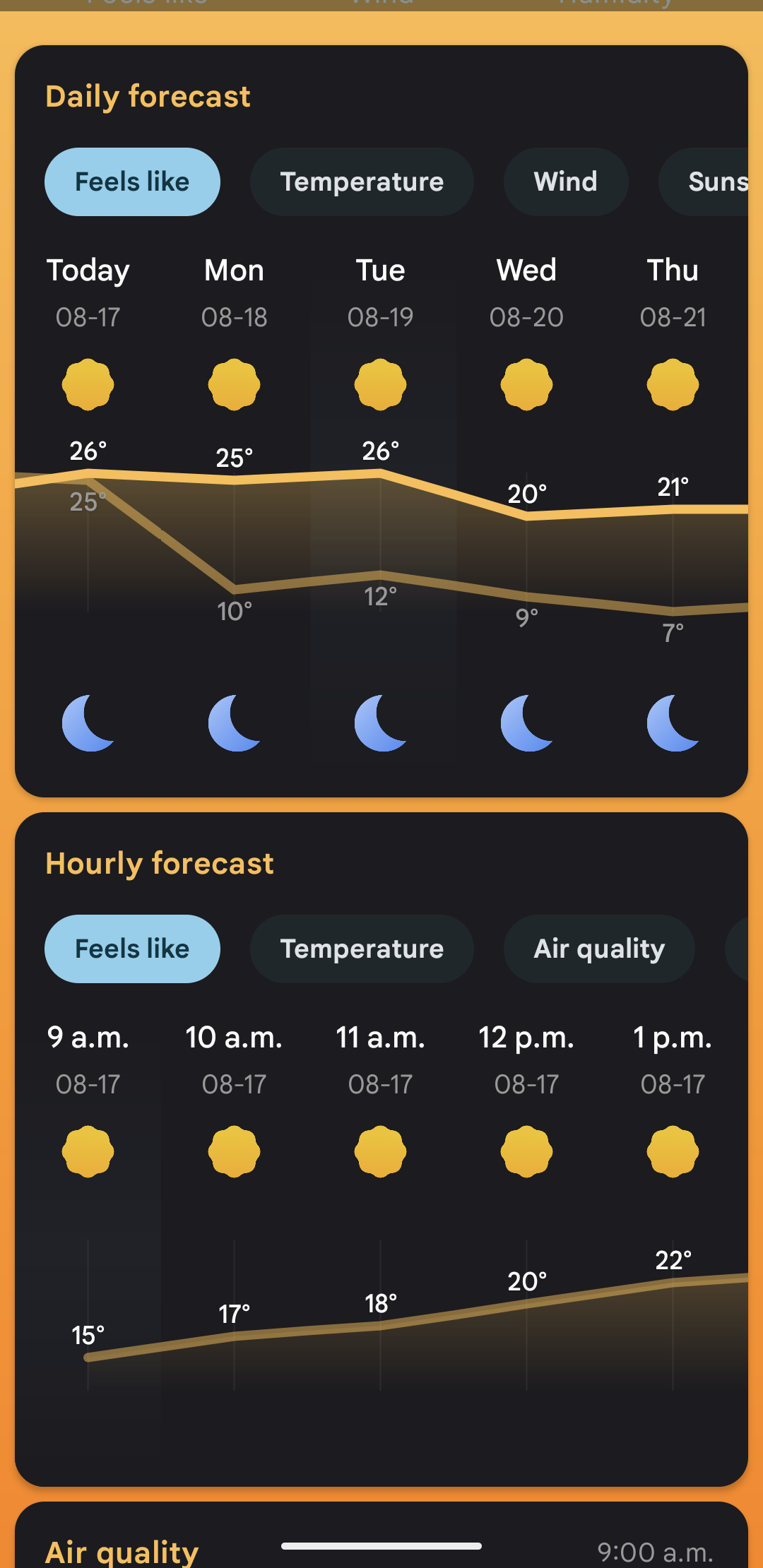 |
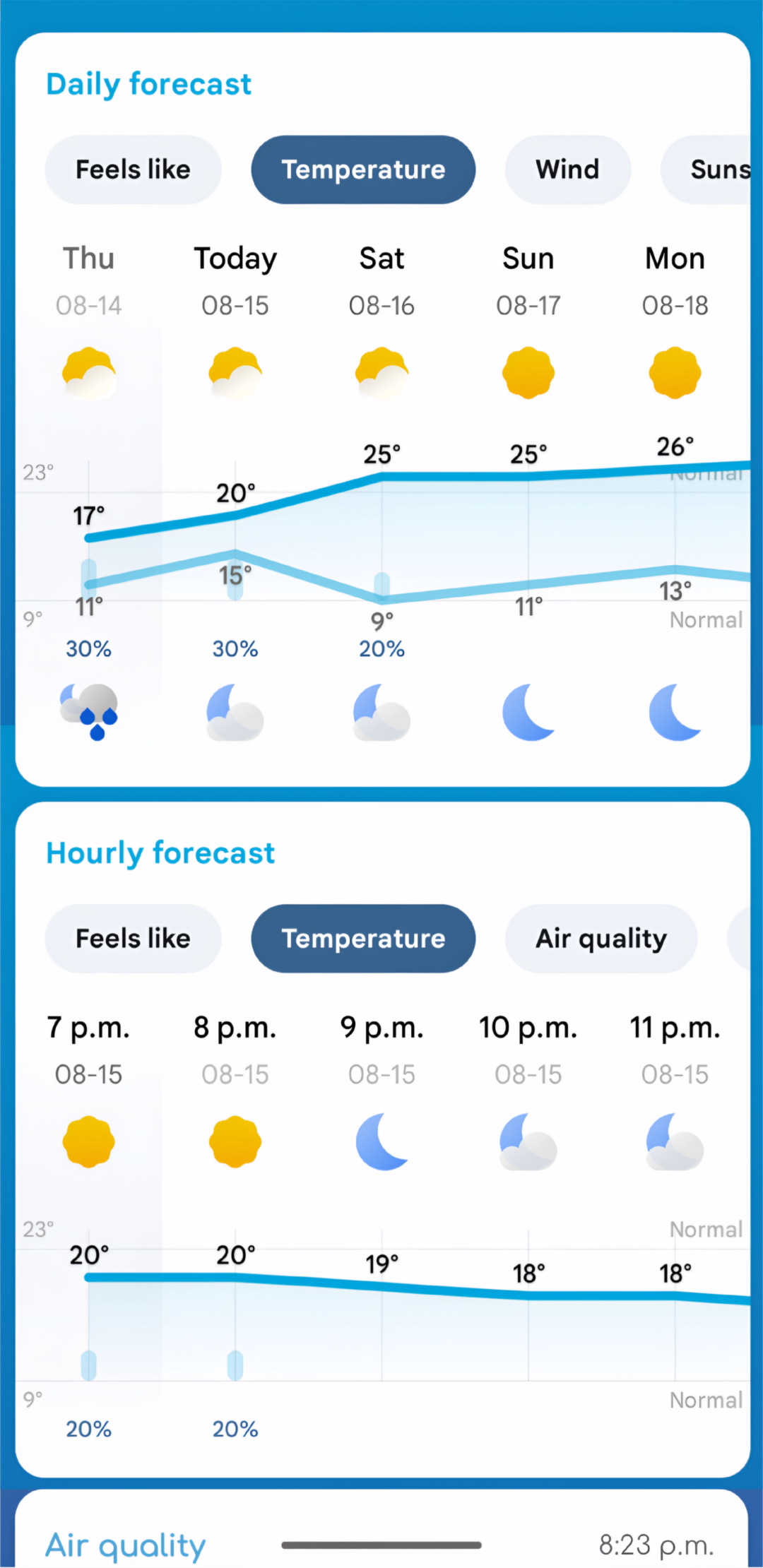 |
- Package name: com.matthew.googleweathericonsv4
- Target SDK: Android API level 34 (Android 14)
- Minimum SDK: Android API level 21 (Android 5.0)
- APK size: ~2.8MB (as of v2.0.0 with animator support)
- Architecture: Uses drawable_filter.xml and animator XMLs for Breezy Weather integration
- Icon format: 256x256px PNG with transparent backgrounds
app/
├── src/main/
│   ├── res/
│   │   ├── animator/             # Weather animators (XML)
│   │   ├── drawable/             # Weather icons (PNG)
│   │   ├── mipmap-*/             # App launcher icons
│   │   └── xml/
│   │       └── drawable_filter.xml  # Breezy Weather mapping
│   ├── assets/                 # Preview images
│   └── AndroidManifest.xml     # App configuration
└── build.gradle.kts            # Build configuration
- Ensure you have Android Studio with SDK 34+
- Clone the repository
- Open project in Android Studio
- Sync project with Gradle files
- Build → Generate Signed Bundle / APK
See CONTRIBUTING.md for guidelines on contributing to this project.
This project was made possible thanks to the open source community:
- papjul - Prominent developer and maintainer of Breezy Weather who provided the essential icon pack development instructions that enabled this project. Special thanks for the technical guidance that made v1.2.0 and v1.3.0 possible, including identifying missing icons, proper drawable_filter.xml implementation, and the oxipng optimization technique.
- Breezy Weather Project - For creating an extensible weather app that supports custom icon packs
Application Code: This project's source code is licensed under the MIT License - see the LICENSE file for details. Weather Icons: The weather icons included in this application are sourced from https://github.com/mrdarrengriffin/google-weather-icons. The licensing status of these icons is uncertain, as:
- The source repository explicitly disclaims ownership with "I do not own these icons. All rights belong to Google"
- No official Google documentation has been located that confirms these specific icons are released under an open source license
- Users and distributors should be aware of potential copyright restrictions Disclaimer: This application is provided for educational and interoperability purposes. Users assume responsibility for compliance with applicable copyright laws in their jurisdiction.
- Added animator support for smoother, more dynamic icon rendering in Breezy Weather
- Thanks to @papjul for providing the essential instructions!
- Note: APK size increased to ~2.8MB in this release due to added animator support
- Fixed - Notification icons now display correctly
- Big thanks to @SethGower for spotting and reporting this issue!
- Dramatically reduced APK size from 5MB to 500KB using oxipng optimization
- Optimized icon dimensions to 256x256px
- Streamlined dependencies for better performance
- Updated licensing documentation for accuracy
- Added missing critical weather icons (Cloudy, Rain, Wind, Hail, Thunder)
- Replaced config.xml with proper drawable_filter.xml for better Breezy Weather integration
- Optimized PNG file sizes using advanced compression
- Improved download and installation speed
- Fixed night icon support in Breezy Weather
- Complete day/night icon coverage