






CarConnectivity is a python API to connect to various car services. If you want to provide data to Home Assistant the CarConnectivity MQTT Plugin will enable the MQTT protocol. In order to improve the compatibility with Home Assistant, this plugin adds the Home Assistant Device Discovery for automatically provisioning devices in Home Assistant and adds further topics specifically for Home Assistant.
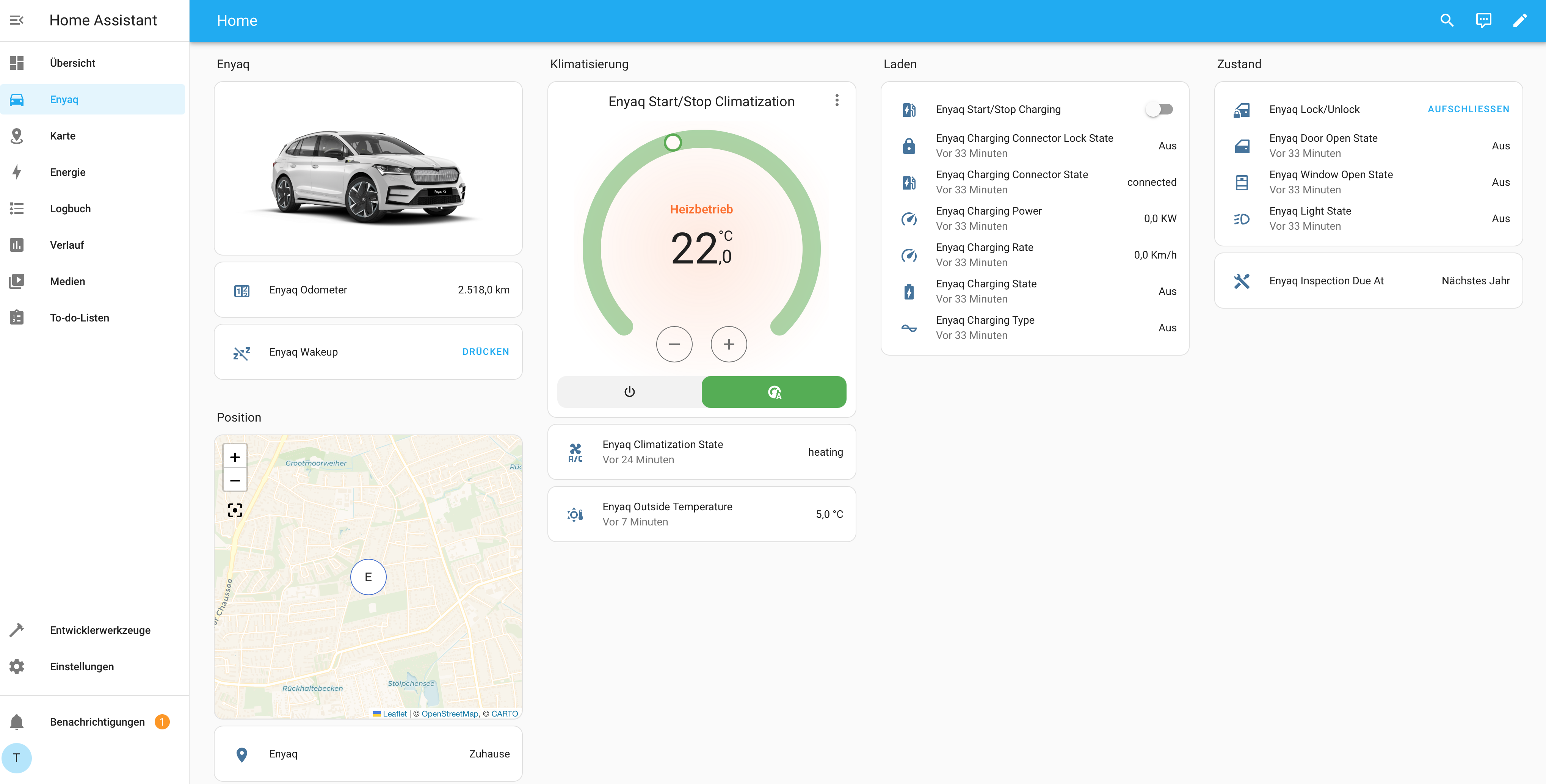
There is a packaged addon available here: carconnectivity-addon
If you want to use the CarConnectivity Plugin for Home Assistant, the easiest way is to obtain it from PyPI. Just install it using:
pip3 install carconnectivity-plugin-mqtt_homeassistantafter you installed CarConnectivity and the CarConnectivity MQTT Plugin.
Add carconnectivity-plugin-mqtt_homeassistant to the ADDITIONAL_INSTALLS environment variable (multiple entries can be separated by a space).
...
  carconnectivity-mqtt:
    image: "tillsteinbach/carconnectivity-mqtt:latest"
    environment:
      - ADDITIONAL_INSTALLS=carconnectivity-plugin-mqtt_homeassistant
...
In your carconnectivity.json configuration add a section for the mqtt_homeassistant plugin like this. A documentation of all possible config options can be found here.
{
    "carConnectivity": {
        "connectors": [
            ...
        ]
        "plugins": [
            {
                "type": "mqtt", // Definition for the MQTT Connection
                "config": {
                    "broker": "192.168.0.123", // Broker hostname or IP address
                    "username": "testuser", // Broker username to login
                    "password": "testuser" // Broker password to login
                }
            },
            {
                "type": "mqtt_homeassistant",
                "config": {}
            }
        ]
    }
}
Afterwards you start CarConnectivity in your preferred way, e.g. using
carconnectivity-mqtt carconnectivity.jsonOnce the device is created in Home Assistant all Entities will display as "Not Available". The reason is that Home Assistant does not know the states yet. In order trigger a resend of all topics, restart CarConnectivity. This will make all entities available.
If you want to update, the easiest way is:
pip3 install carconnectivity-plugin-mqtt_homeassistant --upgrade