

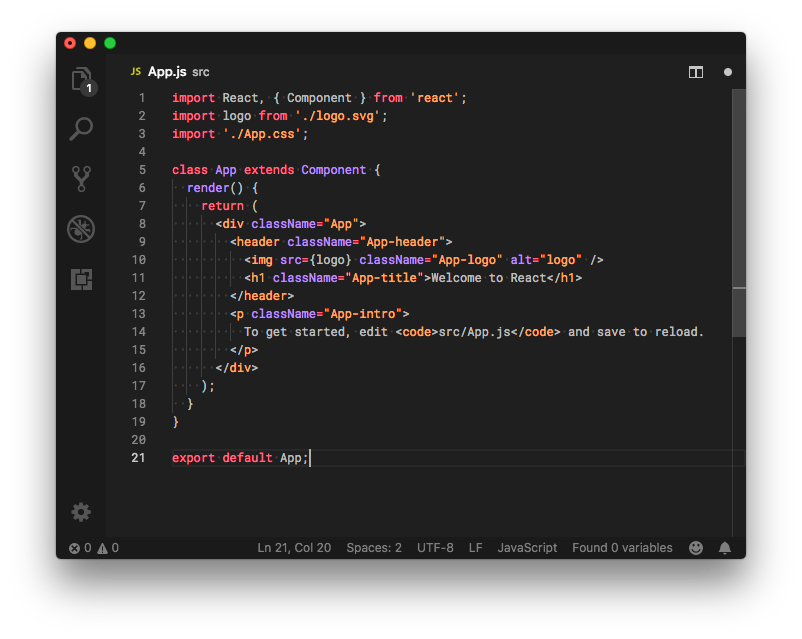
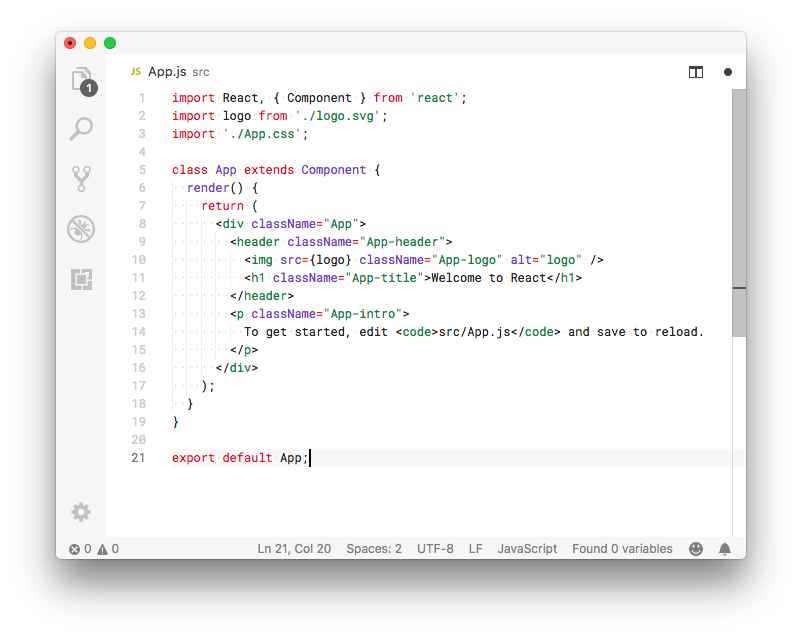


- Install theme from the Marketplace
- Go to
File > Preferences > Color Theme - Select
Min DarkorMin Light
Alternatively install via CLI:
code --install-extension miguelsolorio.min-theme
| Name | Name | Last commit date | ||
|---|---|---|---|---|
File > Preferences > Color ThemeMin Dark or Min LightAlternatively install via CLI:
code --install-extension miguelsolorio.min-theme