Test execution of imported examples
For this illustration, we'll use Eclipse Kepler and assume that you already have it installed, and that you have also installed Red Deer following the instructions listed in the Installation page
The Red Deer examples are packaged with the Red Deer source. To get a copy, you use git. The command is:
git clone https://github.com/jboss-reddeer/reddeer.git
The examples are located in this directory in the Red Deer download:
reddeer/plugins/org.jboss.reddeer.examples
The Red Deer examples are packaged as a Maven project. To import the examples:
Navigate to: File->Import->Maven->Existing Mavin Projects:

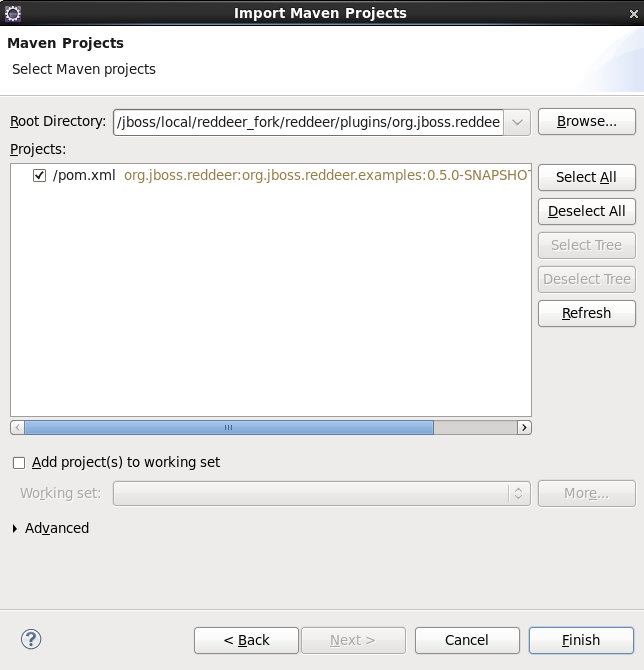
And select the directory (plugins/org.jboss.reddeer.examples under the directory in which you downloaded Red Deer) in which the examples project exists:
To Run the examples, select the examples' top-level pom.xml, and Run As->Maven test:
