



Sentiment analysis is one of the fastest growing research areas in computer science, making it challenging to keep track of all the activities in the area. In our project we aim to achieve our goal in accurately predicting a users sentiment by analysing the data provided in any of the four different methods. They are Document Analysis, Text Analysis, Product Analysis and Audio Analysis. This project though currently in the initial stages of development, can be further applied to numerous domains which can be useful for the society. This document provides a major perspective for the users to understand and take up the project as an Open source software and add on multiple features before releasing to the market. Also, the document aids the developers in understanding the code and acts as a reference point for starting the project.
The complete development was achieved using the following technologies and it is recommended that the next set of developers who take up this project have these technologies installed and keep them running before proceeding further: Python3 Django HTML CSS Scrappy Vader Analysis Tool
Although we have used HTML and CSS for the FrontEnd, the users can merge the backend logic with any of the front end frameworks they wish to use such as React, angularJS, etc.
- Run
pip install -r requirements.txtfollowed bypython -c "import nltk; nltk.download('punkt'); nltk.download('stopwords')" - Make sure you change the path accordingly in the files. (Refer to the issue: bsharathramesh#31 to get the list of files where changes are needed)
- Execute manage.py using the command
python3 manage.py runserverat/SE_Project1/sentimental_analaysis. This runs the Django server such that we can open the webUI for the project on the browser. - Next, open your browser and type in
localhost:8000in the search bar to open the webUI of the application. - The UI typically looks as shown below and here you have a choice between URL, file or normal text input.
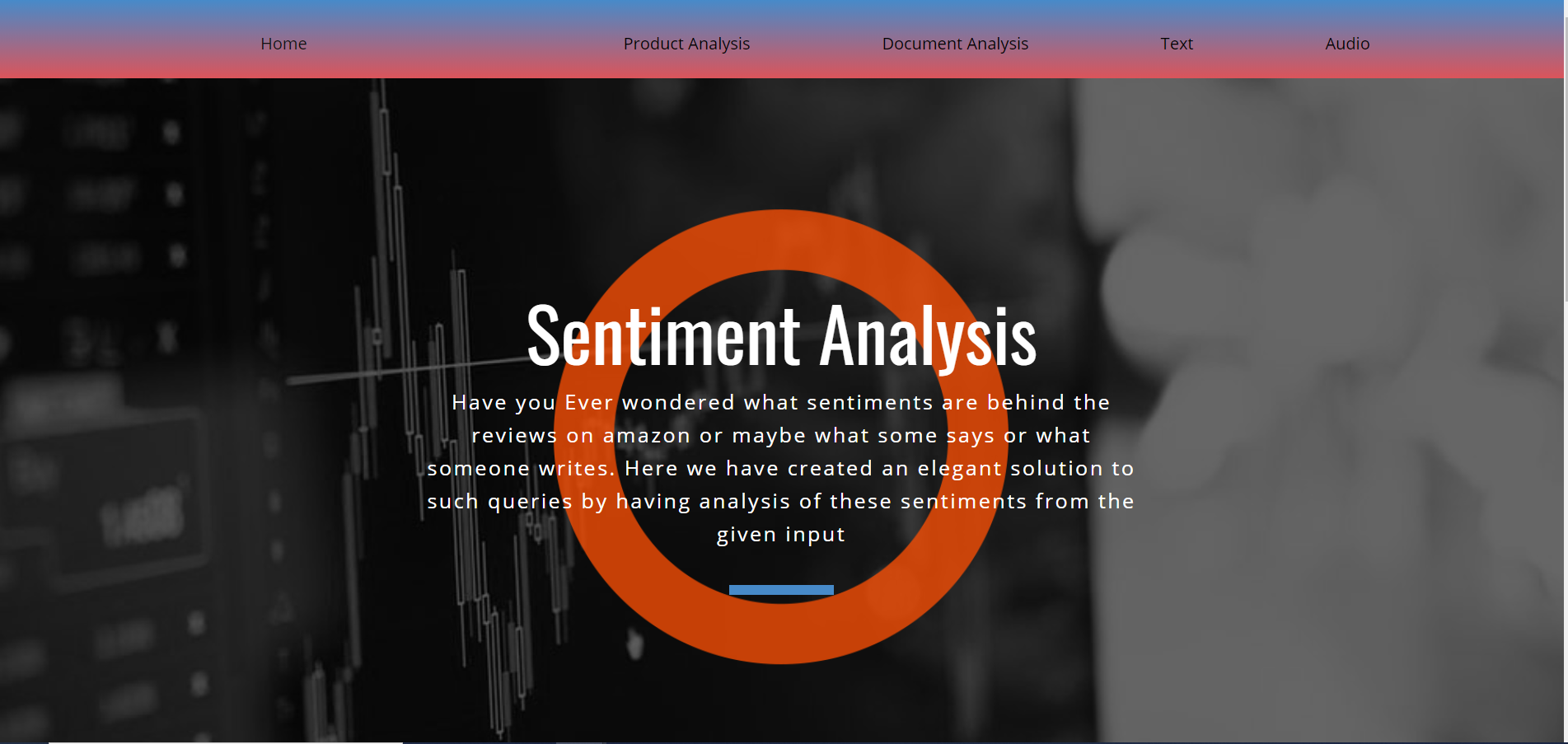
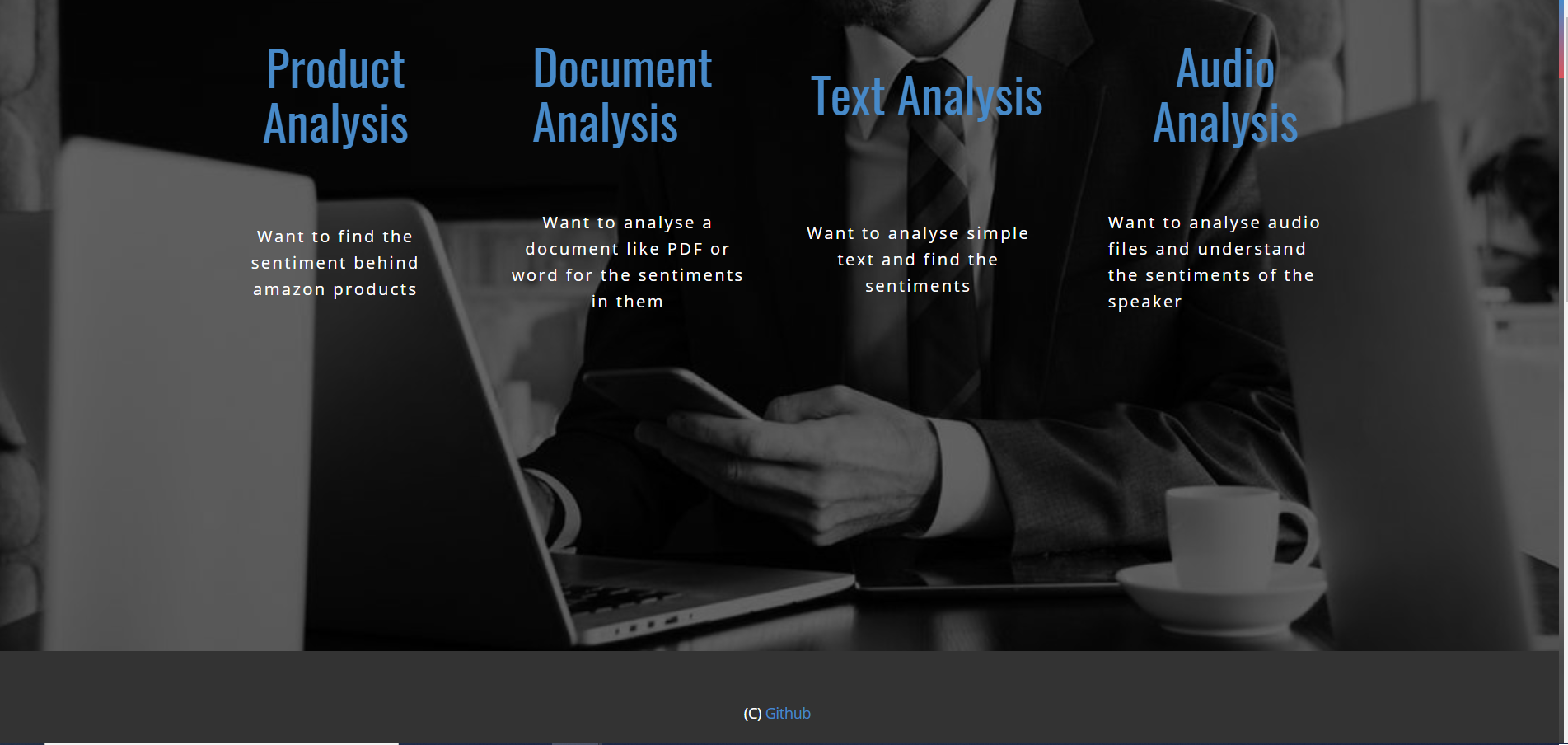
The UI for URL input is as shown below:

The UI for file input is as shown below:

The UI for text input is as shown below:
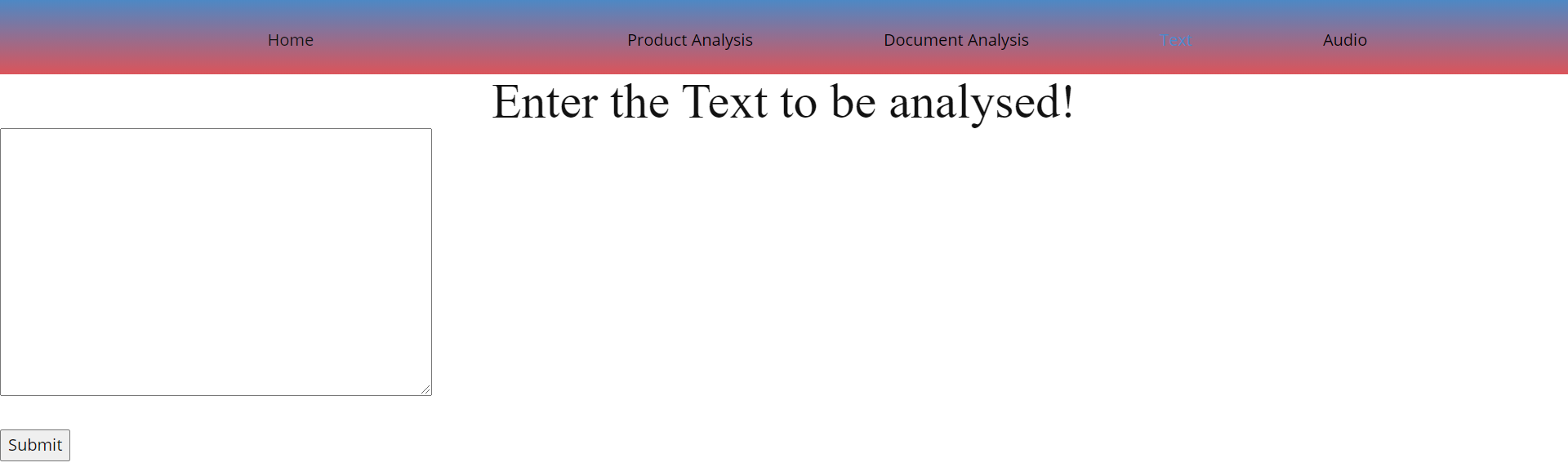
The UI for audio input is as shown below:

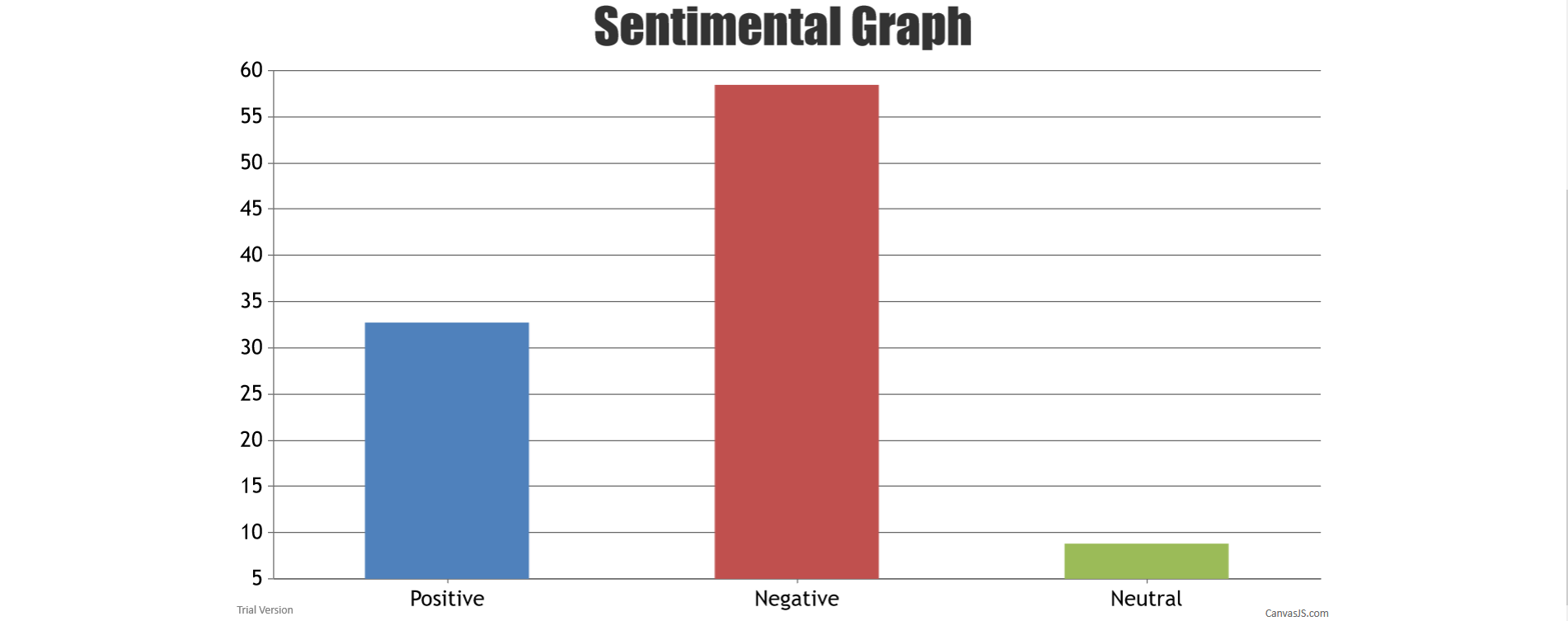
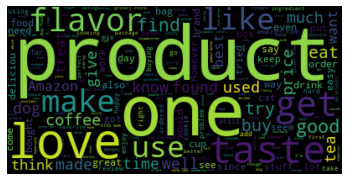
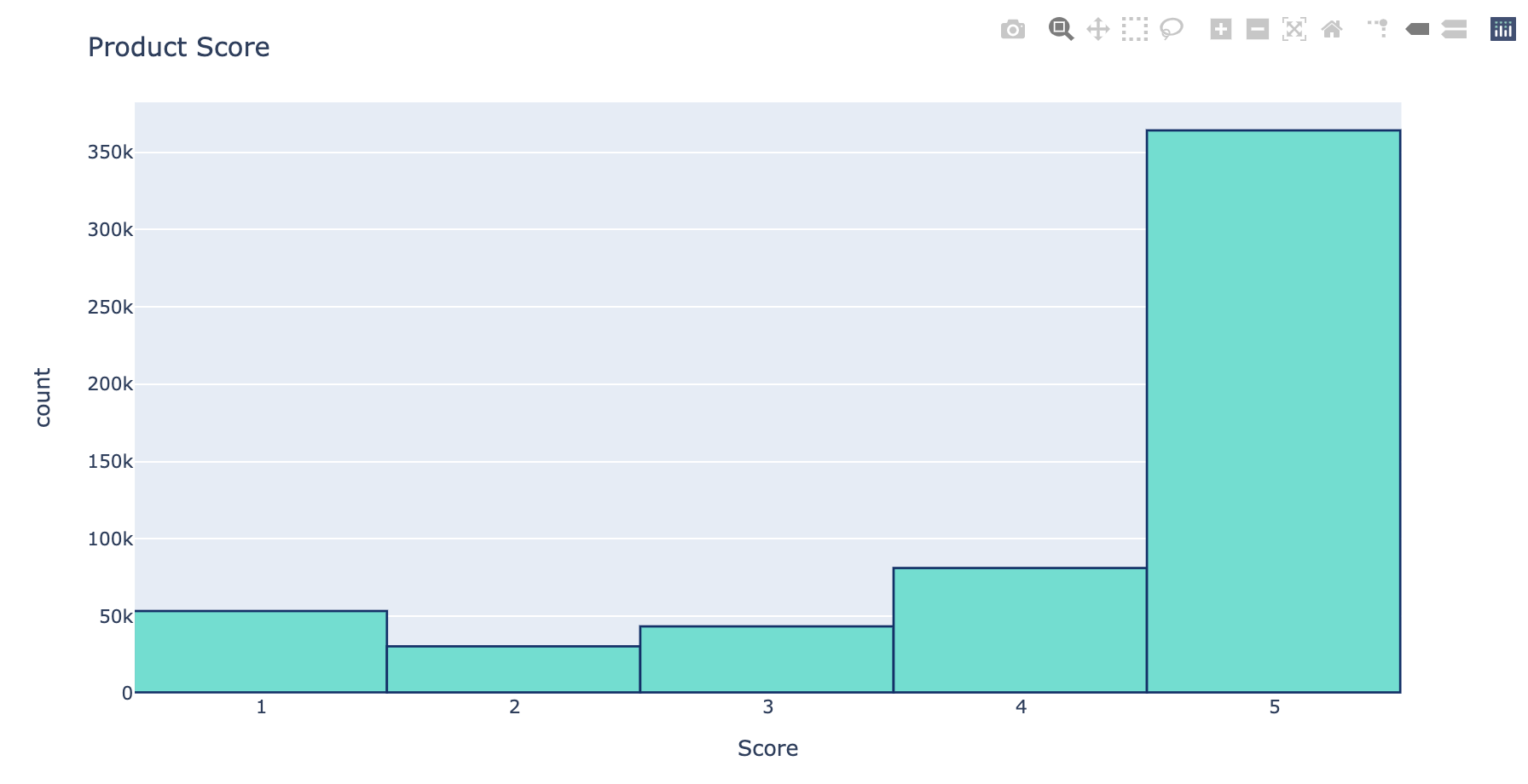
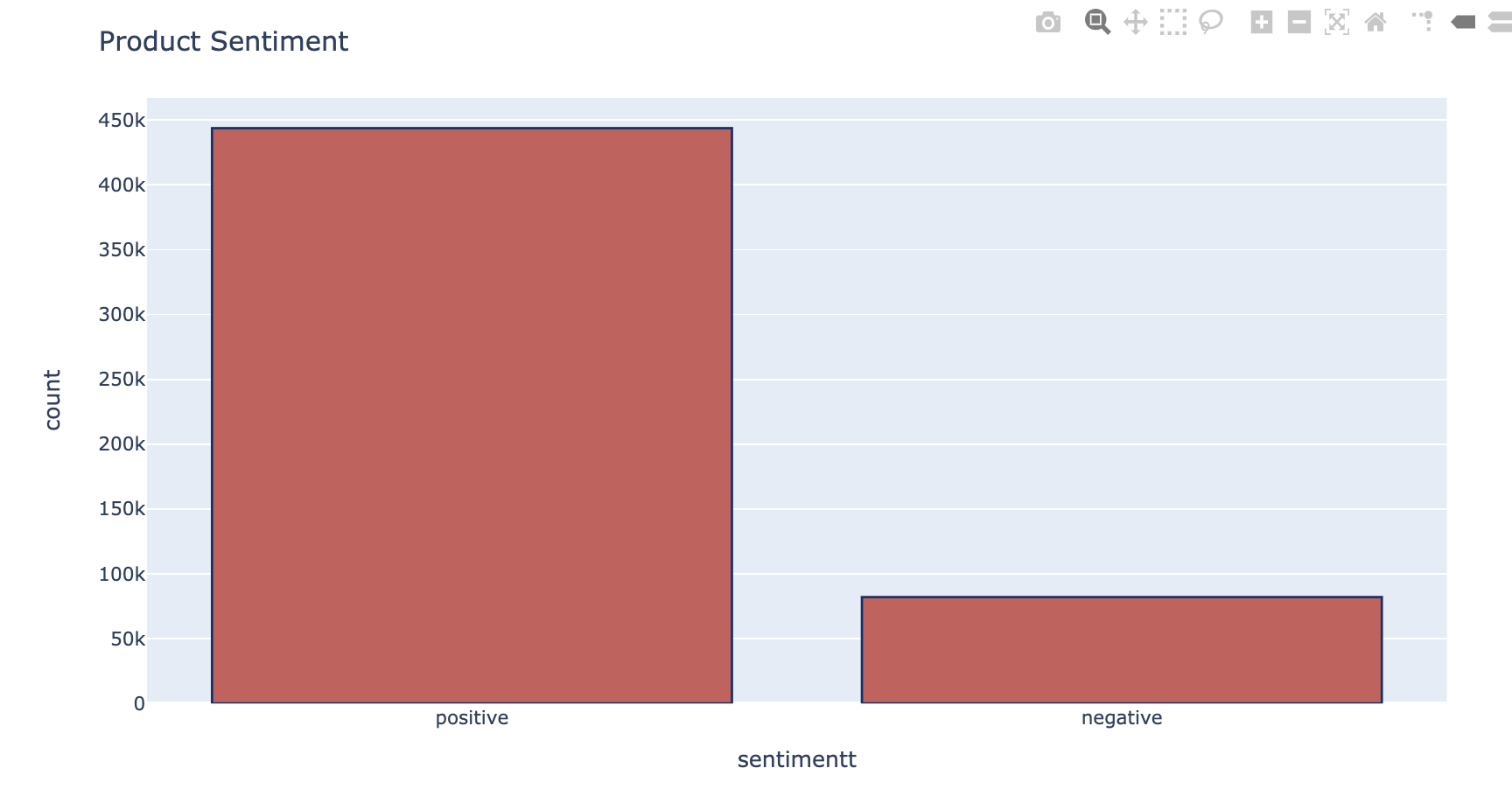
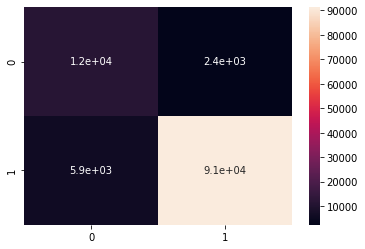
The Output as below:
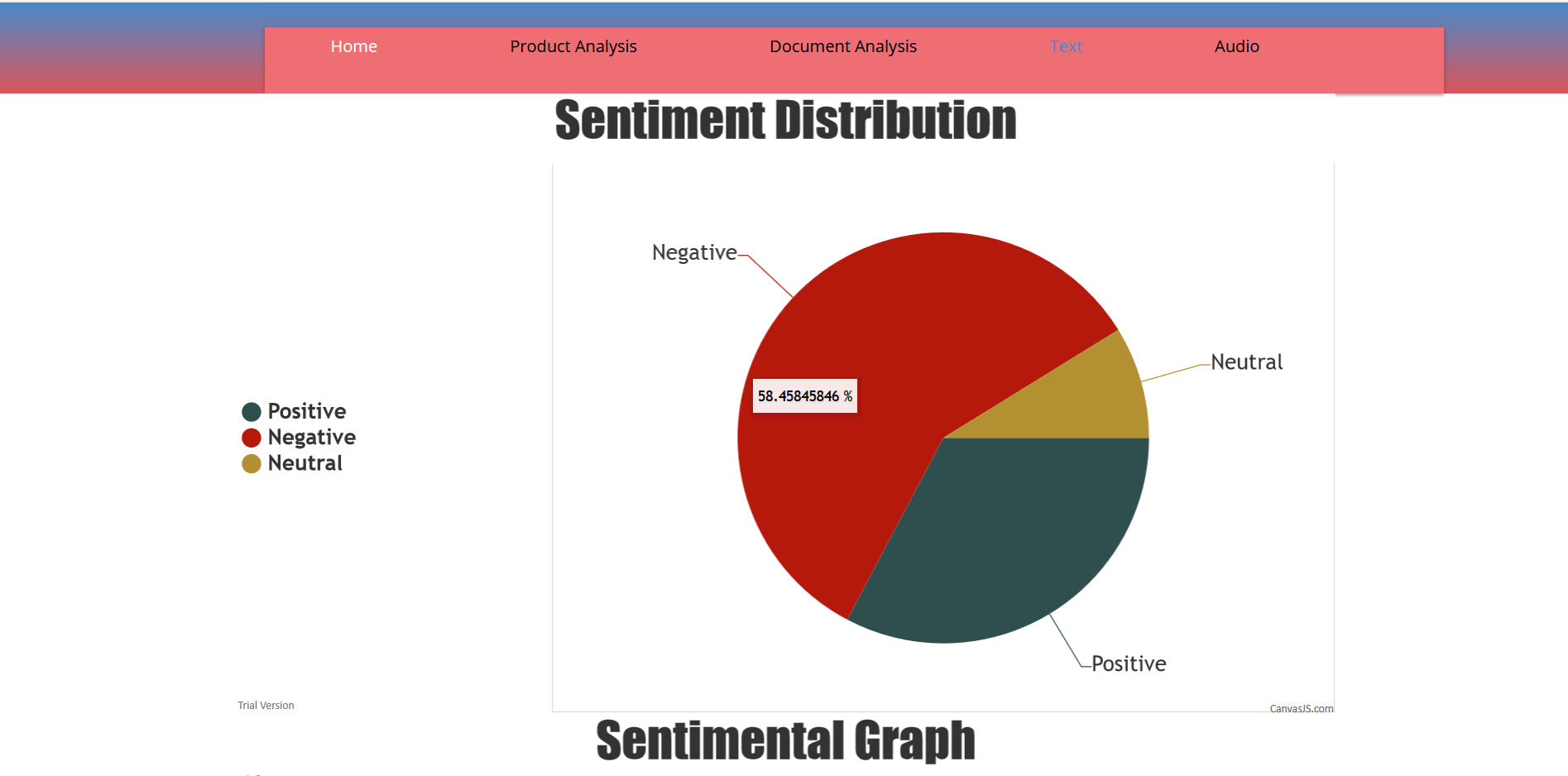
Implement user authentication to store history for each user.
Recommendation system based on analysis results.
Live speech to text sentiment analysis.
Enhance the analysis by taking into consideration the number of users rated for each product!
Extend the analysis to the Facebook, Twitter and LinkedIn Posts
Matt Pudlo
Prasanth Yadla
Abhi Joshi
Mita Gavade
Suyash Jain