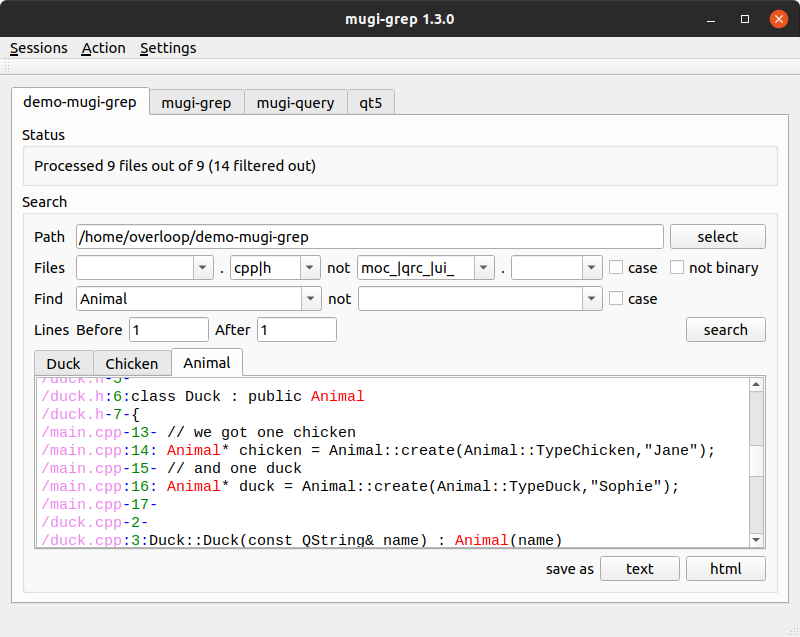
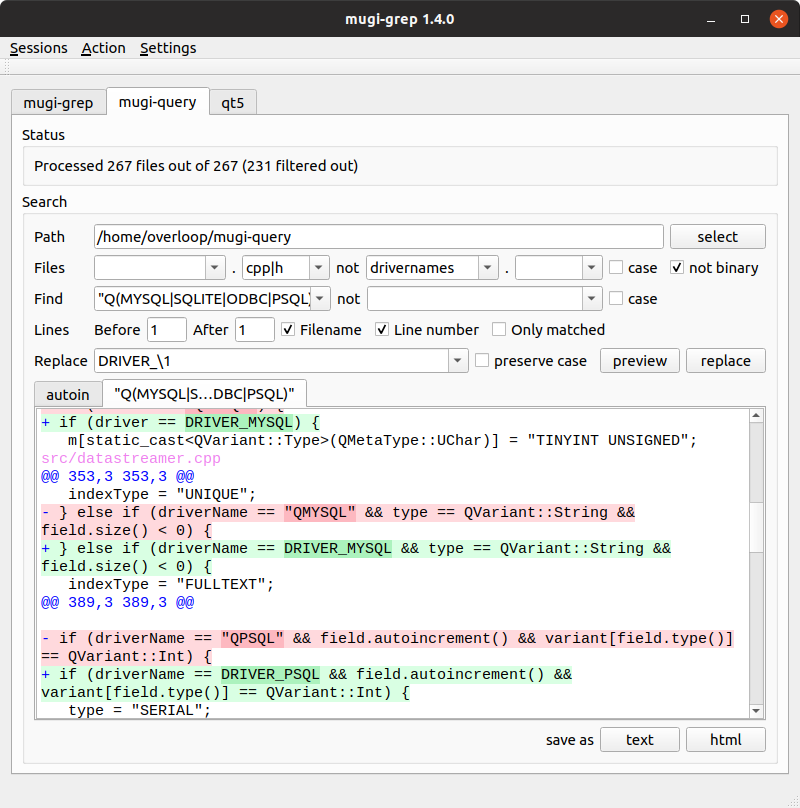
Interactive and visual grep and sed tool.
- Install qt6
- Clone sources
git clone git@github.com:mugiseyebrows/mugi-grep.git- Open
x64 Native Tools Command Prompt - Navigate to sources
cd "%USERPROFILE%\mugi-grep" - Create
builddirectory and build
mkdir build
cd build
cmake -G Ninja -DCMAKE_BUILD_TYPE=Release ..
cmake --build .- Install qt6
- Clone sources
git clone git@github.com:mugiseyebrows/mugi-grep.git- Add gcc, cmake and ninja to
%PATH% - Create
builddirectory and build
mkdir build
cd build
cmake -G Ninja -DCMAKE_BUILD_TYPE=Release ..
cmake --build .# install toolchain and qt
sudo apt update
sudo apt install build-essential qt6-base-dev ninja-build cmake git
# clone sources
git clone git@github.com:mugiseyebrows/mugi-grep.git
cd mugi-grep
mkdir build
cd build
cmake -G Ninja -DCMAKE_BUILD_TYPE=Release ..
cmake --build .
# installs to /usr/local/bin
sudo cmake --install .
# creates desktop file, copies icons
python3 desktop.py Compiled windows binaries with all dependencies are available in releases tab
You are welcome to submit issues questions and pull requests.