A Packer template for creating an Arista vEOS-lab Vagrant box for the VMware provider.
NOTE: The following CLI commands can be executed in either Bash or PowerShell.
- Clone this GitHub repo and cd into the directory.
git clone https://github.com/mweisel/veos-lab-vagrant-vmware
cd veos-lab-vagrant-vmware
- Log in and download the vEOS-lab disk image from Arista.
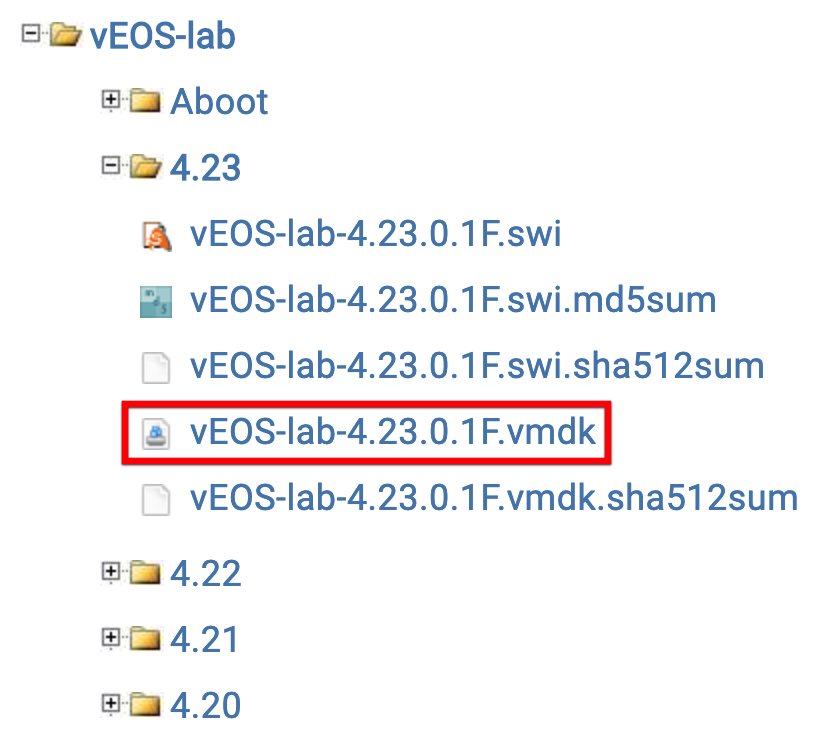
- Copy (and rename) the vEOS-lab disk image to the src directory.
cp $HOME/Downloads/vEOS-lab-4.23.0.1F.vmdk ./src/vEOS.vmdk
- Packer build with the vEOS version as a variable to create the Vagrant box artifact.
packer build -var 'version=4.23.0.1F' arista-veos-lab.json
- Add the Vagrant box.
vagrant box add --provider vmware_desktop --name arista-veos-4.23.0.1F ./builds/veos-lab-4.23.0.1F-vmware.box
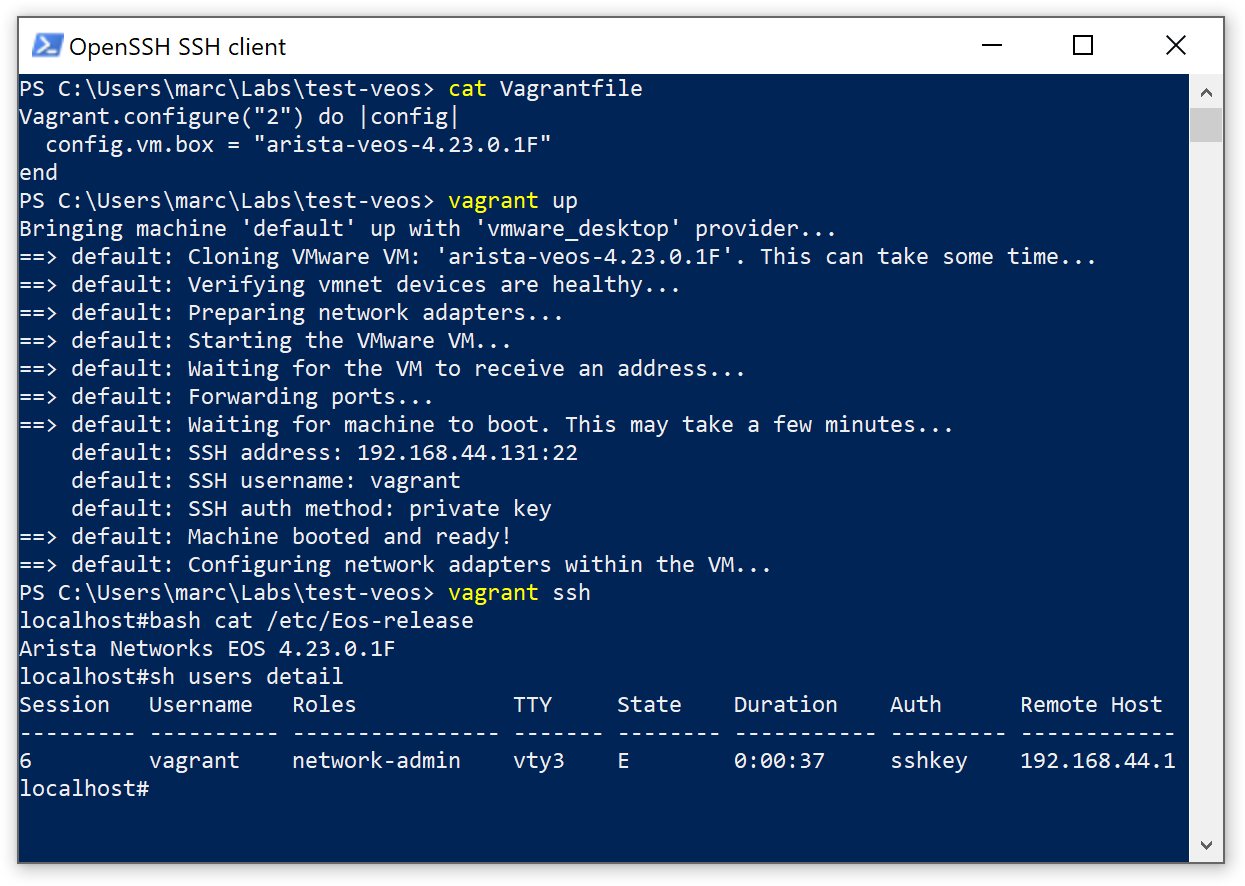
- Vagrant Up!
This project is licensed under the MIT License - see the LICENSE file for details