












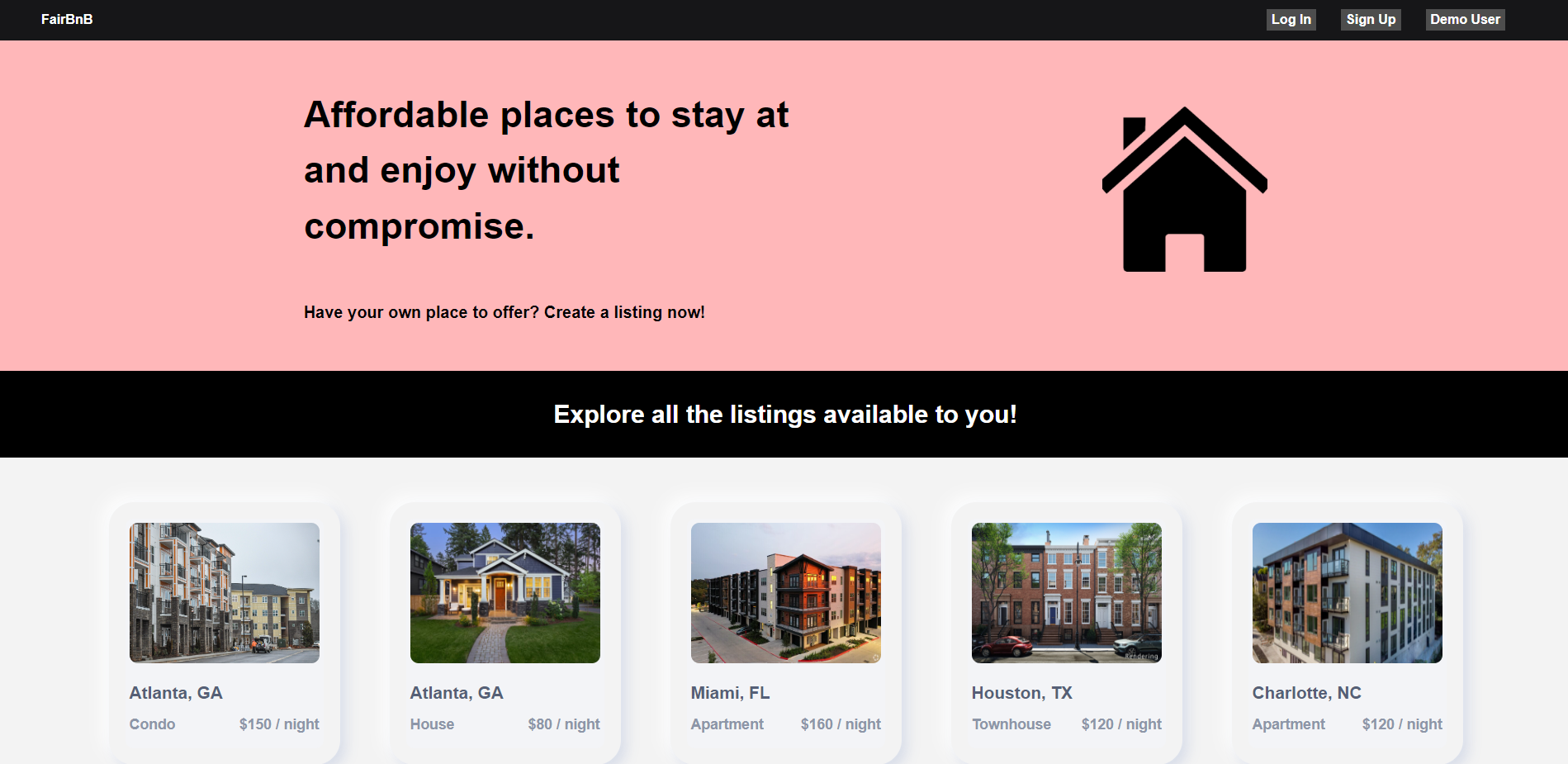
FairBnB is an AirBnB inspired full-stack web application with dynamic features catered to people who want to list and rent affordable places. FairBnB lets users create listings and other users. Other users can review those listings. Try out the app as a Demo user by clicking on the link above!
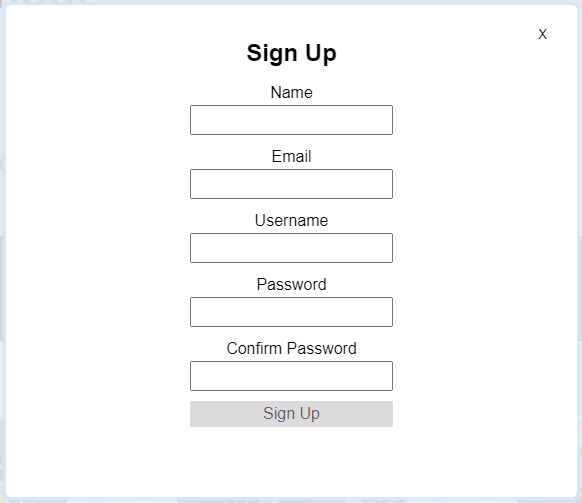
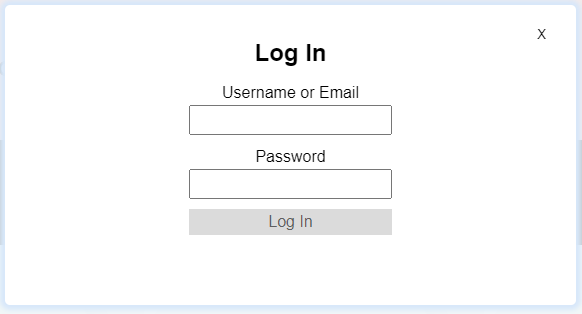
- Account Signup/Login/Logout
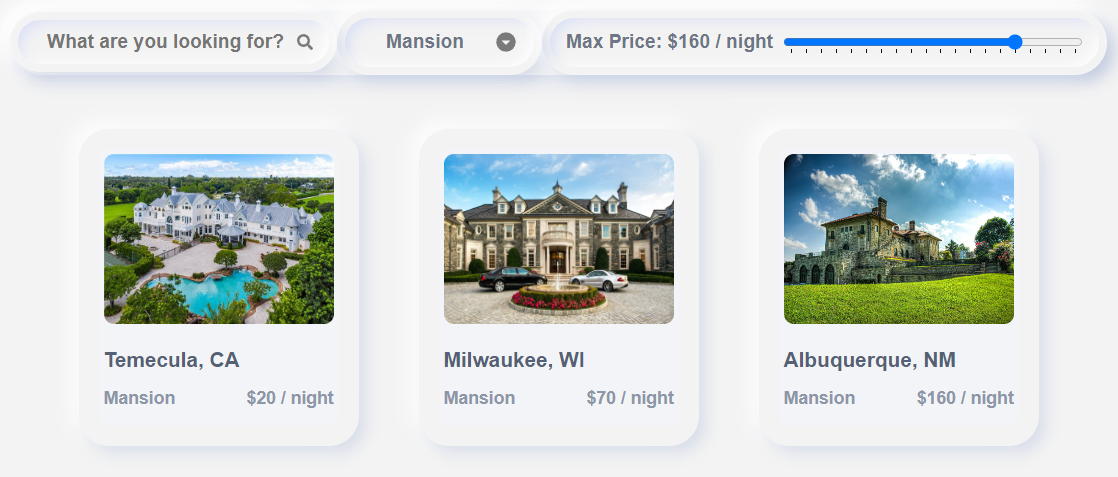
- Recommended Listings Viewed Upon Signup
- Demo User
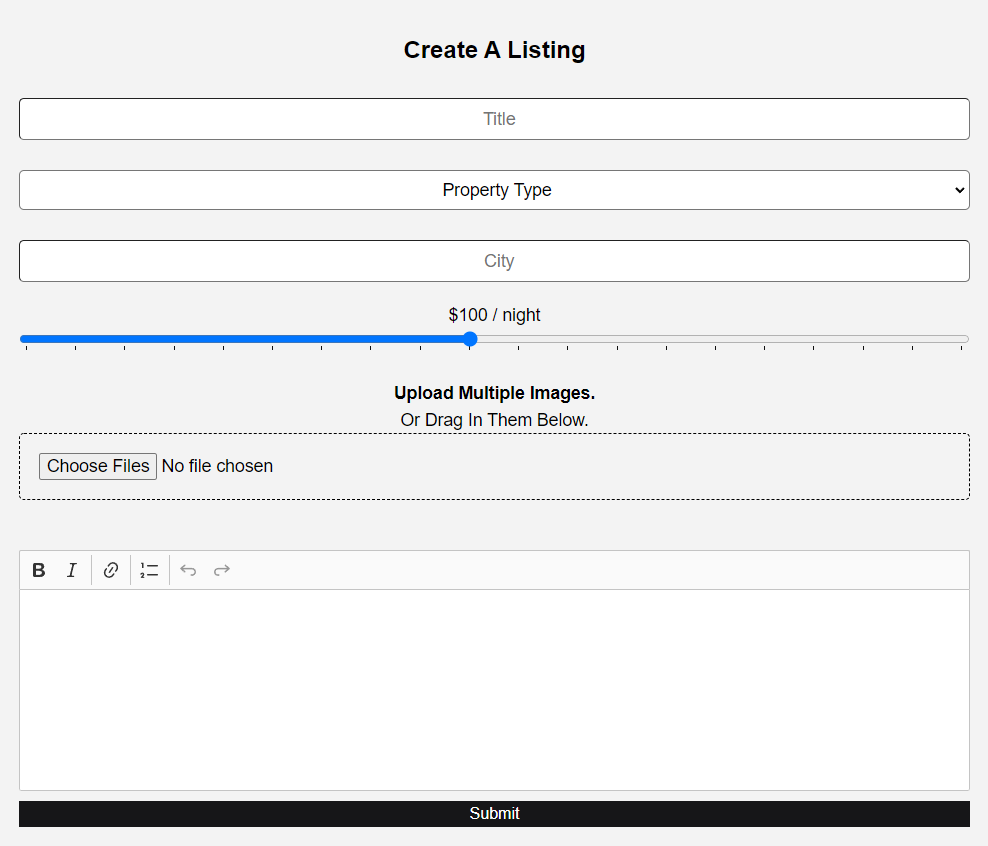
- Create, Update, and Delete Listings
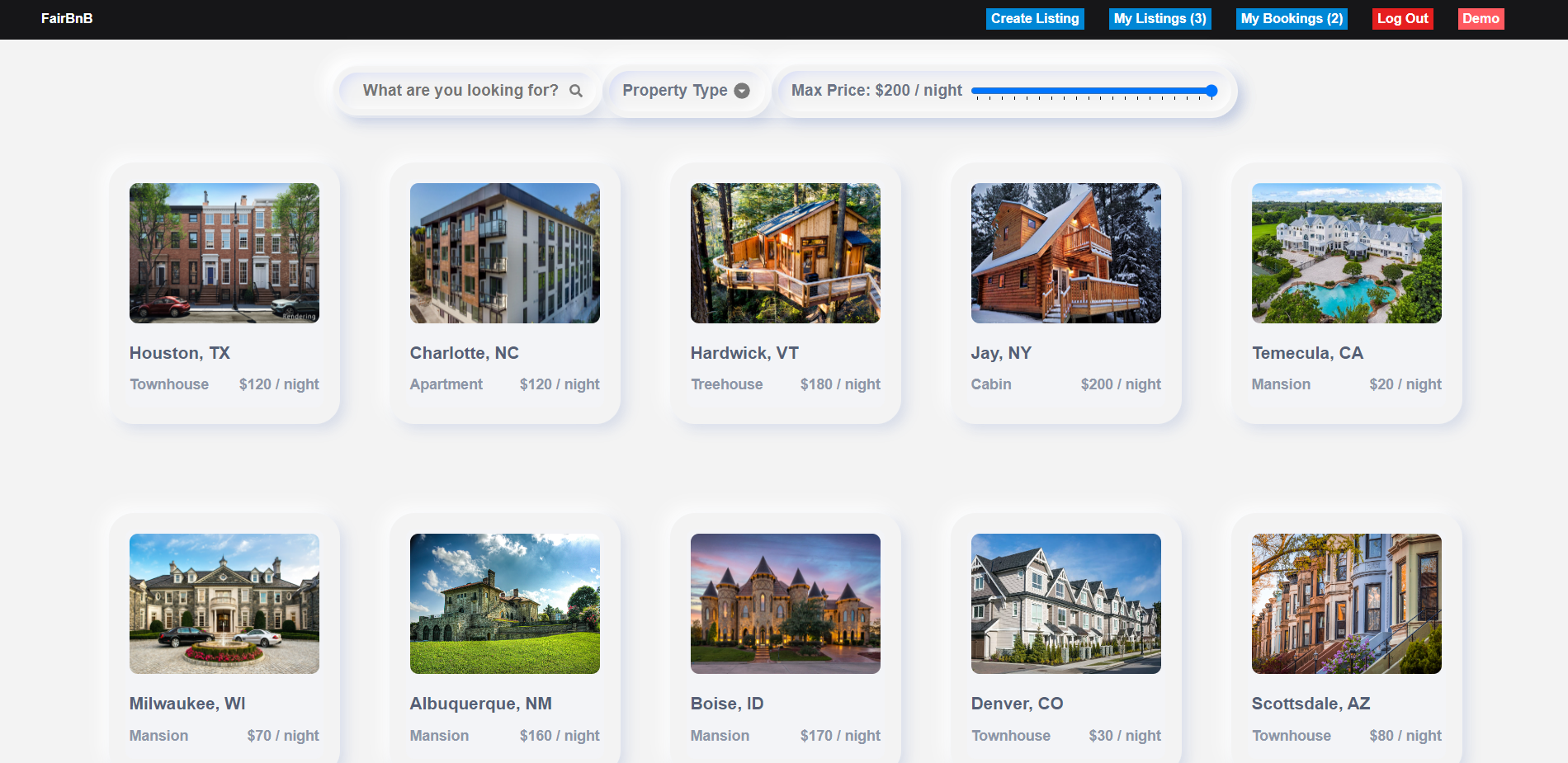
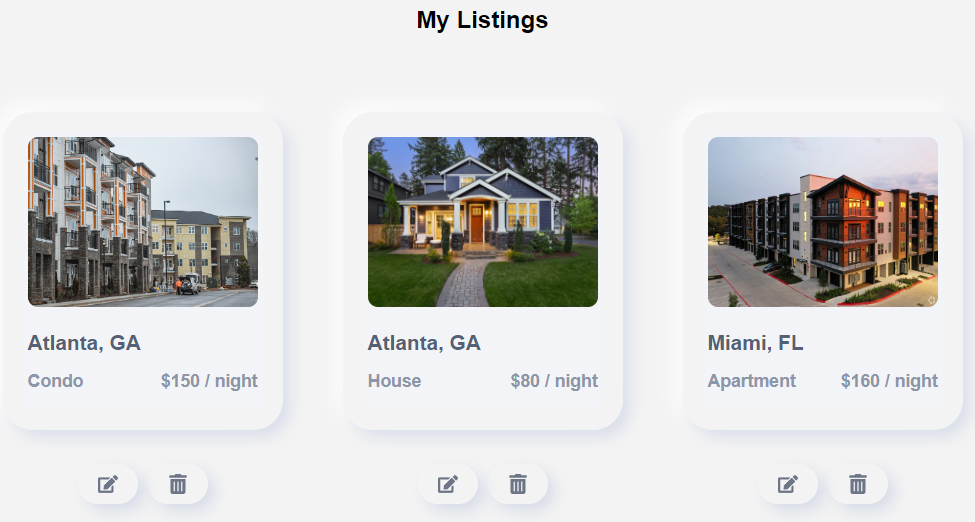
- Dashboard For Viewing Own Listings
- Filtered View For Other Listings
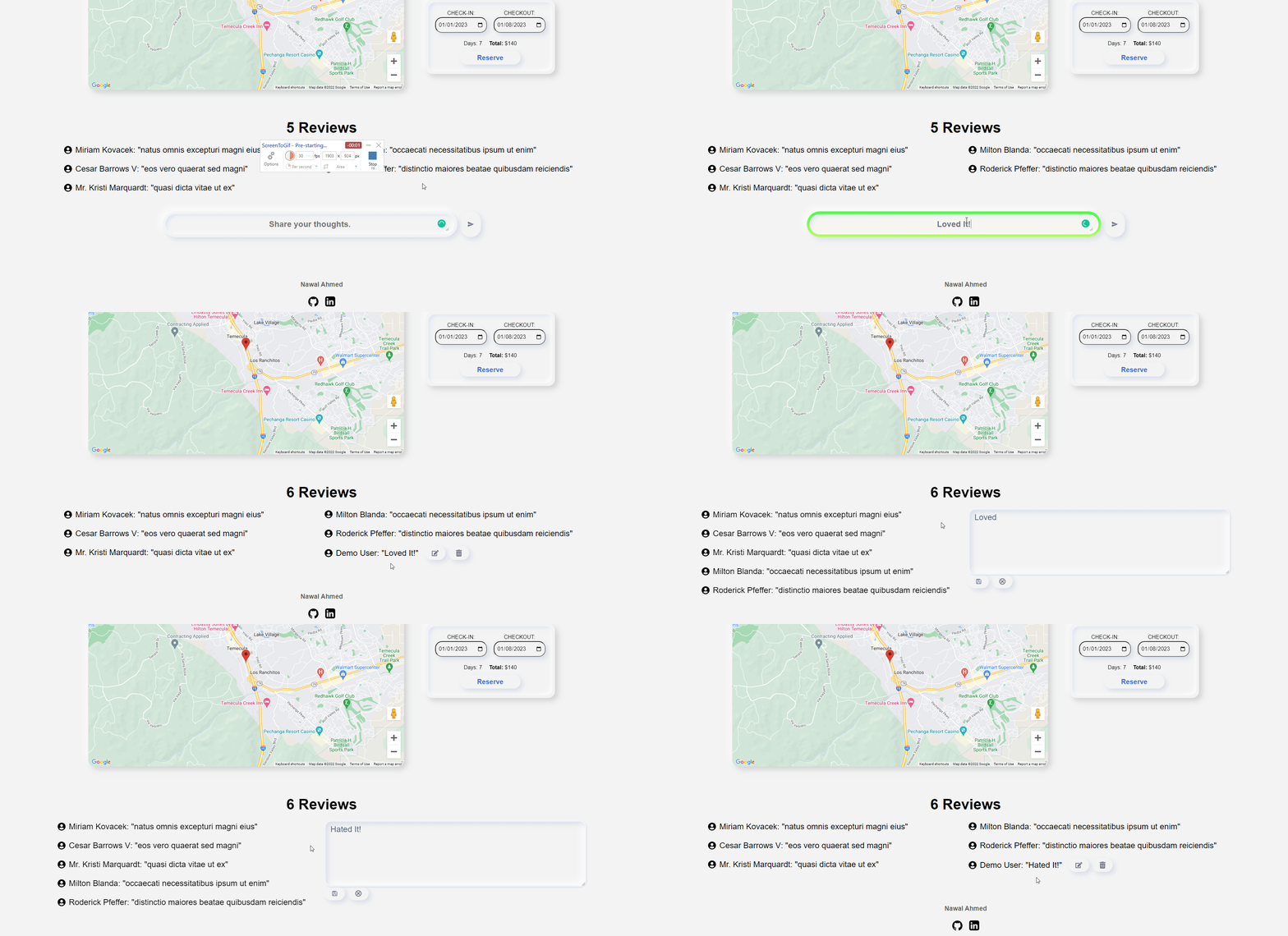
- Add New Reviews
- Edit and Delete Reviews
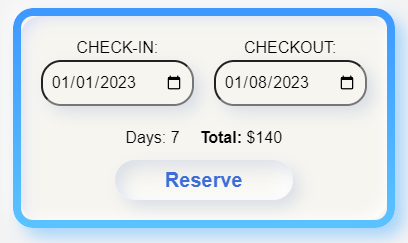
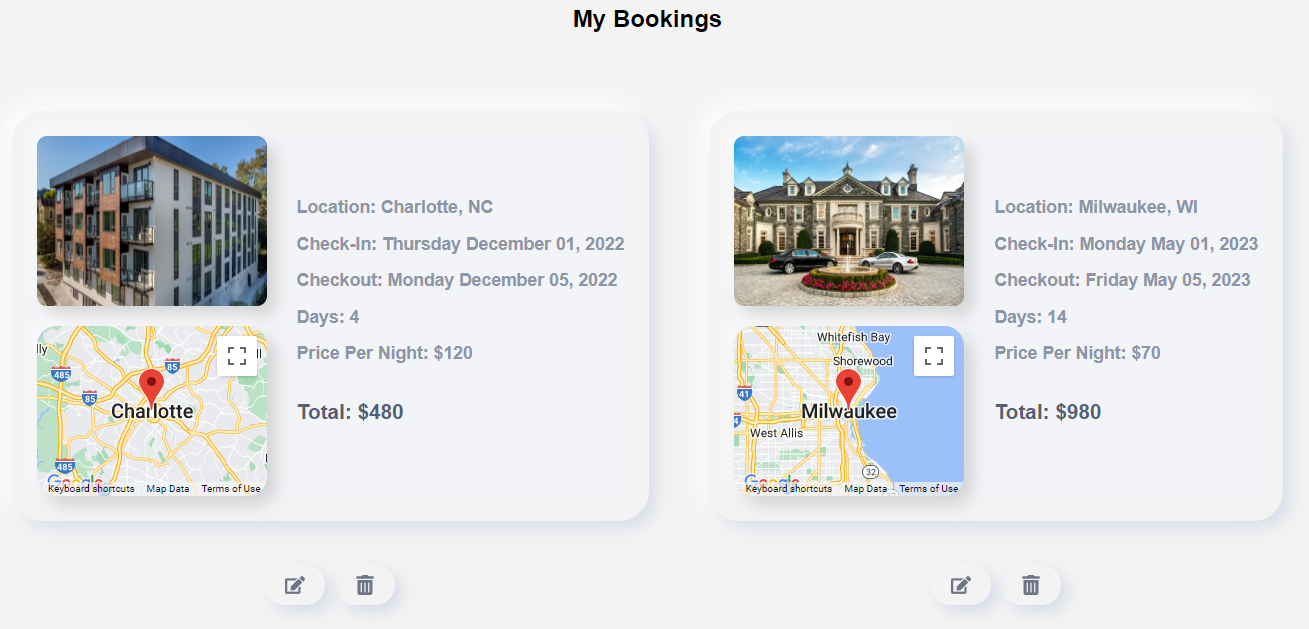
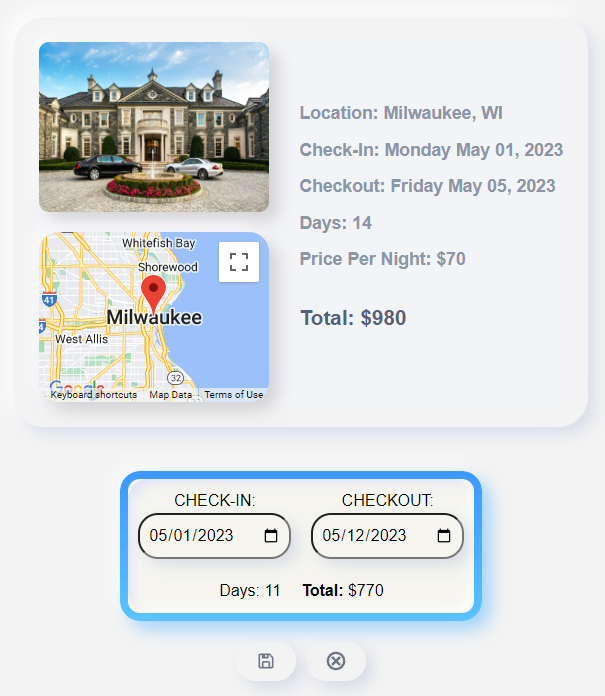
- Create, View, Edit, and Delete Bookings
- Live Search Bar and Filters
- AWS S3 Bucket Upload
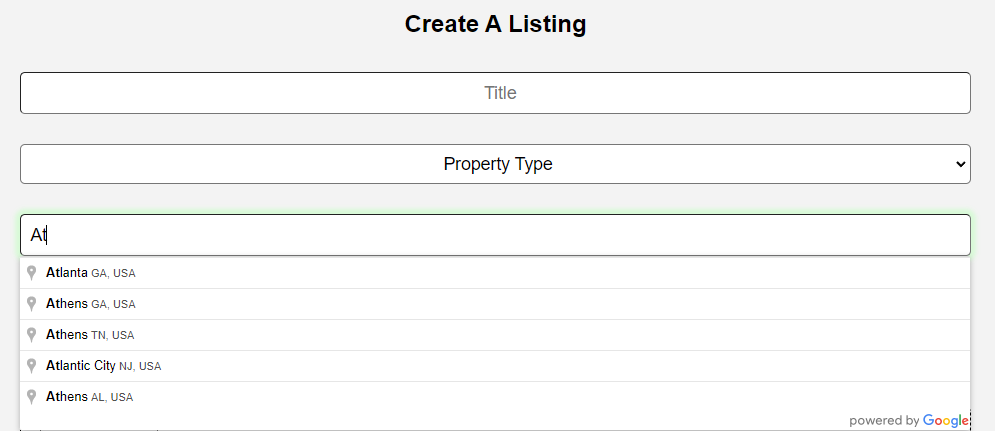
- Google Location Autocomplete API
- Google Geolocation Capture API
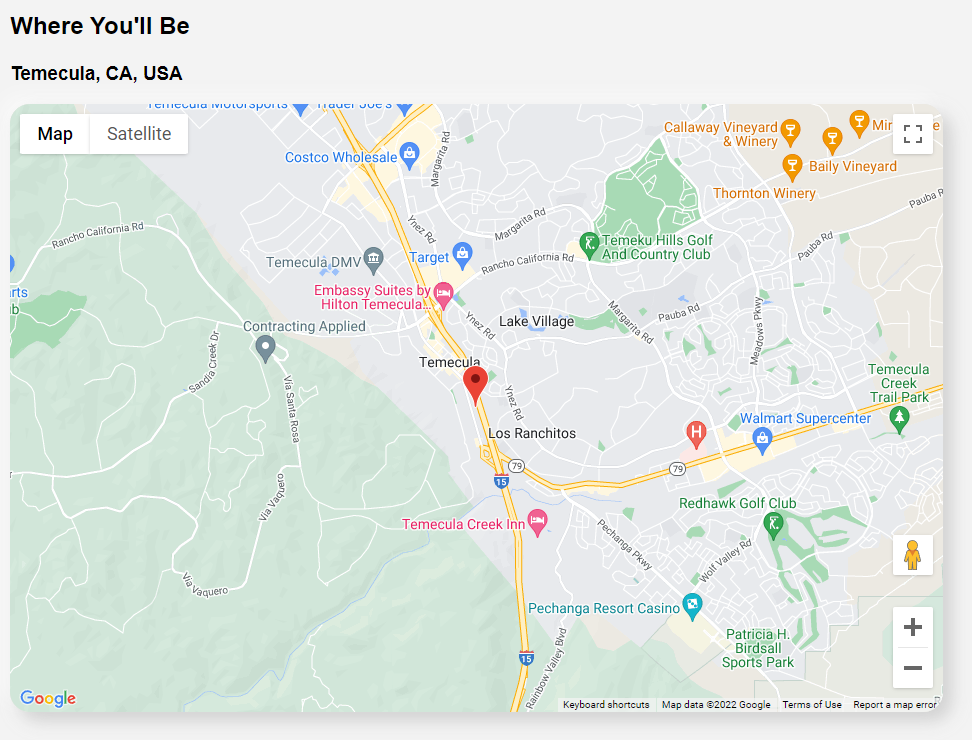
- Google Maps API
- Neumorphic Design


To run locally, you must have NodeJS and Postgres installed on your machine. Once they are installed, Download/Git Clone the repo and create an .env and database following the .env.example located in the root of the repo. Then look at the repo's package.json located in both the backend and frontend folders to see what packages the project is dependant on. Use npm install in both folders to install those dependencies. If npm install doesn't work with React due to an outdated version, then try npm i --legacy-peer-deps. (Heroku needs the same thing if you wish to deploy. That's why in the outermost package.json the install script has "npm --prefix backend install backend && npm --prefix frontend install frontend --legacy-peer-deps".) After that, use Sequelize in the backend folder to run all the migrations (npx dotenv sequelize-cli db:migrate) and then run all pending seeds (npx dotenv sequelize-cli db:seed:all). Check to see if the database was properly seeded using psql. If seeded correctly, run npm start in both folders.
- BcryptJS - Bcrypt in JS (hash passwords).
- Cookie-Parser - Parse HTTPS request cookies.
- Csurf - Node.js CSRF protection middleware.
- Express - Node.js web framework.
- Express Session - Session middleware for Express.
- Express Validator - Validator module middleware for Express.
- HTTP Errors - Create HTTP Error Objects.
- Morgan - HTTP request logger middleware.
- Per ENV - Clean up package.json.
- React - User Interface Components.
- Redux - State Management.
- Sequelize - ORM.
- Dotenv - Load environment variables.
- Nodemon - Development monitoring script.
- AWS - Cloud Storage.
- Multer - Uploading Middleware.
- Google APIs - Location Features.
Implement a bookings feature.Completed!Implement a search feature.Completed!Implement a side map that shows location.Completed!- Animation.
Improved UI/UX.Completed!Extended create listings functionality.Completed!- Extended create reviews functionality.
This is a great project for practicing making CRUD features with the PERN stack. It is also good practice for using Redux which is used for state management.
My map for making CRUD features goes as the following:
- Ensure that your database is set up correctly.
- Set up your router on your backend to hit the database.
- Set up your thunk function to hit the API server and dispatch the action creator.
- Set up your action creator / action object.
- Set up your reducer with switches and default cases.
- Be sure to export your reducer to rootReducer.
- Make a controlled component / useEffect that dispatches the thunk.
- useSelector is then used to listen into the state and pull relevant information from the "slice of state". You can now use that information to display data from your database.