Skip to content

narmadharavi/Blog-LC-VF-UploadFile


Folders and files

NameName
Last commit message
Last commit date

Latest commit


History

40 Commits


Repository files navigation

Upload File in Lightning Component and Visualforce

Deploy to Salesforce

Implementation Details

  • UploadFile_Controller.cls
    • This class uses Attachment object and associates it to a parent record. Associate object is trasient because of 135KB View State restriction in Visualforce.
    • After file upload, a message is generated which will be sent to Lightning Component to inform users of success or failure or upload.

  • UploadFilePage.page
    • This page will exchange messages with Lightning Component
    • Once the page loads, Visualforce sends a message to the Lightning component that the page was successfully loaded.
      • The Lightning component has no way to know when the iFrame is loaded and when to send data for the map.
      • If we try to send data before the receiving iFrame is ready, then we get an error.
    • When a file has been selected in the form, Visualforce will send another message to Lightning Component
      • Lightning Component uses this enable/disable submit button
    • After file has been uploaded, Visualforce will send a message to Lightning Component indicating success or failure.
  • UploadFileContainer.cmp
    • This component can be inserted on any sObject
    • Current record ID will be sent to Visualforce to use as ParentID when file is uploaded
    • Once a file has been uploaded, a UI message will be displayed

Architecture

Architecture

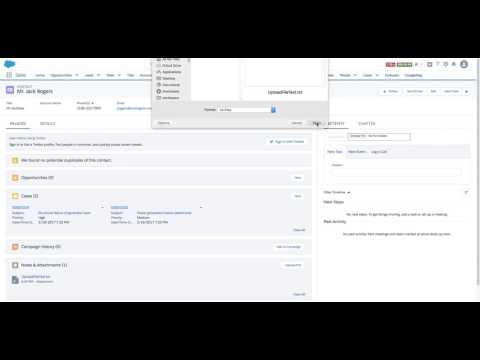
Demo

Demo

About

No description, website, or topics provided.

Resources

Stars

Watchers

Forks

Releases

No releases published

Packages


Contributors

Languages

  • JavaScript 77.0%
  • Apex 20.7%
  • CSS 2.3%