





This is a Lovelace custom card for Home Assistant that provides detailed information about the current phase of the moon. This card leverages precise astronomical calculations to deliver accurate lunar data, making it a valuable addition for those interested in astronomy, astrology, or just tracking the moon's phases.
Table of contents
- Current Lunar Phase Display: Shows the current phase of the moon.
- Detailed Lunar Information: Provides additional details about the lunar cycle.
- Customizable: Easily customizable to fit your dashboard's theme.
- Responsive Design: Works well on both desktop and mobile devices.
- Custom Latitude and Longitude Configuration: Offers the possibility to configure custom latitude and longitude for precise lunar data.
- Specific Date Lunar Information: Option to display the moon information for a specific date.
- Multilingual Support: The card includes various translations, making it accessible in multiple languages.
The following languages are supported in this project
| Lange Code | Name | Native Name |
|---|---|---|
ca |
Catalan | Català |
cs |
Czech | Čeština |
da |
Danish | Dansk |
de |
German | Deutsch |
en |
English | English |
es |
Spanish | Español |
fr |
French | Français |
id |
Indonesian | Bahasa Indonesia |
it |
Italian | Italiano |
ko |
Korean | 한국어 |
lt |
Lithuanian | Lietuvių |
nl |
Nederlands | Dutch |
pl |
Polish | Polski |
pt |
Portuguese | Português (Brasil) |
ru |
Русский | Русский |
sk |
Slovak | Slovenčina |
sv |
Swedish | Svenska |
tr |
Turkish | Türkçe |
ua |
Ukrainian | Українська |
vi |
Vietnamese | Tiếng Việt |
zh-Hans |
Chinese | 中文 |
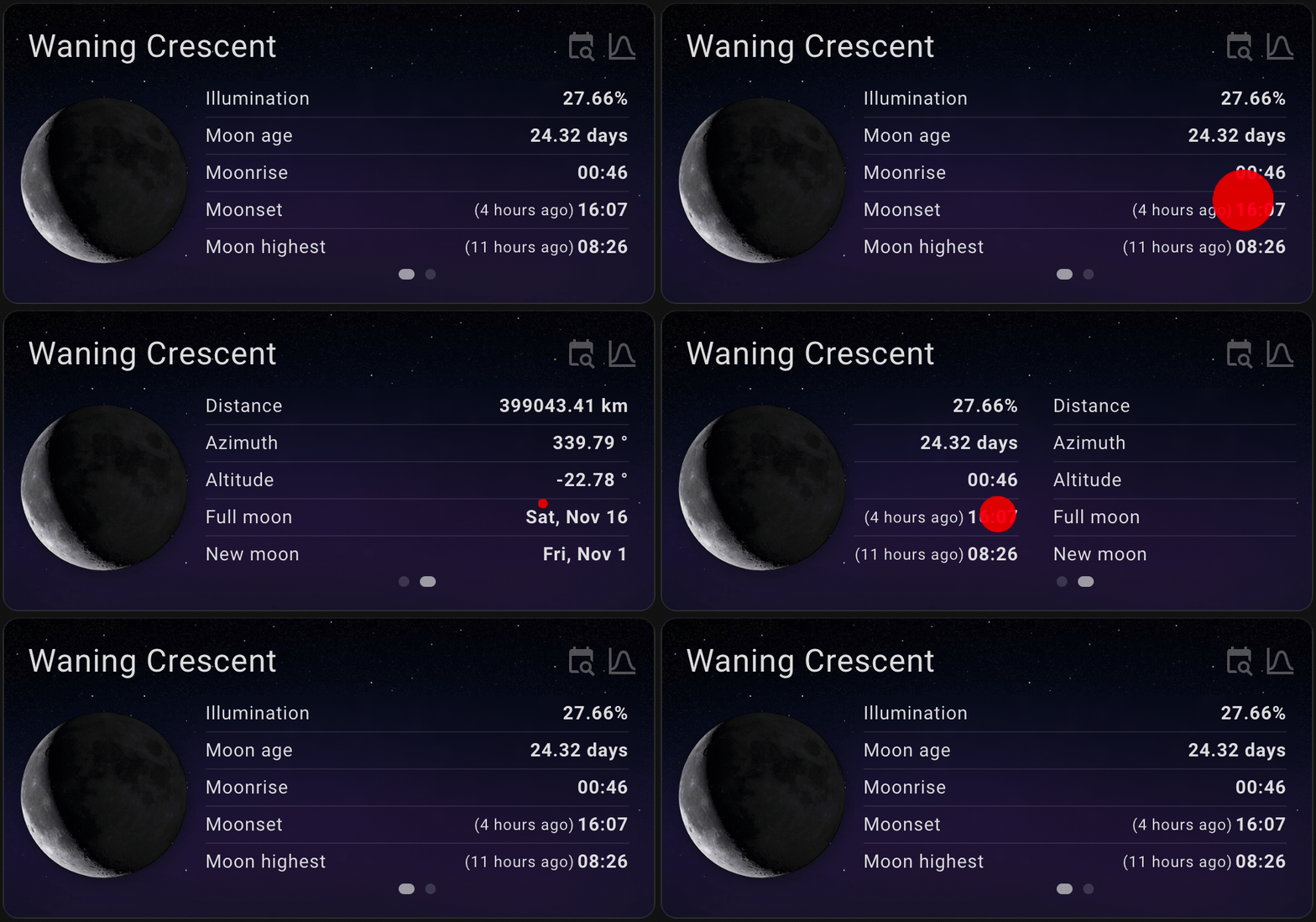
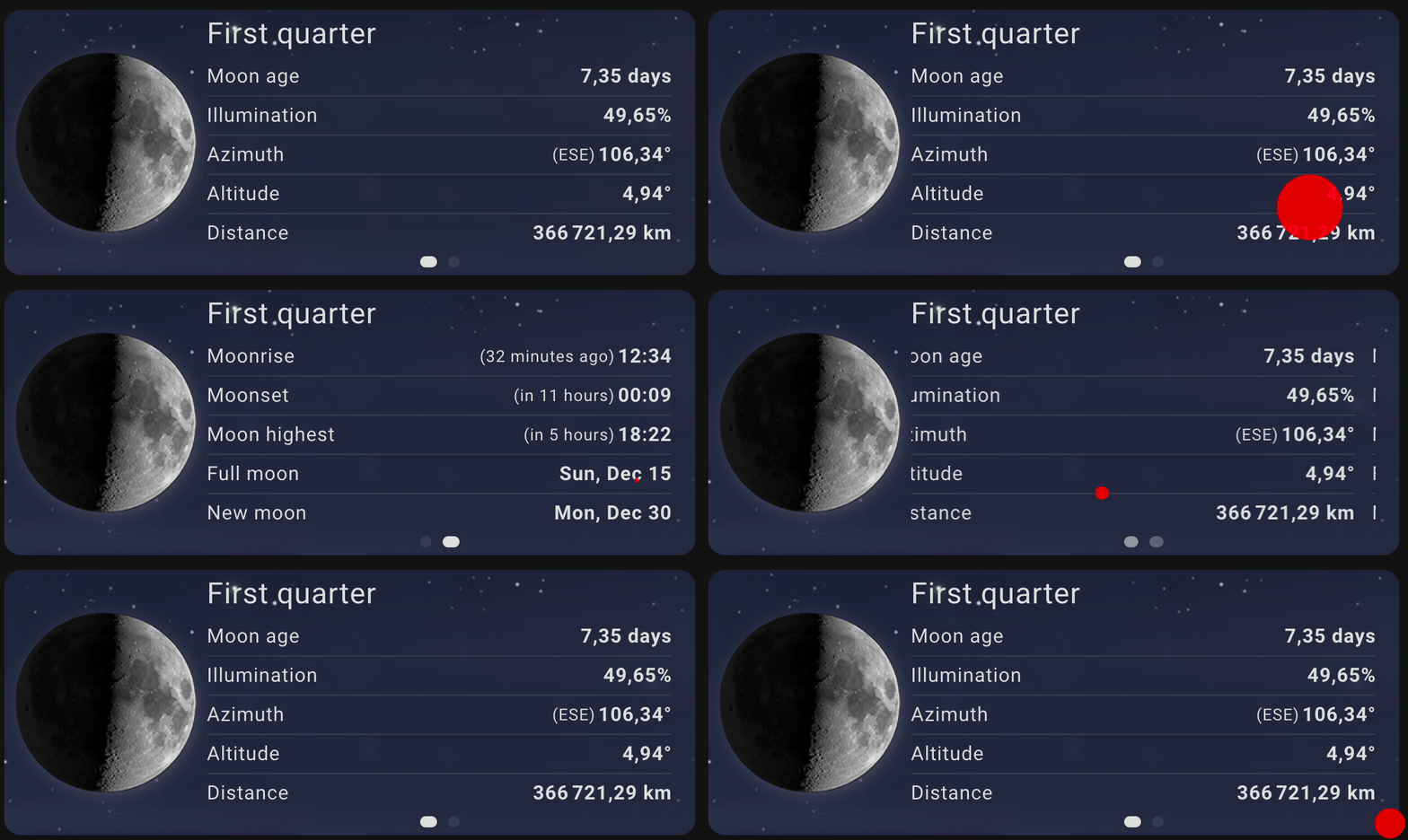
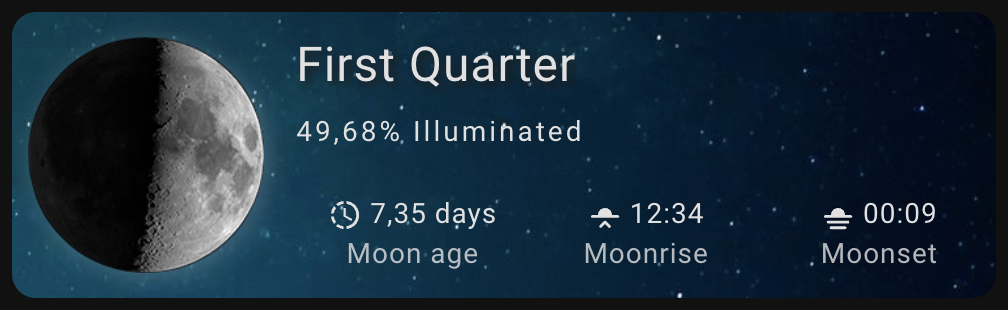
- Default view
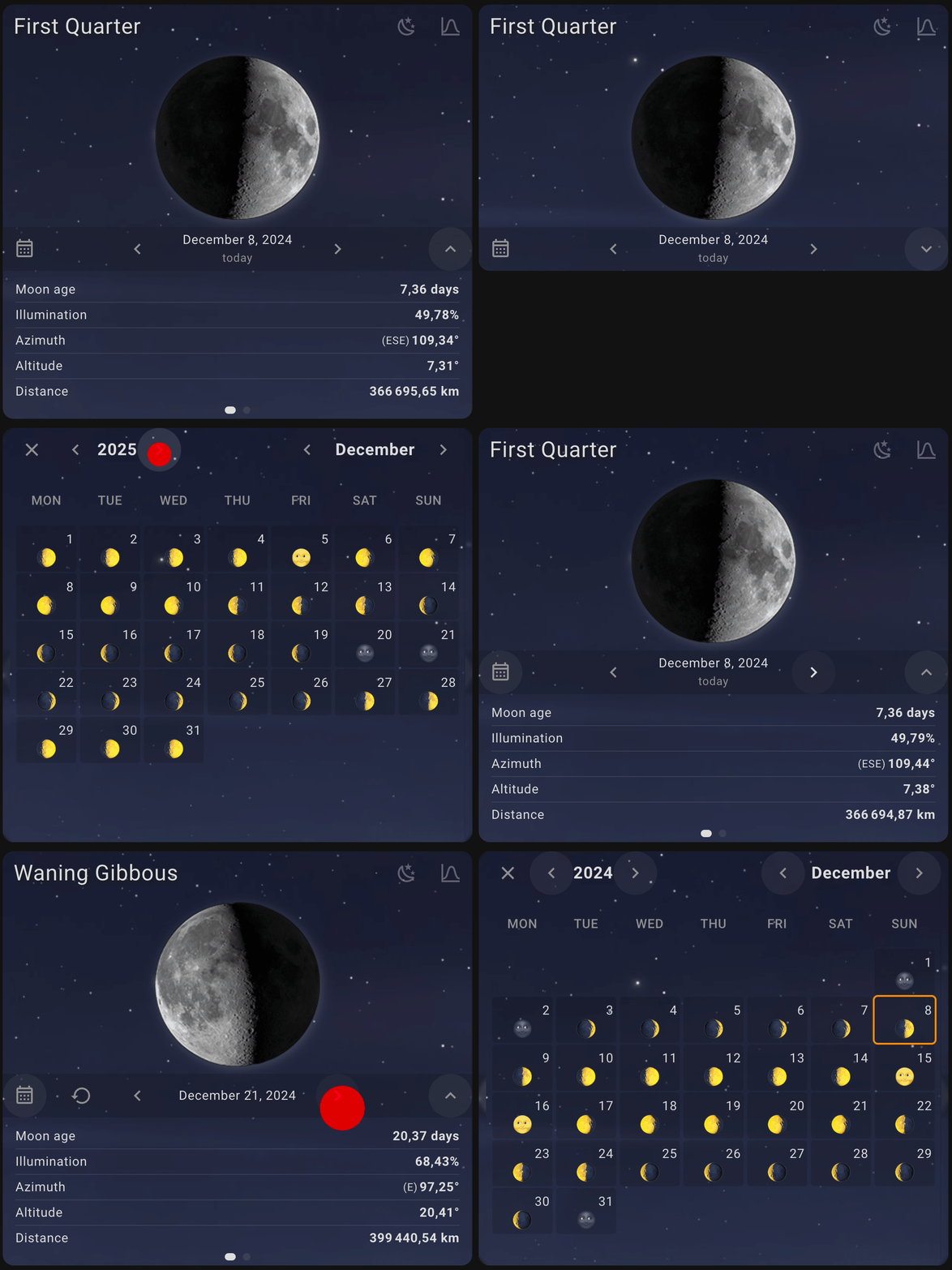
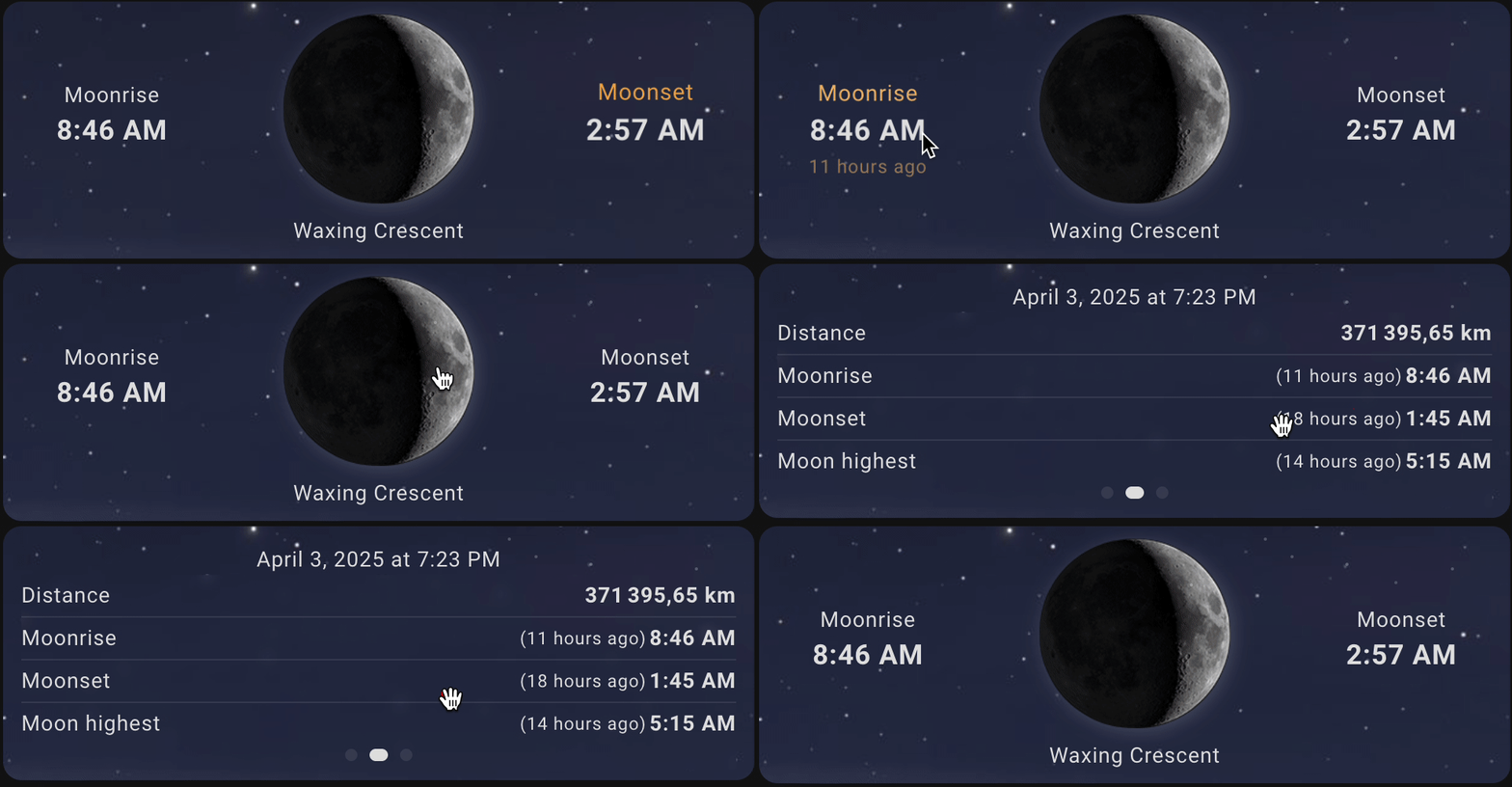
- Calendar card
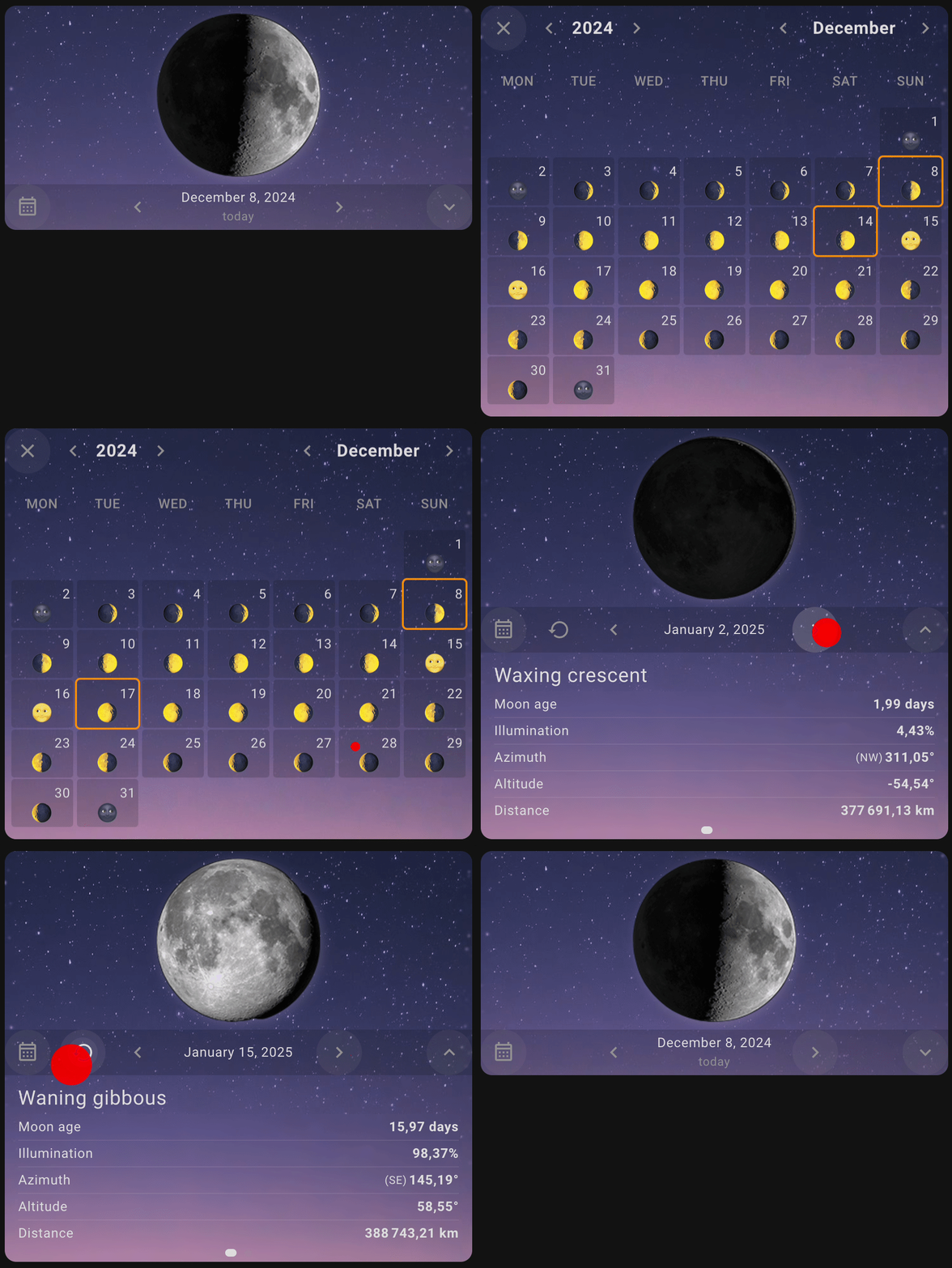
- Horizon graph
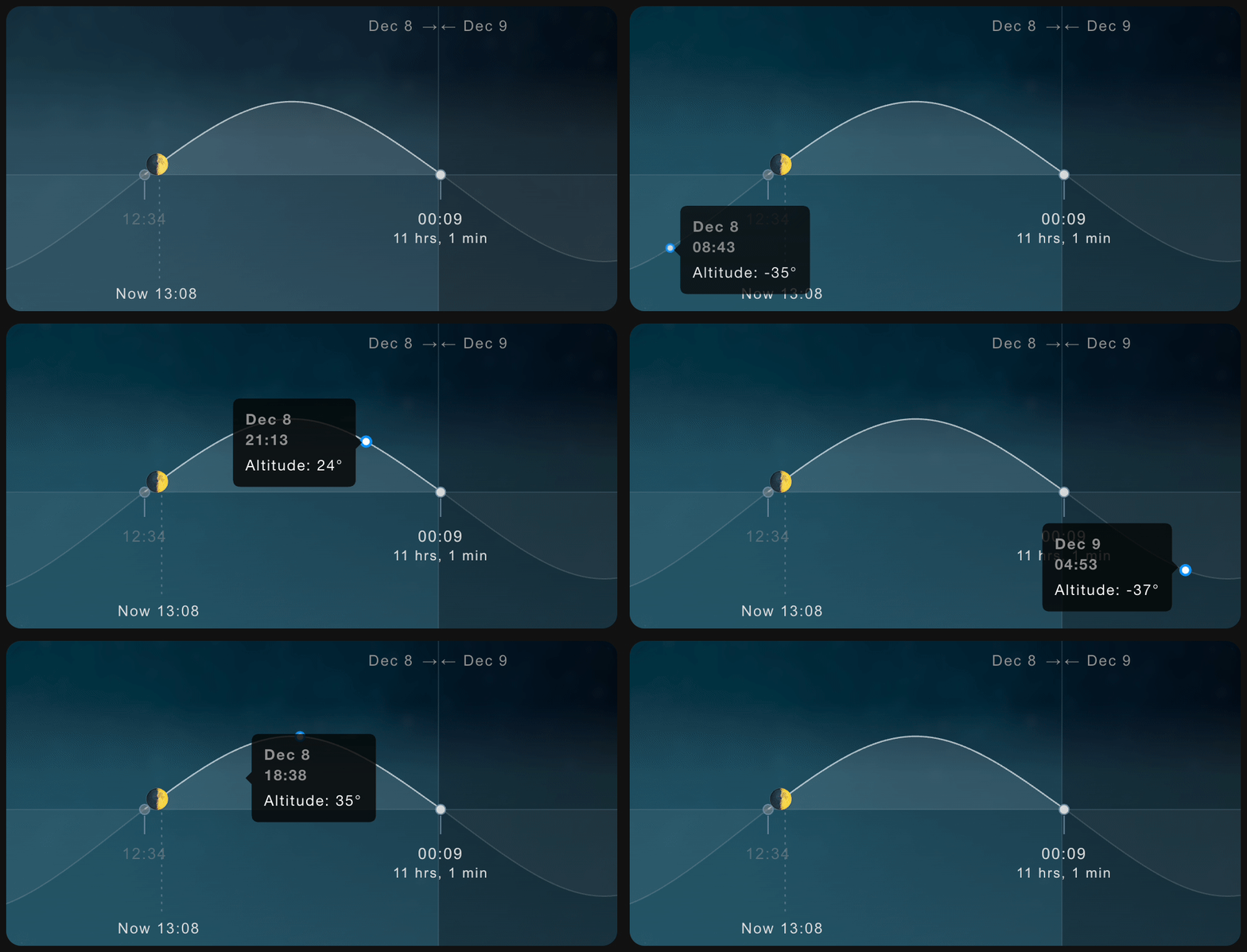
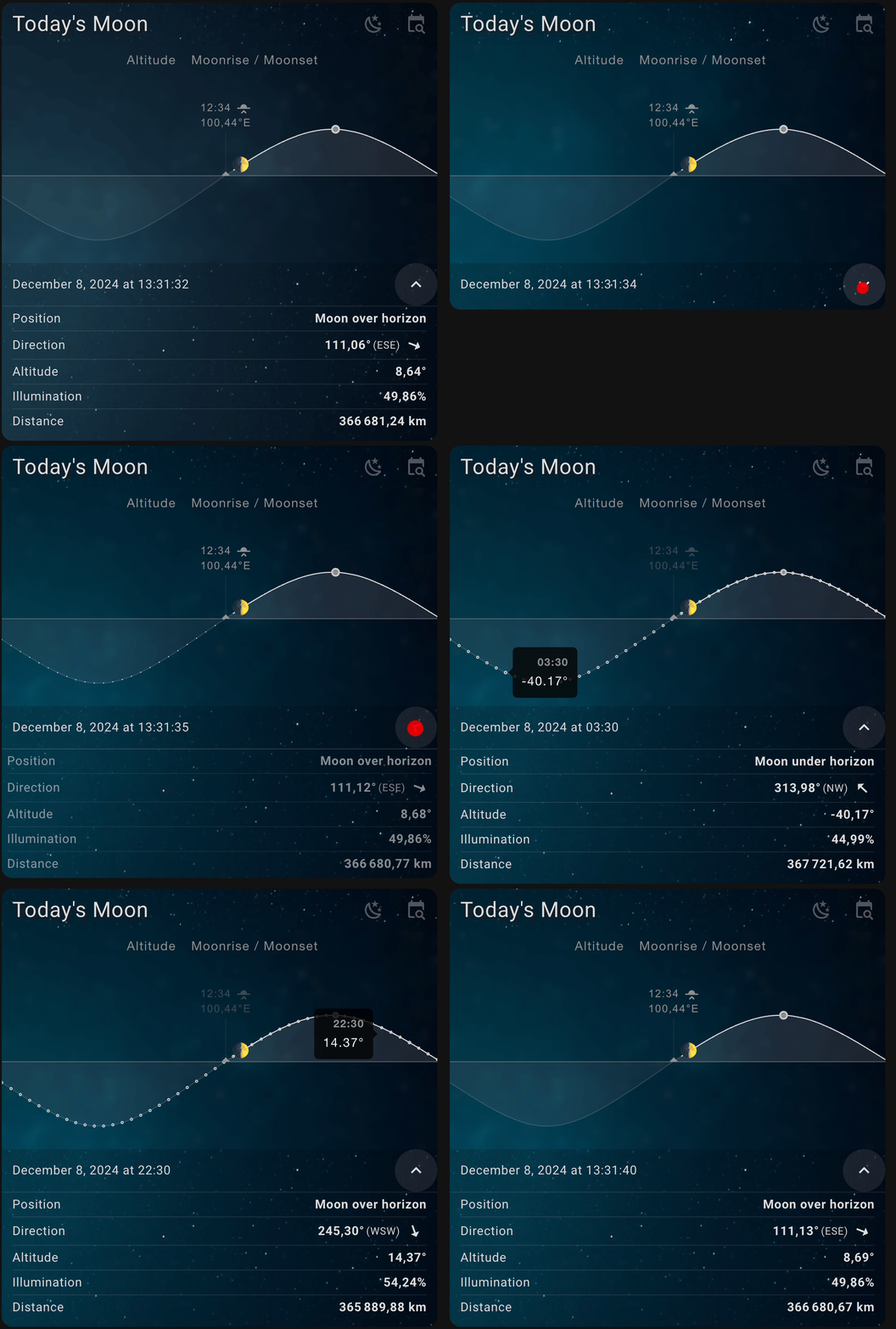
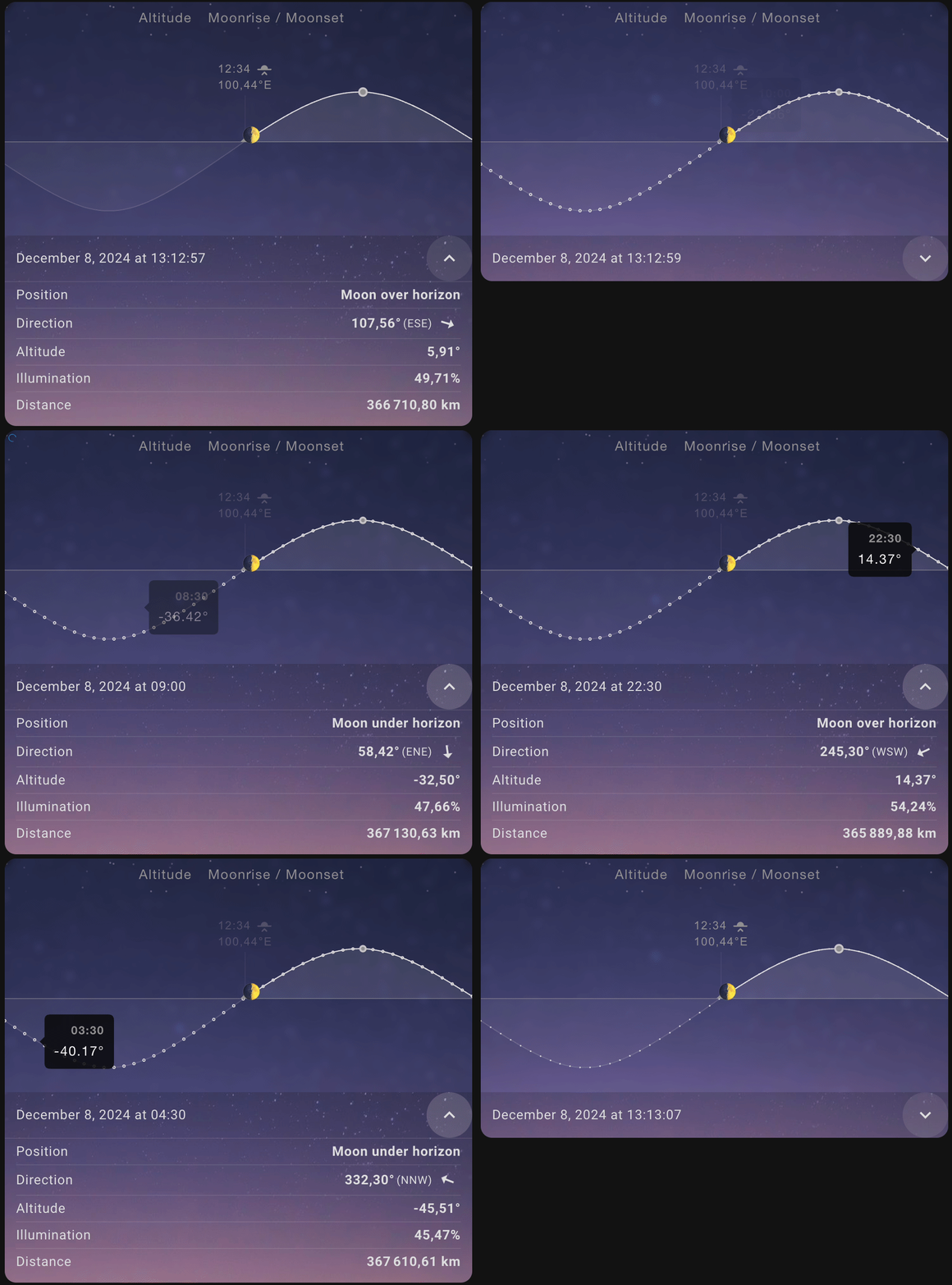
- Compact view
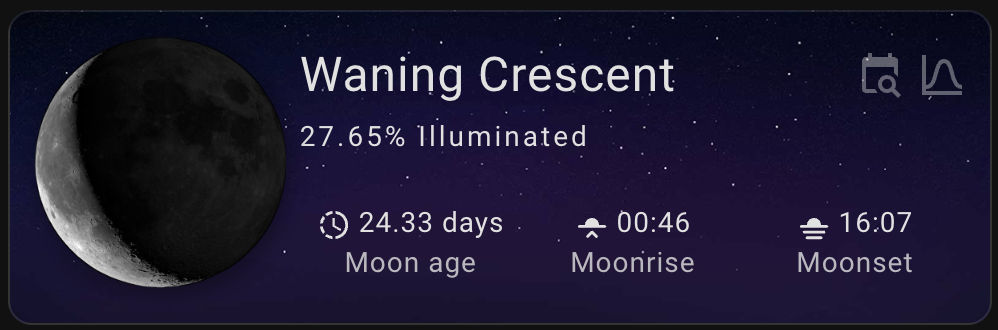
- Compact mode minimal
HACS (Home Assistant Community Store)
Use this link to directly go to the repository in HACS

or
- If HACS is not installed yet, download it following the instructions on https://hacs.xyz/docs/use/#getting-started-with-hacs
- Open HACS in Home Assistant
- Search for
Lunar Phase Card - Click the download button. ⬇️
- Force refresh the Home Assistant page
Ctrl+F5/Shift+⌘+R - Add
lunar-phase-cardto your dashboard
Click to expand installation instructions
- Download the lunar-phase-card.js.
- Place the downloaded file on your Home Assistant machine in the
config/wwwfolder (when there is nowwwfolder in the folder where yourconfiguration.yamlfile is, create it and place the file there). - In Home Assistant go to
Configuration->Lovelace Dashboards->Resources(When there is noresourcestag on theLovelace Dashboardpage, enable advanced mode in your account settings, and retry this step). - Add a new resource:
- Url =
/local/lunar-phase-card.js - Resource type =
module
- Url =
- Force refresh the Home Assistant page
Ctrl+F5/Shift+⌘+R. - Add lunar-phase-card to your page.
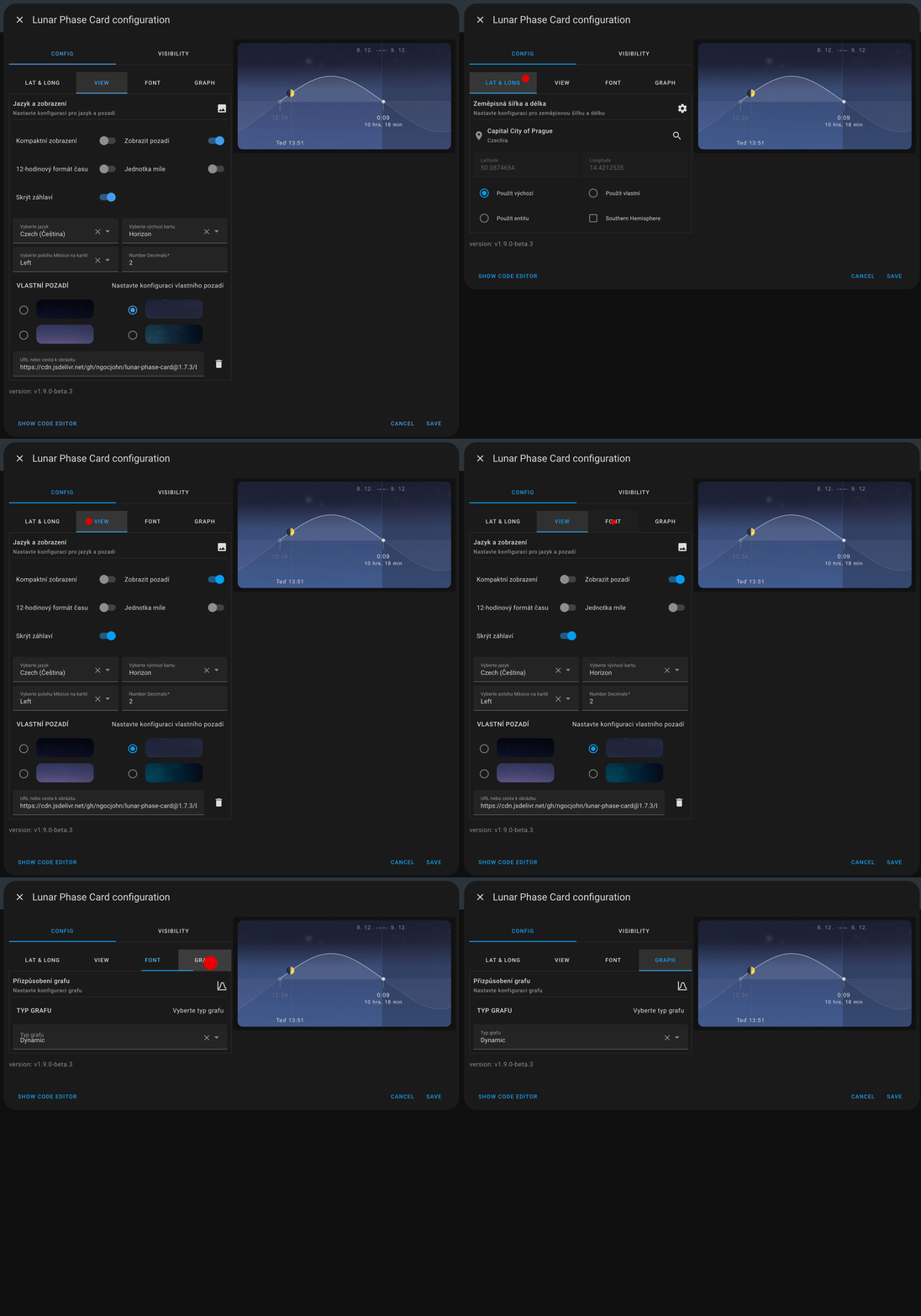
All options can be configured in the GUI editor. To configure the Lunar Phase Card, you can use the following parameters in your Lovelace configuration:
| Name | Type | Requirement | Description |
|---|---|---|---|
type |
string | Required | Card type: custom:lunar-phase-card |
location_source |
string | Optional | Source of location data. Options: default, entity, custom. Defaults to default. |
entity |
string | Optional | Entity used as a location source when location_source: entity. Latitude and longitude are read from entity attributes. |
latitude |
number | Optional | Custom latitude (used when location_source: custom). |
longitude |
number | Optional | Custom longitude (used when location_source: custom). |
southern_hemisphere |
boolean | Optional | Adjusts moon orientation for southern hemisphere users. Defaults to false. |
| Name | Type | Requirement | Description |
|---|---|---|---|
language |
string | Optional | Language ISO code. Defaults to en. |
default_section |
string | Optional | Section shown on load. Options: base, calendar, horizon, full_calendar. |
compact_view |
boolean | Optional | Enable compact card layout. Defaults to false. |
compact_mode |
string | Optional | Compact mode style. Options: default, minimal. |
moon_position |
string | Optional | Position of the moon image on the base section. Options: left, right. |
hide_background |
boolean | Optional | Hide the card background image. Defaults to false. |
custom_background |
string | Optional | Custom background image URL. |
hide_starfield |
boolean | Optional | Hide the starfield background layer. |
hide_buttons |
boolean | Optional | Hide the menu buttons used to switch sections. |
compact_menu_button |
boolean | Optional | Use a compact style for the menu button. |
hide_compact_label |
boolean | Optional | Hide labels when compact view is enabled. |
calendar_modal |
boolean | Optional | Open the calendar section in a modal popup. |
custom_theme |
string | Optional | Custom Home Assistant theme name applied to the card. |
theme_mode |
string | Optional | Theme mode. Options: auto, light, dark. Defaults to auto. |
| Name | Type | Requirement | Description |
|---|---|---|---|
hide_items |
list | Optional | List of data items to hide in data views. |
max_data_per_page |
number | Optional | Maximum number of data items per page in the data-info view. |
number_decimals |
number | Optional | Number of decimals shown for numeric values. |
mile_unit |
boolean | Optional | Use miles instead of kilometers for distance values. |
12hr_format |
boolean | Optional | Use 12-hour time format instead of 24-hour. |
font_config |
object | Optional | Font customization options for the card. |
graph_chart_config |
object | Optional | Chart configuration for the horizon section. |
Note
The entity parameter is not required. It refers to the entity ID from the Lunar Card Custom component, which can be installed here. If the entity is not defined, the card will use the default latitude and longitude from the system configuration.
| Name | Type | Description |
|---|---|---|
header_font_size |
string | Font size for the header. Options: auto, small, medium, large, x-large, xx-large. Defaults to x-large. |
header_font_style |
string | Text style for the header. Options: none, capitalize, uppercase, lowercase. Defaults to capitalize. |
header_font_color |
string | Color for the header text. |
label_font_size |
string | Font size for labels. Options: auto, small, medium, large, x-large, xx-large. Defaults to auto. |
label_font_style |
string | Text style for labels. Options: none, capitalize, uppercase, lowercase. Defaults to none. |
label_font_color |
string | Color for label text. |
hide_label |
boolean | Whether to hide labels on the card. Defaults to false. |
| Name | Type | Description |
|---|---|---|
graph_type |
string | Type of the graph. Options: default, dynamic. Defaults to default. |
y_ticks |
boolean | Whether to show y-axis ticks. Defaults to false. |
x_ticks |
boolean | Whether to show x-axis ticks. Defaults to false. |
show_time |
boolean | Whether to show time labels on the chart. Defaults to true. |
show_current |
boolean | Whether to show the current moon position. Defaults to true. |
show_highest |
boolean | Whether to show the highest moon point. Defaults to true. |
y_ticks_position |
string | Position of the y-axis ticks. Options: left, right. Defaults to left. |
y_ticks_step_size |
number | Step size for y-axis ticks. Defaults to 30. |
time_step_size |
number | Step size for time labels. Defaults to 30. |
Here's an example configuration for the Lunar Phase Card:
type: custom:lunar-phase-card
location_source: default
entity: sensor.lunar_phase
southern_hemisphere: false
latitude: 50.06038385213462
longitude: 14.399275481700899
language: en
hide_background: true
hide_starfield: true
custom_background: http://localhost:8235/background/moon_bg_2.png
theme_mode: dark
default_section: base
compact_view: false
moon_position: right
hide_buttons: false
compact_menu_button: false
hide_compact_label: false
calendar_modal: false
hide_items: []
number_decimals: 2
mile_unit: false
12hr_format: true
font_config:
  label_font_size: auto
  label_font_style: none
  label_font_color: ""
graph_chart_config:
  graph_type: dynamic
  y_ticks: false
  x_ticks: false
  show_time: false
  show_current: true
  show_highest: true
  y_ticks_position: left
  y_ticks_step_size: 30
  time_step_size: 30
  show_legend: true
  legend_position: top
  legend_align: center
We welcome contributions and are grateful for your support in improving this project. If you'd like to contribute, please follow our Contribution Guidelines to get started.
If you like the card, consider supporting the developer

© 2024 Viet Ngoc
