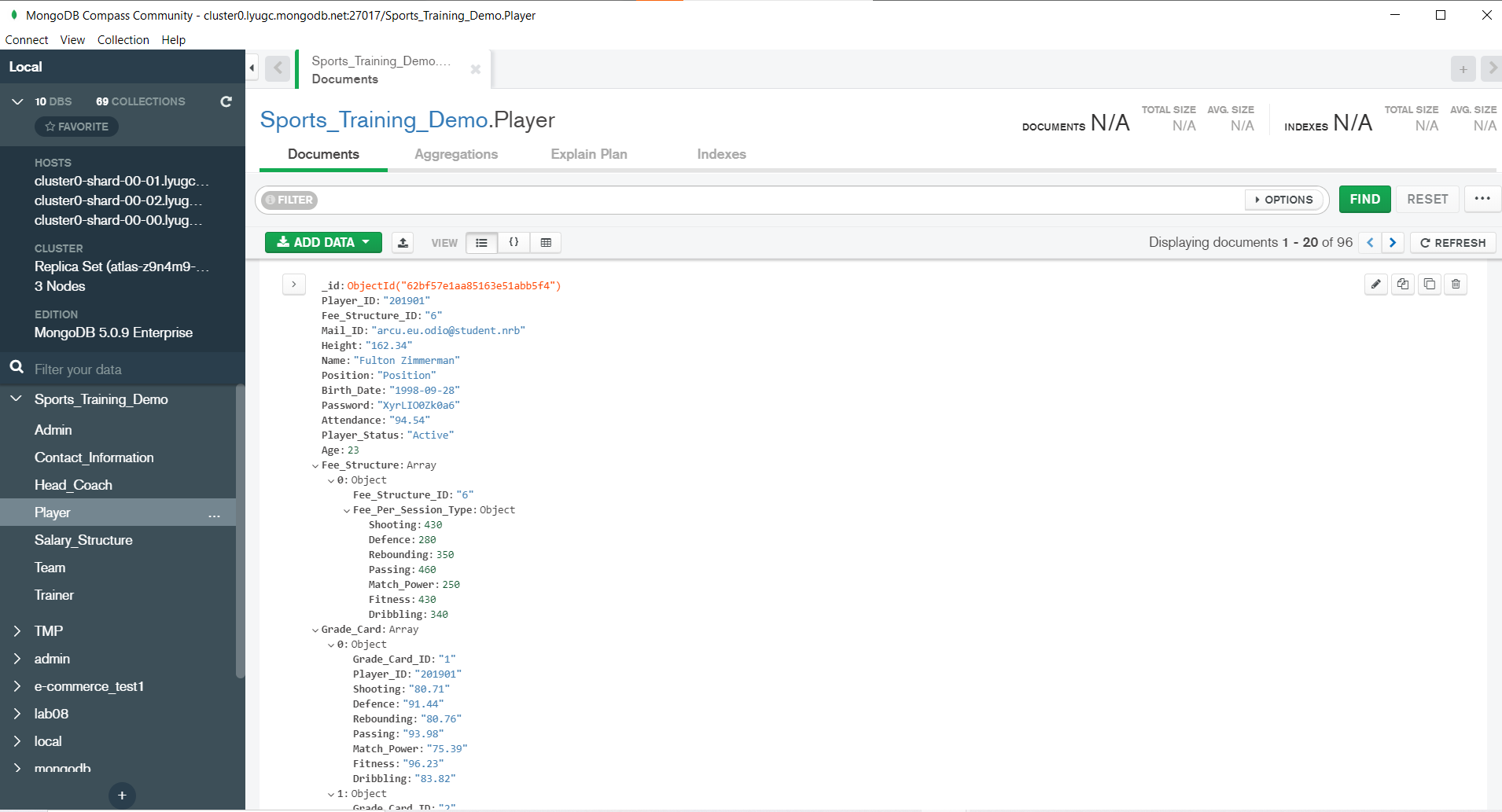
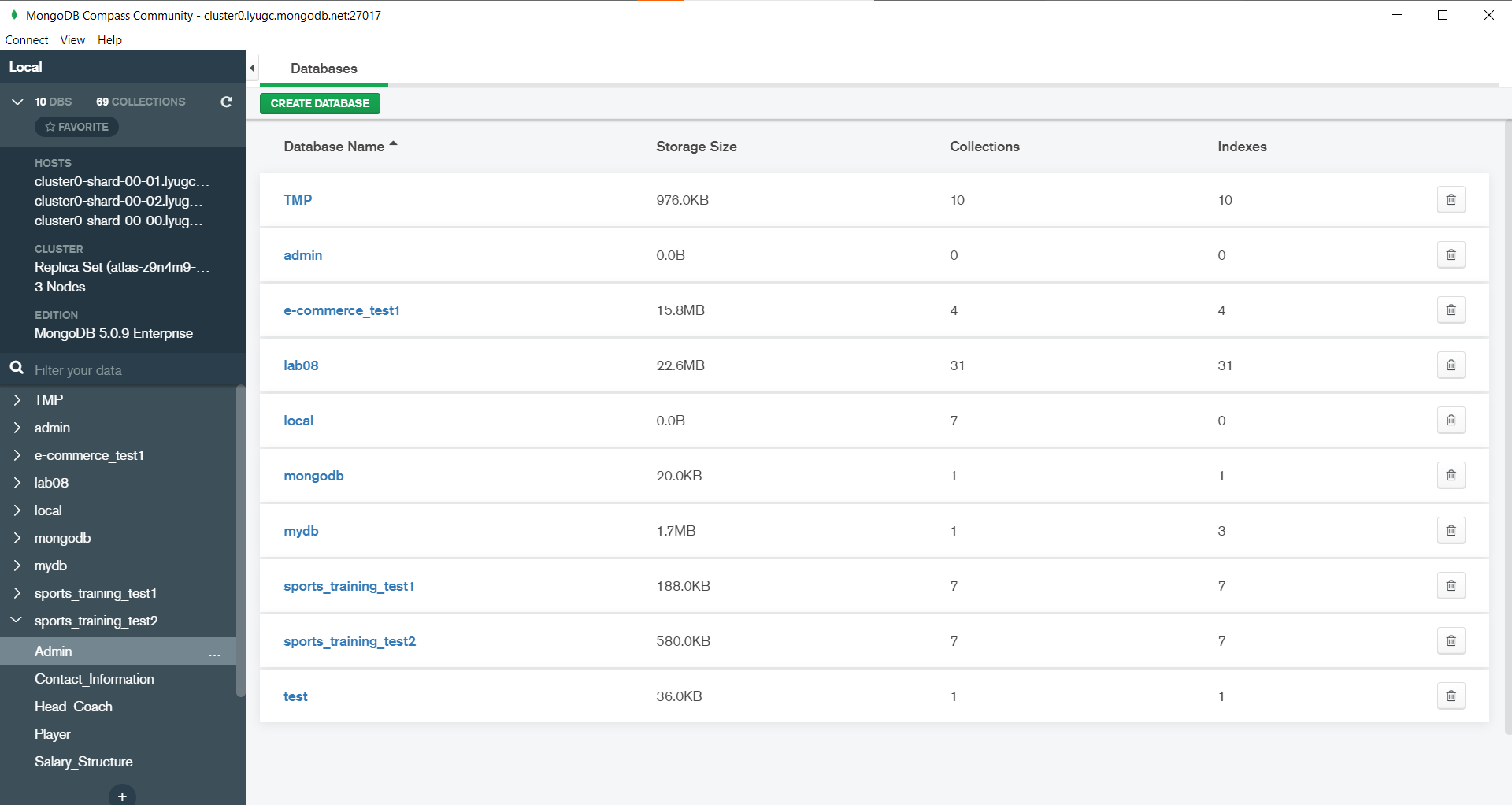
In this project, we have made an application which takes name and access path as input and can get mongoDB collections as an atlas in mongoDB compass. The algorithm can extract all the needed schema information such as fetch tables, primary key, referred table,reference table etc for given schema. After schema extraction, algorithm will embed or the bases of set of rules. After migration completed, collections are populated in mongoDB compass.
Download Docker Desktop for Mac or Windows. Docker Compose will be automatically installed. On Linux, make sure you have the latest version of Compose.
Run in this directory to build and run the app:
docker-compose upor if you want to run an image directly you can follow below commands:
docker pull njshah301/migration_from_sql_to_nosql:0.0.1docker build -t njshah301/migration_from_sql_to_nosql:0.0.1 .docker container run -d -p 27010:27010 njshah301/migration_from_sql_to_nosql:0.0.1
The Migration app will be running at http://localhost:27010.
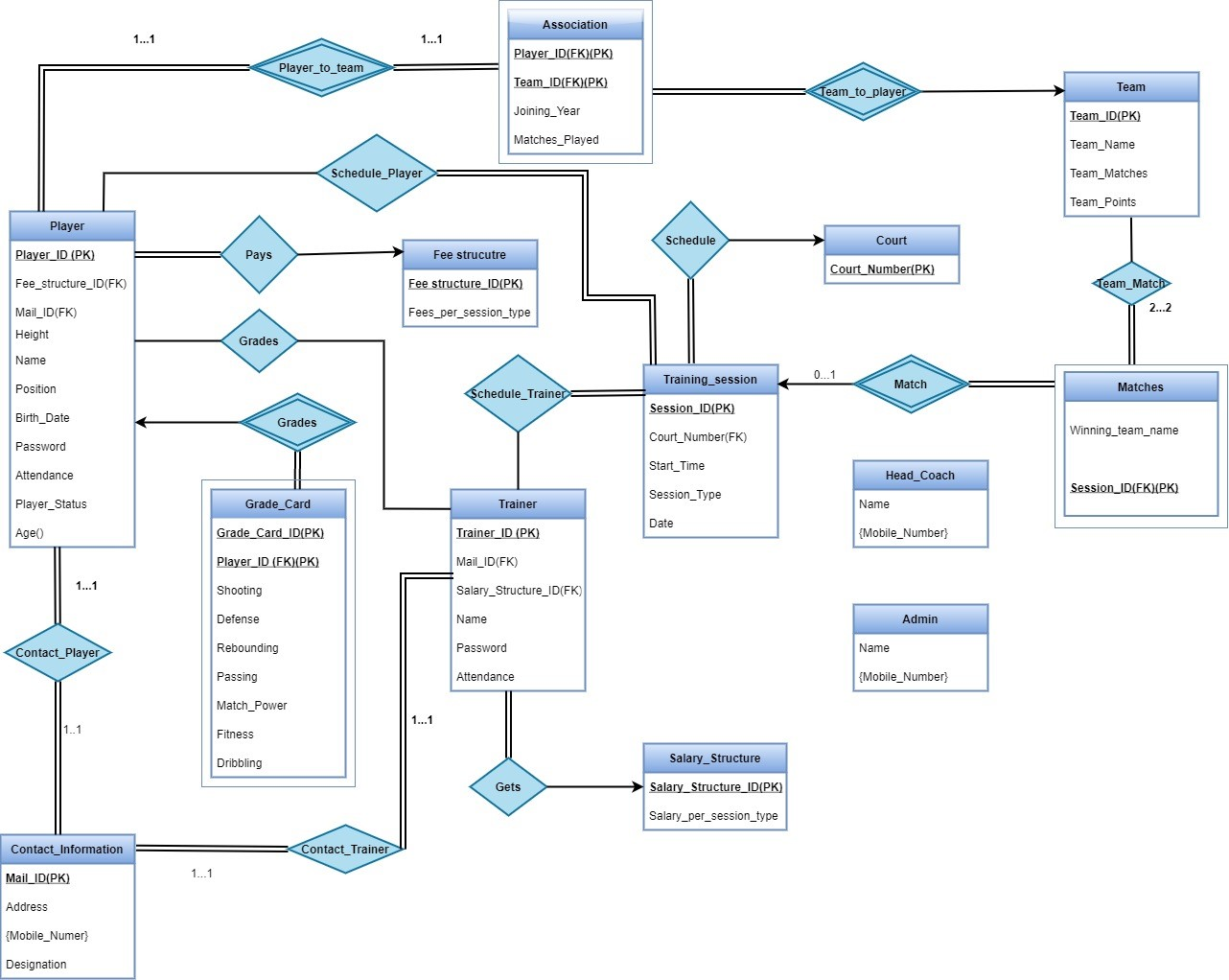
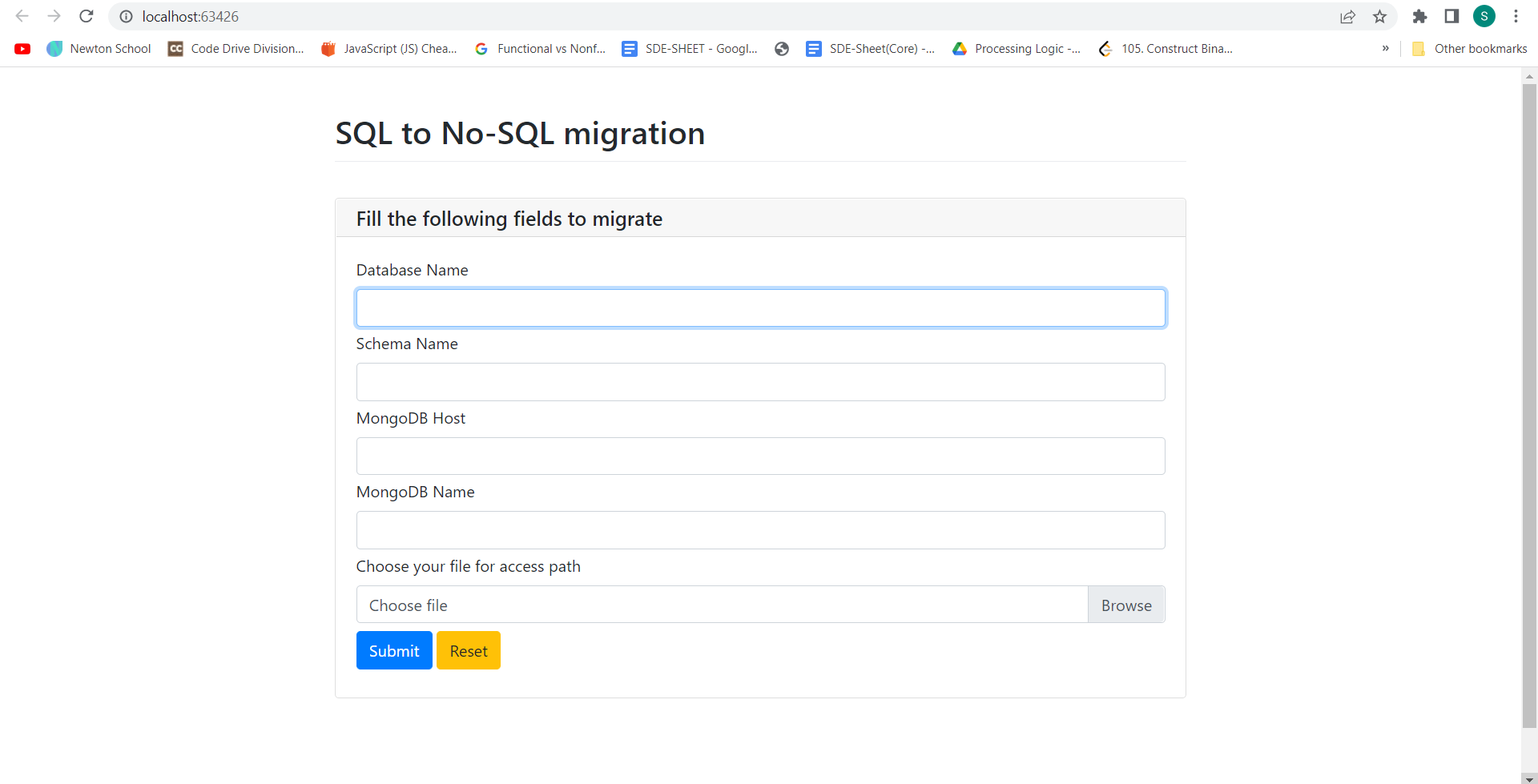

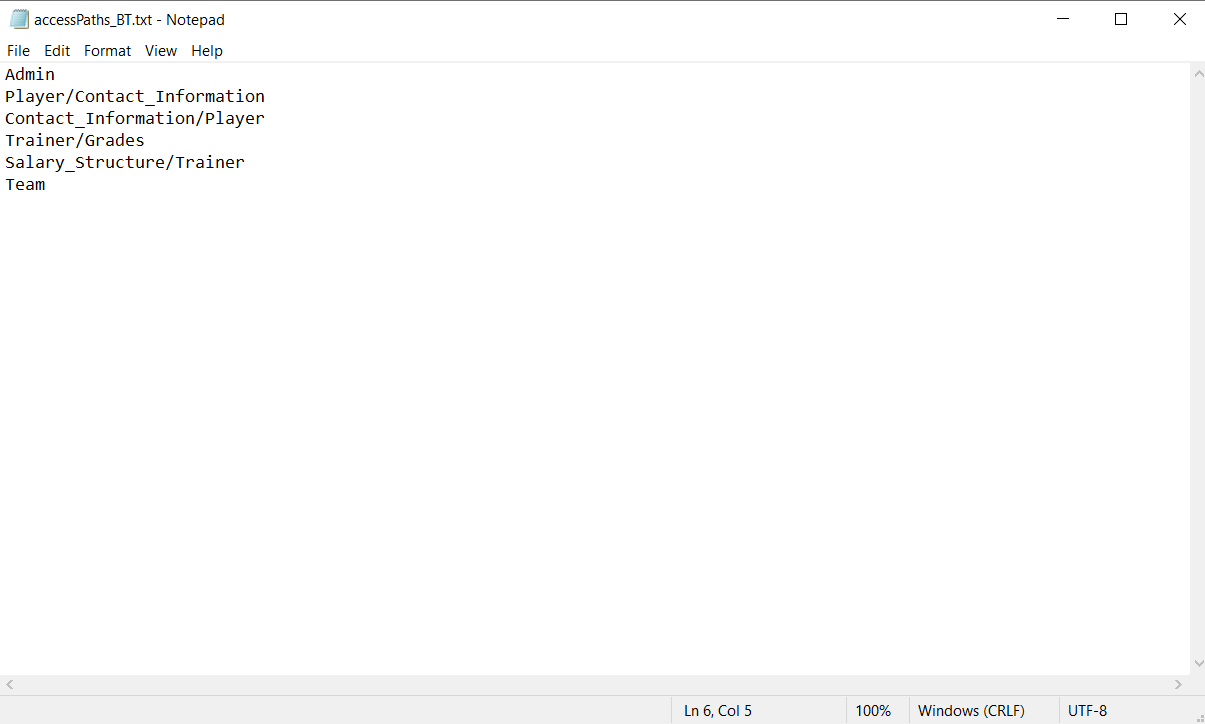
Note: Access path is a text file, which is given to the input to prioritized some collections which are frequently queried out. The migration Algorithm takes care about these acess paths.
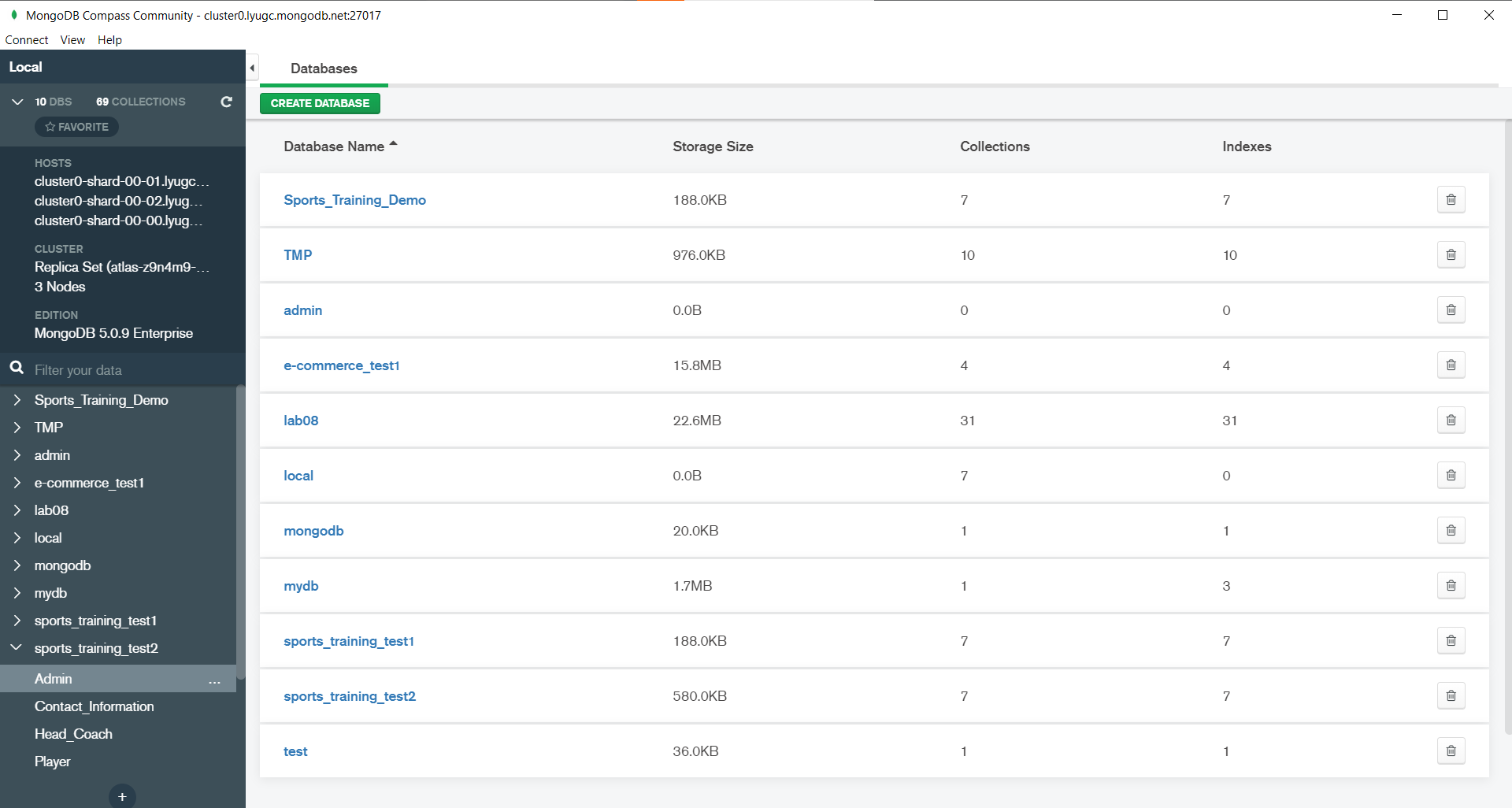
Now, if we see in the MongoDB compass, Database (Sports_Training_Demo) is created automatically and migration has been done.
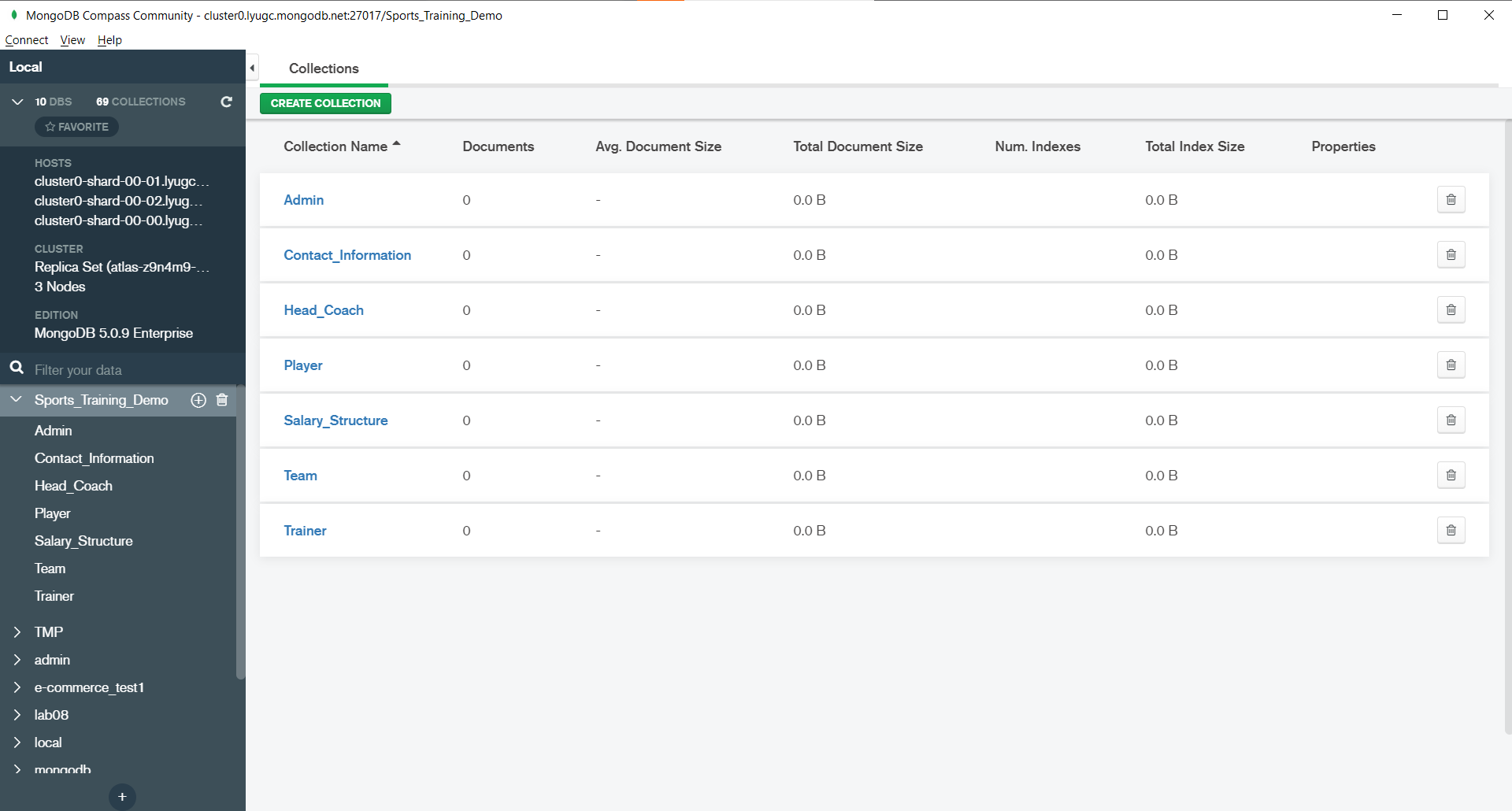
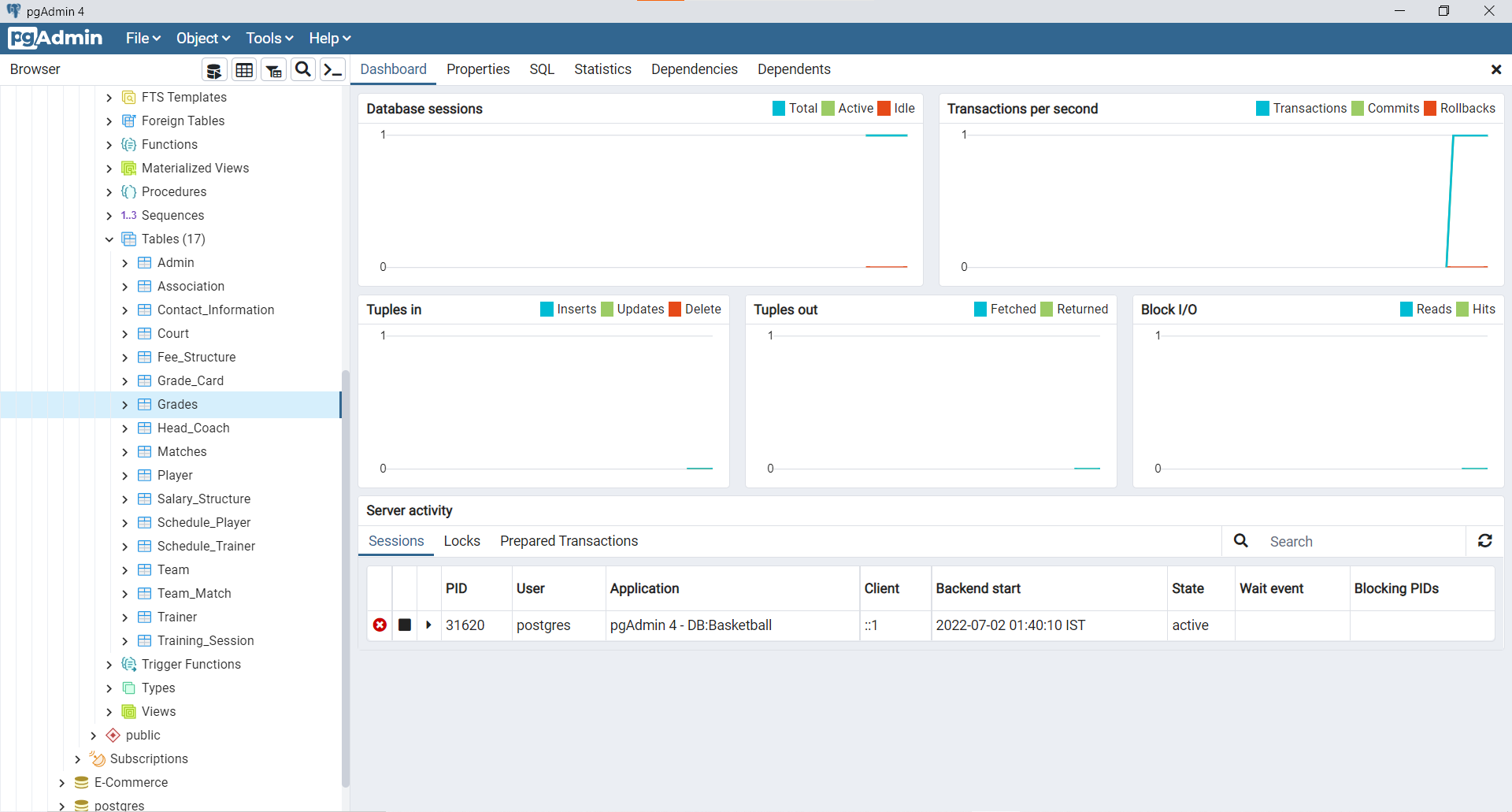
Note: As you can see that, in SQL we have 17 tables and in MongoDB we got 7 collections. Thus, Denormalization has been performed.