RHI Samples
Description
This example shows how "alpha to coverage" masking method works comparing the other masking methods.
Debug Menu
It has no control or menu.
Test Cases (with expected results and screenshots)
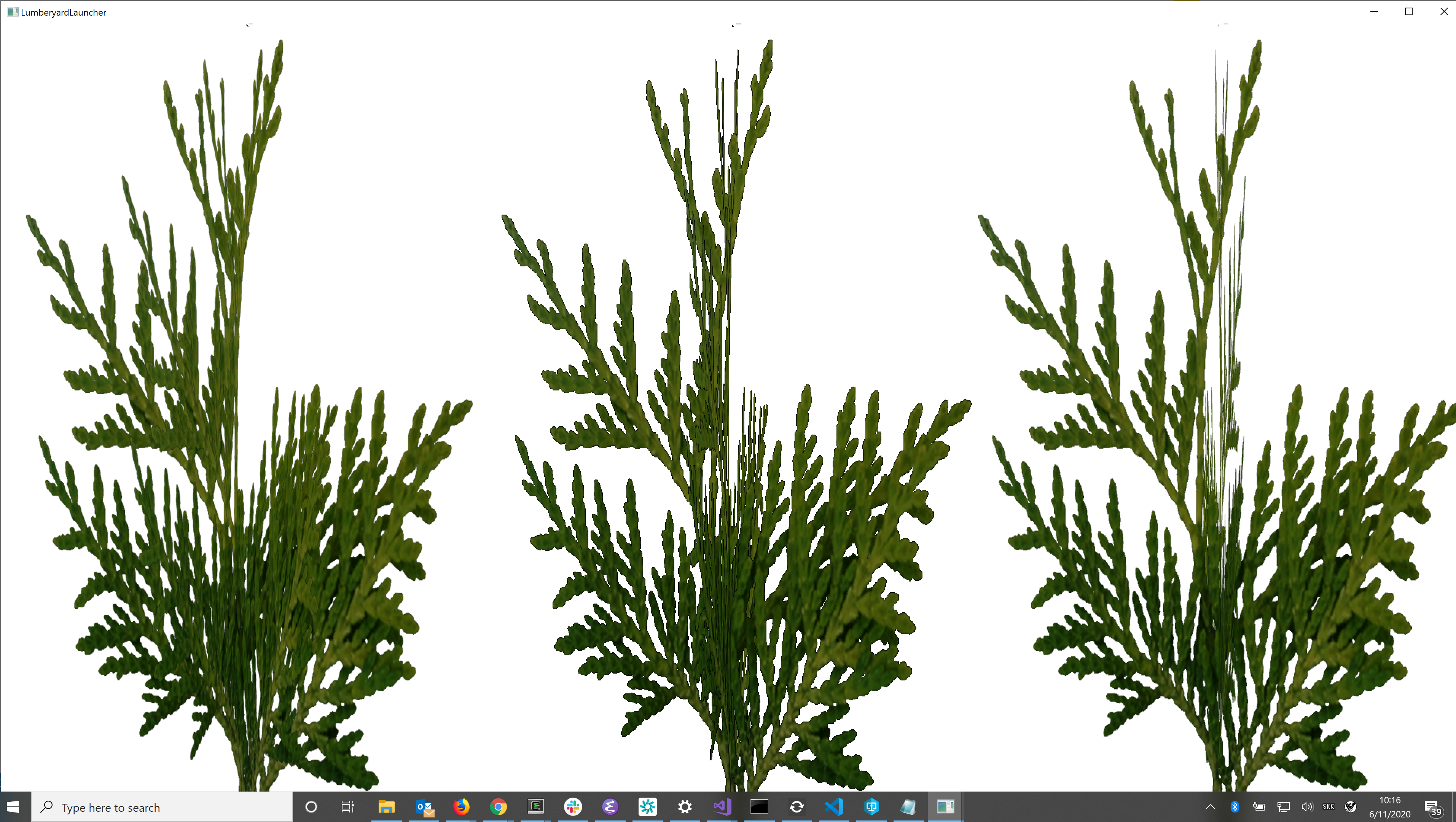
It displays rotating three tiny foliage consists of two textured plates. The three differ with masking method. The characteristics are from left to right:
- "Source Over"
Antialiased. It seems to be nice at a glance, but near-far relationship between two textures is sometimes flipped. - "Alpha Testing"
Non-antialiased, and near-far relationship is correct. - "Alpha Coverage"
Antialiased, and near-far relationship is correct.
Platform Support
It was checked with DX12 and Vulkan on Windows OS PC.
It was not checked the other platform yet like macOS, iOS, and Android.
Description
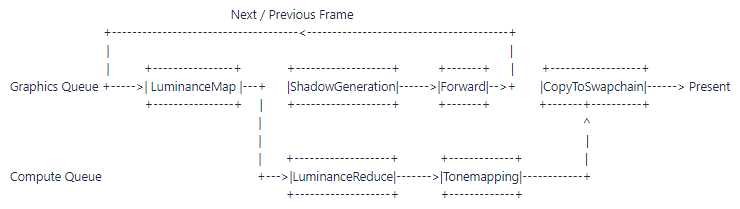
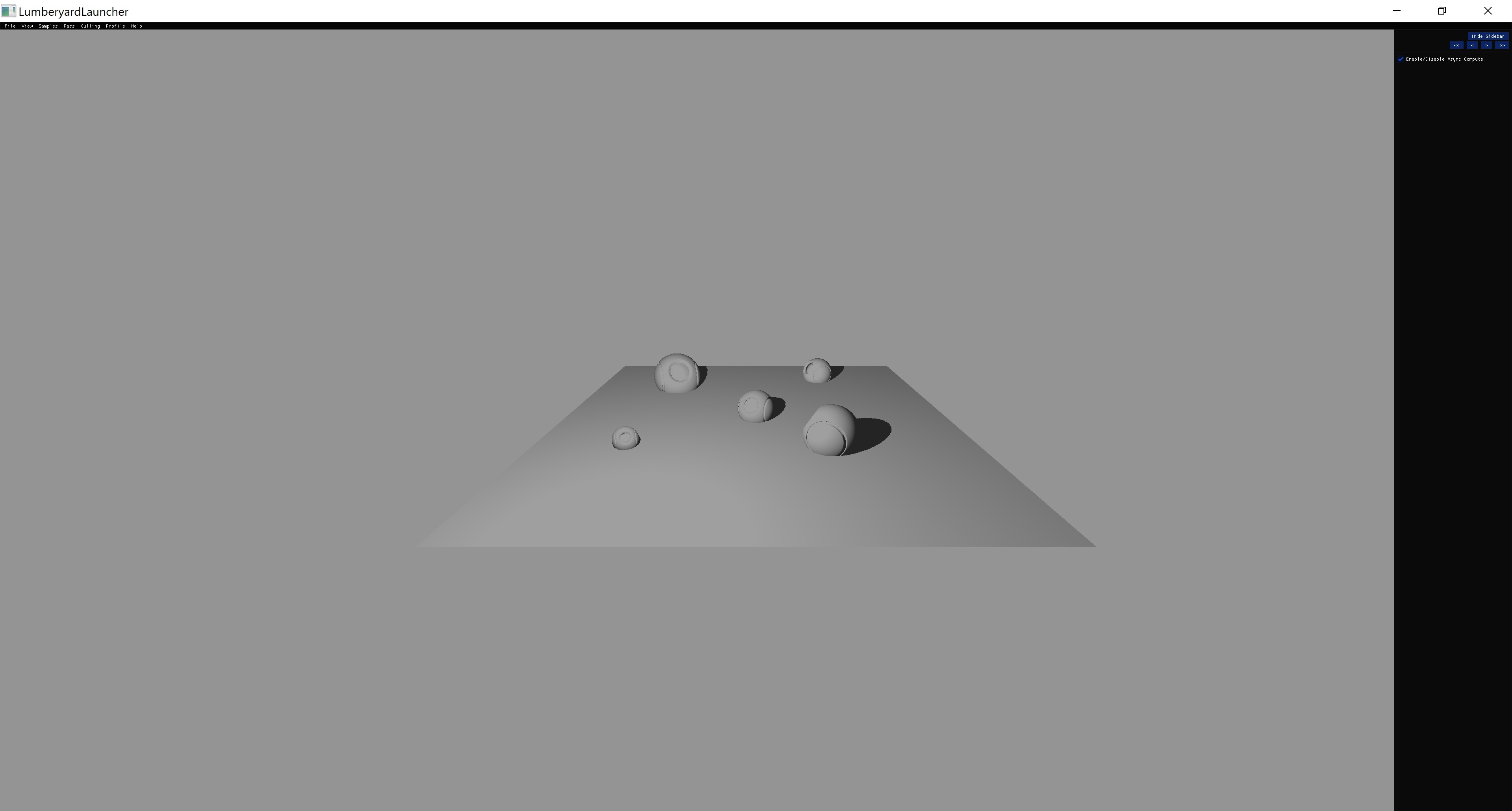
This sample demostrates the use of async compute to render meshes with shadows and to apply a simple tonemapping post processing.
In order to get better scheduling between graphic and compute work, the sample uses two scene textures, one from the previous frame and one from the current one. Tonemapping is applied to the previous frame scene image.
The tonemapping scope runs on a compute shader in the compute queue. The average luminance calculation used for the tonemapping also runs in a compute shader in the compute queue.
There's also a shadow generation and luminance map scopes.
Debug Menu
a. Enable/Disable async compute: it enables or disable running on a separate compute queue. The results should be the same when is on and off.
b. Camera movement with the mouse.
Test Cases (with expected results and screenshots)
Platform Support:
DX12, Vulkan and Metal
Description
Graphics APIs have limited support for Bindless resources by using extensions, however, very few hardware supports these extensions dedicated to Bindless resources. This sample explores a way to achieve bindless resources that is available for "most" hardware by allocating a StorageBuffer with a sizeable amount of Floats. This FloatBuffer (Float StorageBuffer) is attached to all drawcalls within the sample. Each allocated resource is allocated from the FloatBuffer, and returns a Handle, which acts as an offset within the Float StorageBuffer. This handle can be send to the shader via either a UniformBuffer or PushConstant.
All textures used in this sample are allocated in a TextureDescriptor array, and will be bound to all shaders used in this sample, similar to the FloatBuffer. This means that all textures are available for each drawcall.
Screenshots
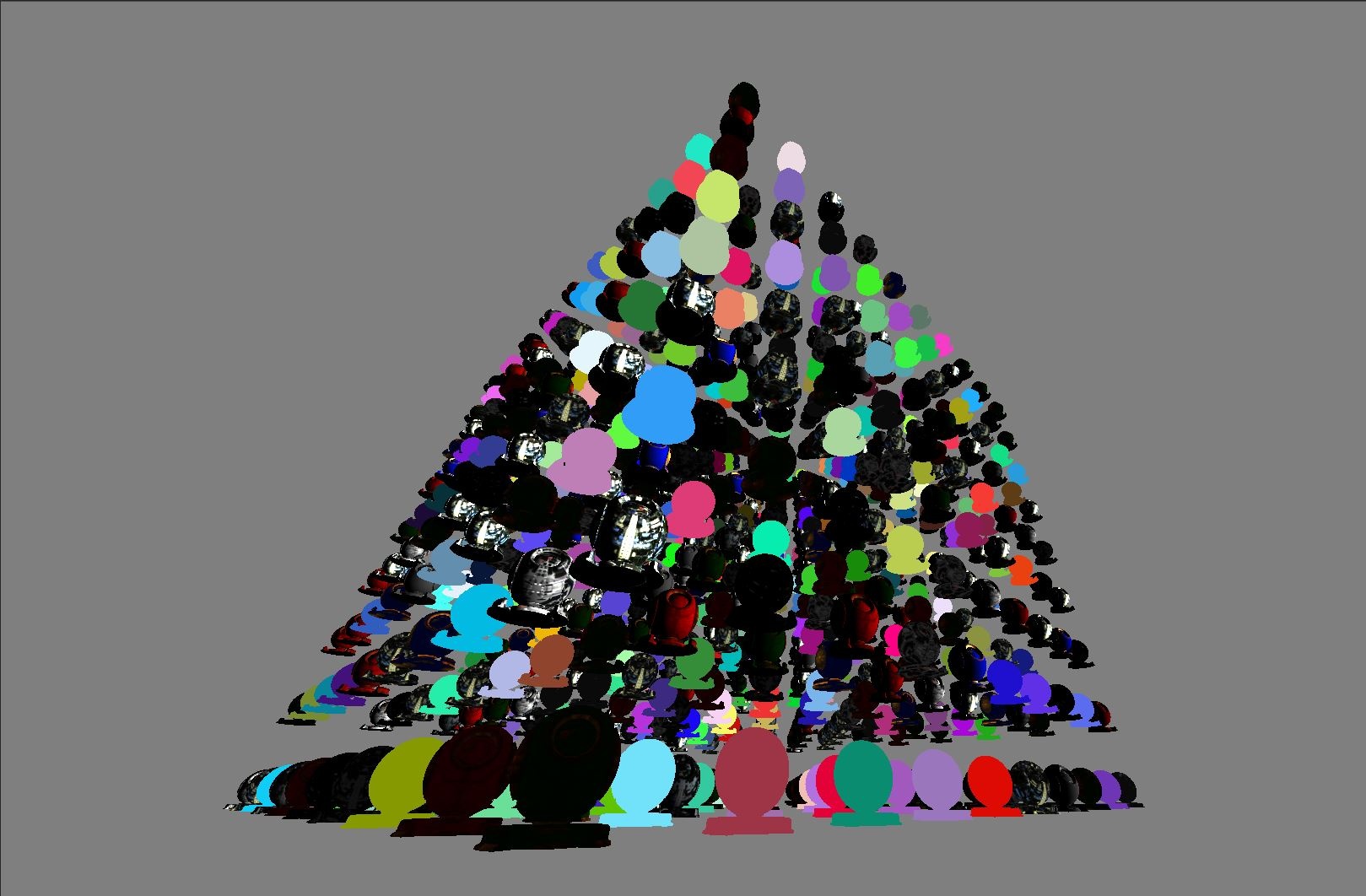
With this approach, it's possible to create drawcalls with less binding, and makes it possible to generate drawcalls on the device, instead of the hosts.
There are some caveats with this approach:
- Less efficient memory type: It relies on a StorageBuffer, rather then an UniformBuffer for its uniform data
- Requires more use of registers due to more descriptors being bound
- Still requires extensions (sampling from a DescriptorArray), but is supported by more hardware than the bindless extension
- The index used to sample from a DescriptorArray needs to be uniform across all shader invocations. Varying indices is possible, but only with an additional extension.
Description
This sample test the functionality of dispatch pipeline.
It create a 2D Julia Fractal based on cosine and sine function of time.
The fractal is calculated in a graphics scope that runs a compute shader and feed the result to raster scope. Both scopes run on the graphics queue.
Test Cases (with expected results and screenshots)

Note: Gif above is a smaller, zoomed-in version of the actual sample output. This is due to wiki size limiataions.
This example demonstrates queued uploads of data to the GPU while something is rendering. In effect this tests the AsyncUploadQueue class in the RHI back-end implementations. The expected output is a textured quad where the texture is frequently replaced and the position of the quad frequently changes.
Description
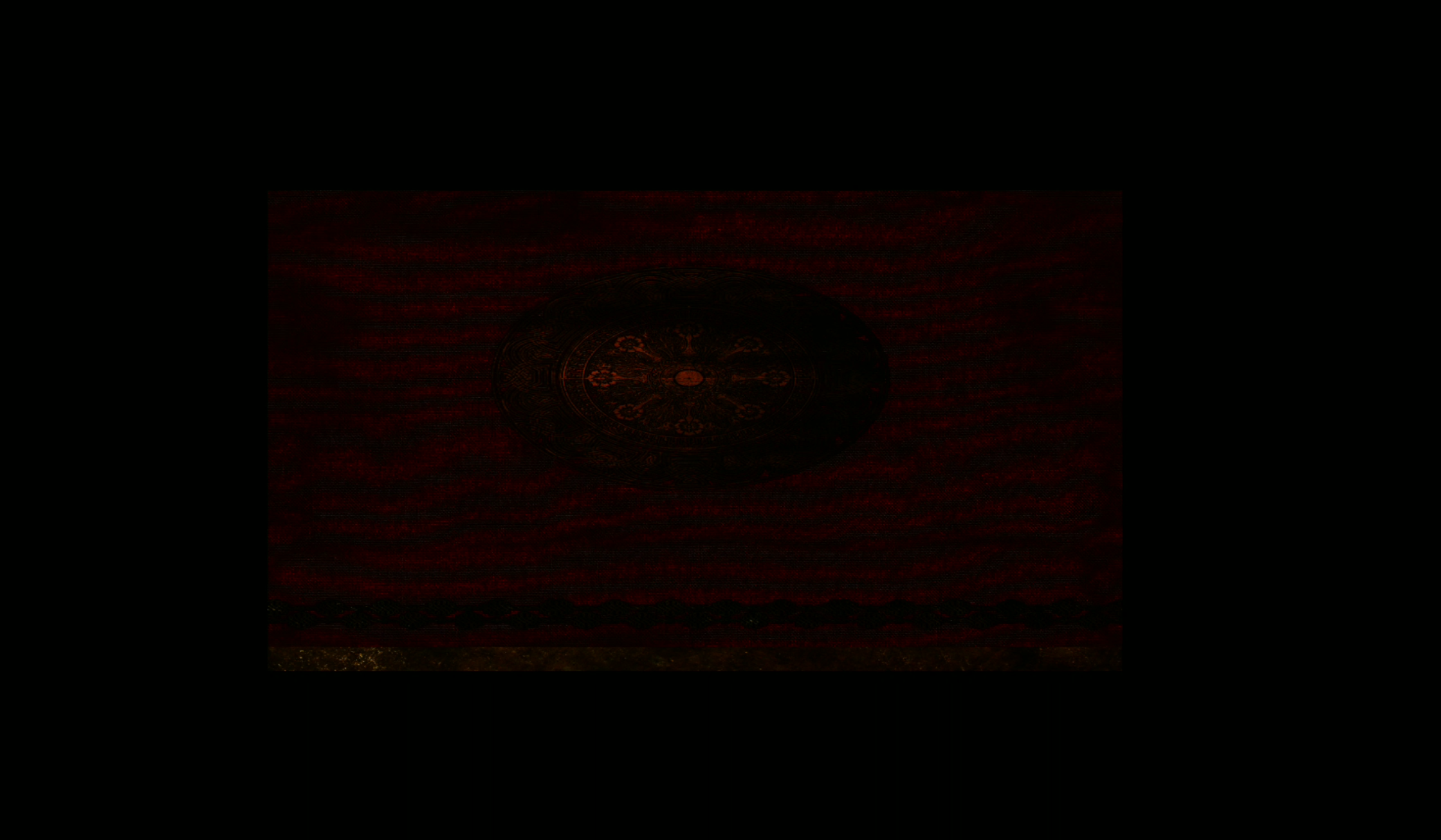
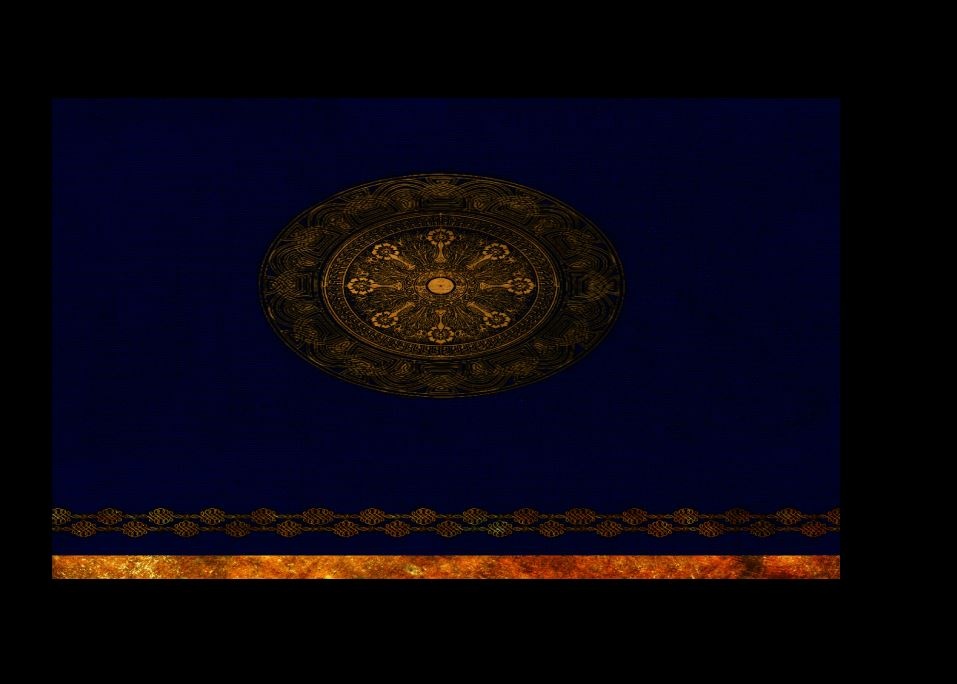
Different textures switching intermittently throughout time. The textures go from dark background with the red patterns to blue background with yellow patterns.
Test Cases (with expected results and screenshots)
Description
This sample test the functionality of dual source blending.
It implement alpha blending with dual source blending mode.
The blending factor is changing with sine function of time.
Test Cases (with expected results and screenshots)

Description
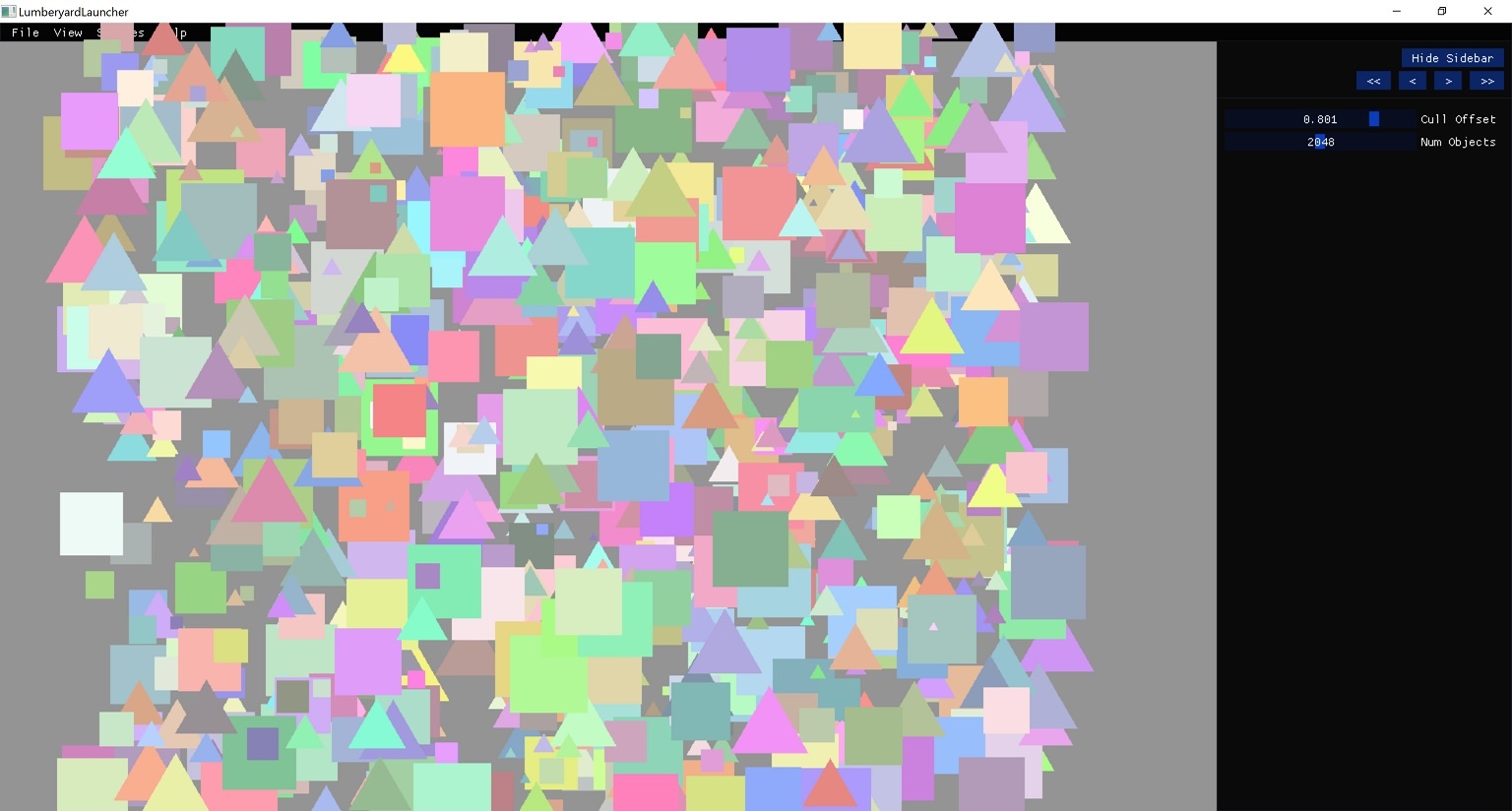
This samples demonstrates the use of indirect rendering by rendering a group of triangles and squares that move through the screen. It can also apply culling to the primitives before sending the indirect commands.
It uses an indirect buffer that contains a list of commands to be executed by the GPU in an indirect manner.
The commands are generated at initialization by the CPU. Each frame a compute shader culls the commands that are outside a designated area and the remaining commands are draw using indirect calls.
Depending on the capabilities of the platform the sample can run the following indirect commands:
a) Inline Constants Command + Set Vertex View Command + Set Index View Command + Draw Indexed Command
b) Draw Indexed command
Depending on capabilities, the samples may use a count buffer. The number of indirect draw calls is also determinate by device capabilities.
Debug Menu
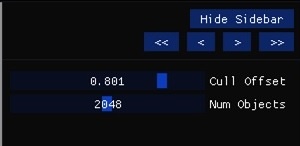
The sample has two user control variables:
a) The cull offset. This increase or decrease the width of the culling area.
b) The number of primitives to render to render.
Test Cases (with expected results and screenshots)
Description
This samples shows how to handle vertex buffer generation on a compute shader and how to properly declare shader inputs. There's 2 scopes in this sample, one runs a compute shader that is in charge of generating and animating the vertices of a 2D hexagon. The second scope is in charge of drawing the previously generated hexagon vertex buffer.
Test Cases (with expected results and screenshots)
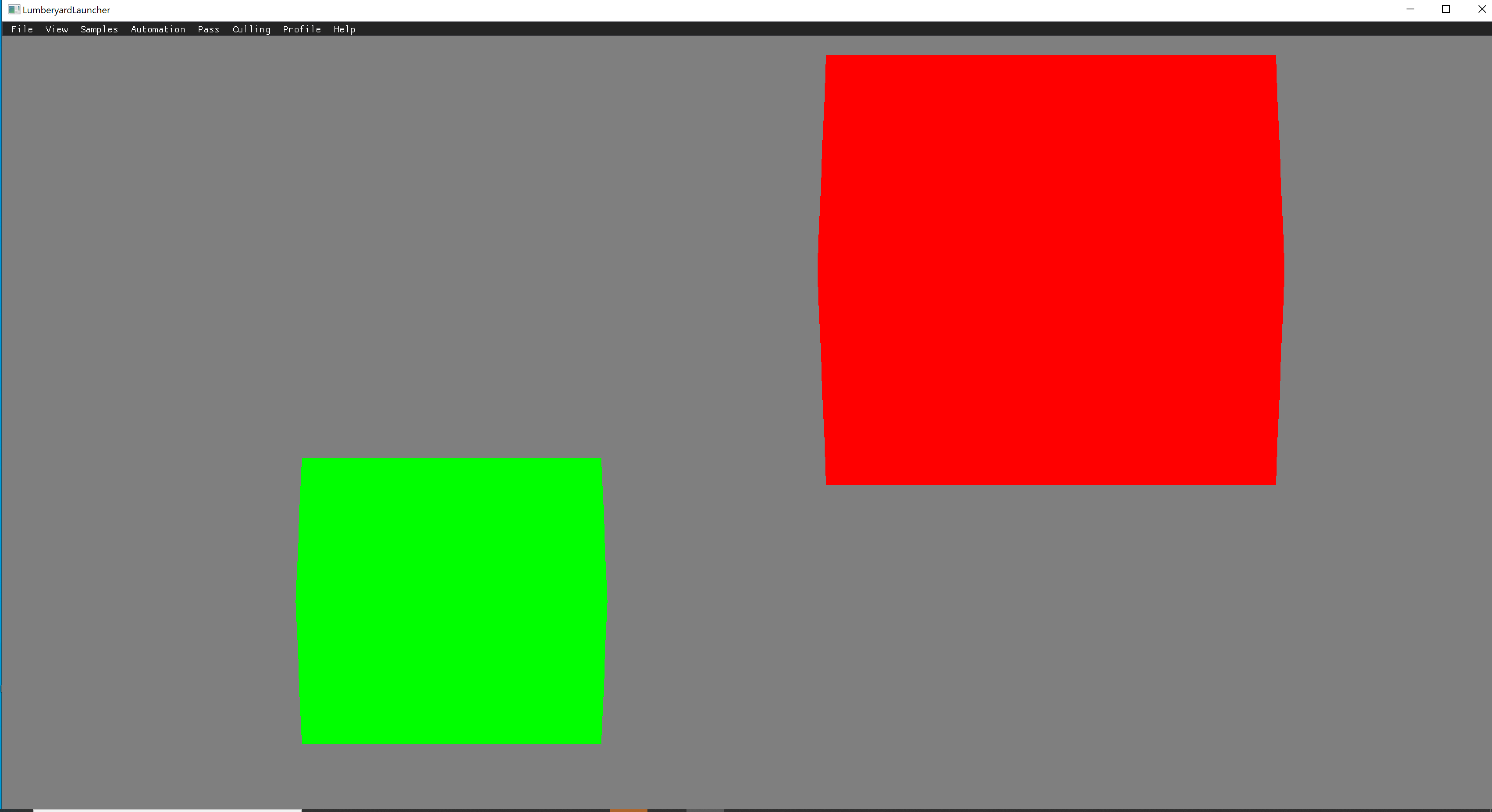
Look for Rotating hexagons like the screenshot below. Both the hexagons should be rotating around the y-axis.
Description
This sample test rendering a simple triangle to a MSAA texture using different settings and resolving it to non MSAA swapchan image for presentation.
The example cycles through the following modes when detecting a mouse click:
1 - 2xMSAA
2 - 4xMSAA
3 - 4xMSAA with custom sample positions
4 - 4xMSAA with custom resolve using a shader
5 - No MSAA
Debug Menu
Left mouse click to cycle through the MSAA modes.
Test Cases (with expected results and screenshots)
1 - 2xMSAA
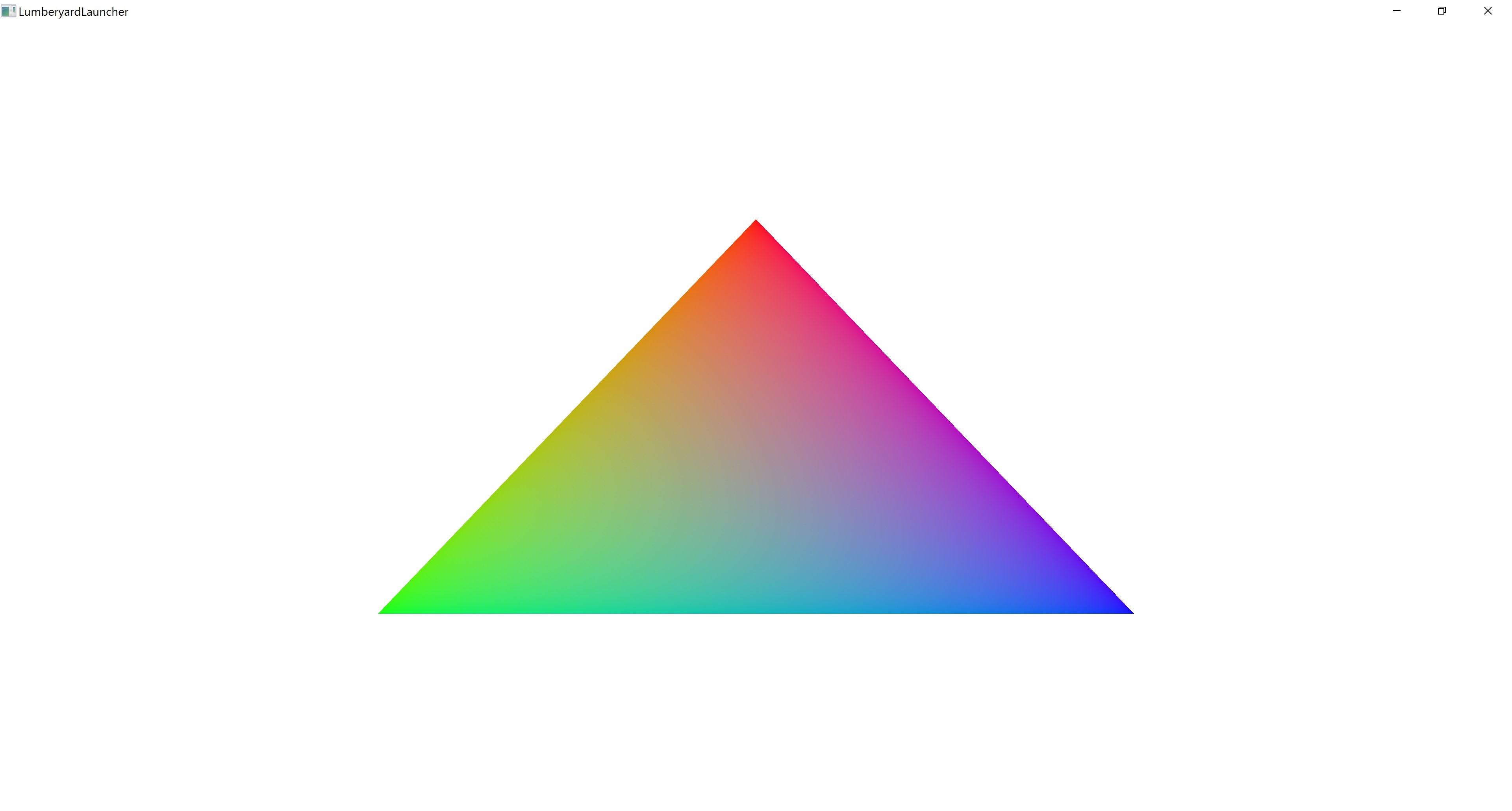
2 - 4xMSAA
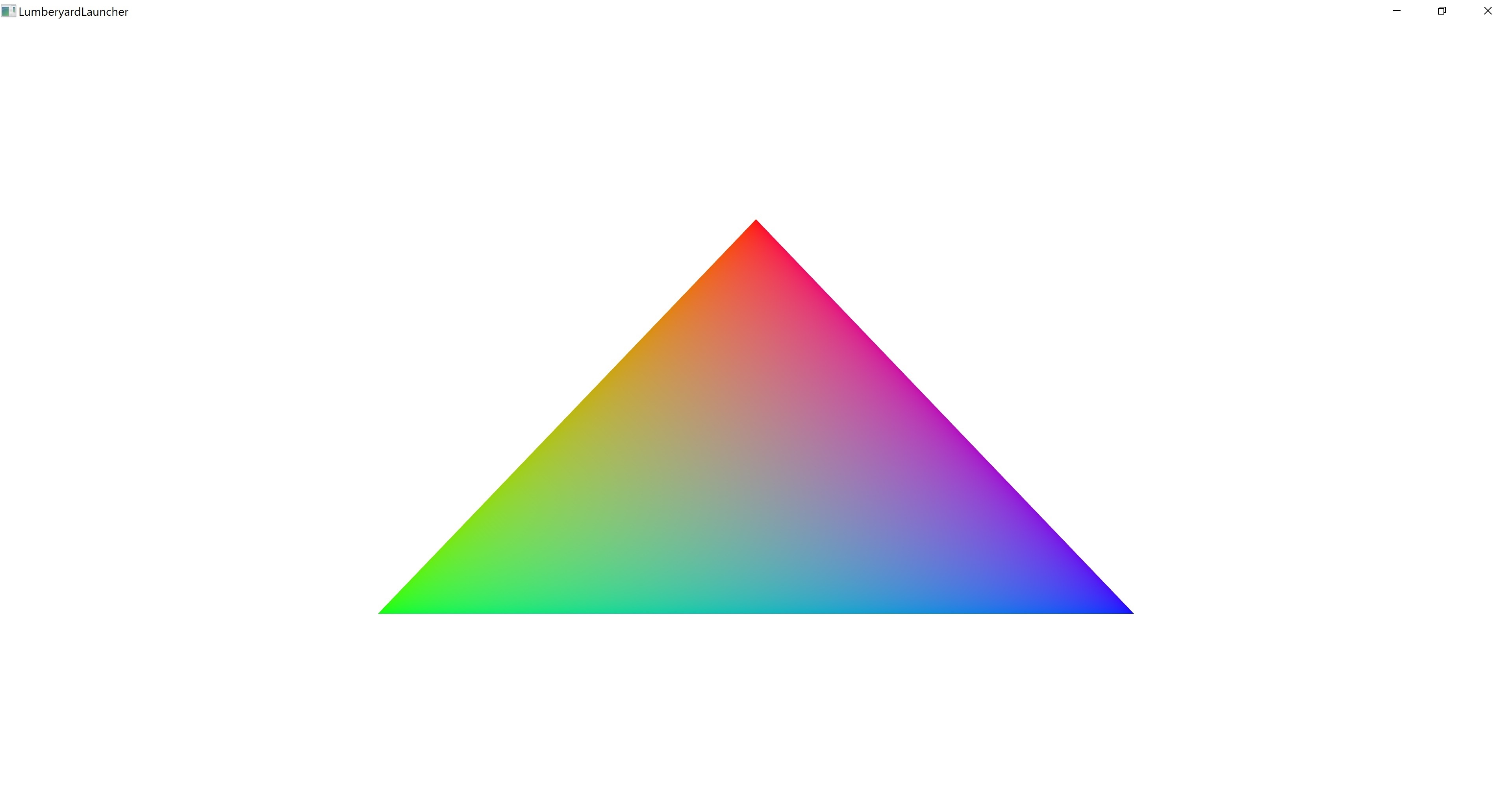
3 - 4xMSAA with custom sample positions
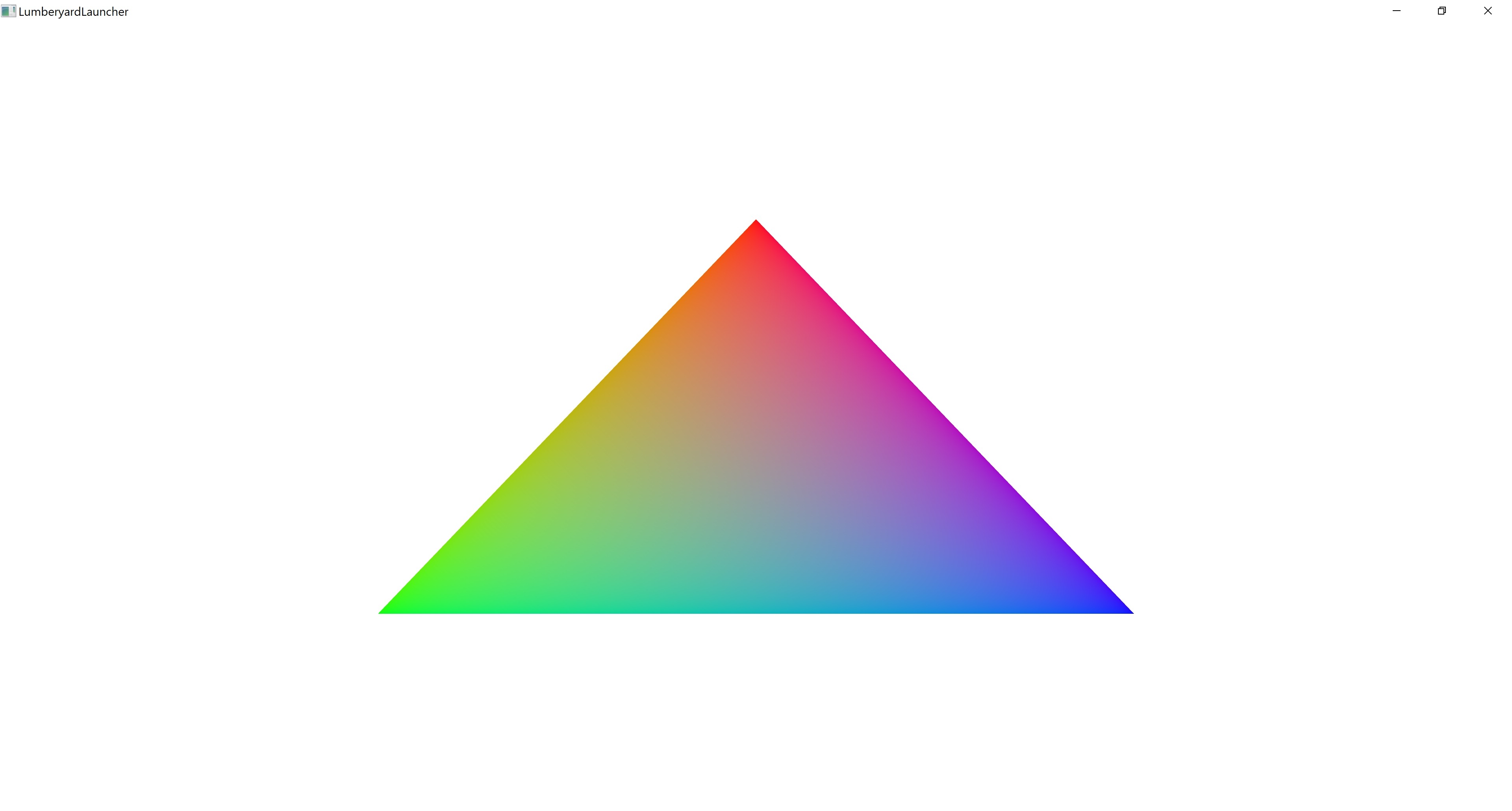
4 - 4xMSAA with custom resolve using a shader
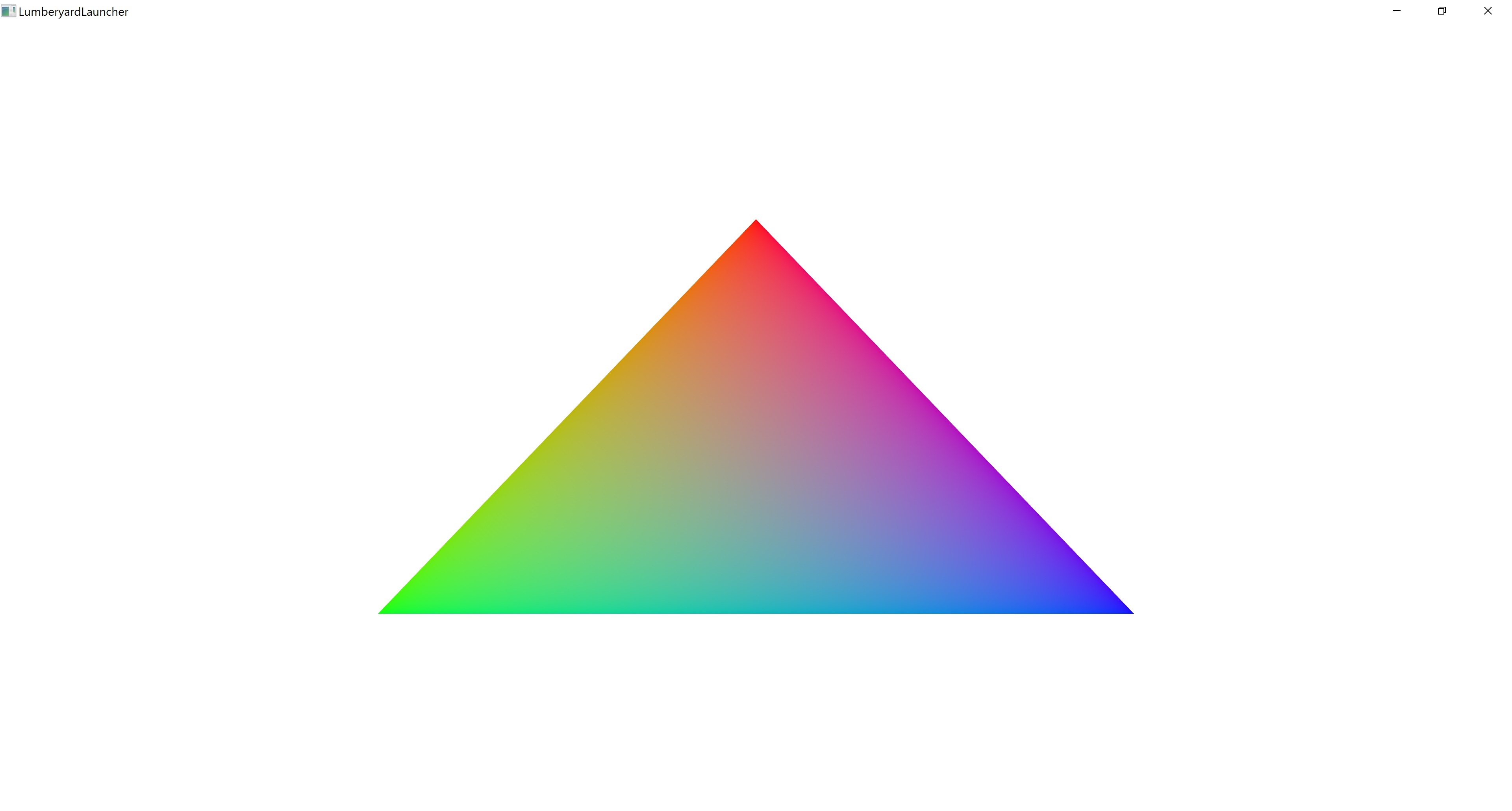
5 - No MSAA
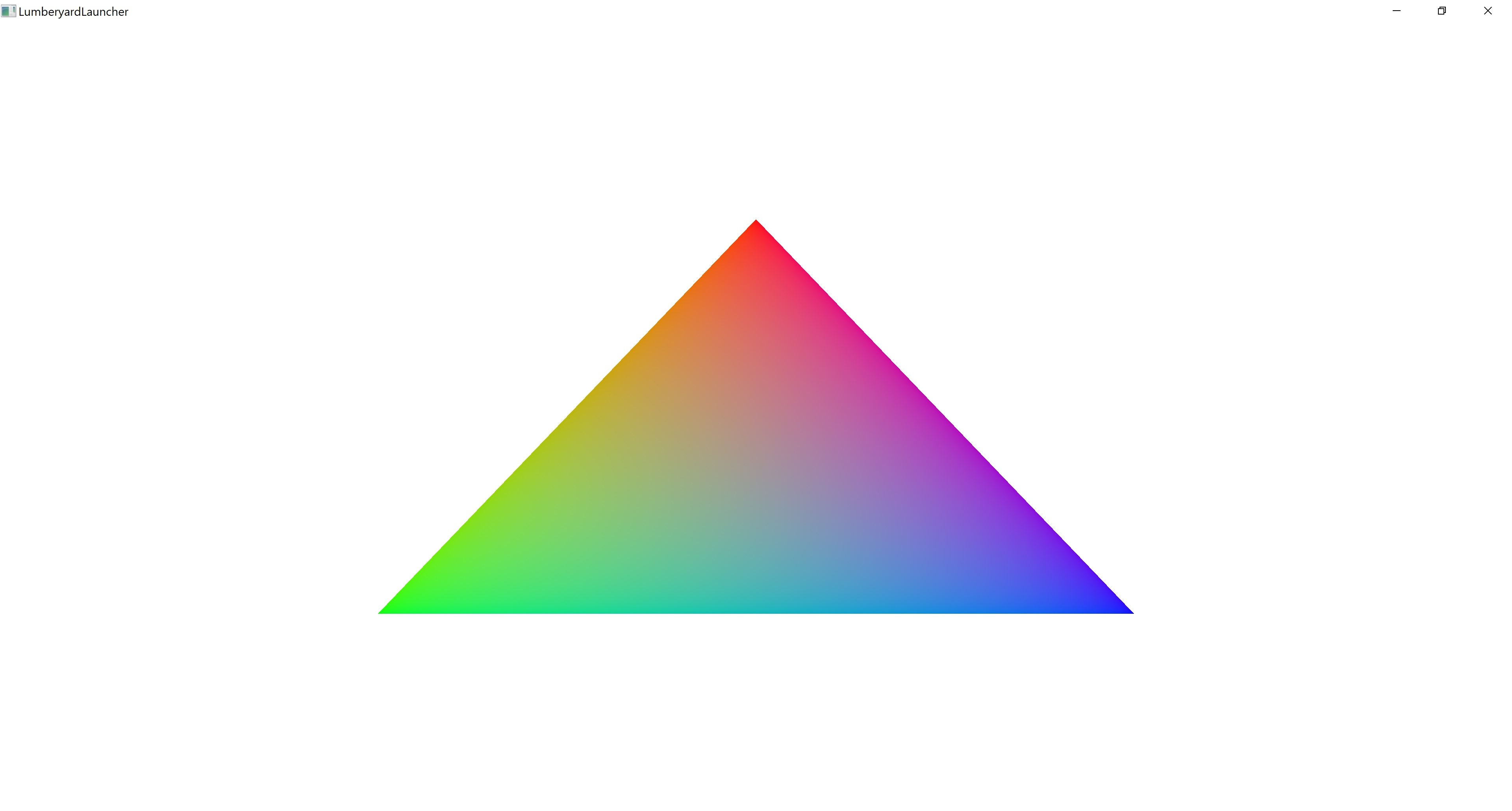
Platform Support:
DX12, Vulkan and Metal
Available options depend on the device capabilities:
4x MSAA with custom position is only supported on DX12 devices with Windows 10 Creators Update. On Vulkan you need the extension VK_EXT_sample_locations
Description
The purpose of this sample is to test multiple views by rendering a simple shadow mapped scene.
Debug Menu
There are no controls or menu.
Test Cases
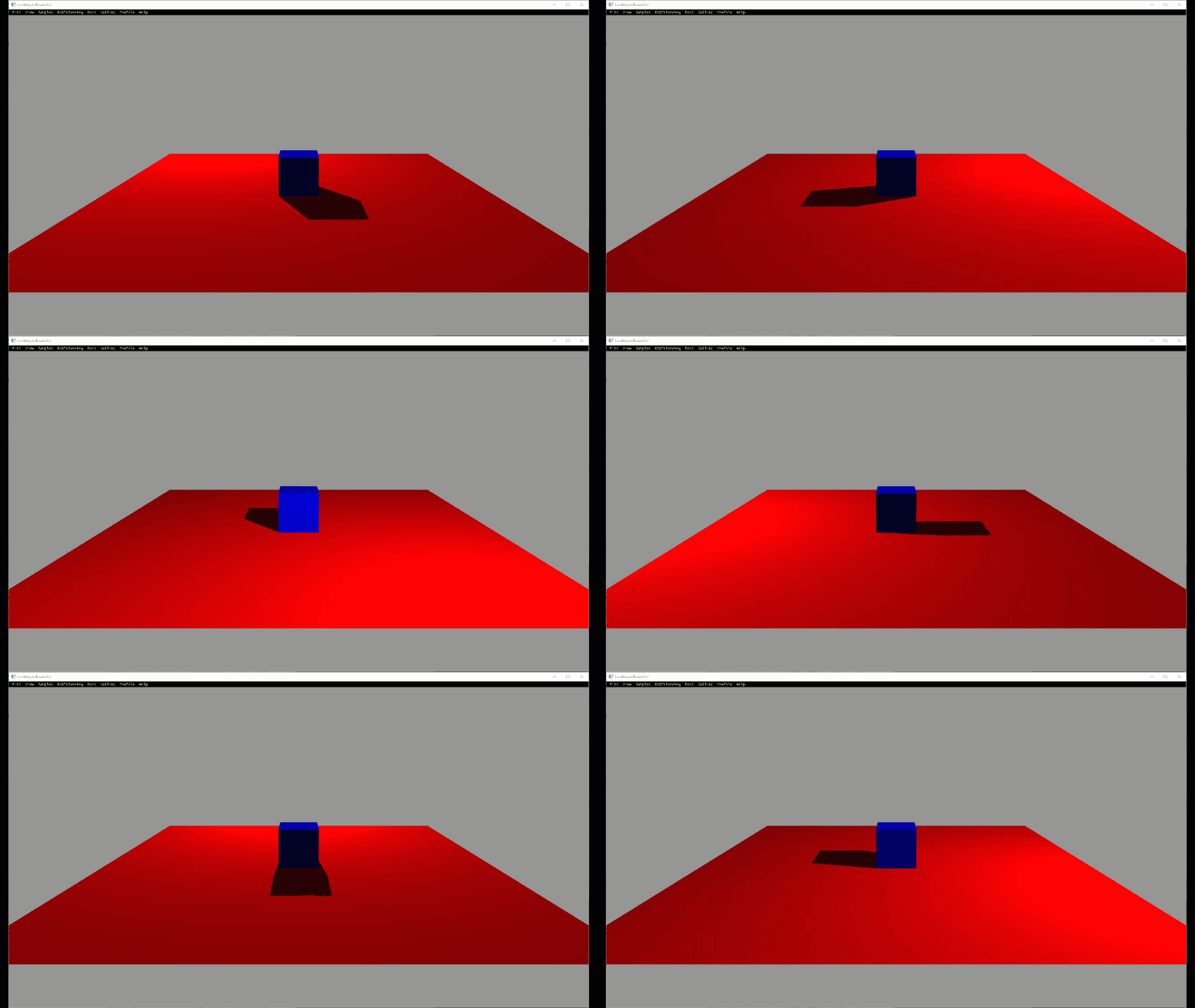
The scene is a red plane with a blue cube sitting on it. There are 2 views of the scene: the main (aka camera) view and the light view. The light view casts a shadow of the blue cube onto the red plane, the shadow is then visible in the main view.
Metrics
No specific metrics.
Automation
No automation.
Platform Support
Should be supported on all platforms.
Description
This sample test the functionality of multiple render target.
It render in 2 scope.
The first scope render to 3 render target each has 4, 2 and 1 channel, with cosine and sine function of time.
The second scope merge them and render to screen.
Test Cases (with expected results and screenshots)
The order is Red->Green->Blue->Black

Description
The purpose of this sample is to test support for multi-threaded command lists and evaluate performance numbers to ensure parallelization by the frame scheduler.
Debug Menu
There are no controls or menu.
Test Cases
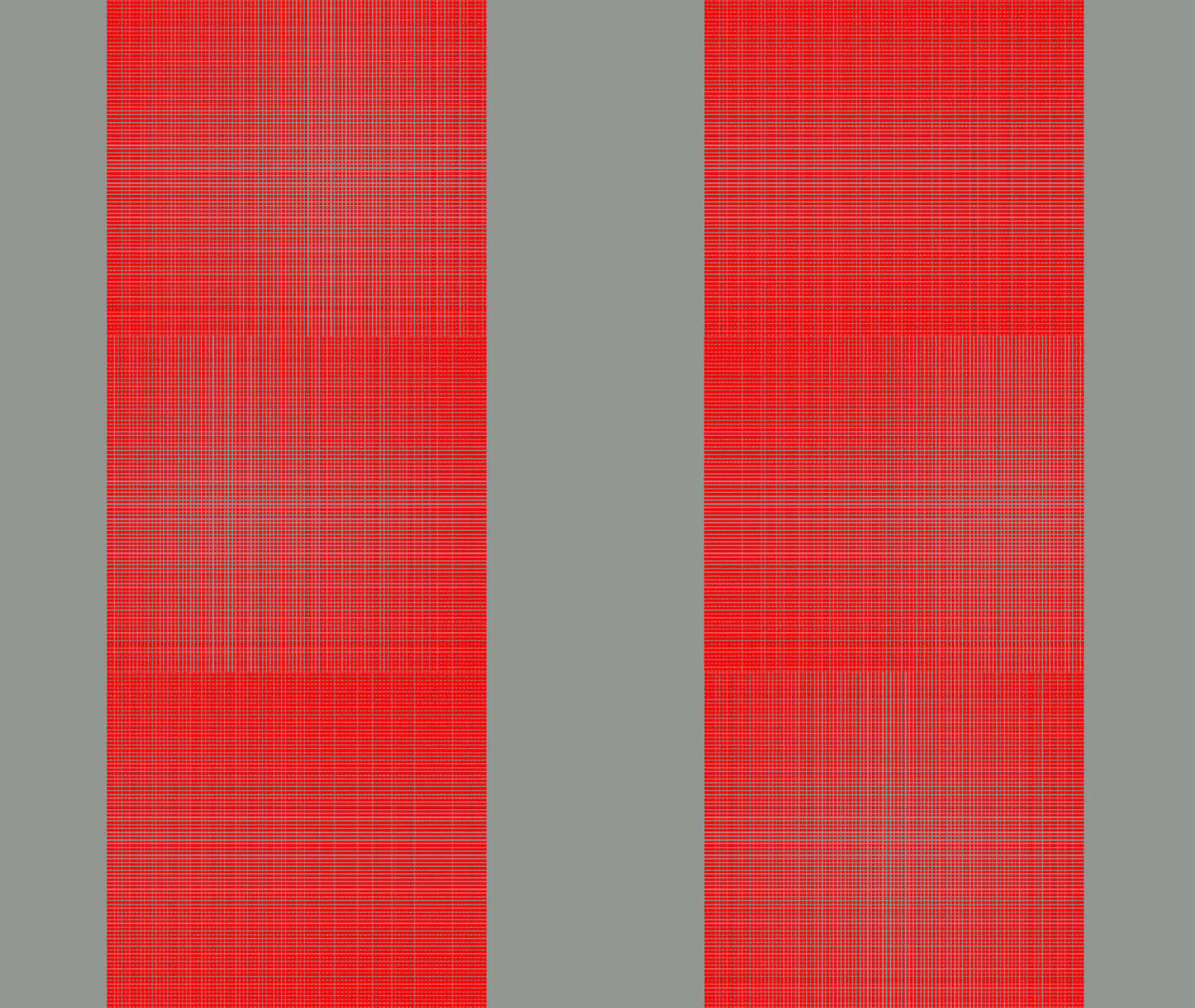
There is one red cube rendered multiple times over multiple command lists with thousands of draw calls with a total of a million plus polygons. Each cube is rotating in place.
Metrics
No specific metrics.
Automation
No automation.
Platform Support
Should be supported on all platforms.
Description
Two window panes switching different colors intermittently. Second window pane is smaller than the parent window pane.
Debug Menu
RHI/MultiViewportSwapchainComponent
Test Cases (with expected results and screenshots)
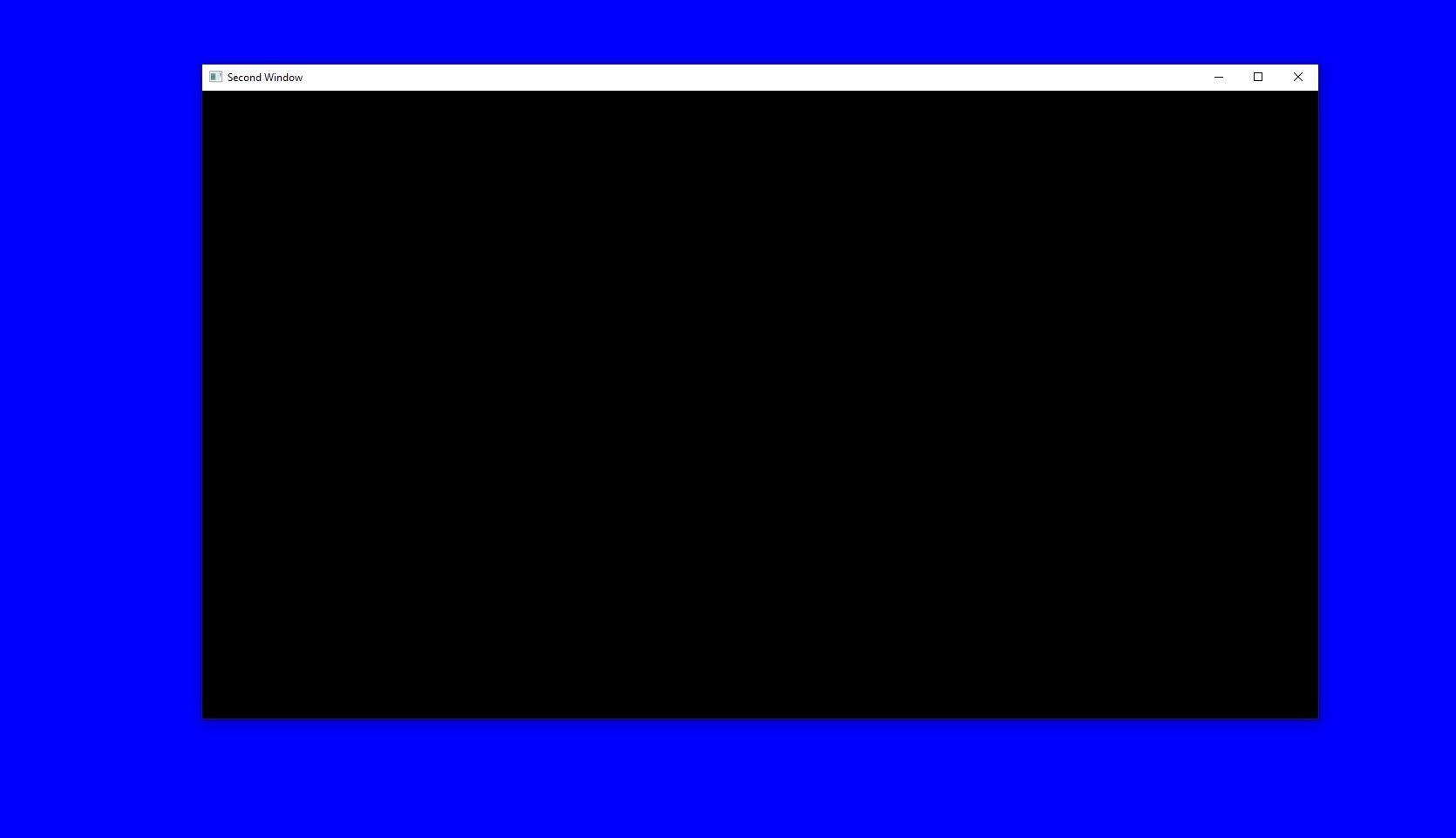
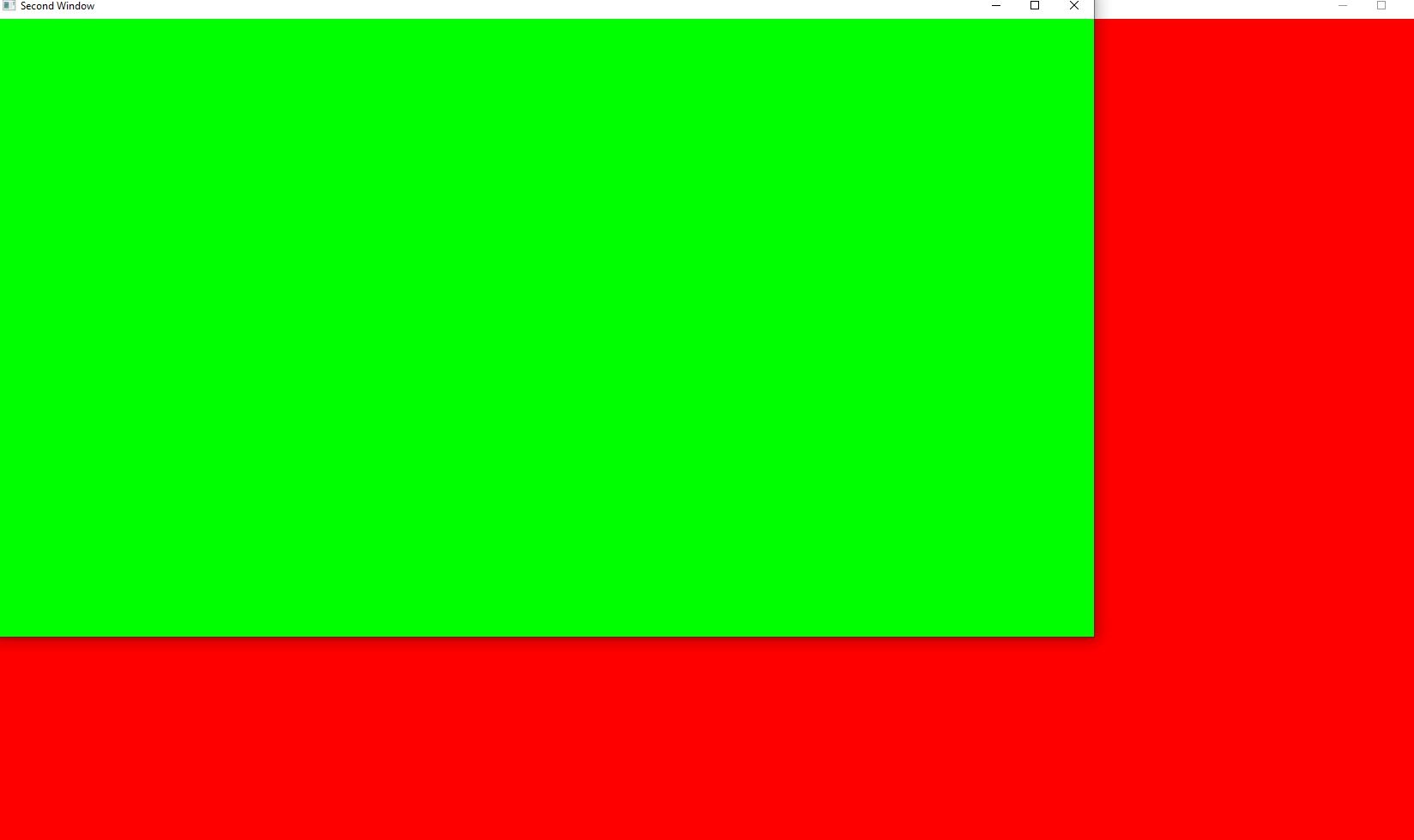
Description
This sample tests the use of QueryPools for occlusion queries, predication, timestamp information and pipeline statistics. Three quads are rendered in the following order:
A. Red quad in the back that may be occluded.
B. White semi transparent quad in the front that may occlude the one in the back and it moves side to side (it's transparent to be able to see if the red quad is being render).
C. Bounding box quad that represent the first quad. This quad doesn't write to the rendertargets and is used to write to the current occlusion query.
A bounding box quad that represent the first quad. This quad doesn't write to the rendertargets and is used to write to the current occlusion query.
Predication is available for platforms that support it. A separate scope is in charge of copying the data from the QueryPool to a buffer that is used later for predication.
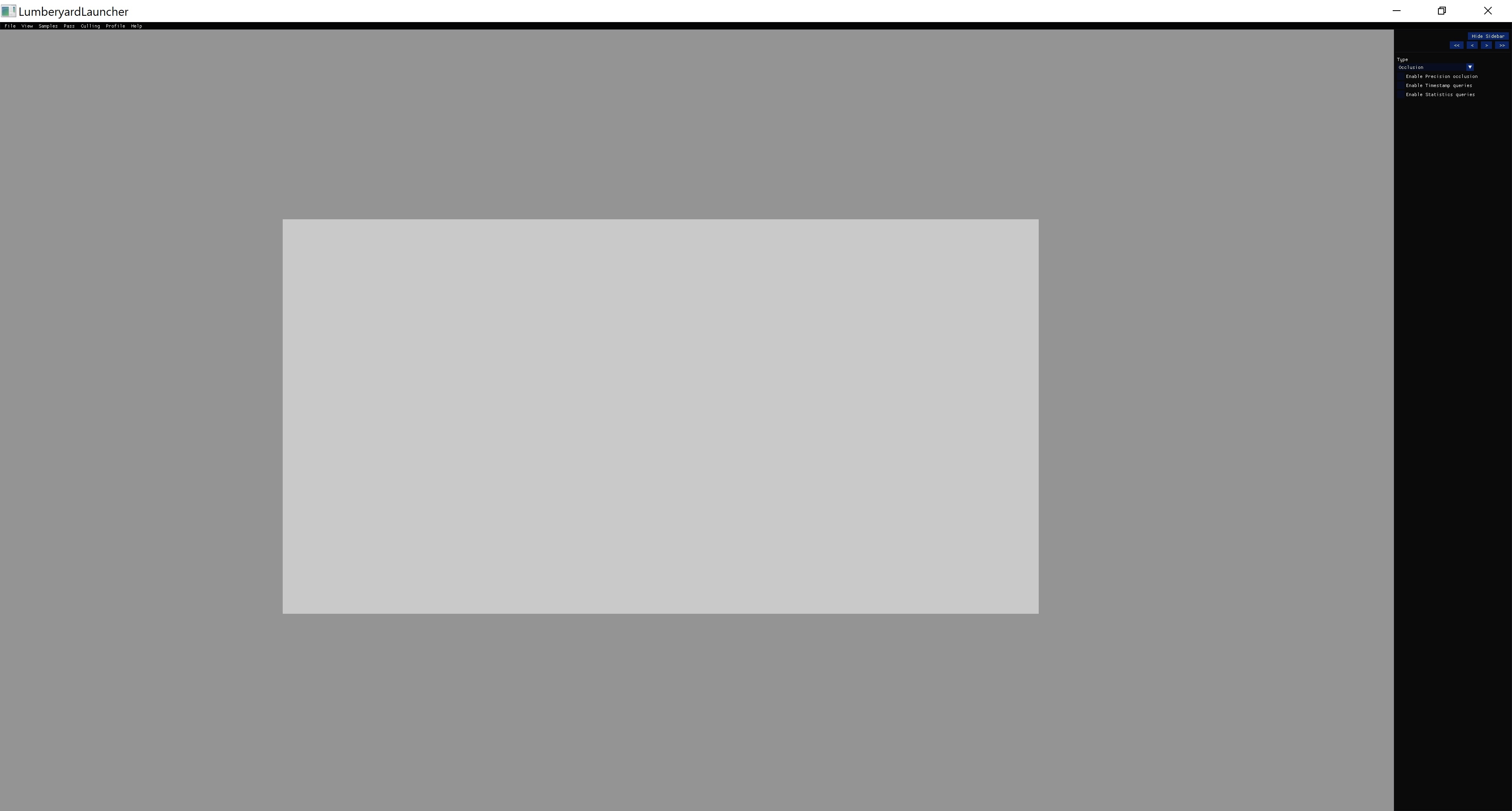
The red back quad should not be render when the front white semi transparent quad is occluding it.
Debug Menu
The following options are available:
Type: The mode to use (both modes should have the same result)
- Occlusion: This is a query to check if the quad is being occluded.
- Predication: This use a predication query to decides to render the quad.
Enable Precision occlusion (if supported): this will show how many fragments of the red quad are not being occluded. It should be 0 when the red quad is fully occluded. This option is only available when mode is occlusion.
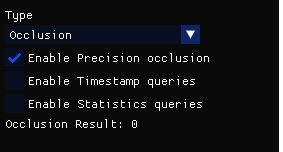
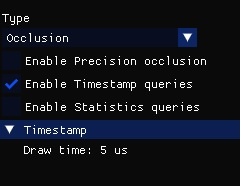
Enable Timestamp queries (if supported): this will show the time in nanoseconds that the whole drawing process takes. It should be smaller when the red quad is occluded.
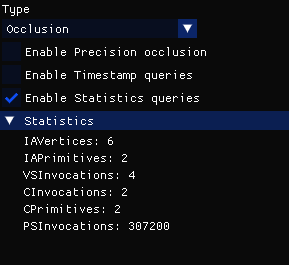
Enable Statistics queries (if supported): this will show a list of statistics of drawing the red quad. All values should be 0 when the red quad is occluded.
Test Cases (with expected results and screenshots)
Fully occluded quad
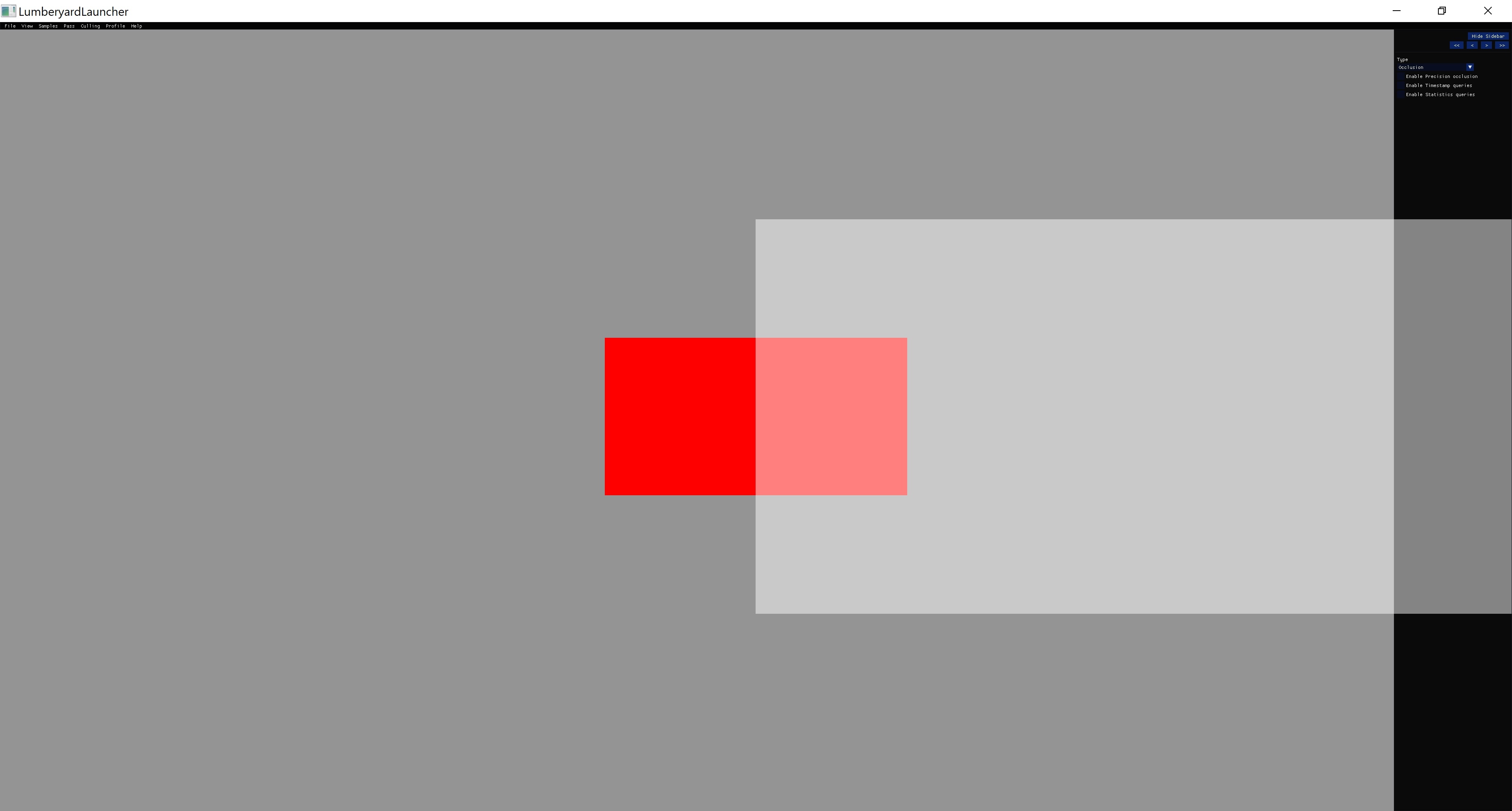
Partially occluded quad.
Platform Support:
DX12 supports all modes and queries.
Vulkan support occlusion mode, and predication is supported if the VK_EXT_conditional_rendering extension is available. Precision, Timestamp and Statistics query support depends on the device.
Metal supports occlusion mode only. Precision, Timestamp and Statistics query support depends on the device.
Description
The RHI Raytracing sample demonstrates a raytracing operation against a simple scene using the RHI ray tracing abstraction classes. The scene consists of three triangles and one rectangle, rotating in different directions around a centerpoint.
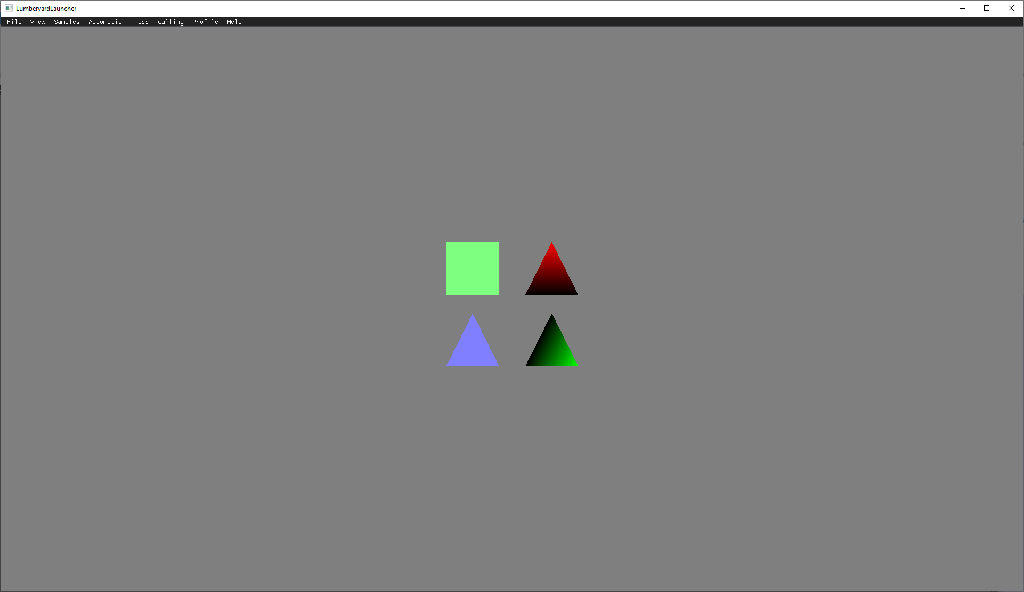
There are two closesthit shaders used in the sample. The first is a solid color shader, which is applied to the rectangle and one of the triangles. The second is a gradient shader, which is applied to the two remaining triangles. The miss shader simply returns the gray background color.
Description
This example demonstrates a range of functionalities provided by spherical harmonics (SH) library to generate and manipulate SH coefficient set, which consists two modes to visualize the coefficient set itself and show a live example of using them to encode/decode low frequency signal at run time separately, namely Demo mode (displayed by default when activated) and Render mode. It contains a single image attachment as virtual screen. The sphere used in two modes is nevertheless analytical shape rendered by ray tracing.
Debug Menu
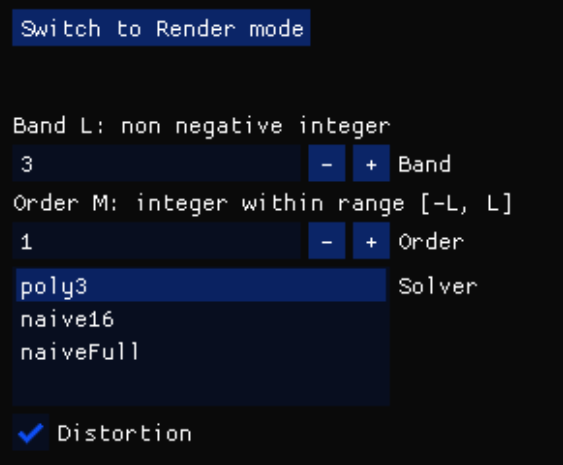
Demo Mode:
Button "Switch to Render mode" : By clicking this button, example will switch to render mode and debug menu will be replaced with render mode menu, please see Render Mode section for more information.
Band L : Band index of SH coefficients for demonstration, this number should be a non negative integer.
Order M : Order of SH coefficients, this number should be both smaller or equal to L and greater or equal to -L, invalid number will be rejected and restored to last valid input.
Solver : Change the solver used to generate SH coefficient set, each solver's name is composited by the algorithm it used + maximum band index it fully support (band index starts from 0 thus the number of supported band is band index + 1). E.g. poly3 solver use analytical polynomial solution to generate SH coefficients and is able to fully generate at most 4 band coefficients.
Note: NaiveFull support at most L=64 full band generation and at most L=130 for band 0 generation, generally speaking the sum of L+M depends the upper limits of the solver, for naiveFull this number is 130. This limitation arise from maximum precision of 32bit float, thus noteworthy the library on cpu side (SphericalHarmonics.h) has much wider support range then it's AZSL version, due to the usage of double precision float.
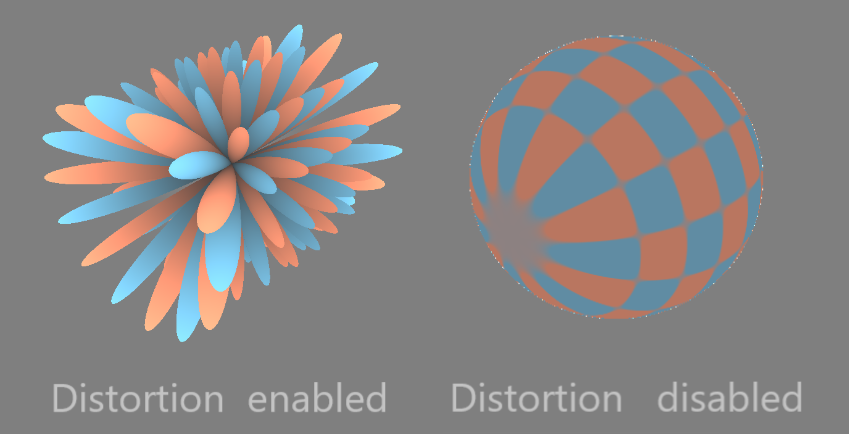
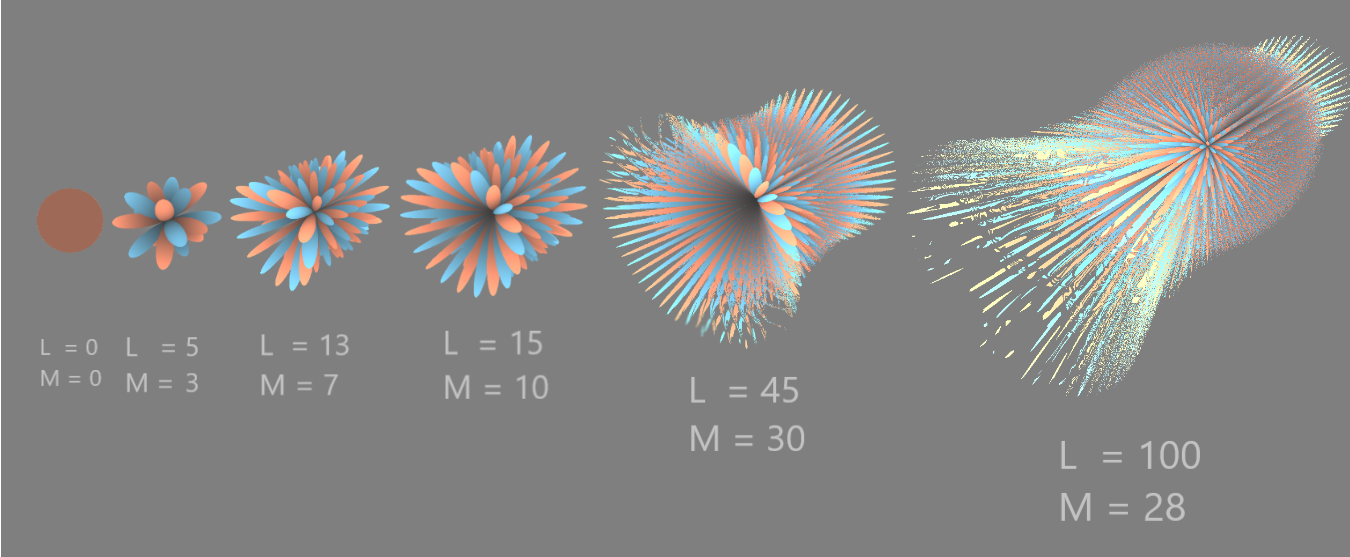
Distortion : Enables distortion for visualization, which means for each point on the sphere it's radius will be scaled by the magnitude of SH coefficient it represents. A comparison between distortion enable / disable is included in the Test Cases section
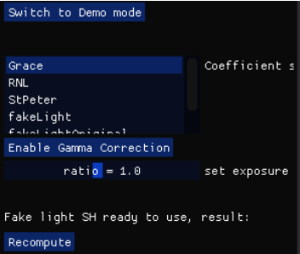
Render Mode:
Button "Switch to Demo mode" : By clicking this button, example will switch to demo mode and debug menu will be replaced with demo mode menu, please see Demo Mode section for more information.
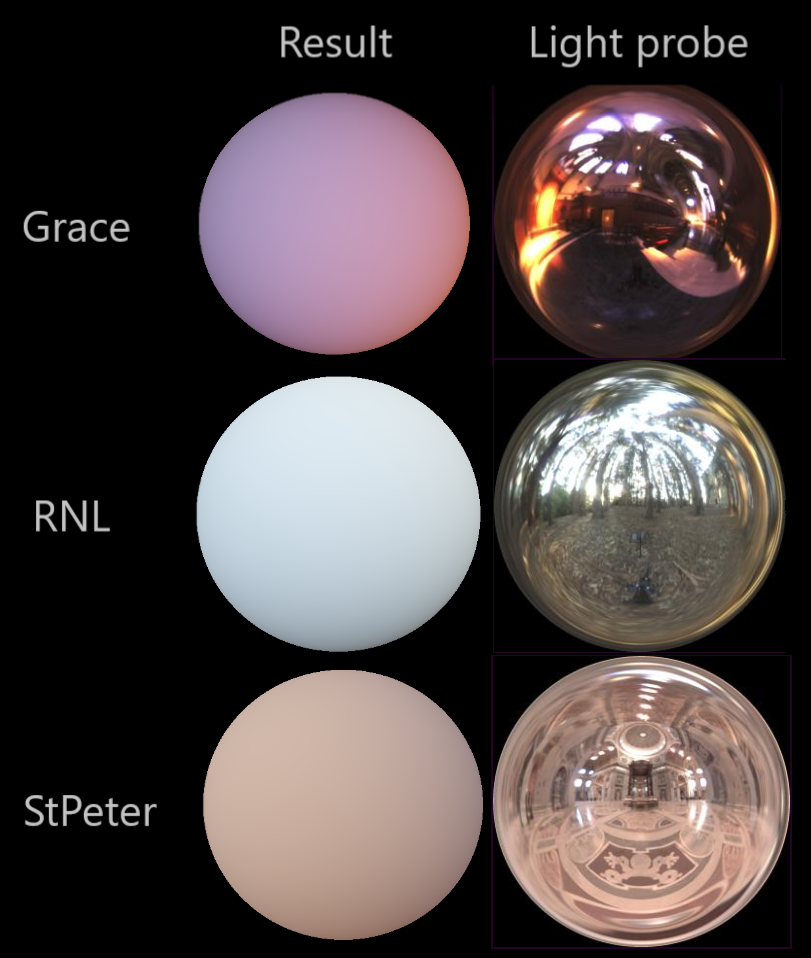
Coefficient set : provide a number of prebaked SH coefficient sets that encode diffuse irradiance of an environment map identified by the set's name. E.g. Grace set can be used to lit the sphere with diffuse irradiance of "Grace Cathedral" map. Please refers to Test Cases section for a demonstration of different maps and their results.
Button "Enable Gamma Correction" : enable/disable gamma correction for the rendered image, since reconstructed results from SH set are HDR value.
Set exposure : set exposure for the tone mapper, as the raw image is HDR
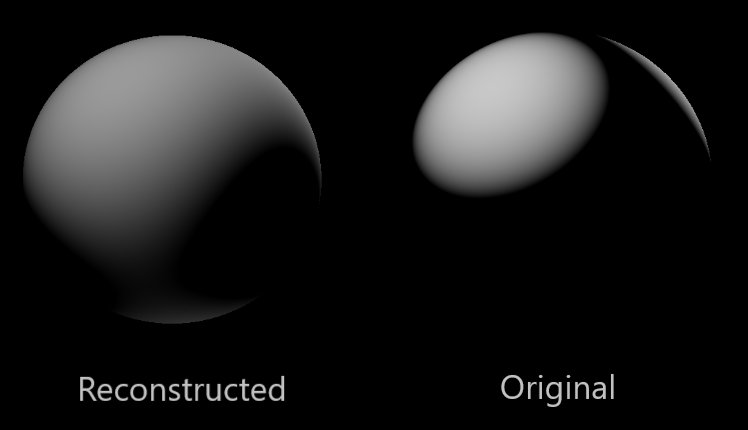
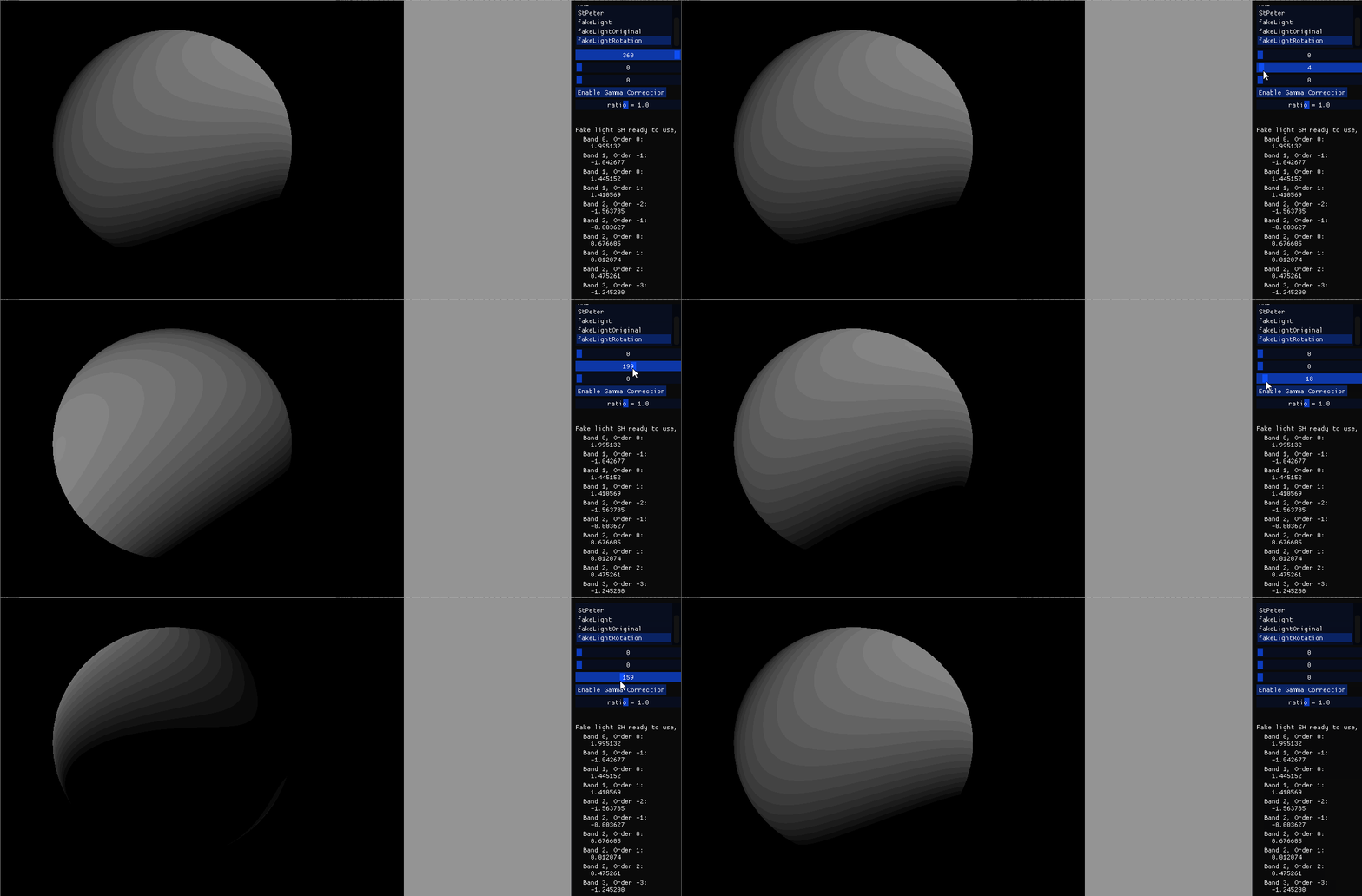
Fake light SH set : this section display the result of a special SH coefficients "fakeLight" computed at run time instead of prebaked for validation. Pressing Recompute button will trigger a recomputation of coefficients, if the coefficients set list is set to fakeLight at the mean time the result displayed on the sphere will update progressively as well.
Test Cases (with expected results and screenshots)
By clicking right mouse button and dragging around, the camera will move orbitally around the sphere. Scroll mouse scroll wheel to move camera further / closer.
Enable/disable distortion in demo mode:
Several examples of coefficient visualization result:
Prebaked coefficient set in render mode:
Fake light coefficient set in render mode:
Fake light rotation sample:
Platform Support
Checked with DX12 on Windows PC.
Description
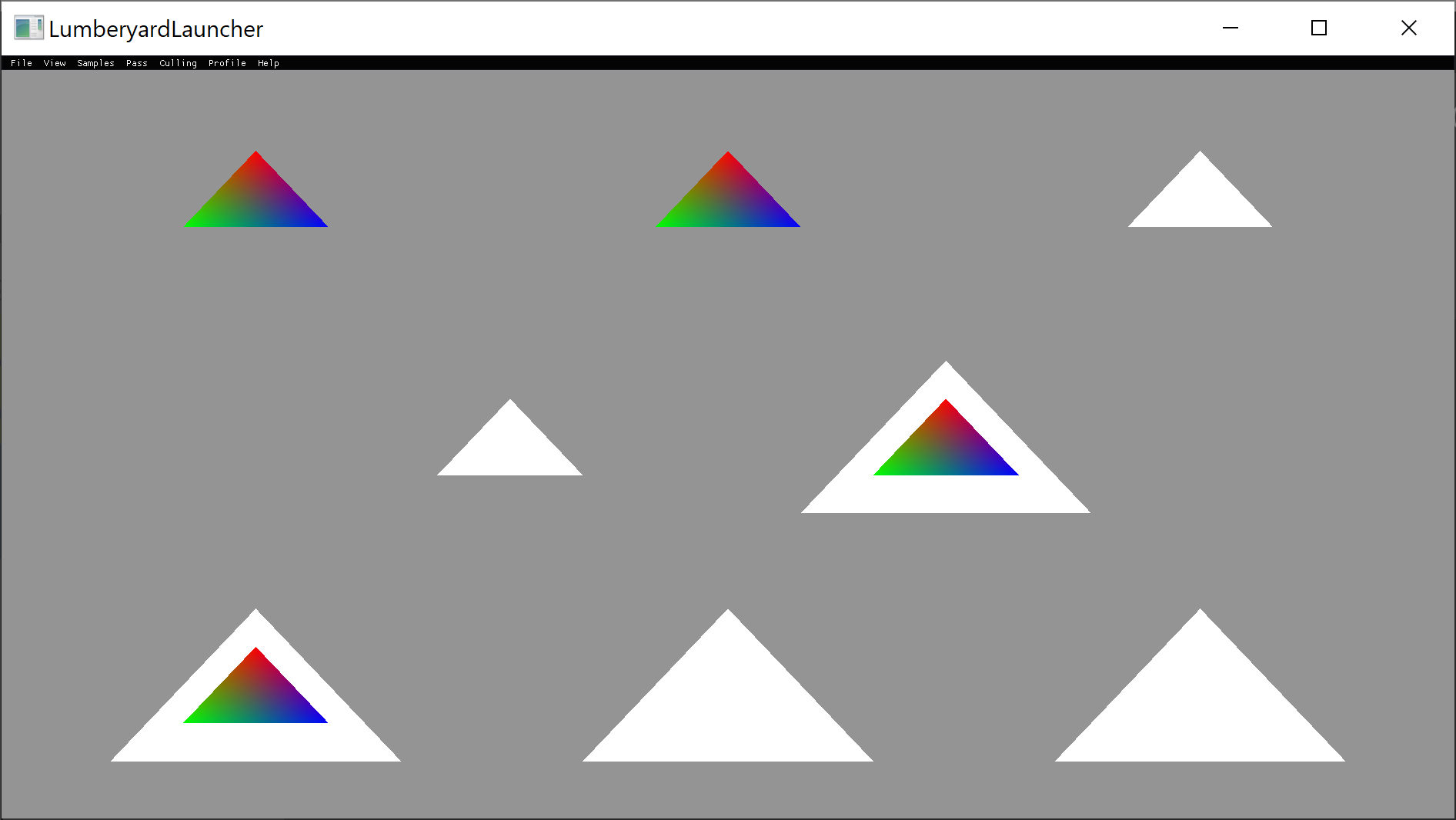
This sample test the functionality of stencil buffer. First it render all color triangles with stencil buffer set to 1. Then it render white triangles using different stencil comparison functions, with stencil reference set to 1.
The operation is:

Test Cases (with expected results and screenshots)
From top left to bottom right: Never, Less, Equal, LessEqual, Greater, NotEqual, GreaterEqual, Always
Description
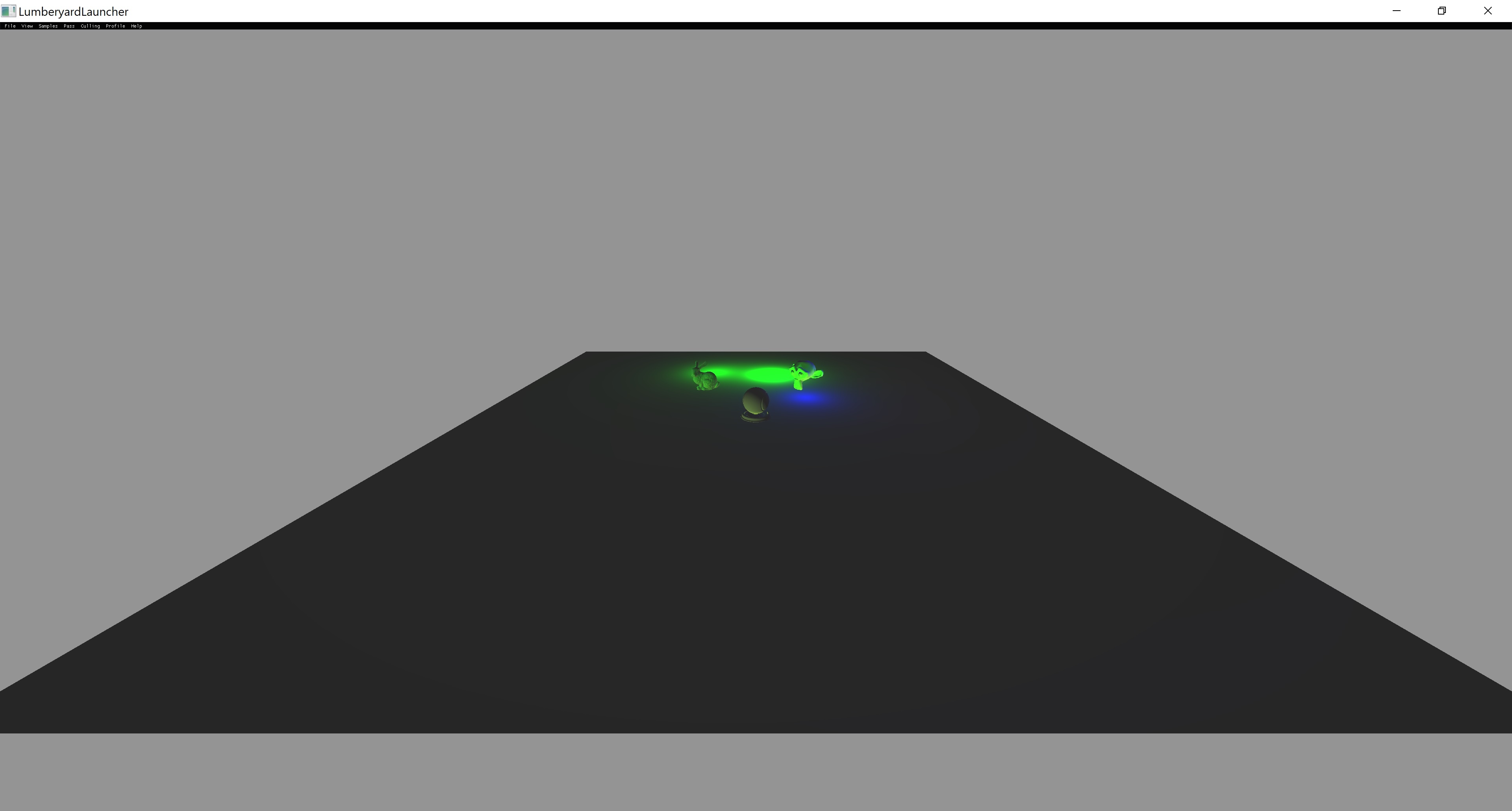
Example that showcases the use of multiple Subpasses. This sample implements a simple deferred renderer with two subpasses.
The first one is a Gbuffer pass that writes to 3 render targets: position, normal and albedo.
The second pass is the composition one that reads from the 3 previous render targets (as subpassInputs) and then outputs the correct lighting of the scene to the swapchain.
Debug Menu
Debug camera control with mouse.
Test Cases (with expected results and screenshots)
Platform Support:
Vulkan only.
Description
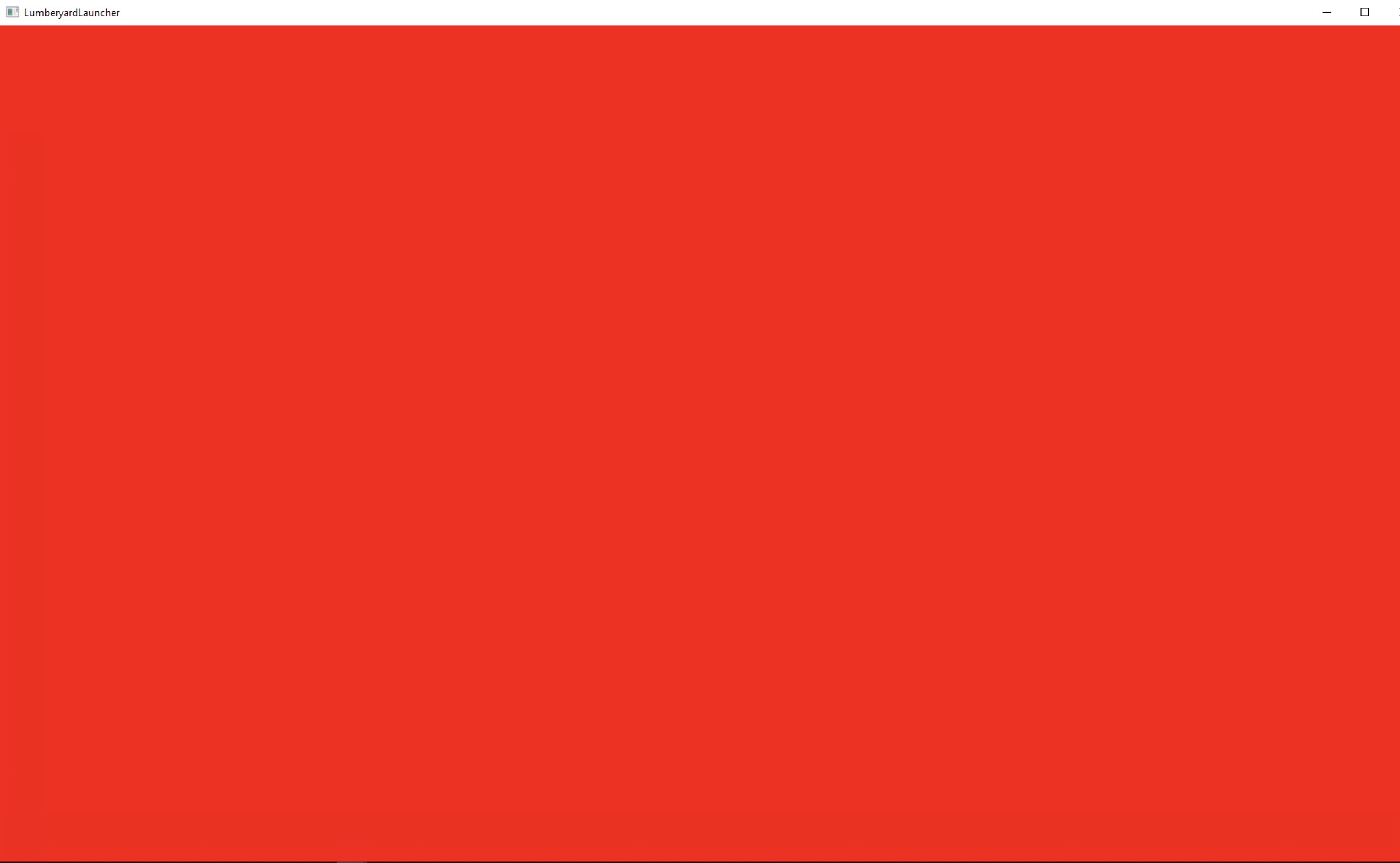
The screen should animate between Red, Green, Blue colors. Below is a screenshot attached with the red color
Test Cases (with expected results and screenshots)
Description
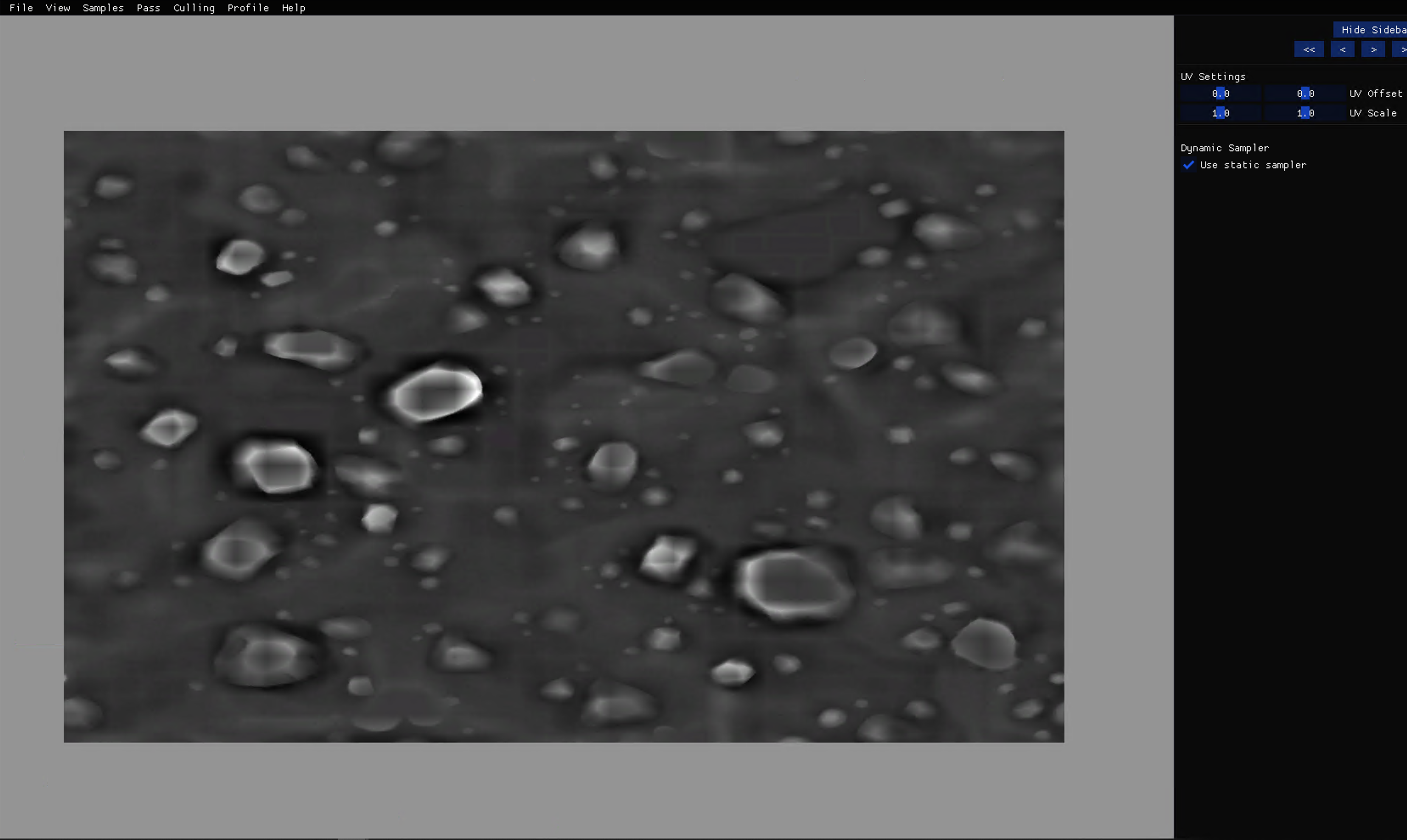
This sample shows a quad with a texture on it.
Debug Menu
UV Settings
a) UV offset - Modify the slider here to apply an offset to the texture UVs. The texture should move left/right (left slider) or up/down (right slider) depending on the slider.
b) UV scaling - Modify the slider here to apply a scale to the texture UVs.
Use Static Sampler
If you uncheck that it will allow you to pick various sampler settings like Clamp, Wrap, Mirror, Border, MirrorOnce. These settings are self explanatory in the sense that Clamp will clamp the uvs, Wrap will wrap them, e tc. Try and pick one setting and play with the uv offset sliders to ensure they are all working.
Test Cases (with expected results and screenshots)
Description
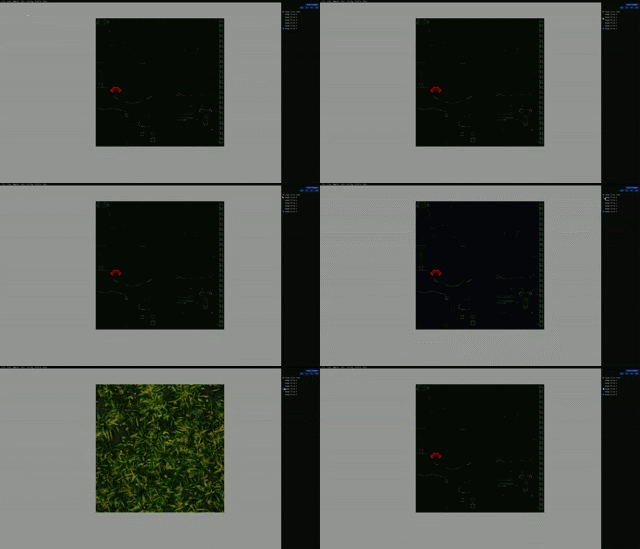
The Texture3d sample will test the RHI support for 3D images. Atom's RHI consists of two structures to represent images, Image and StreamingImage. This sample specifically tests the 3D image support for the Image structure.
This sample has a list of bullets, which represent the image that displayed in the middle. The image will change according to which bullet is selected.
Test Cases
Platform Support
Vulkan, DX12 (Need to confirm more platforms)
Description
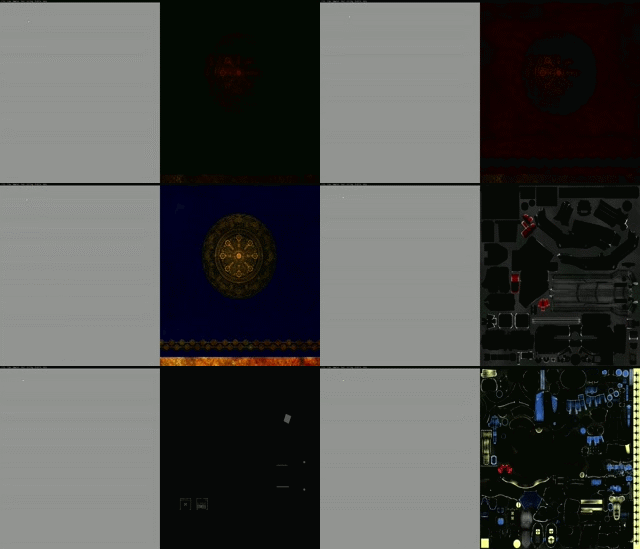
The TextureArray sample will test the RHI support for image array descriptors, and sampling them with an uniform index, which is set by the host. The sample will cycle through 8 textures in a fixed interval and repeats when it reaches the 8th image.
Test Cases
Platform Support
Vulkan, DX12 (Need to confirm more platforms)
Description
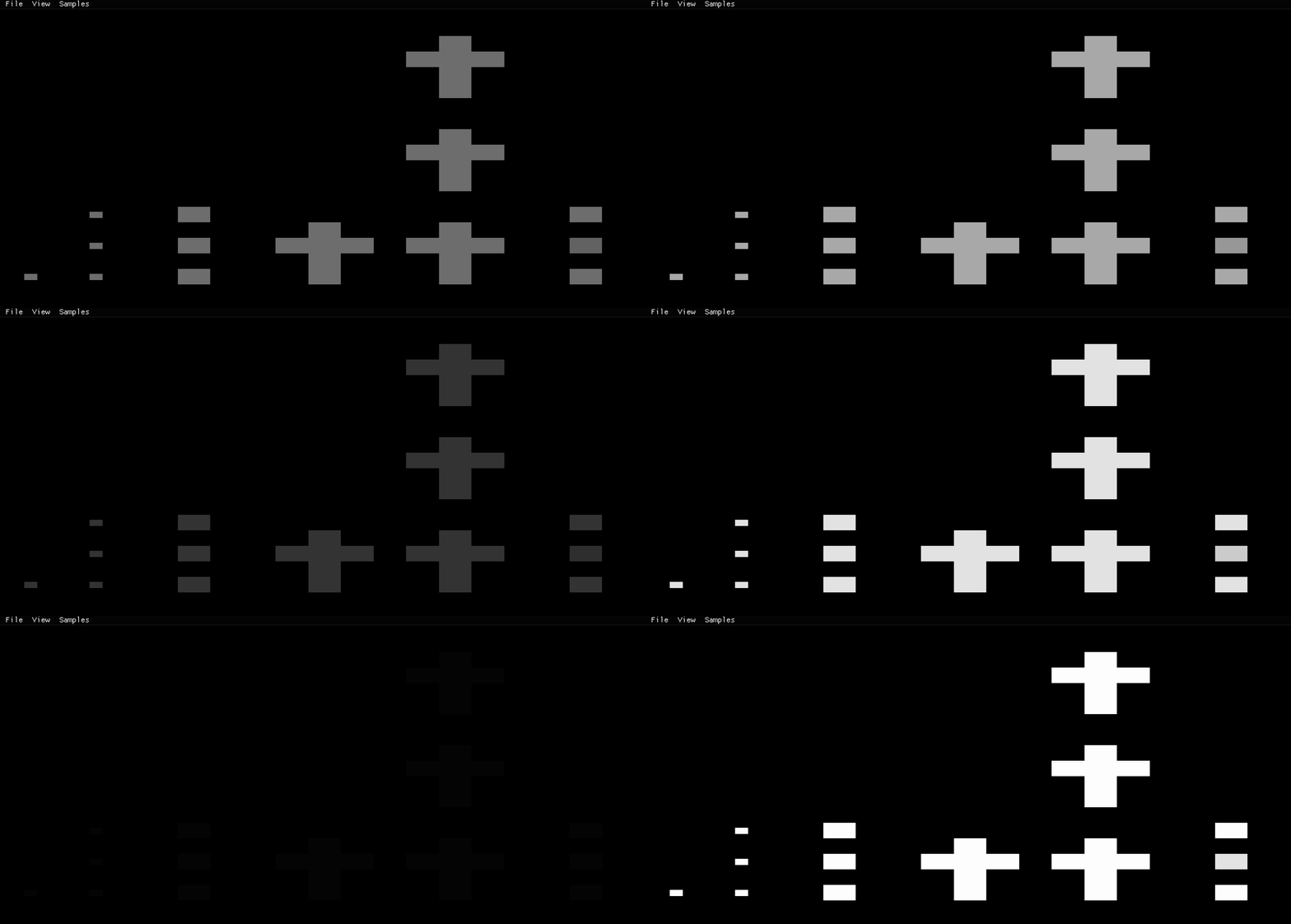
All Texture Type functionality testing:
Texture1D
Texture1DArray
Texture2DArray
TextureCube
TextureCubeArray
Texture3D
First it render to different type of texture, with sine function of time. Then it sample from each texture and render to screen.
Test Cases (with expected results and screenshots)
From left to right: 1d, 1d array, 2d array, cubemap, cubemp array, 3d
Description
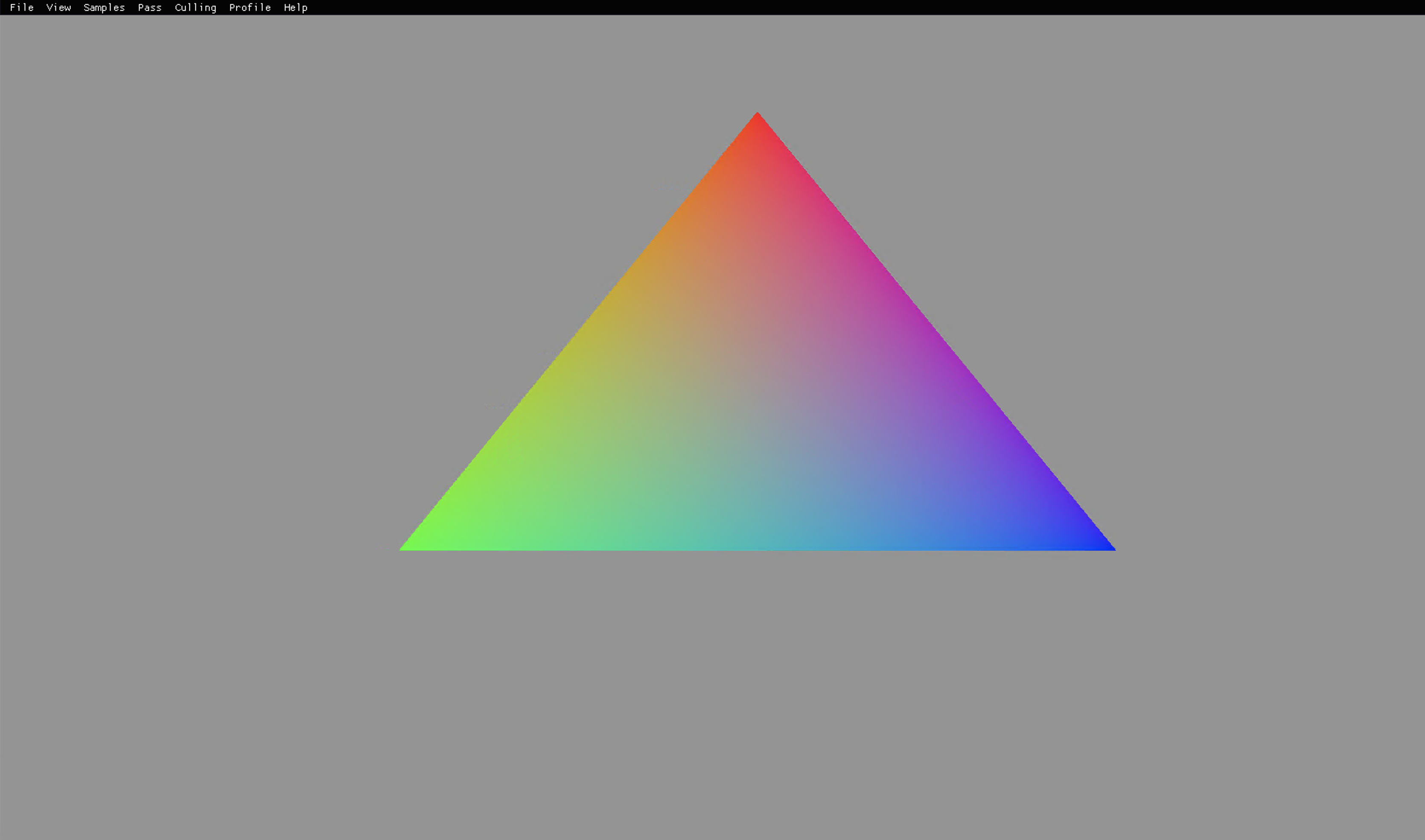
This sample renders and animates a triangle on screen
Test Cases (with expected results and screenshots)
Description
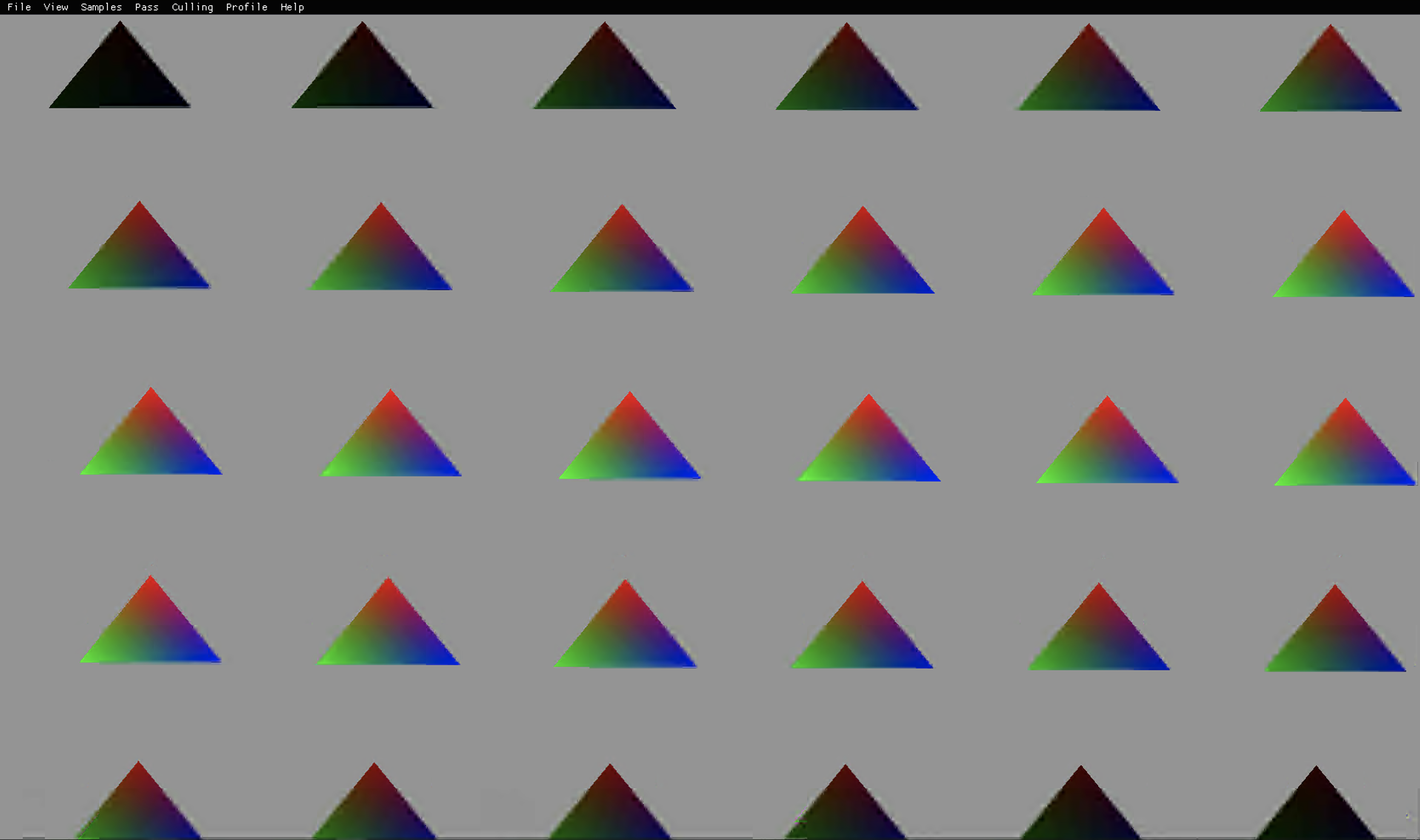
All the triangles on screen should be animating in a wavy manner.
Test Cases (with expected results and screenshots)