UI: Hotkey to screenshot the current scene (preview screen) #8636
Conversation


|
Dang, I really thought a proper clang check was done. I'll re-do it and make another request shortly. |

|
You can just force-push to the branch after amending. Please don't open a second PR to replace this one. |
Okay, duly noted. |

 norihiro
left a comment
norihiro
left a comment
norihiro
left a comment
There was a problem hiding this comment.
IMO, I prefer the text Screenshot Preview instead of Screenshot Current (Preview) Scene, and the variable naming of screenshotPreviewSceneHotkey instead of screenshotCurrentSceneHotkey.
However, in non-studio mode, saying preview is not accurate. If having Screenshot Preview, the hotkey should be ignored in the function screenshotCurrentScene, for example.
Suggestions below are just nitpick.
 diando
force-pushed
the
master
branch
3 times, most recently
from
diando
force-pushed
the
master
branch
3 times, most recently
from
0b96cb5 to
d8fd73d
Compare
|
@Vainock Some updated/already merged code (window-basic-main.cpp) came along for the ride during the squash. That should be okay right? |

|
It looks like some unrelated changes were pulled in during a rebase attempt. |
Yes, I also noted that above. I'll try to make adjustments to avoid that. |
I'll see if there's anything I can do about that. |

When not in Studio mode, Preview and Program are effectively one and the same. I would expect both Screenshot Preview and Screenshot Output hotkeys to both function when not in Studio mode, and to produce the same output. Can you confirm this behaviour @diando? |
I can confirm that is the behaviour. I must apologize. I have had to deal with moving house halfway across the world recently. I'll get back on cleaning stuff up for this feature sometime soon. |

|
It looks like this PR also changes a lot of other things not related to the screenshot hotkey, so I guess this needs rebasing and also a cleanup. |
diando
force-pushed
the
master
branch
3 times, most recently
from
830d209 to
8d53713
Compare
Finally got a chance to come back and cleanup the code. |

|
Scope looks fine to me now - @RytoEX. |
 RytoEX
modified the milestones:
OBS Studio (Next Version),
OBS Studio (Next Major Version)
RytoEX
modified the milestones:
OBS Studio (Next Version),
OBS Studio (Next Major Version)
7 participants


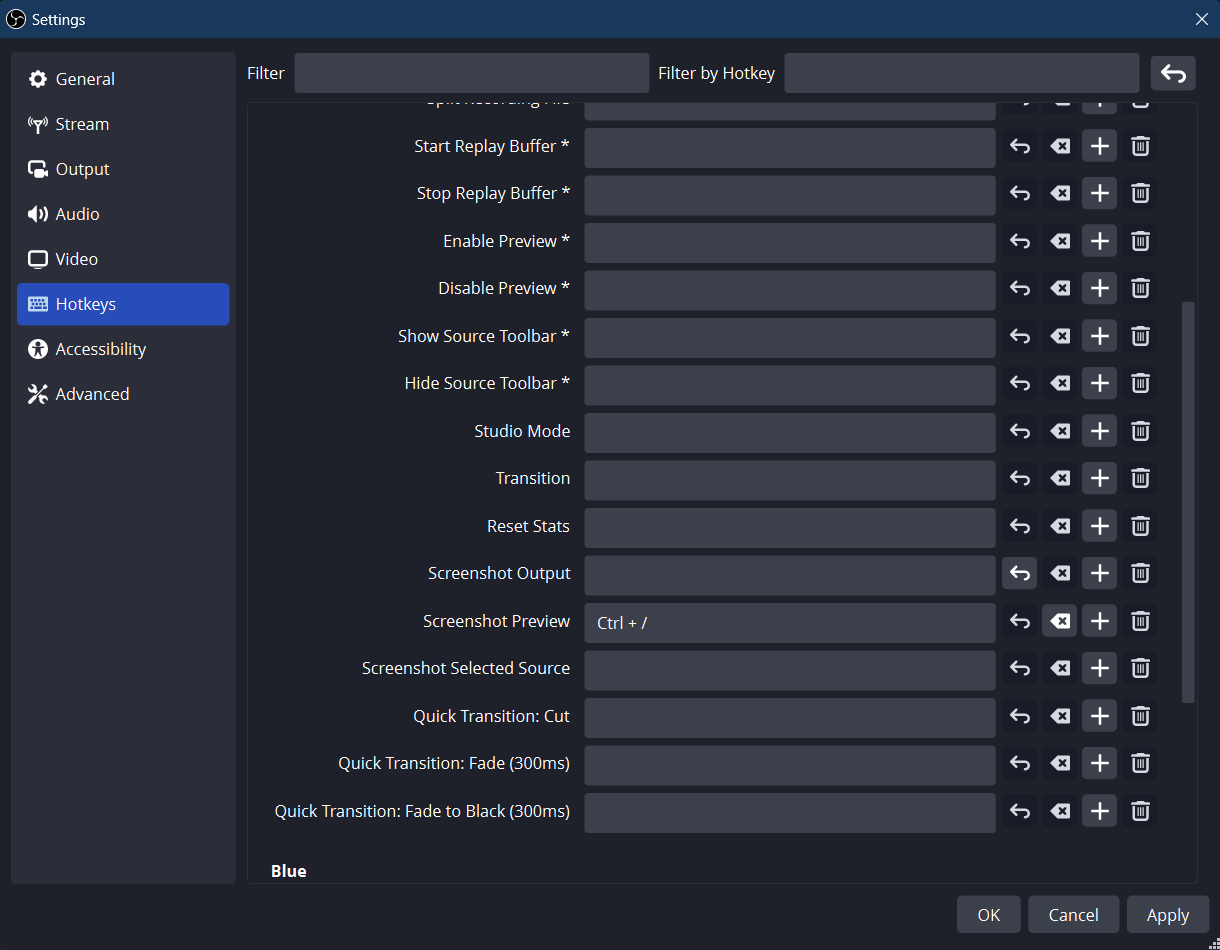
UI: Added option to screenshot the current scene (preview screen) by hotkey
Description
New option in settings for screenshoting the current scene, i.e. preview scene

Motivation and Context
I personally use Studio Mode a lot and I realized that the only hotkey options for screenshoting were for a selected source, the ouput/program screen or a specified scene. However, no hotkey options were available for what was shown in the preview.
How Has This Been Tested?
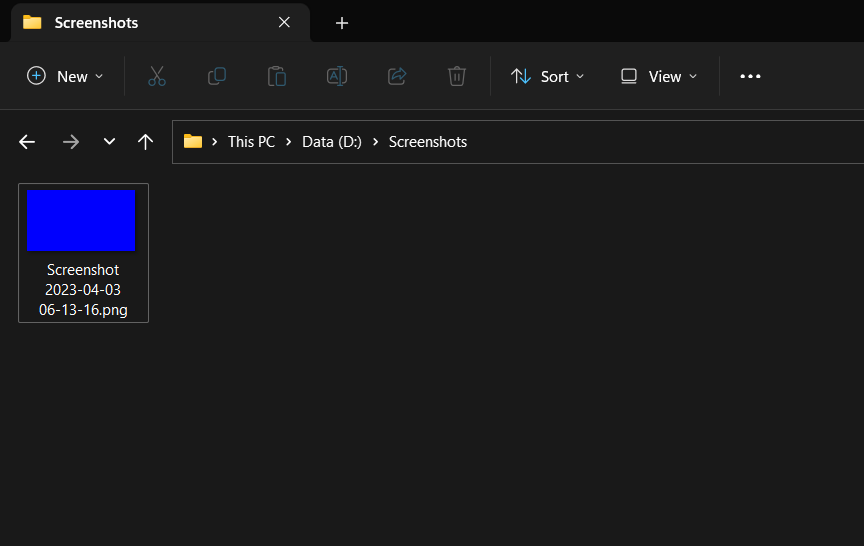
Built obs-studio. Set-up a hotkey for screenshotting the preview, took screenshots, unregistered it and repeated the process.
Tested on Windows 11.
Types of changes
New feature (non-breaking change which adds functionality)
Checklist: