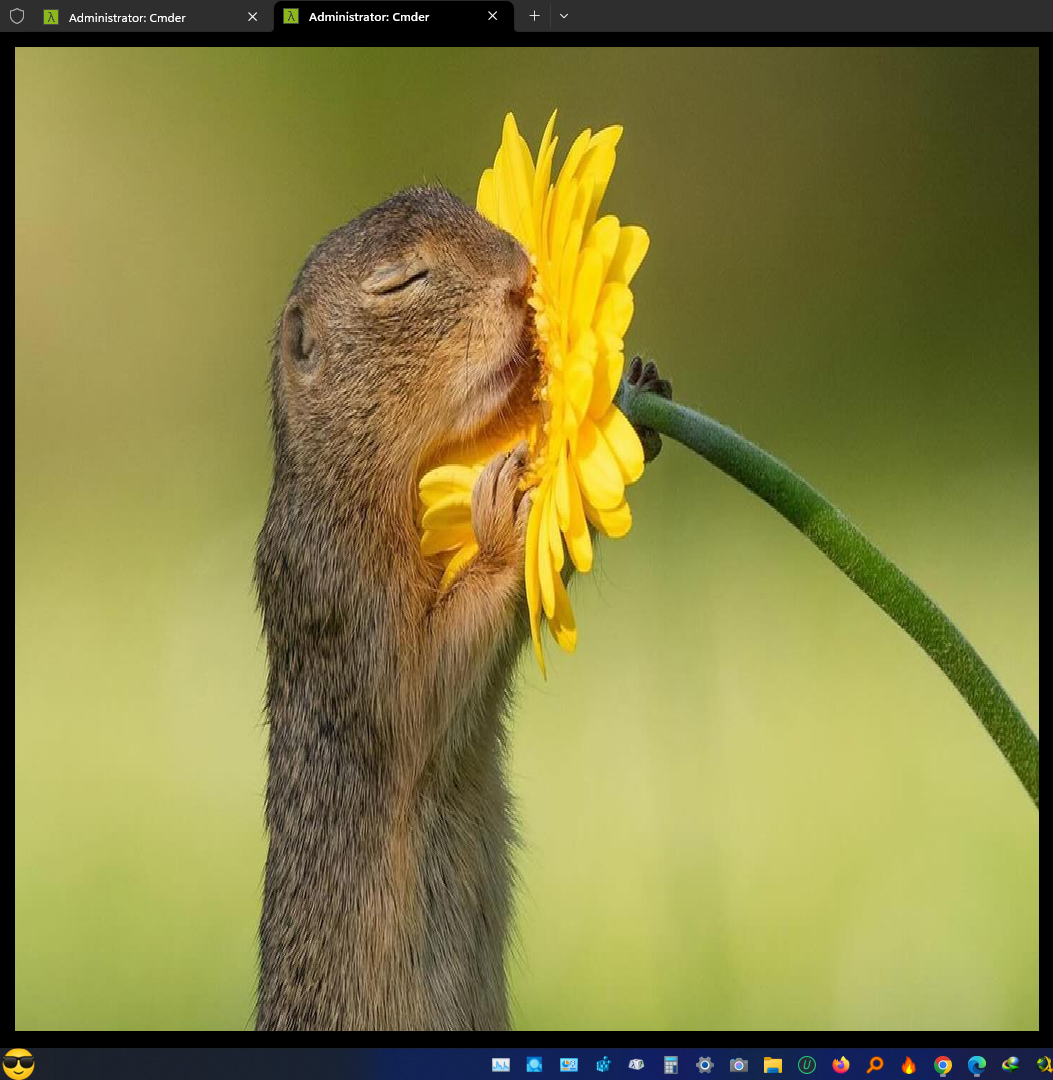
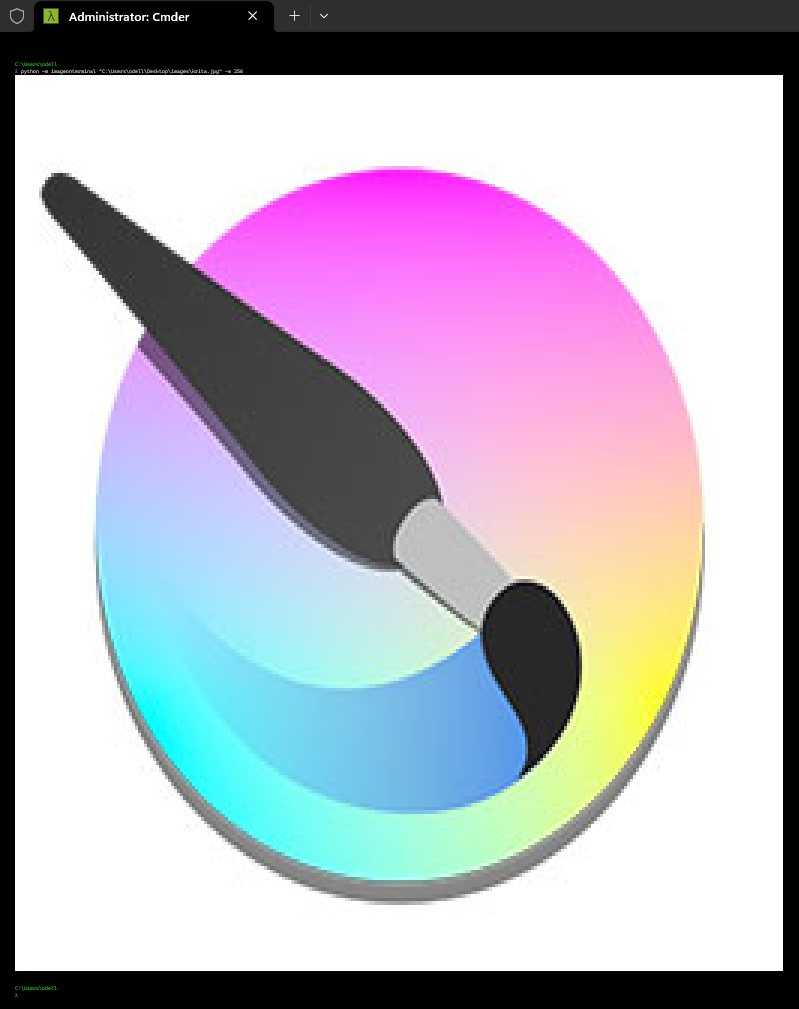
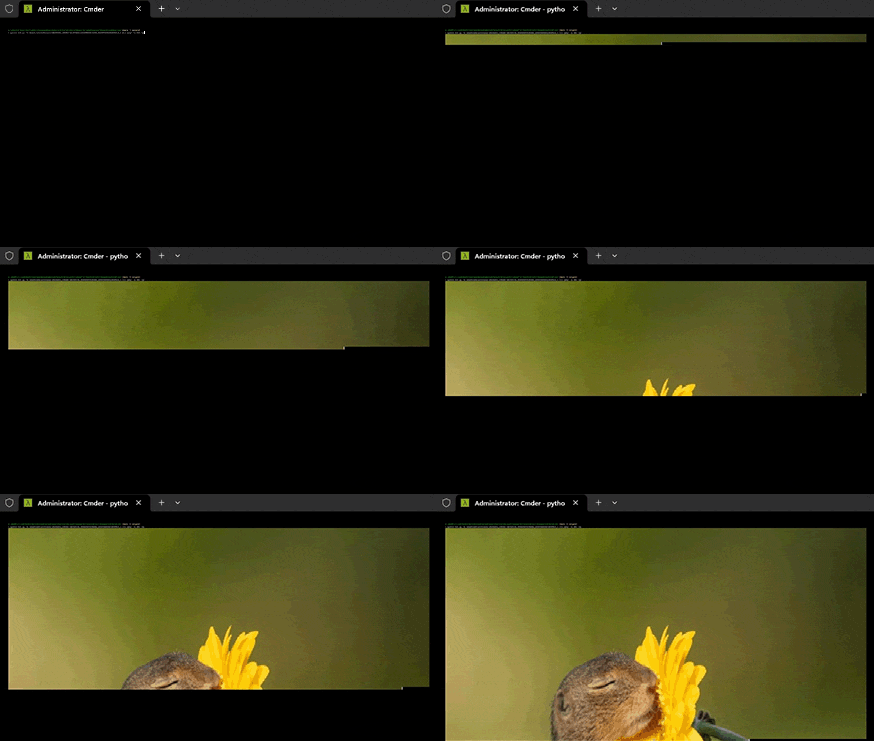
Simple Python package to display an image in the terminal by converting it into text. For the desired behavior to be achieved, the terminal must support colors, unicode characters and there should be no spacing between lines (0 line-spacing).
pip install image-in-terminalYou can use the package either from the terminal or from a script.
imageinterminal "myImage.jpg"
iit "https://images/exampleImage.jpg" "myOtherImage.png" -w 128
iit "myImagesOnWhiteBackgrounds" --width 256 -wt 0.97
iit myImage2.png --no-fit --no-center
from imageinterminal import display_image
display_image("myImage.jpg")

# Do not display
# img_str = display_image("myImage.jpg", display=False)
imageinterminal -h
Usage:
  iit image_uris [options]

                                                                                   Image In Terminal
                                                                                         v1.3
                                                                                       by Odell
                                                                                       2023-2025
Positional Arguments:
  image_uris            File path(s) or HTTP/HTTPS link(s) of the image(s) to be displayed. A directory can also be passed in which case all supported images in the directory will be
                        displayed.

Options:
  -w, --width N         Destination width of the image(s).
  -wt, --whiteness-threshold N.
                        (float [0 - 1]). Pixels with a whiteness higher than this value will be inverted.
  -dt, --darkness-threshold N.
                        (float [0 - 1]). Pixels with a whiteness lower than this value will be inverted.
  -r, --recursive       If a directory is passed as image_uri the image search will be recursively performed within the directory passed and all its subdirectories.
  -pp, --procedural-printing
                        The image(s) pixels will be printed one by one procedurally instead of printing/displaying the entire image at once. Useful when printing/displaying high
                        resolution images.
  -nc, --no-center      Do not center image(s).
  -nf, --no-fit         Do not automatically fit image(s) width to terminal width when -w/--width is not specified.
  -ll, --log-level N    Log level. Default: 20. CRITICAL = 50, FATAL = CRITICAL, ERROR = 40, WARNING = 30, INFO = 20, DEBUG = 10, NOTSET = 0

Miscellaneous:
  -h, --help            Show this help message and exit.
  -v, --version         Show version number and exit.

Simple Python package to display a single or multiple images in the terminal by converting it into text. For the desired behavior to be achieved, the terminal must support colors,
unicode characters and there should be no spacing between lines (0 line-spacing).
If you find my work useful and want to encourage further development, you can do so by donating
0x88046e6d0f2bf8629cd7fbd754e4e275083fc993
BL3QX5GtfXp8qha8PMLVwyud7gxB1aPE4Vsqotwscxsv
TMpXigKBghRQmgYD53KyuxS38FH516ermu
1E9kw3FuaahfeproboNL7uvyBdjP9wY6CR
0x88046e6d0f2bf8629cd7fbd754e4e275083fc993
UQCyCnWVYOmv97idVFZ4tIewToZacRhYVwfGNU658fN5w3Kl
bytechanger@speed.app