Fully customizable QR code component for React Native with TypeScript support and RTL layout compatibility. Style the code pieces, eye shapes, colors, gradients, logos, and background images however you need.




- ✅ Full TypeScript support with typed props
- ✅ RTL layout support
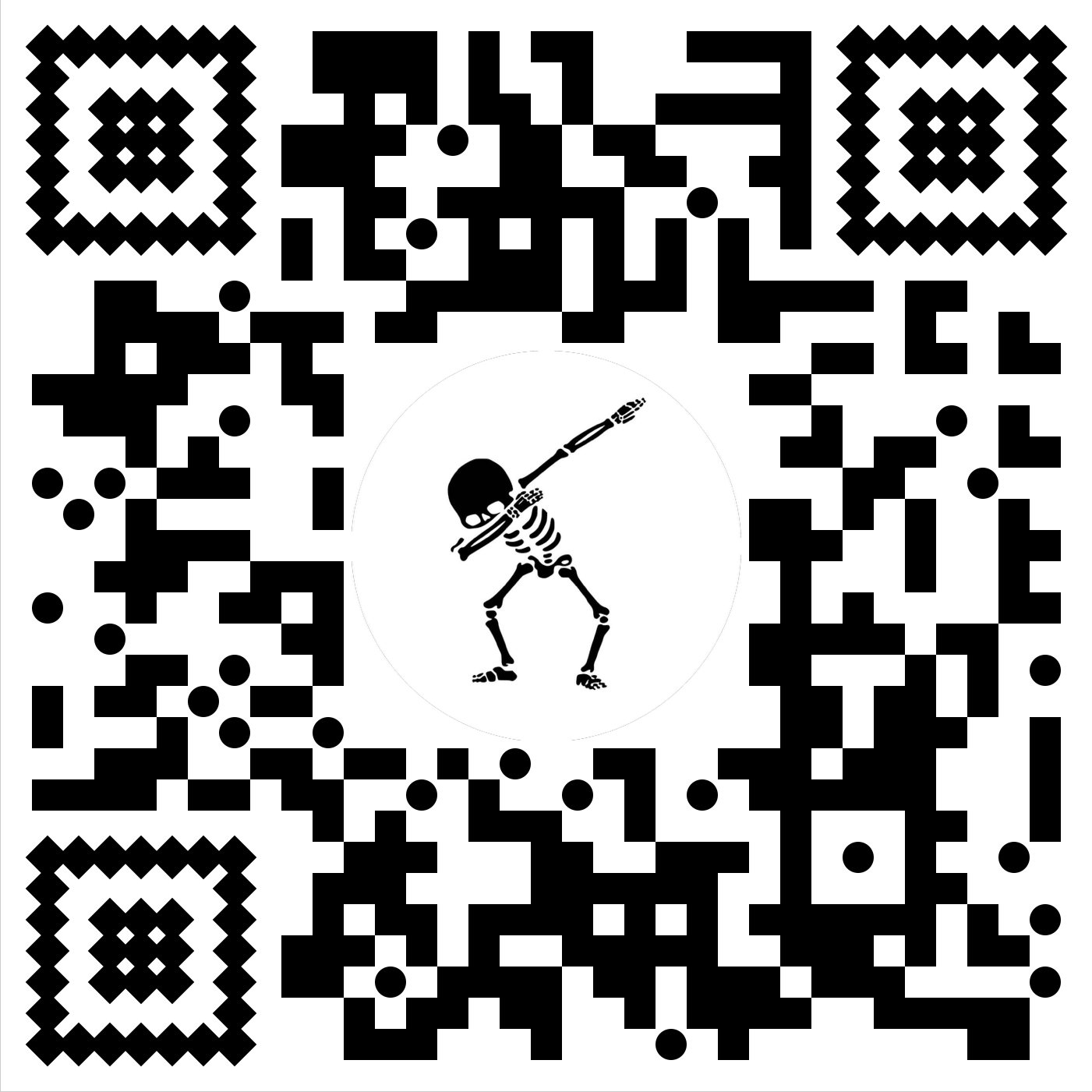
- ✅ Multiple code piece styles: square, circle, dot, diamond, sharp, ninja
- ✅ Independent eye shape control (outer and inner separately)
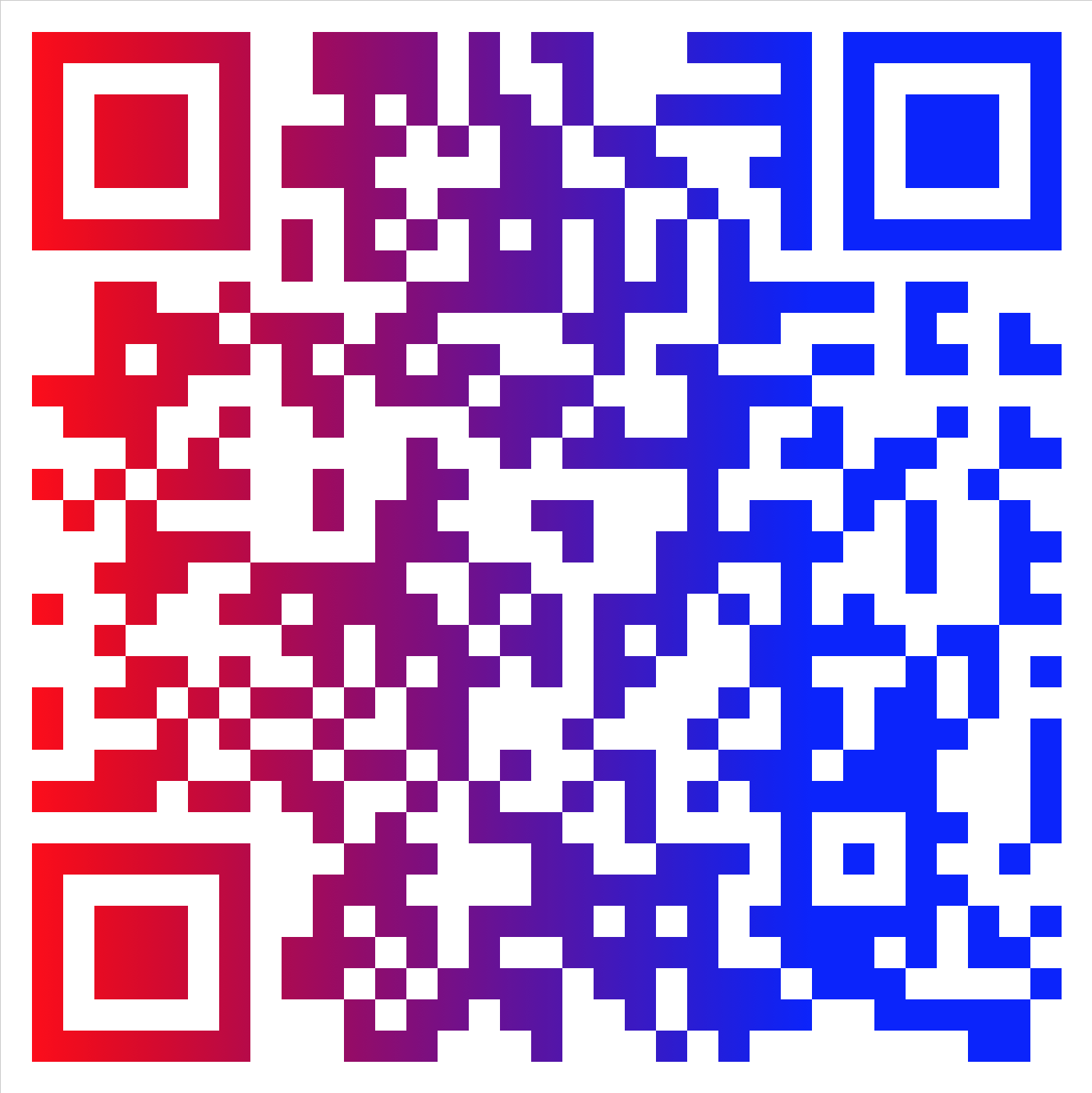
- ✅ Linear gradient foreground colors
- ✅ Logo overlay in the center of the QR code
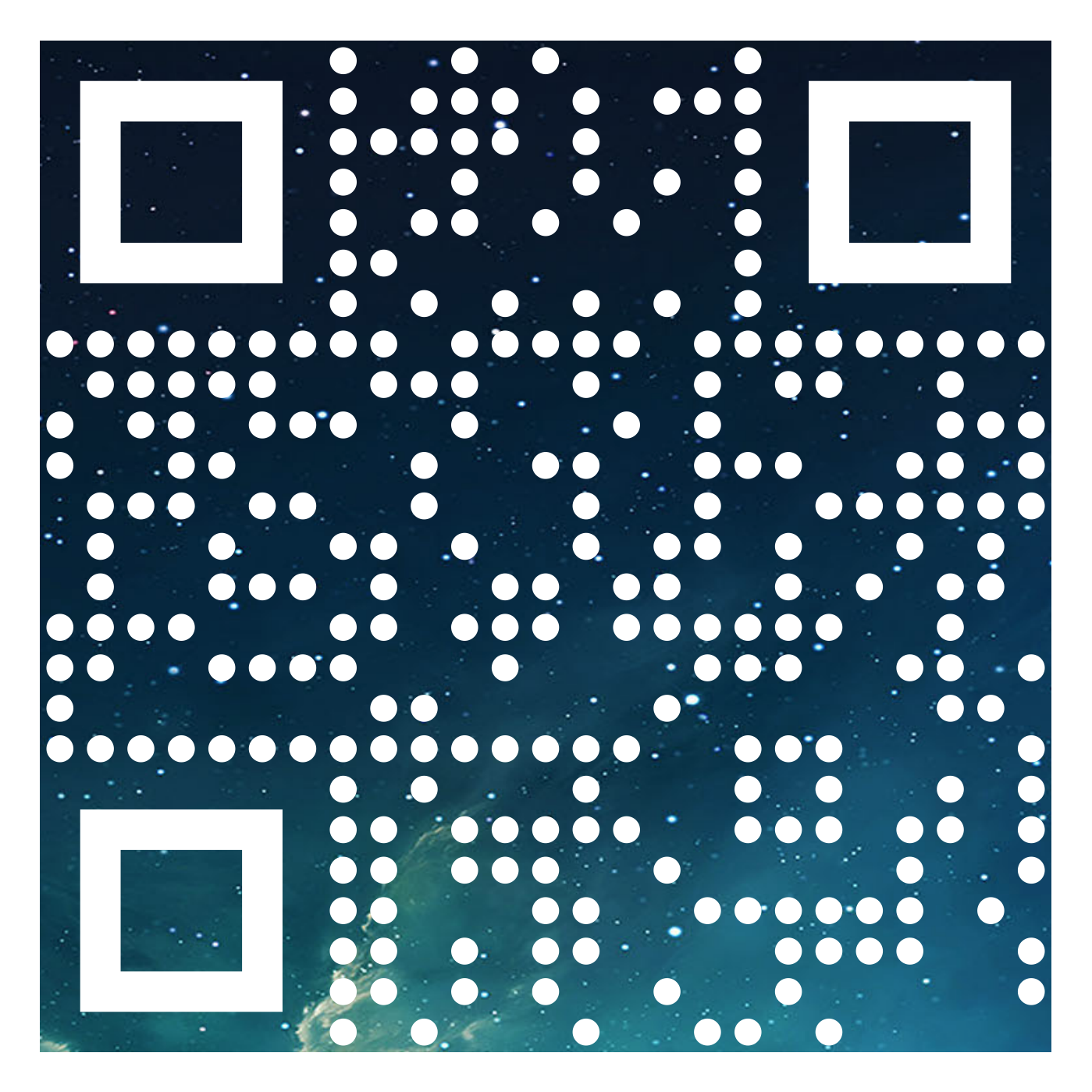
- ✅ Background image fill for code pieces
- ✅ Configurable error correction level
- ✅ iOS and Android
npm install @oguzhnatly/react-native-custom-qr-codesyarn add @oguzhnatly/react-native-custom-qr-codesThis package depends on react-native-svg. If you are not using Expo, install and link it manually:
npm install react-native-svg
cd ios && pod install
For manual linking instructions see the react-native-svg documentation.
import { QRCode } from '@oguzhnatly/react-native-custom-qr-codes';

<QRCode content="https://github.com/oguzhnatly" />| Prop | Type | Default | Description |
|---|---|---|---|
content |
string |
'No Content' |
The string to encode in the QR code |
size |
number |
250 |
Width and height of the component in pixels |
padding |
number |
1 |
Padding between the edge and the QR code in piece units |
color |
string |
'black' |
Foreground color of the QR code |
backgroundColor |
string |
'white' |
Background color of the component |
codeStyle |
string |
'square' |
Style of the centre QR code pieces. See values below |
outerEyeStyle |
string |
'square' |
Style of the outer frame of the QR code eyes |
innerEyeStyle |
string |
'square' |
Style of the inner dot of the QR code eyes |
ecl |
string |
'L' |
Error correction level. Higher levels allow logo overlays. L M Q H |
logo |
ImageSource |
none | Image source to display in the center of the QR code. Requires a higher ecl |
logoSize |
number |
none | Size of the logo overlay in pixels |
linearGradient |
ColorValue[] |
none | Two colors used for a linear gradient on the foreground |
gradientDirection |
number[] |
[0,0,170,0] |
Numbers defining the gradient orientation |
backgroundImage |
ImageSource |
none | Image used as the fill pattern for QR code pieces. Eye styling is disabled when this is used |
isRTL |
boolean |
false |
Enables right-to-left layout rendering |
square circle dot diamond sharp ninja
square circle circles diamond rounded
square circle circles diamond rounded
<QRCode content="https://example.com" codeStyle="square" />
<QRCode content="https://example.com" codeStyle="circle" />
<QRCode content="https://example.com" codeStyle="dot" />
<QRCode content="https://example.com" codeStyle="diamond" />
<QRCode content="https://example.com" codeStyle="sharp" />
<QRCode content="https://example.com" outerEyeStyle="square" innerEyeStyle="square" />
<QRCode content="https://example.com" outerEyeStyle="circle" innerEyeStyle="circle" />
<QRCode content="https://example.com" outerEyeStyle="diamond" innerEyeStyle="diamond" />

Use ecl="H" to ensure the QR code remains scannable with a logo covering the center:
<QRCode
  content="https://example.com"
  logo={require('./logo.png')}
  logoSize={60}
  ecl="H"
/>
<QRCode
  content="https://example.com"
  linearGradient={['rgb(255,0,0)', 'rgb(0,100,255)']}
/>

<QRCode
  content="https://example.com"
  linearGradient={['rgb(255,0,0)', 'rgb(0,100,255)']}
  gradientDirection={[0, 170, 0, 0]}
/>
Eye styling is not available when using backgroundImage:
<QRCode
  content="https://example.com"
  backgroundImage={require('./texture.png')}
  ecl="H"
/>
<QRCode
  content="https://example.com"
  isRTL={true}
/>MIT © Oguzhan Atalay