A lightweight, self-hosted note-taking application with filesystem-based storage. Built with Nuxt 4, TypeScript, and designed for simplicity and performance. The primary goal of this app is to manage your notes in a manner that is 100% portable. You should be able to manage your notes in terminal, notepad or any other app - there is no database, just folders and files.
Auth : If you don't set the SECRET_KEY environment variable the default secret key is nanote though you should set your own key
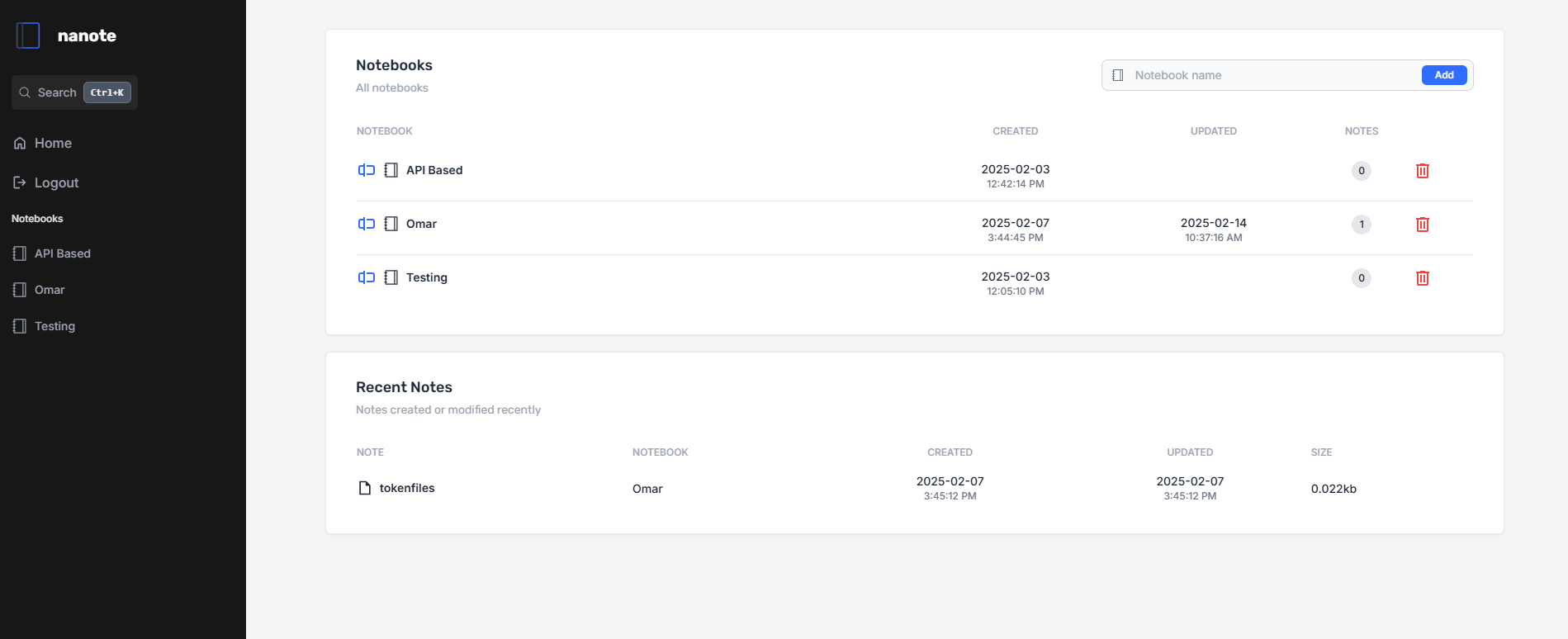
- 📂 Notebook-based Organization - Folders as notebooks, markdown files as notes
- 🔍 Universal Search - Fast content search across all notes (OS-optimized)
- 📄 Markdown Support - Native .md file handling with proper MIME types
- 🔒 Local Storage - No databases for notes - uses your existing filesystem
- 🐳 Docker Ready - Full container support with sample compose file
- 🔧 TypeSafe API - Fully typed REST endpoints with validation
- 🚀 Performance - Optimized file operations and platform-specific search
- 📱 Mobile friendly - Mobile friendly layout for viewing and editing notes
If you type in certain commands in text, they will be handled by the UI:
::filewill create an inline file picker allowing you to upload files (remember to set the upload path in the environment variables)::fileBlockwill create an file block (a larger icon taking up the whole line) picker allowing you to upload files (remember to set the upload path in the environment variables)::todaywill show today's date::nowwill show todays's date and time::tomorrowwill show tomorrow's date::yesterdaywill show yesterday's date::timewill show the time right now
- Archive - Archive notes and notebooks
- Rollup checklists - Rollup checklist items from all their notes into its own page for easier task management
- File upload - Images done, need one for file
- Encryption - Note/Notebook encryption at rest
- Apps - Mobile/desktop apps (possibly via PWA)
You can use the following published image with the compose file
omarmir/nanoteOR
You can clone the repo, build the image and run the compose file. You will need ugrep installed/added to path.
git clone https://github.com/omarmir/nanote.git
cd nanote
docker build -t nanote .
Edit the compose file (specifically the volume mount point and environment variables):
environment:
  - NOTES_PATH=/nanote/notes
  - UPLOAD_PATH=/nanote/uploads
  - CONFIG_PATH=/nanote/config
  - SECRET_KEY=<yourkey>
volumes:
  - /path/to/local/uploads/nanote/volume:/nanote
If these are not set then the app will save files locally within itself. The notes environment variable is where it will save your notes, and uploads is where any attachments are stored.
docker compose -d up- Node.js 18+
- PNPM 8+
- Docker (optional)
- Nuxt3 and Vue
- Pinia
- Tailwind 3
- Milkdown (as the main editor)
Right now, the place that needs the most help is the home page, it's hard to read so some help there would be appreciated. Open an issue and discuss the issue first. Nanote is distributed under the GNU Affero General Public License.
# Clone repository
git clone https://github.com/omarmir/nanote.git
cd nanote

# Install dependencies
pnpm install

# Start development server
pnpm run devThe nanote server does expose an API and this will be documented better in the future, the app is in VERY early stages so things are still liable to shift. I am now daily driving this for my notes so its not going anywhere and you should expect updates.