
🌞 Sunday — A simple publishing platform powered by Supranim
Compiled • Lightweight • Fast • 👑 Written in Nim language
📦 nimble install sunday | ⬇️ Download from GitHub


- Compiled, fast and lightweight with a small memory footprint
- Built on top of the Supranim web framework
- Posts, pages, comments, categories and tags
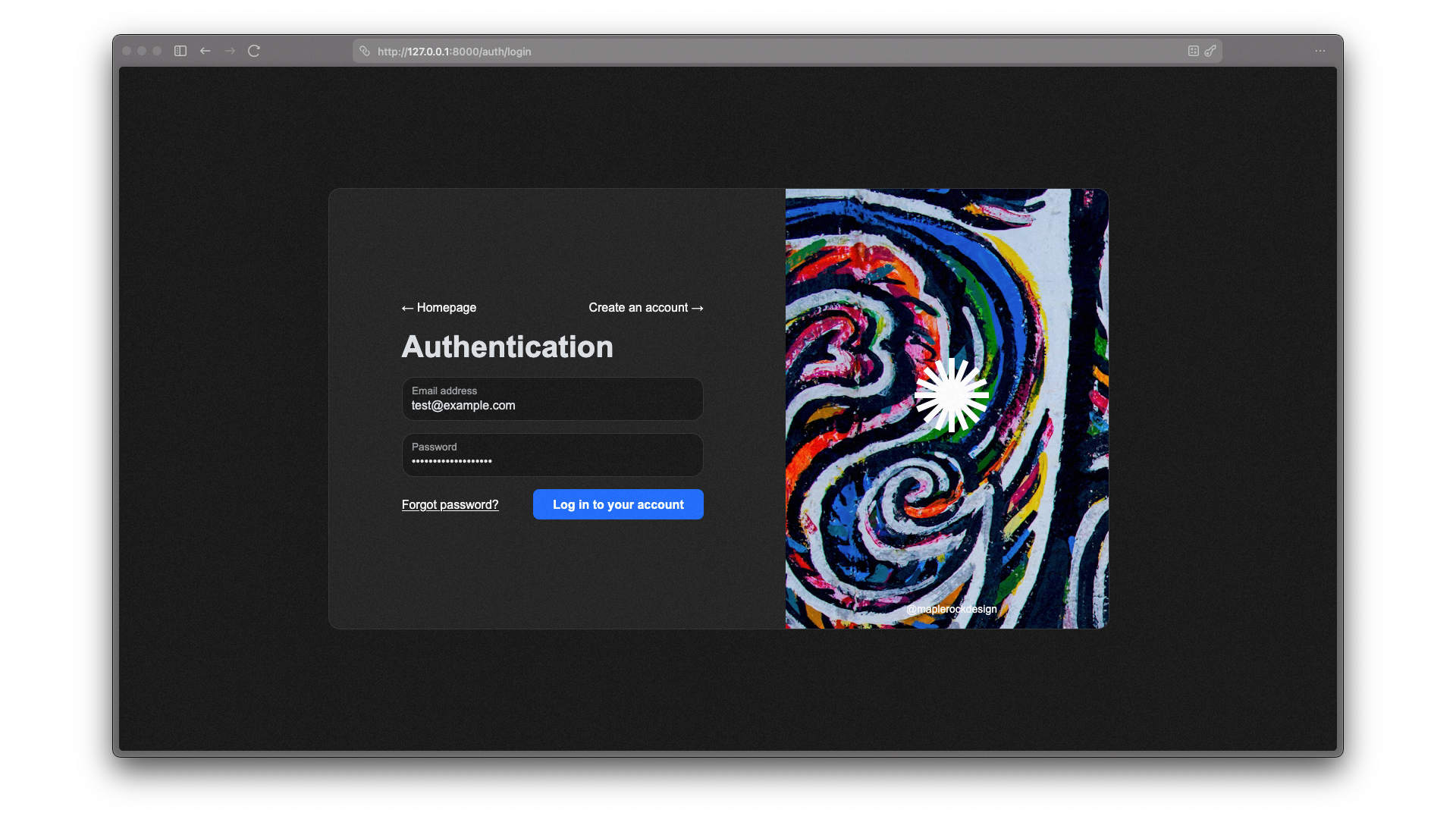
- User authentication and management
- Media management with file uploads
- Tiptap-based rich text editor
- Native plugin system for extensibility
- Beautiful dashboard UI powered by Bootstrap5
- Themes system for easy customization based on Tim Engine
Note
Sunday is still in active development. Expect frequent updates and new features as we work towards a stable release.
Sunday is an ambitious project to create the missing piece in the Nim ecosystem: a modern, good-looking, and easy-to-use publishing platform for indie developers, bloggers and content creators.
We are using the power of the Nim programming language and the Supranim web framework to build a platform that is not only fast and efficient but also a joy to use and customize. There will be themes, native plugins, and a beautiful dashboard interface to manage your content! 🌞
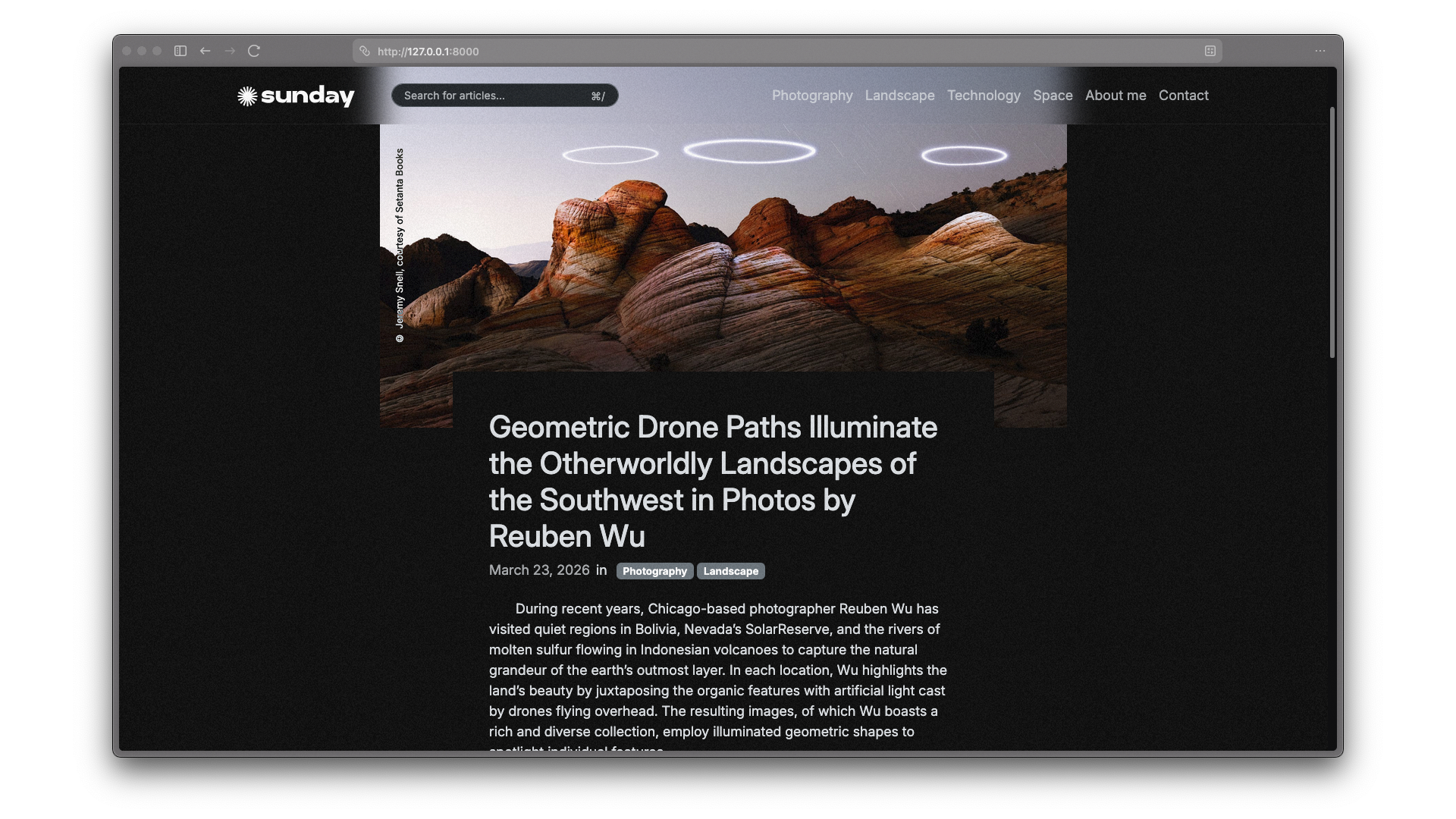
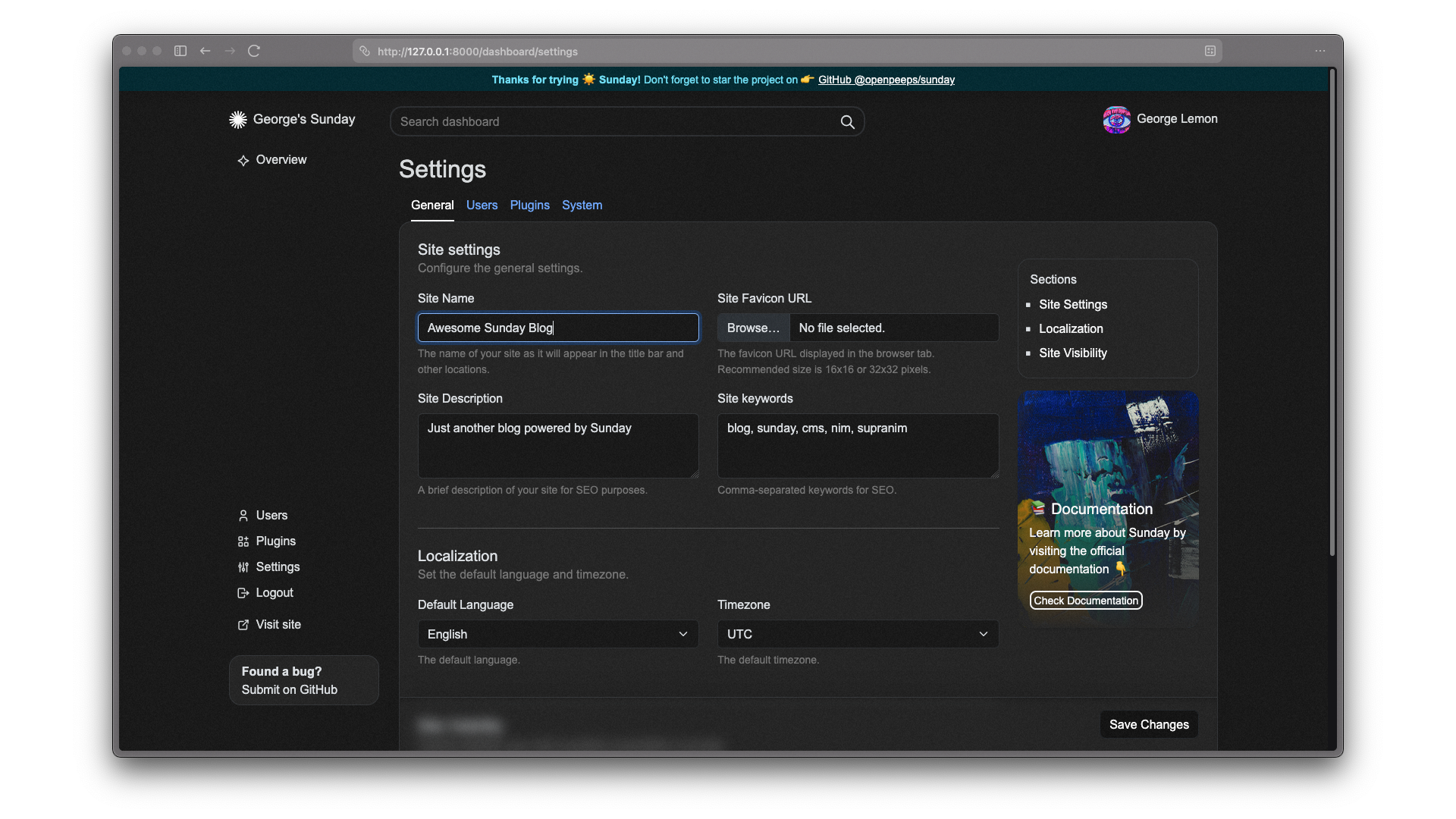
Here you can find some hot off-the-press screenshots of the current state of Sunday. Keep in mind that the UI is still a work in progress and may change significantly before the stable release.
🔥 Click to expand screenshots 👀
Note
Documentation is still a work in progress, many details are not yet documented, are incomplete or may be outdated.
If you want to contribute to Sunday, you must ensure you have Nim installed on your machine. Once installed, you can use Nimble, Nim's package manager to install and build Sunday:
Nimble will try install the latest stable version of Sunday
nimble install sunday
If you need the bleeding edge version, you can specifyi #head to install directly from the main branch on GitHub:
nimble install sunday@#head
Sunday is powered by the Supranim web framework, so if you want to contribute to the core of Sunday, you should also familiarize yourself with Supranim and its architecture. Check out the Sunday Documentation for more details on how to set up a development environment and contribute to the project.
Currently, Sunday uses the npm package manager to manage client-side dependencies and Rollup as the module bundler.
To build and watch for changes while developing the client-side code, you can run the following command in the root directory of the project:
npm run watch
To build the client-side code for production, you can run:
npm run build
- 🐛 Found a bug? Create a new Issue
- 👋 Wanna help? Fork it!
- 🎉 Spread the word! Tell your friends about Sunday
- 😎 Get €20 in cloud credits from Hetzner
- 🥰 Donate via PayPal address
Sunday Publishing Platform | AGPLv3 license. Made in 🇪🇺 EU by Humans from OpenPeeps.
Copyright © 2026 OpenPeeps & Contributors — All rights reserved.