


version : 0.9 (17/11/2016)
for Vesta : 0.9.8-16
simple try to make a welcome page , so beginner clients can know how to use your hosting services , and you can put your support / email or any thing you think that users must see it .
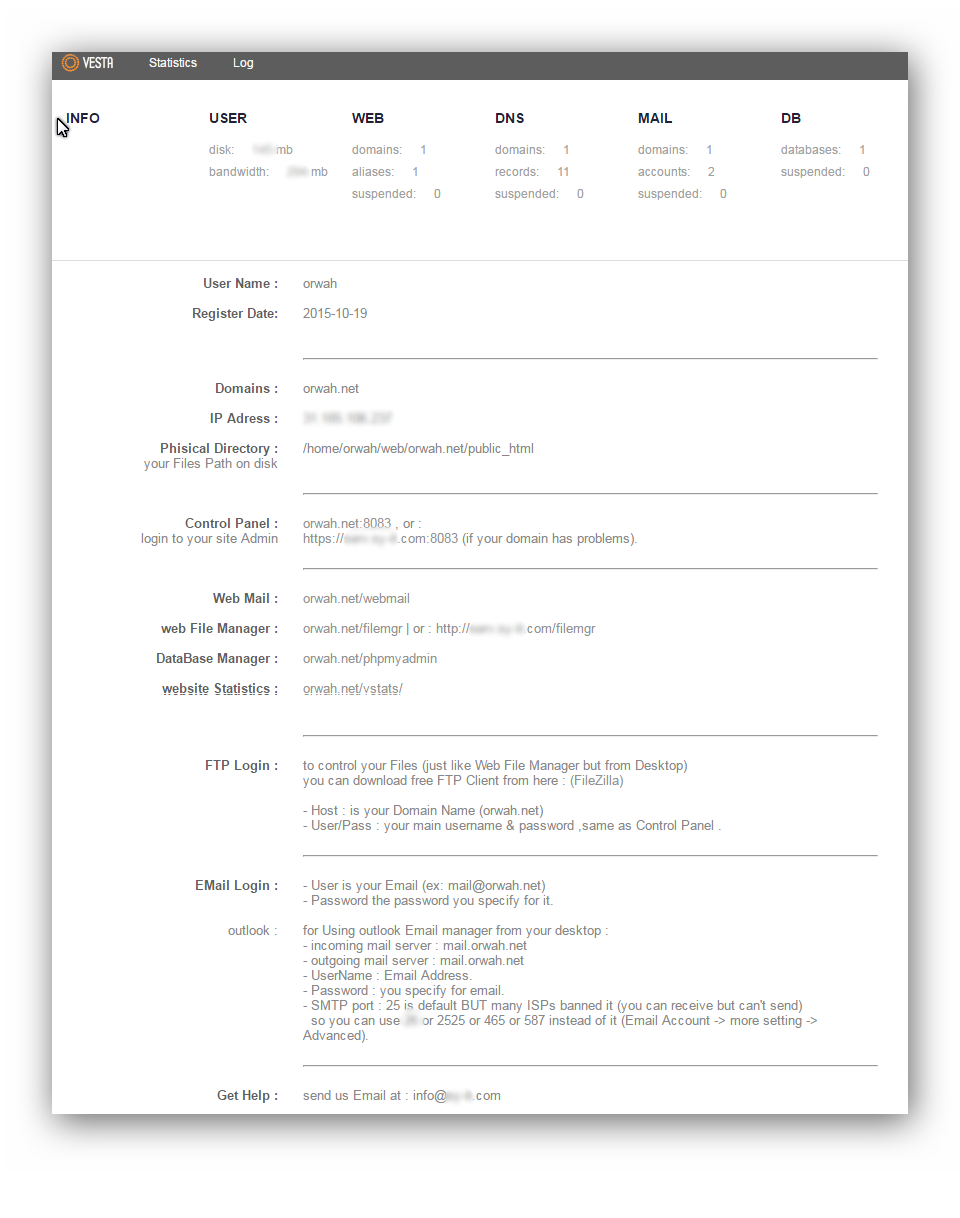
Variables like %domain% , %user% , %ip% etc ... : will take the specific values for every user , for example you can put physical Directory in your admin page as /home/%user%/web/%domain%/public_html and they will see it on thier pages as : /home/username/web/userdomain.com/public_html depending on what is the username and userdomain for every user.
#INSTALL:
1- Upload Folder : vesta\web\list\info to your server
2- take backup for both files "panel.html" on web\templates\admin\ and web\templates\user\
3- Upload web\templates\admin\panel.html and Upload web\templates\user\panel.html
4- change the File Owner/group for 'info.txt' to : admin:admin (or you can set permission to 666 instead of changing owner).
now you can go to vesta admin , you will see new "Info" tab after backup . you can set the info page from here , and preview how it will apear .
then enter as one of your user accounts and try the info Tab to se the info page you configure
-17/11/2016 make INFO is the default start page for User Account
-17/11/2016 Fix IP List Bug
--
please feel free to change and enhance this code , it is just simple example no copyrights
See Wiki : https://github.com/orwah/Simple-Info-AddOn-for-VestaCP/wiki
regards
Orwah issa