

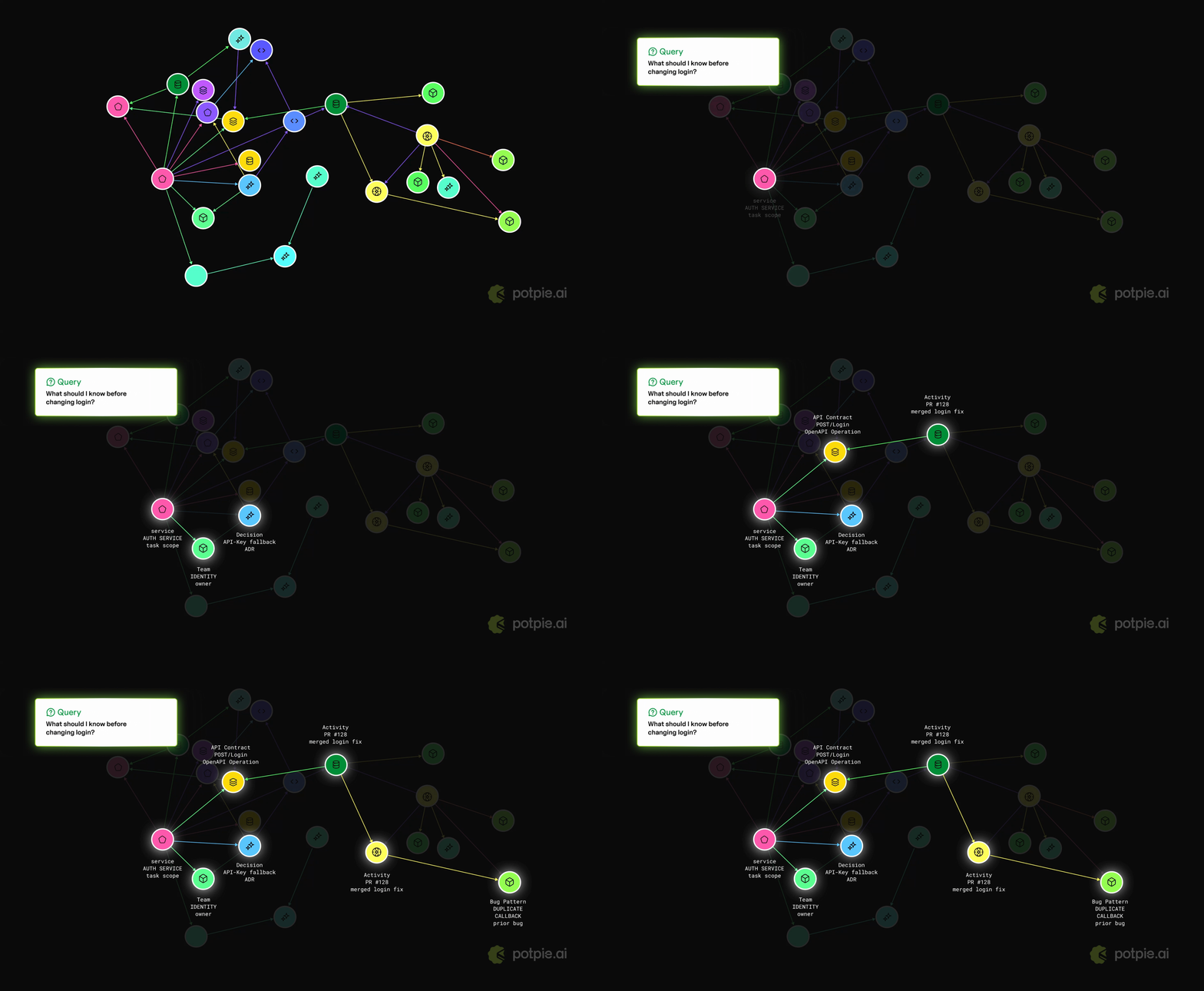
Potpie turns your codebase and software development lifecycle into a living context graph for AI agents. It indexes code, structure, decisions, source history, team knowledge and engineering workflows, so agents can answer questions, plan changes, debug failures, and write code with project-specific context.
Step 1: install the CLI through PyPI with uv or pip:
uv tool install potpieor:
python3 -m pip install --user potpieNote
uv tool install potpie is recommended for CLI installs because global
mutation of Python packages is generally not recommended.
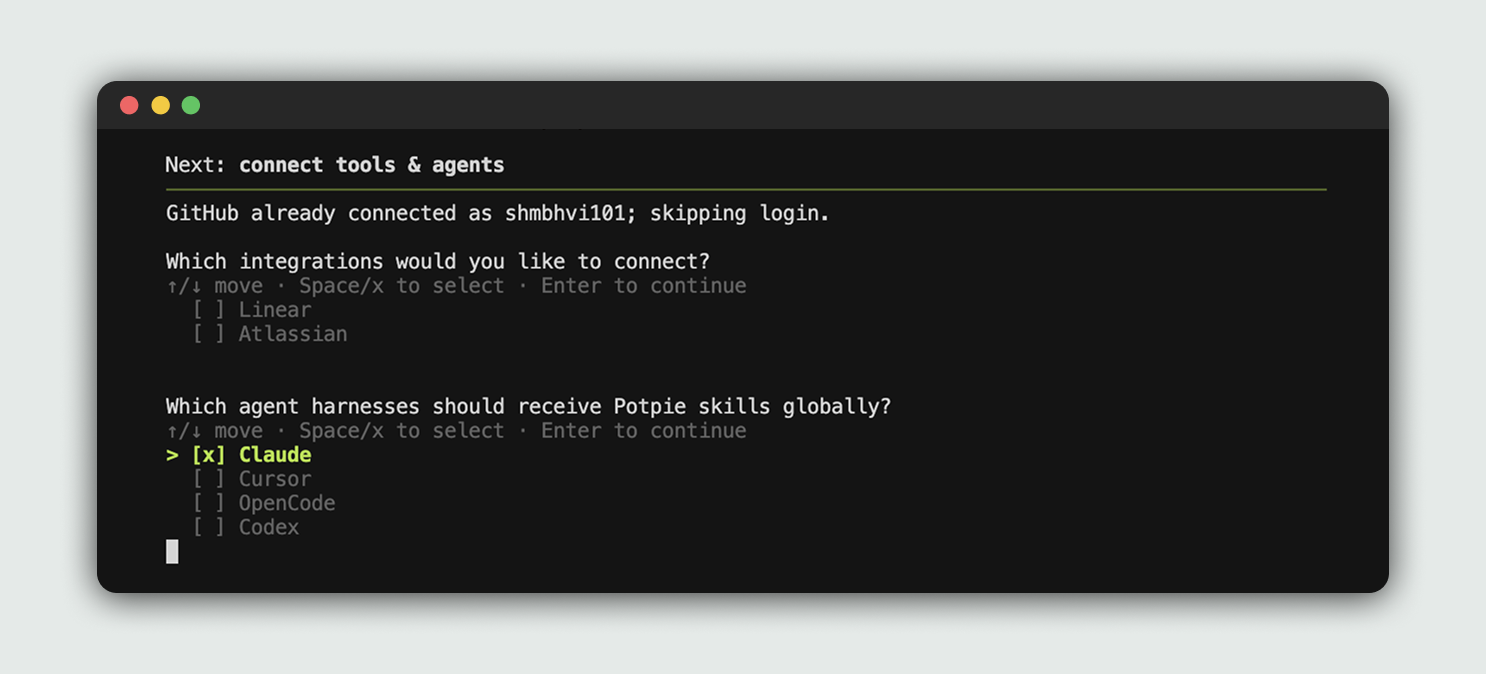
potpie setupThe setup wizard provisions local config, storage, the daemon, a default pot, and agent skills. It also lets you choose integrations and the coding harness Potpie should configure.
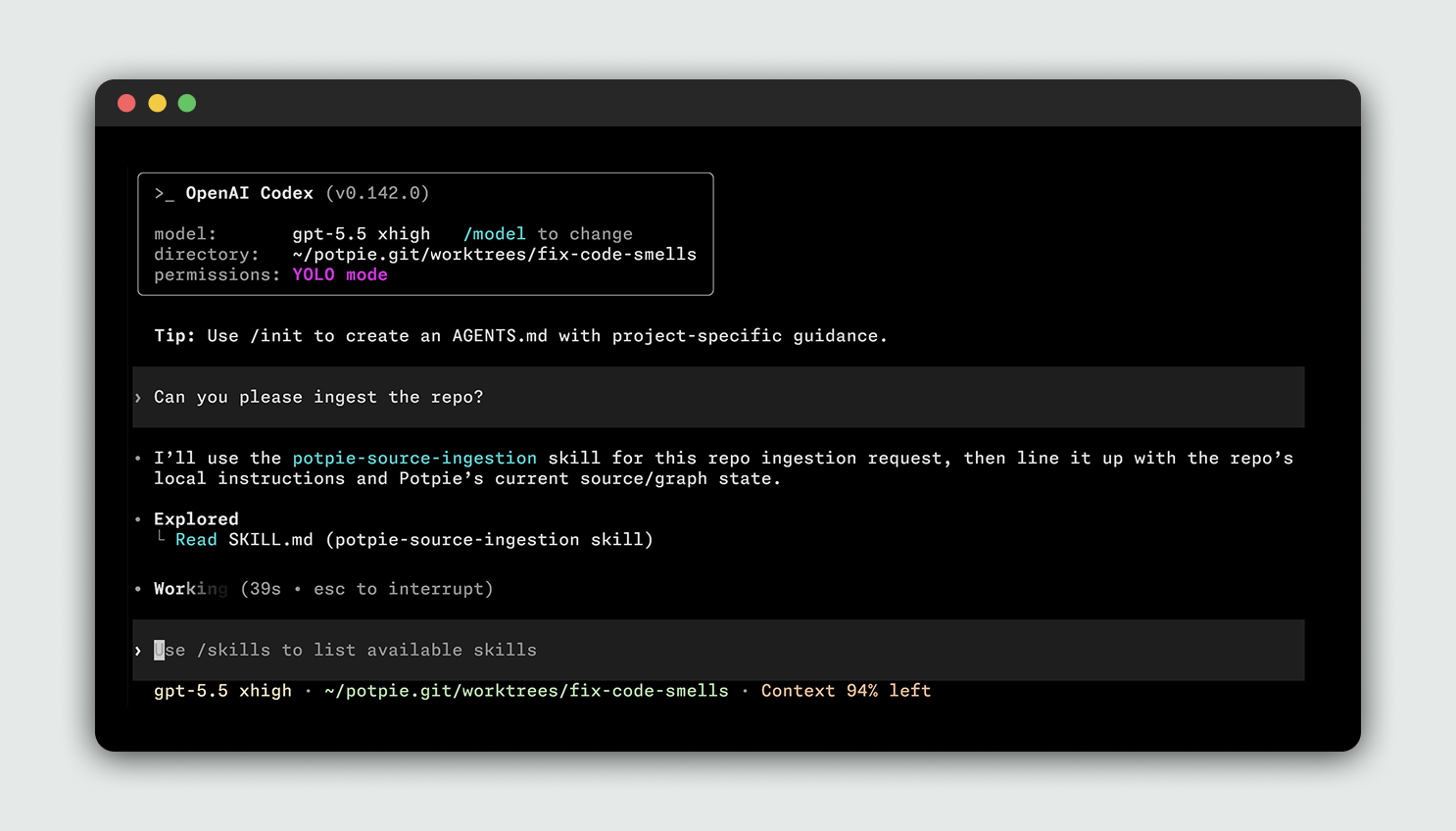
Potpie is already integrated into your selected harness. You can start using Potpie with the repo of your choice.
Open your previously selected harness and ask it to use Potpie for the repo.
Note
You don't need to run a separate manual ingest command. The CLI registers sources and the configured agent can ingest or update project context when the task requires it.
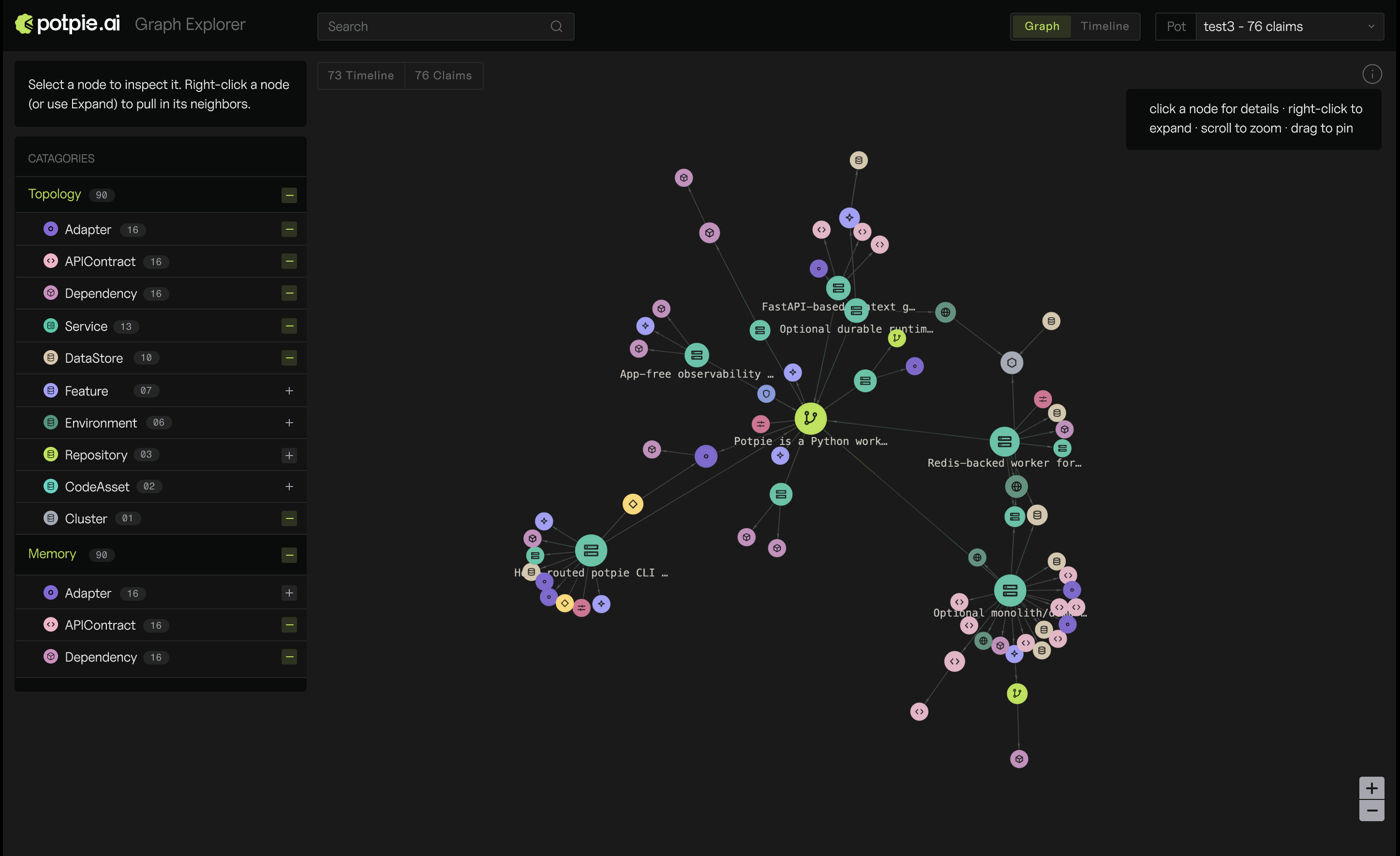
You can view your context graph in the web UI:
potpie uiThis will open a graph explorer in your browser.
The main CLI commands are:
| Command | Purpose |
|---|---|
potpie setup |
Run first-time local setup for config, daemon, default pot, and agent skills. |
potpie login |
Sign in to Potpie for account-backed and managed features. |
potpie github login / potpie linear login |
Connect source integrations you want agents to use. |
potpie status |
Show context readiness for the active pot, including daemon, graph, and skill checks. |
potpie auth status |
Show configured integration auth status. |
potpie auth status --verify |
Verify integration credentials with lightweight API checks. |
potpie doctor |
Run local diagnostics for daemon, backend capabilities, and skill drift. |
potpie source add repo . |
Register the current repo as a source for the resolved pot. |
potpie pot list / potpie pot use <id-or-name> |
List pots and choose the active workspace. |
potpie resolve "<task>" |
Pull the context an agent should read before doing a task. |
potpie search "<query>" |
Look up a specific file, workflow, bug, decision, or convention. |
potpie record --type <type> --summary "<summary>" |
Write a durable project learning. |
potpie graph ... |
Use lower-level graph reads, quality checks, proposals, and commits. |
potpie ui |
Open the local graph explorer served by the daemon. |
potpie skills install --agent <agent> |
Install or refresh Potpie guidance for an agent harness. |
Examples:
potpie setup --repo . --agent claude
potpie github login
potpie auth status
potpie status
potpie source add repo .
potpie resolve "what should I know before working in this repository?"
potpie search "authentication flow"
potpie record --type decision --summary "Prefer the Potpie CLI for graph work"
You can find an exhaustive list with more examples in our docs.
Potpie supports a variety of integrations and coding harnesses, with more coming. If your team needs a new integration or harness, please raise a ticket.
| Tool | Description |
|---|---|
 |
Index repositories, pull requests, issues, reviews and source history. |
 |
Index teams, issues, projects and documents. |
 |
Index projects, issues, status and changelog context. |
 |
Index spaces, pages, runbooks and decisions. |
| Tool | Description |
|---|---|
 |
Install Potpie instructions and skills for Claude Code. |
 |
Install Potpie instructions and skills for OpenAI Codex. |
 |
Install Potpie instructions and skills for Cursor. |
 |
Install Potpie skills for OpenCode. |
Potpie's current architecture is CLI-first. CLI is designed to be used by both humans and agents. Read the deeper architecture notes in docs/context-graph/architecture.md.
This project is licensed under the Apache 2.0 License. See LICENSE.
- GitHub Issues: bugs and repository-scoped requests
- Discord: community discussion and support
- Docs: setup, product guides, and integration details
New contributions are always welcome. Read the Contributing Guide to set up your environment, understand the workflow, and open a pull request.