
Sublime Text plugin to edit Dataiku DSS recipes remotely.
- Sublime Text 3
- Dataiku DSS 3.1 or further
- Access to Dataiku DSS Public API (with a valid API key)
Note: From DSS 4.0, you have to generate a Personal API key on a User profile. Before, a Global API key was required.
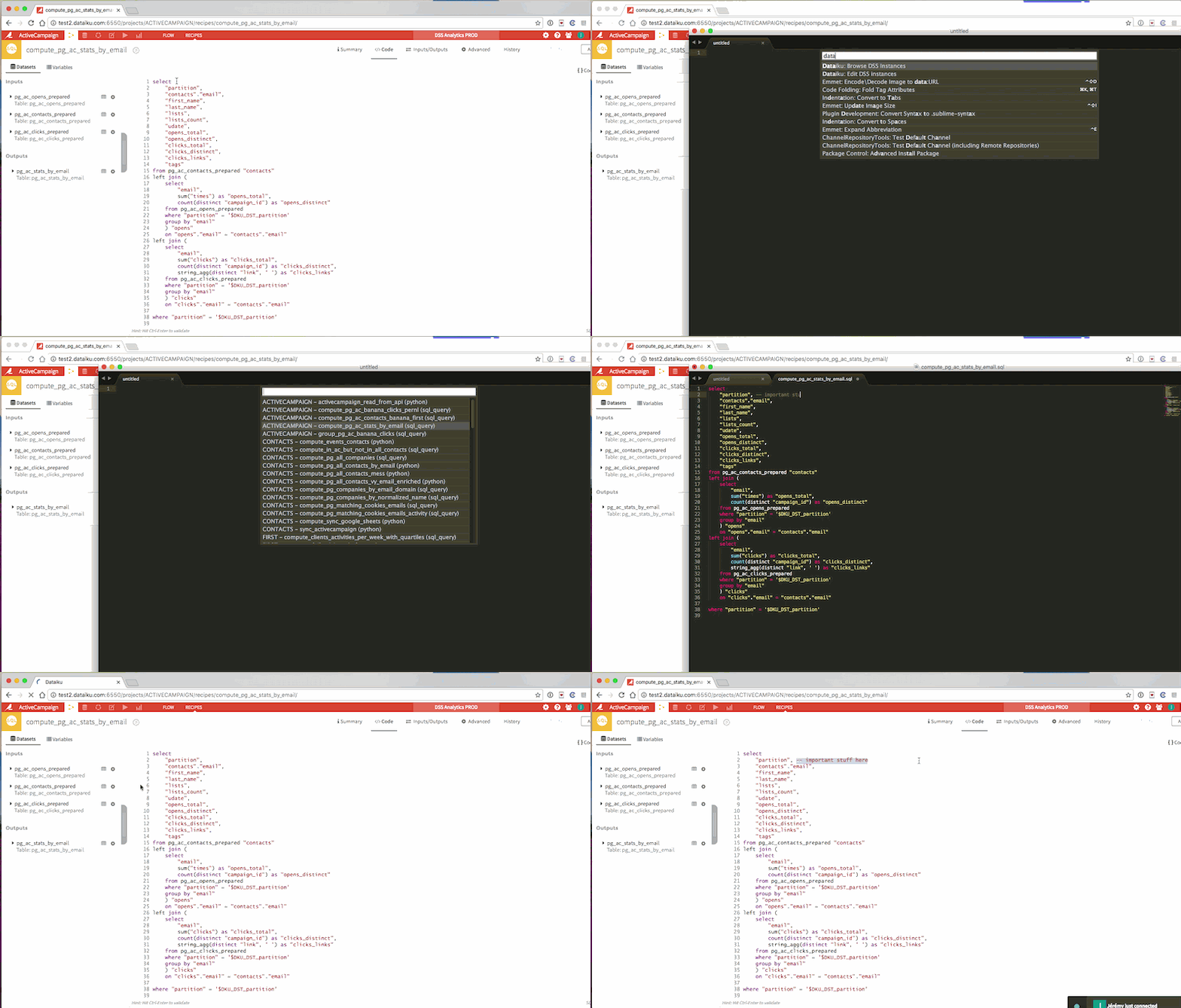
In Sublime Text, once installed with Package Control, open the Command Palette (ctrl+shift+p on Win/Linux, cmd+shift+p on MacOS) and type dataiku. You will have two options:
- Edit DSS instances: use this to configure the instances you can edit remotely.
- Browse DSS instances: use this to choose the DSS instance you want to work with, and then the recipe you want to edit.
Find out more in the guide on Dataiku website.
Ask your question on answers.dataiku.com. Or, open an issue.