Get and write metadata like title, author and description from YouTube videos using Invidious API.
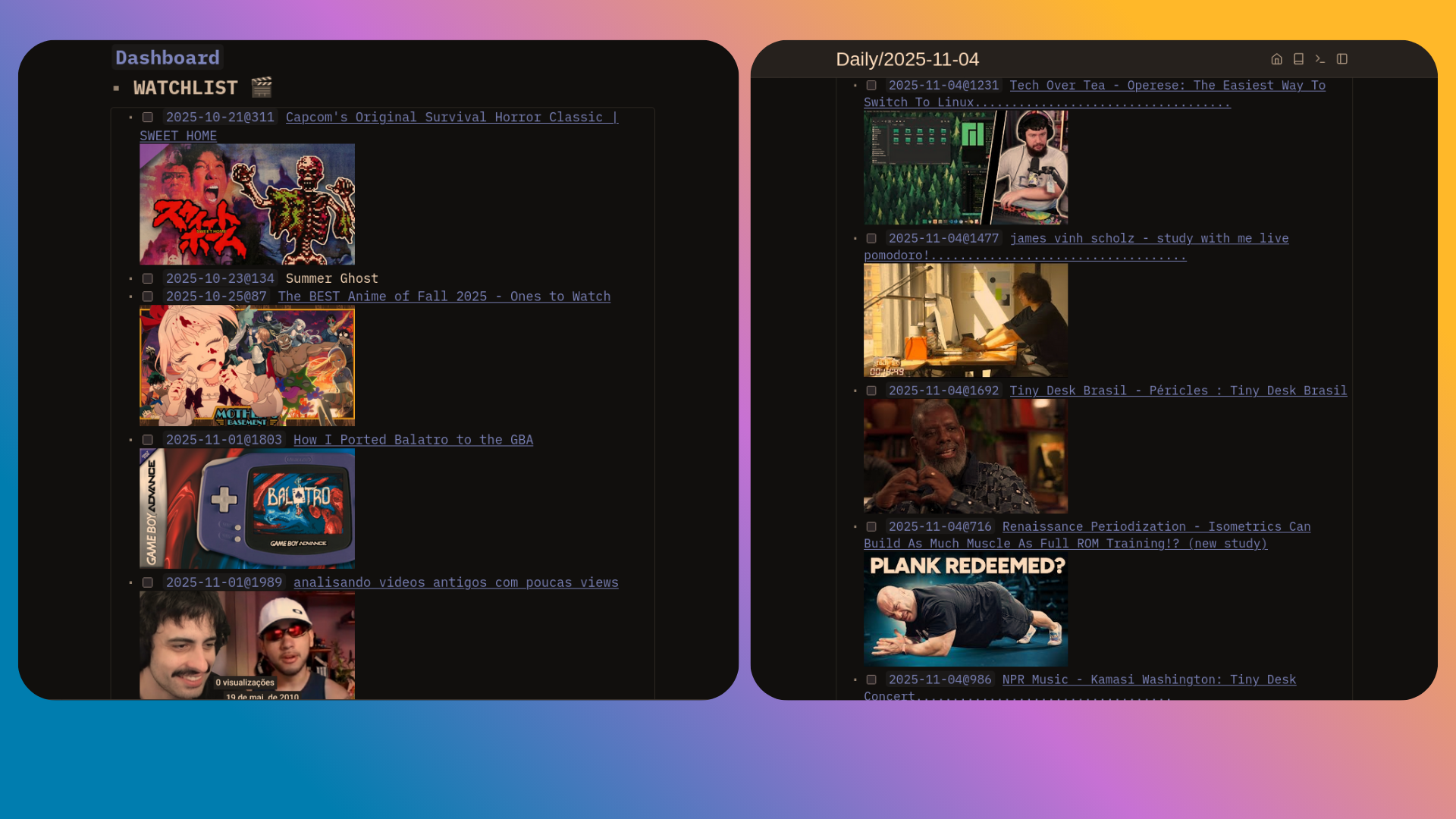
Add "ghr:rodhfr/silverbullet-ytinfo/ytinfo.plug.js" to your plugin list in CONFIG page:
config.set {
  plugs = {
    "github:rodhfr/silverbullet-ytinfo/ytinfo.plug.js"
  }
}
if you have more than one plugin you need to separate them with "," as this is an array.
    "ghr:rodhfr/silverbullet-ytinfo/ytinfo.plug.js",
    "ghr:user/someotherplugin/plugin.plug.js"
Run Plugs: Update
Update hotkey is cmd+shift+p or launch cmd + / then search for Plugs Update.
cmd + / for the launcher and search Youtube: New Watch it will prompt for the YouTube link.
Write this code into your page and is possible to search for all instances of videos in watchlist.
${template.each(query[[
from index.tag "watch"
order by ref
where not _.done
limit 30
]], templates.taskItem)}${"$"} prevents variables to expand in the template. With this you can dinamically add your watchlist to your daily page template for example.
* # WATCHLIST 🎬
${"$"}{template.each(query[[
from index.tag "watch"
order by ref
where not _.done
limit 30
]], templates.taskItem)}
You can create your own slashcommands using the addon's builtin functions like Youtube: New Watch.
slashCommand.define {
  name = "newvideo",
  run = function()
    editor.invokeCommand("Youtube: New Watch")
  end
}To build this plug, make sure you have Deno installed. Then, build the plug with:
deno task buildThen, copy the resulting .plug.js file into your space's _plug folder. Or build and copy in one command:
deno task build && cp *.plug.js /my/space/_plug/SilverBullet will automatically sync and load the new version of the plug, just watch your browser's JavaScript console to see when this happens.
Copy ytinfo.plug.js to silverbullet/_plugs/ and wait for it to autoupdate, it doesn't need to manually run Plugs: Update. Running Plugs: Update erases the ytinfo.plug.js.
Youtube: New Watch: requests video information from invidious server using youtube video id then write hyperlinked video title and optionally thumbnail with #watch tag.