

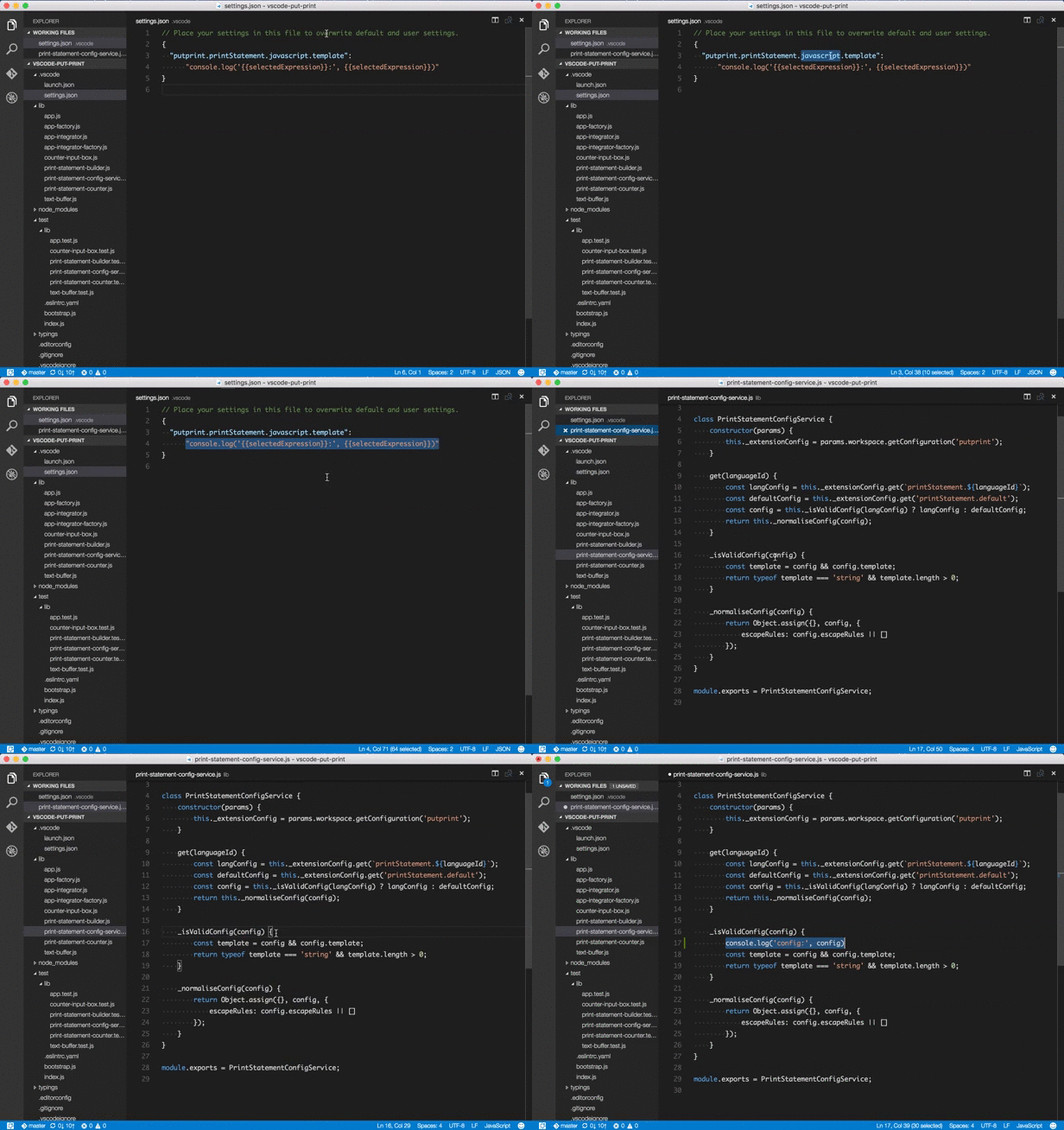
Quickly put print statements to help you print debug your code. Templates from which print statements are composed can be defined/overwritten per language in your user preferences.
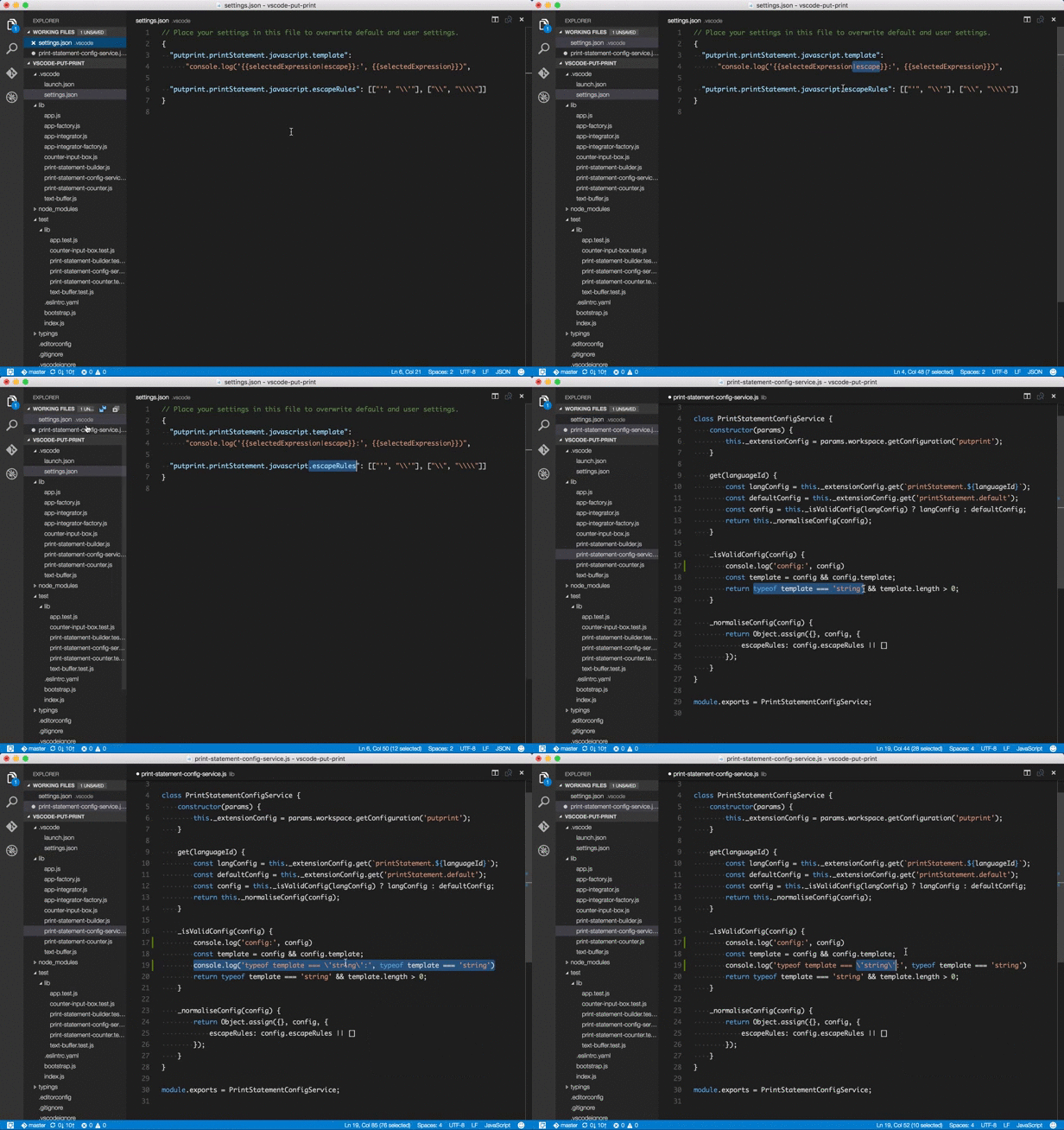
Escape certain sequences when converting the selected expression into a print statement.
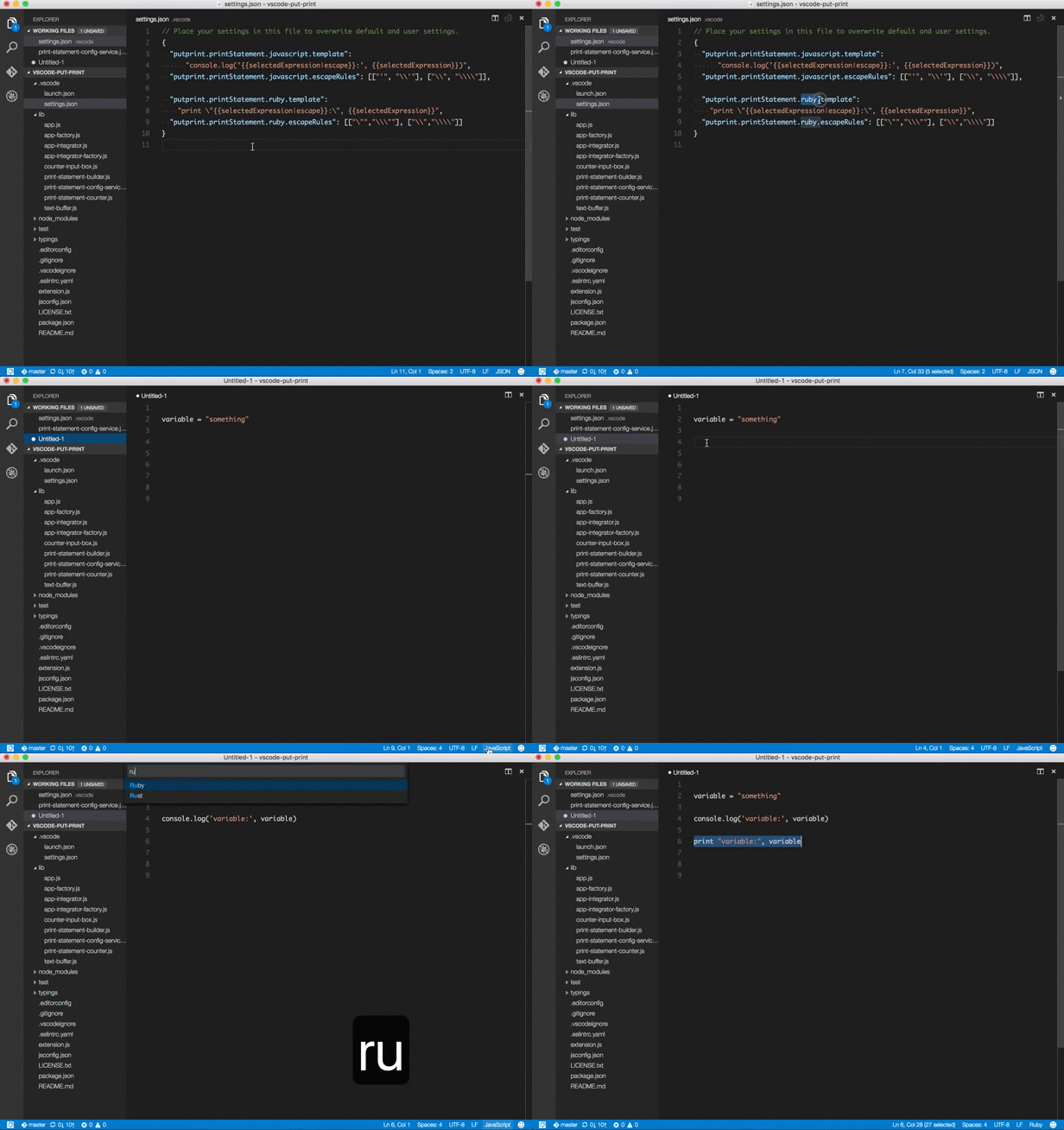
Specify print statement template per language.
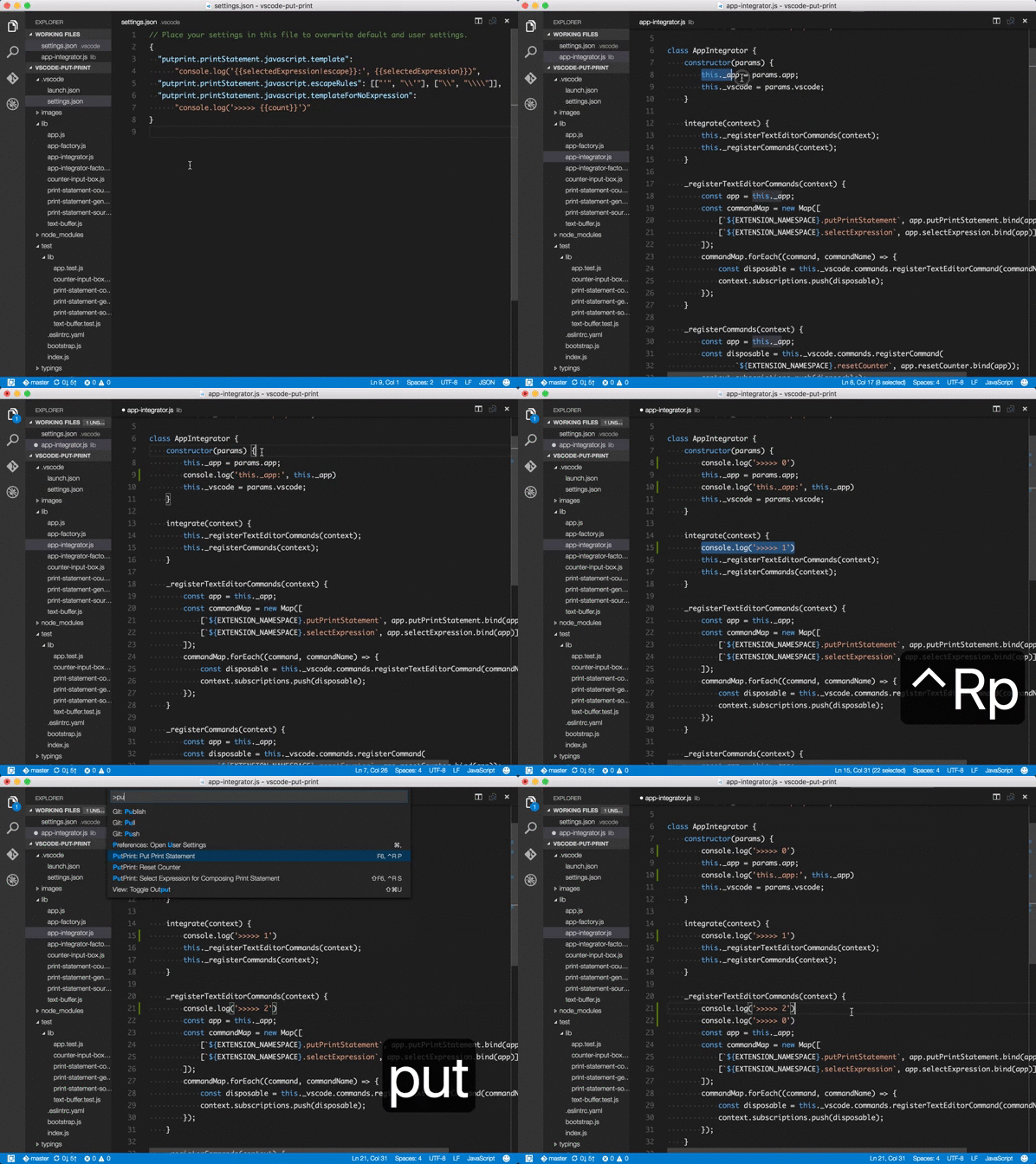
Put sequence number to your print statements.
Feature requests and bug reports are very welcome: https://github.com/ryu1kn/vscode-put-print/issues
A couple of requests from me when you raise an github issue.
- Requesting a feature: Please try to provide the context of why you want the feature. Such as, in what situation the feature could help you and how, or how the lack of the feature is causing an inconvenience to you. I can't think of introducing it until I understand how it helps you 🙂
- Reporting a bug: Please include environment information (OS name/version, the editor version). Also consider providing screenshots (or even videos) where appropriate. They are often very very helpful!
-
PrintDebug: Select Expression for Composing Print StatementSelect an expression to convert to a print statement, or deselect a selected expression if no expression is highlighted (default:
ctrl+r s). -
PrintDebug: Put Print StatementPut print statement composed from selected expression, template and counter (default:
ctrl+r s). -
PrintDebug: Reset CounterReset the counter value (default: none).
To set your own keyboard shortcuts for put-print commands, put the key sequences you like in your keyboard shortcut settings. For example:
  { "key": "shift+f6", "command": "putprint.selectExpression",
                          "when": "editorTextFocus" },
  { "key": "f6",       "command": "putprint.putPrintStatement",
"when": "editorTextFocus" }You can specify a template for a print statement per language.
-
putprint.printStatement.${languageId}.templatePrint statement template for the language
languageId. Will be used when expression is selected -
putprint.printStatement.${languageId}.templateForNoExpressionThis is also a template but will be used when no expression is selected
-
putprint.printStatement.${languageId}.escapeRulesList of escape rules for language
languageIdtemplate
For example, a print statement for javascript is, by default, provided as follows. You can overwrite this in your "User/Workspace Settings".
  "putprint.printStatement.javascript.template": "console.log('{{selectedExpression|escape}}:', {{selectedExpression}})",
  "putprint.printStatement.javascript.templateForNoExpression": "console.log('>>>>> {{count}}')",
"putprint.printStatement.javascript.escapeRules": [["'", "\\'"], ["\\", "\\\\"]],{{KEYWORD}} is for a placeholder to inject a certain value. Currently, there are:
-
{{selectedExpression}}Replaced with the expression you selected with "PrintDebug: Select Expression ..." command
-
{{selectedExpression|escape}}Same with
{{selectedExpression}}but the result will be escaped by the rules provided as "escapeRules" -
{{count}}Replaced with counter value which is incremented every time you put a print statement that contains
{{count}}
If you haven't specified a print statement template for the language you're working on, default template,
which is either putprint.printStatement.default.template or putprint.printStatement.default.templateForNoExpression,
depending on whether you're currently selecting an expression, will be used.