
A Memory card game especially tailored to meet the needs of visually impaired people. Check out our YouTube video
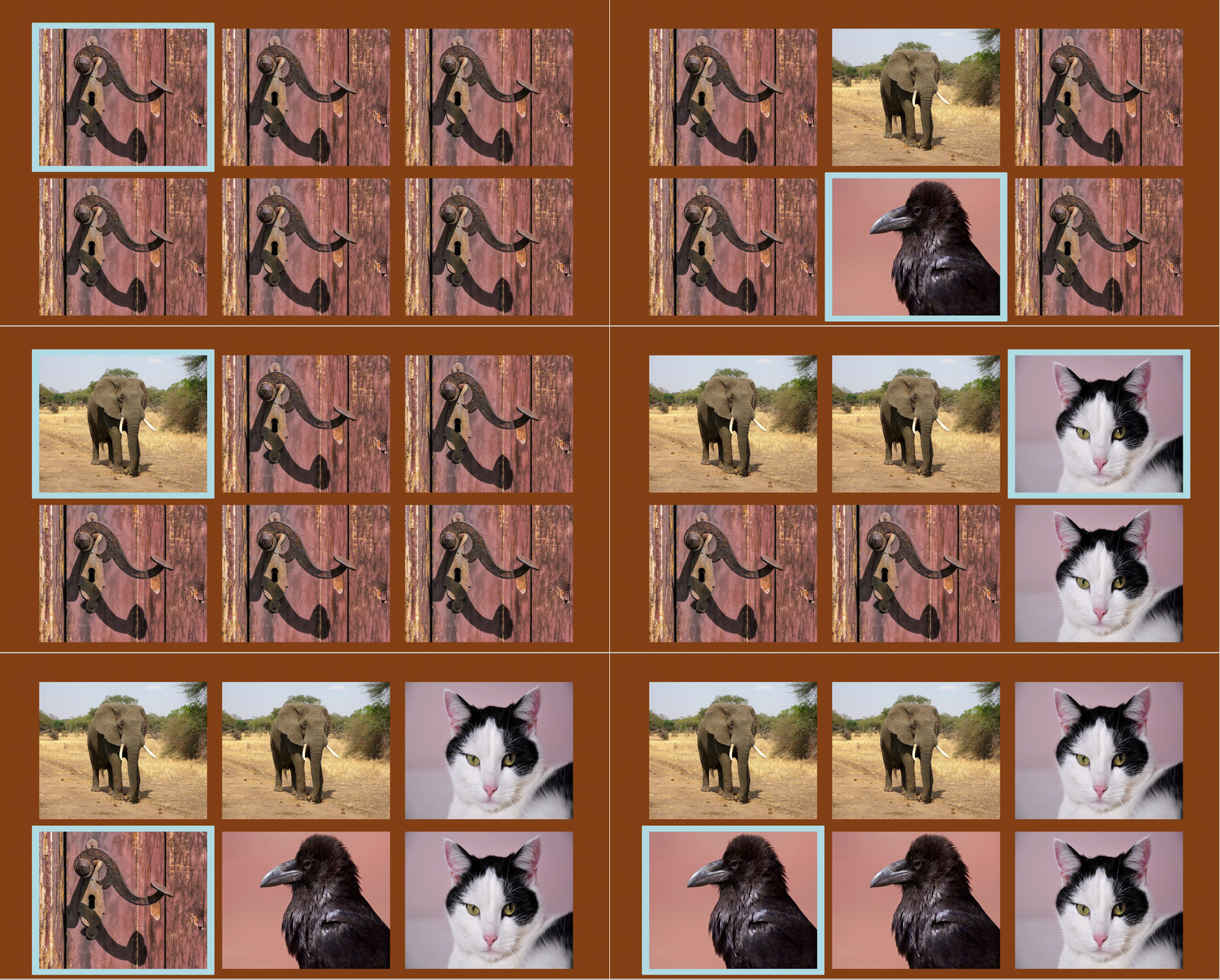
Please take a look at the project roadmap To see currently open tasks, discussed ideas and submitted bugs
After cloning the code repository, Java and Apache Maven are required to be able to compile it. Ensure that Java and Maven version installed on your machine by running:
mvn -vAnd the result will output the Maven-related information:
Apache Maven 3.6.3

Maven home: /usr/share/maven

Java version: 17.0.6, vendor: Oracle Corporation, runtime: /usr/lib/jvm/java-17-oracle

Default locale: en_US, platform encoding: UTF-8

OS name: "linux", version: "5.19.0-40-generic", arch: "amd64", family: "unix"
This project is built using Java LTS version 17. But it has been tested also with the LTS version 1.8.
If you have multiple versions of Java installed, you can select the correct one by running:
sudo update-alternatives --config javaand then (if applicable):
sudo update-alternatives --config javacMany programs, such as Java servers, use the JAVA_HOME environment variable to determine the Java installation location.
So, you need to uncomment the correct Java path, and add it to ~/.bashrc:
# ~/.bashrc contents:

# export JAVA_HOME=/usr/lib/jvm/jdk-11/

# export JAVA_HOME=/usr/lib/jvm/jdk1.8.0_333/

export JAVA_HOME=/usr/lib/jvm/java-17-oracle/

export PATH=$JAVA_HOME/bin:$PATH
After updating the ~/.bashrc file, run the source command to activate the changes:
source ~/.bashrcBy looking at pom.xml you will see some plugins this project uses. Supposing that Maven runs correctly on your machine and you have configured this project as a Maven project, these plugins will be automativcally downloaded and installed upon compilation.
After compiling, in order for the standalone .jar file to be built, run these commands:
mvn clean

mvn package

mvn assembly:single

mvn dependency:copy-dependencies
In order to run the produced .jar file, run:
java -jar -Djdk.gtk.version=2 -Dexec.mainClass=org.scify.memori.ApplicationLauncher target/memori-1.0-SNAPSHOT-jar-with-dependencies.jarThese tasks can also be accomplished more easily just by running
./build_project.shwhich is a UNIX executable file located at the root of the project.
Note: if not executable, you need to make the file executable, by running:
chmod +x build_project.sh- Java -
17 - Maven -
3.6.3
- SciFY Development team - Initial work - SciFY
See also the list of contributors who participated in this project.
All images and sounds are licenced under CC BY 4.0
Copyright 2016
Licensed under the Apache License, Version 2.0 (the "License"); you may not use this file except in compliance with the License. You may obtain a copy of the License at
http://www.apache.org/licenses/LICENSE-2.0
Unless required by applicable law or agreed to in writing, software distributed under the License is distributed on an "AS IS" BASIS, WITHOUT WARRANTIES OR CONDITIONS OF ANY KIND, either express or implied. See the License for the specific language governing permissions and limitations under the License.
Η έκδοση Memor-i PvP του έργου Memor-i υλοποιείται με χρηματοδότηση από το Κοινωφελές Ίδρυμα Ιωάννη Σ. Λάτση.

|

|