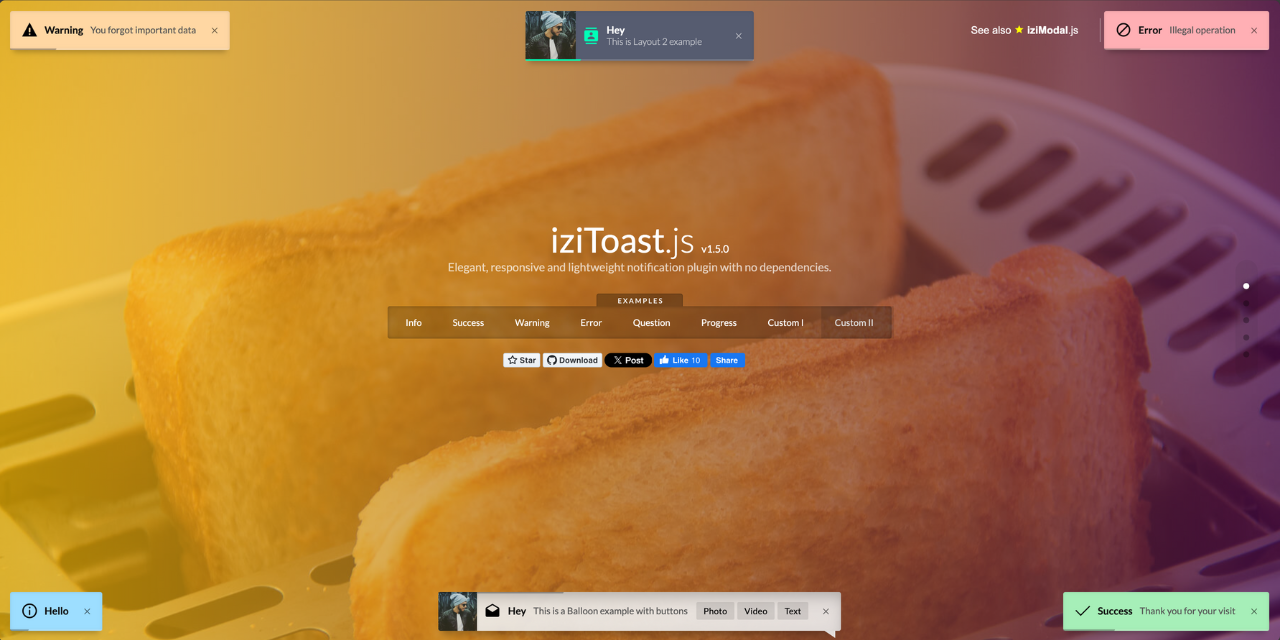
Elegant, responsive and lightweight notification plugin with no dependencies.




A Nuxt module for easily integrating iziToast notifications into your Nuxt 4 application.
- 🔔 Easily show toast notifications in your Nuxt 4 app
- 🎨 Customizable styles and icons
- ⚡ Supports auto-imported composable (
useToast()by default) - 🔧 Fully configurable via
nuxt.config.ts - 🔄 Supports changing the composable name dynamically
Install the module to your Nuxt application with one command:
npx nuxi module add nuxt-toastIf you prefer to install manually, run:
# Using npm
npm install nuxt-toast

# Using yarn
yarn add nuxt-toast

# Using pnpm
pnpm add nuxt-toast

# Using bun
bun add nuxt-toast
Then, add it to your Nuxt config:
export default defineNuxtConfig({
  modules: [
    'nuxt-toast'
  ]
})Once installed, you can use useToast() anywhere in your Nuxt app:
<script setup>
const toast = useToast()

toast.success({ title: 'Success!', message: 'Your action was completed successfully.' })
toast.error({ title: 'Error!', message: 'Something went wrong.' })
toast.info({ title: 'Info', message: 'Here is some information.' })
toast.warning({ title: 'Warning!', message: 'Be careful with this action.' })
toast.question({ title: 'Confirmation', message: 'Are you sure you want to continue with this action?' })
</script><script setup>
useToast().show({
title: 'Title',
message: 'Message',
timeout: 3000,
position: 'topCenter',
layout: 2,
...options,
})
</script><script setup>
const toast = useToast()
// Show a toast
toast.error({
title: 'Error!',
message: 'An issue occurred.',
timeout: 30000,
})
// Hide the toast after 5 seconds
setTimeout(() => {
toast.hideToast('Error!', 'An issue occurred.', 'error')
}, 5000)
</script>You can configure the module in your nuxt.config.ts:
export default defineNuxtConfig({
  modules: ['nuxt-toast'],
  toast: {
    composableName: 'useNotification', // Customize the composable name
    settings: {
      // Global iziToast settings applied to all toasts
      rtl: true,
      position: 'topCenter',
      timeout: 3000,
      // ... see https://github.com/marcelodolza/iziToast for all options
    }
  }
})If you've modified the composableName in nuxt.config.ts:
export default defineNuxtConfig({
  toast: { composableName: 'useNotification' }
})
Then use the updated composable name in your component:
<script setup>
useNotification().success({
  title: 'Success!',
  message: 'You did it!',
})
</script>You can pass any iziToast configuration options through the settings property:
export default defineNuxtConfig({
  toast: {
    settings: {
      rtl: true,              // Right-to-left support
      position: 'topRight',    // Default position
      timeout: 5000,          // Default timeout
      closeOnEscape: true,    // Close on ESC key
      closeOnClick: true,     // Close on click
      pauseOnHover: true,     // Pause on hover
      // ... and many more options
    }
  }
})
This ensures consistency with your custom naming convention. 🚀