ENGR 1001 Computer Programming For Engineers VR Term Project

Download the Unity Project. Open it in Unity and connect the Meta Quest 2 Headset to your computer. Then, from the build settings screen, select the FocusBoost scene, select the Oculus Quest 2 Headset from the dropdown list, and then build and run it onto the headset.
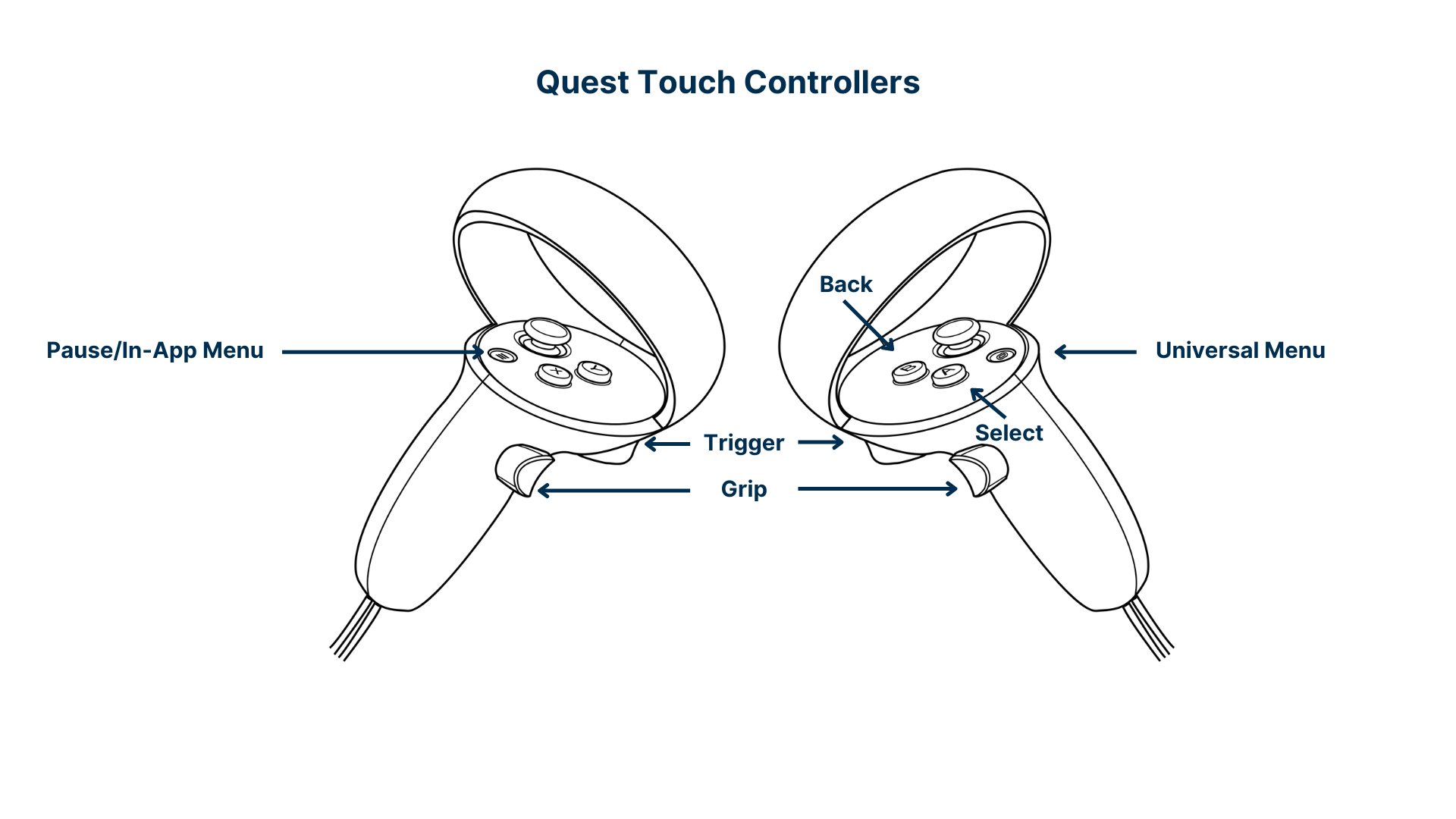
You interact with the menu options by bringing either hand close to the buttons and pressing the trigger on the controller. You can interact with the Quiz choices with the laser pointer and once again press the trigger to select a choice. For the video playback you can use either of the triggers for playing and pausing the video, the left grip to go to the previous video and the right grip to go to the next video.
- Errors in connecting the VR headset and building it onto the headset
- Logical errors in translating our flowchart into code
- Integrating each member's individual code and work into a single unity project
- Errors faced when working with canvases and raycasters in unity. It did not allow us to click buttons due to some canvas problems
- Errors faced with working with the YouTube API due to the way it was designed
- Better UI and integration between each member's work
- Better time management and starting earlier so we would not have had a lot to complete close to finals week
- Added more features if we had more time (e.g. different learning sections like sciences, English, Computer skills etc.)