Taglme Desktop provides set of APIs for NFC tag integration with cloud and desktop applications. This repo provides set of usefull links and resources for developers using Taglme Desktop as part of their applications. Feature requests and bugs for the Taglme Desktop platform also could be submitted here.
Taglme Desktop working as the bridge between NFC tags and applications. It implements low-level protocols for interacting with NFC tags and provide high-level APIs through set of plugins. This allows quick and easy integration with existing and new applications.
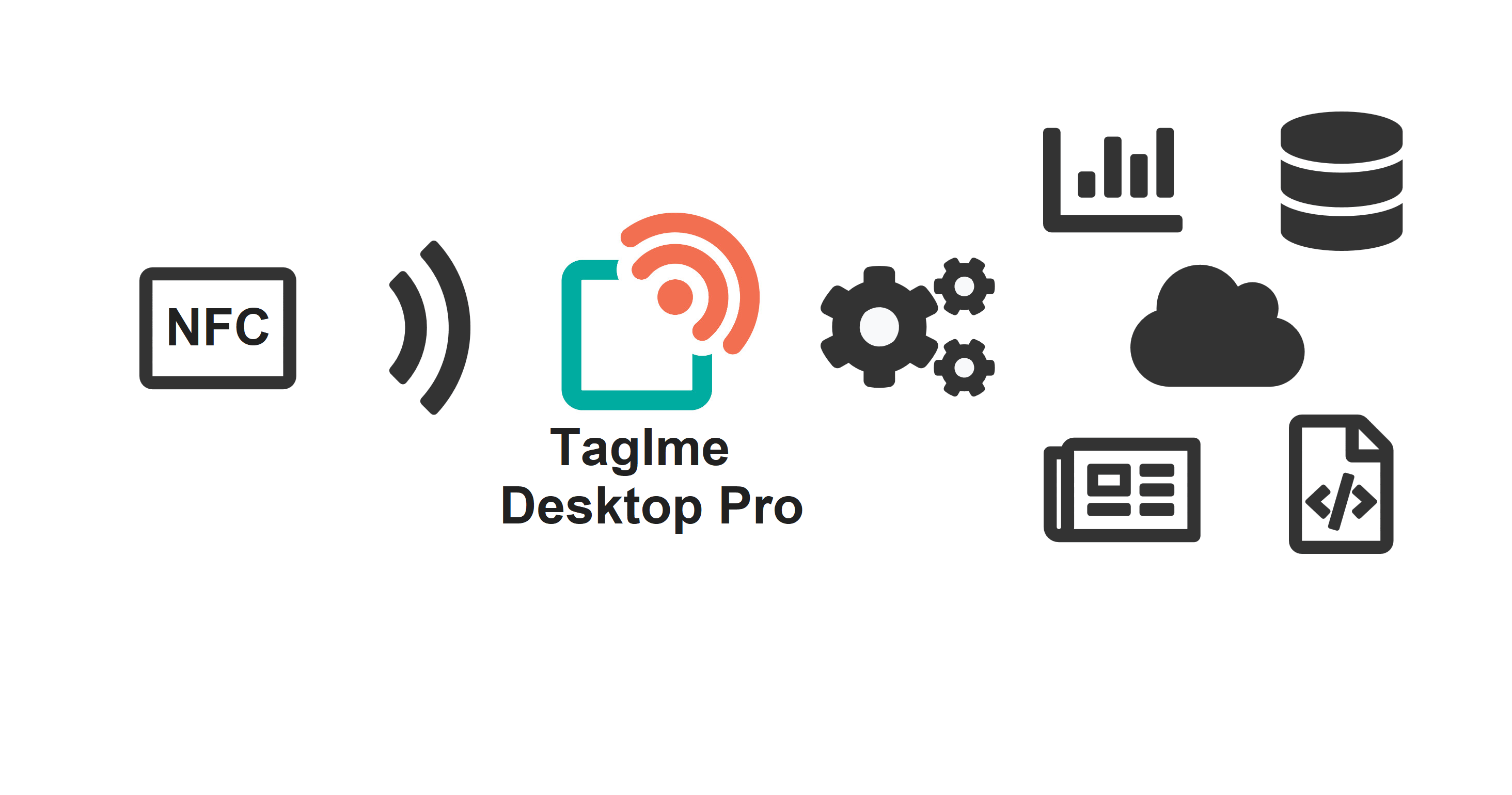
Integration type could be choosed from set of plugins in plugin catalog. Plugin list with short overview:
- REST API - plugin allows applications to interact with NFC tags through the REST API interface by sending HTTP requests. Local API server runs on the user's PC with installed Taglme Desktop. It could be used by local and cloud apps through the web browser. Therefore, you could integrate NFC tag write/read features to your website.
- Keyboard - plugin writes information about the NFC tag in the active text field by emulating the keyboard output. Thus, you could pass data from NFC tag to any existing application with text input field (Excel, Notepad etc.).
- File - plugin writes information about the NFC tag to the text file. The file with tag data can be used by an external application to process data received from NFC tags.
- Webhook - plugin send HTTP requests (POST method) with information about events on the PC. Thus, you could pass data from NFC tag to any cloud application.
- Clipboard - plugin writes information about the NFC tag to the PC clipboard.
- External - plugin starts an external application when an NFC tag discovered. Data from an NFC tag could be passed as arguments for application.
- Browser - plugin starts a web browser and open a web page, the link to which is recorded on the NFC tag.
The set of available plugins is constantly expanding. If you can’t find the plugin you need, feel free to submit feature request here.
Independent developers could use Taglme Desktop as part of their software. This apps also could be published in Taglme Desktop Marketplace in order to increase audience reach. If your application used Taglme Desktop and you want to distribute it among wide customer base of Taglme, feel free to contact us to submit your app to marketplace.
If you encounter a bug with the Taglme Desktop we would like to hear about it. Search the existing issues and see if others are also experiencing the issue before opening a new issue. Please include the version of Taglme Desktop, and OS you’re using. Please also include reproduction case when appropriate.
The GitHub issues are intended for bug reports and feature requests. Keeping the list of open issues lean will help us respond in a timely manner.
We provide set of SDK libraries to help developers write applications and reduce development time.
This libraries are open sourced and released undef MIT license. We recommdend to use this libraries as part of a newly developed software.
Taglme Desktop comes with builtin drivers for various types of NFC tags and NFC readers. List of supported hardware constantly expanding. If you can’t find the driver you need, feel free to submit feature request here.
- NXP NTAG family (NTAG203, NTAG213, NTAG215, NTAG216)
NFC readers' drivers build on top of PC/SC layer. PC/SC is a standard to interface computers with smartcards, available on most operating systems, including Windows, MacOS and Linux.
- ACS ACR122U
- ACS ACR1252U-M1
- ACS ACR1255U-J1 (USB only)
Taglme Desktop is a cross-platform application. Currently released Windows OS version (supported Windows 7, 8, 10). Releases for Linux and MacOS will be available soon.
Taglme Desktop is closed source commercial product licensed per installation basis. It is also could be distributed as part of third party software as white-label component. Feel free to contact us to get more information. Applications from independent developers on top of Taglme Desktop could be distributed under different conditions.