This repo contains a simple testscript handling iframe using Testcafe with Javascript.
Author: Tam Pham (Kyle)
Cypress version: https://github.com/teitoku106/CypressWithIframe
Instruction:
- Clone this Repo and open using Visual Studio Code
- Rename the file [ RENAMETHISFILE.env ] to [ .env ] (Look at Folder structure picture)
- Open Terminal inside Visual Studio Code and run [ npm install ] to install required packages (Make sure your machine got node.js + npm, more information: https://docs.npmjs.com/downloading-and-installing-node-js-and-npm)
- Open Terminal inside Visual Studio Code, Run command [ npm run dev-debug ] to start testcafe, let it run and finish by itself
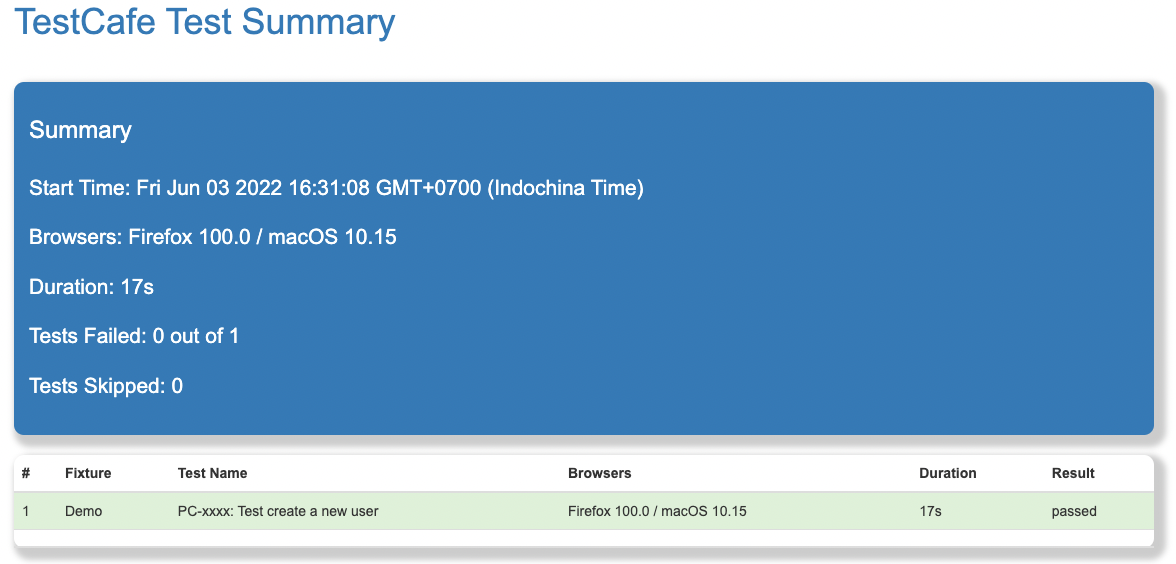
- After step 4, a new report file will be generate inside [ reports ] folder and be name as [ reportFile.html ], open it with a browser of your choice
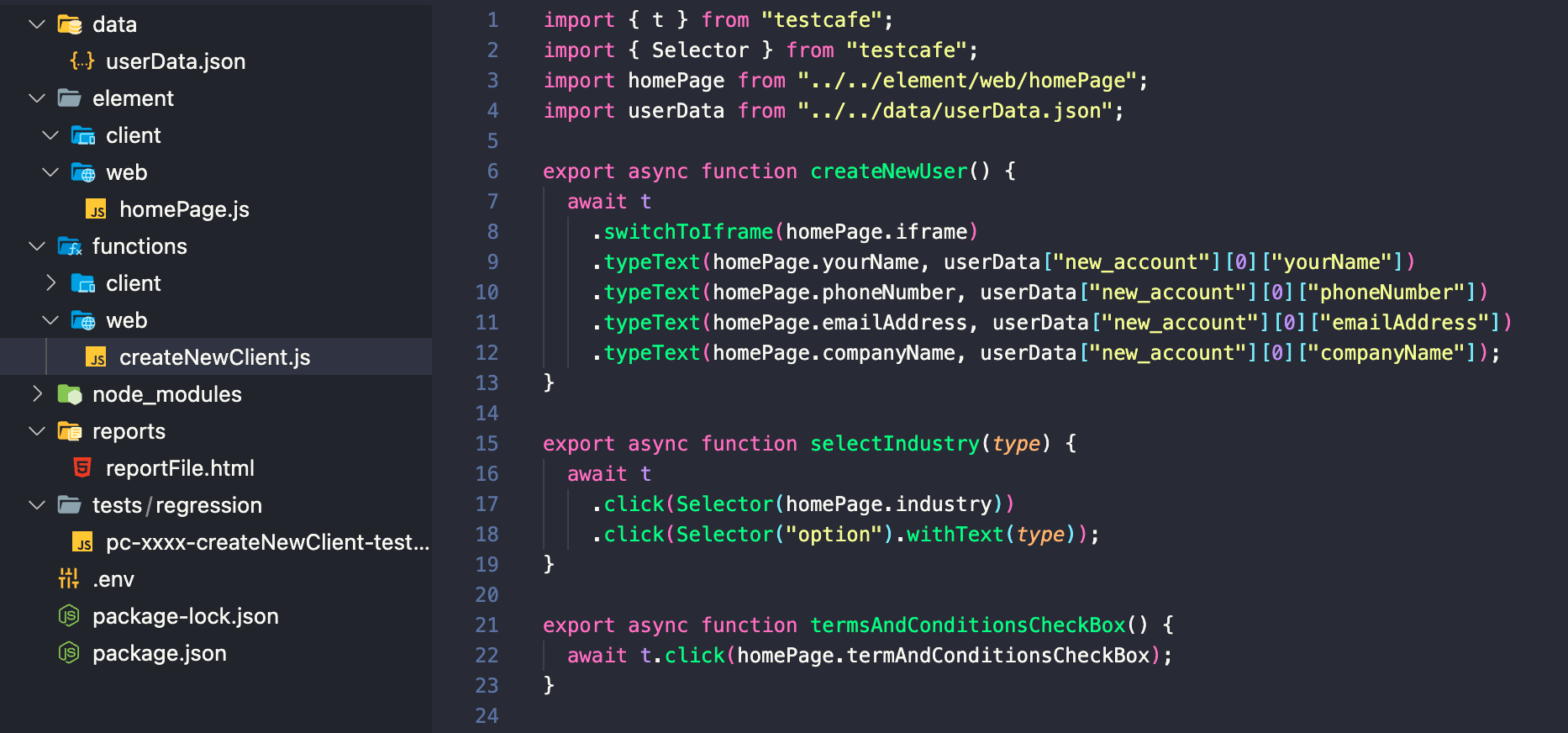
Folder structure

Functions
Test Report